

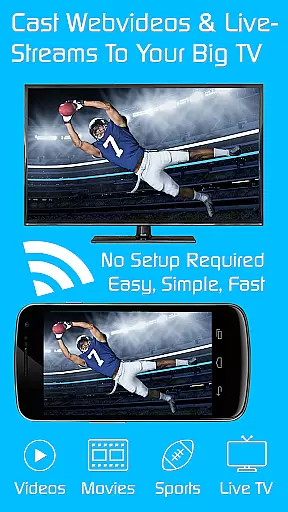
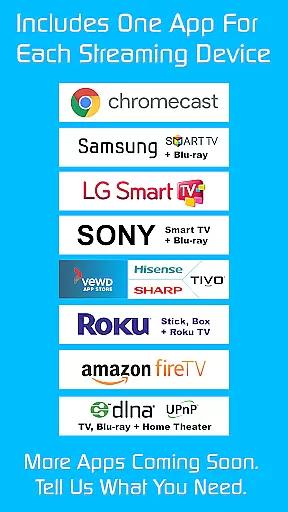
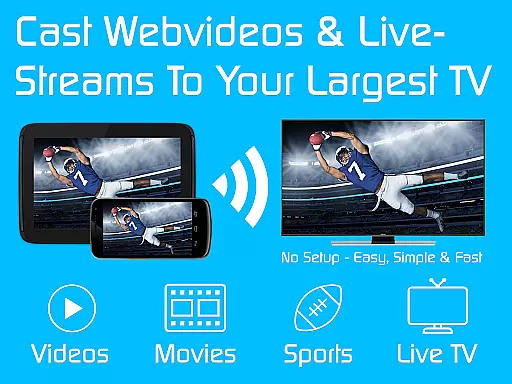
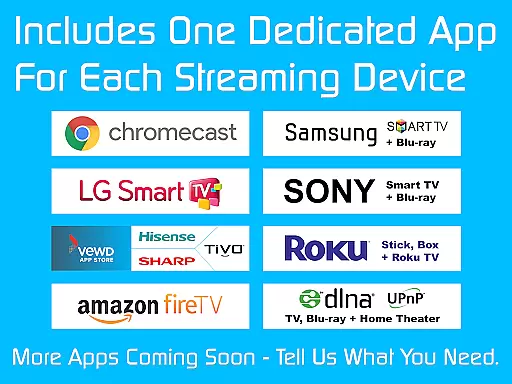
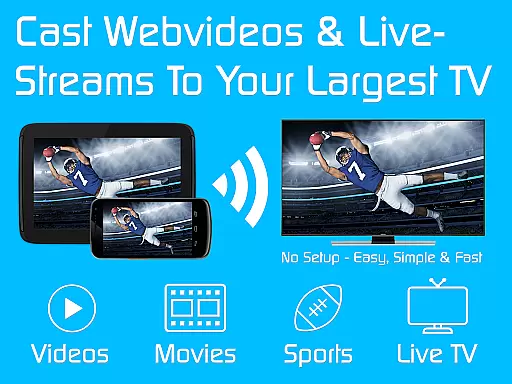
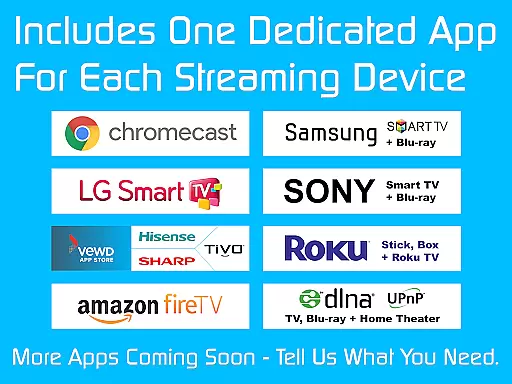
TV Cast is a versatile streaming browser app that allows users to stream and watch web videos, online movies, livestreams, and live TV shows on a variety of devices. Compatible with Chromecast, Samsung TV, LG TV, Sony TV, Hisense TV, Sharp TV, TiVo, Roku, Fire TV, DLNA, and Google Cast/Android TV-powered devices, it offers an extensive range of connectivity options. The Ultimate app serves as a license key that unlocks premium features in all free editions of Video & TV Cast apps on your Android device.
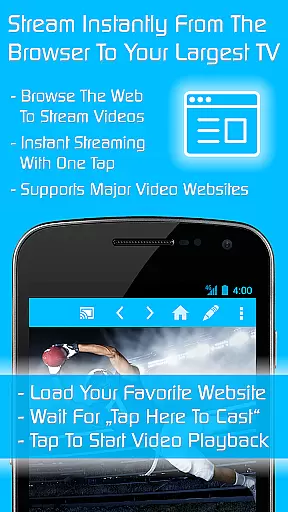
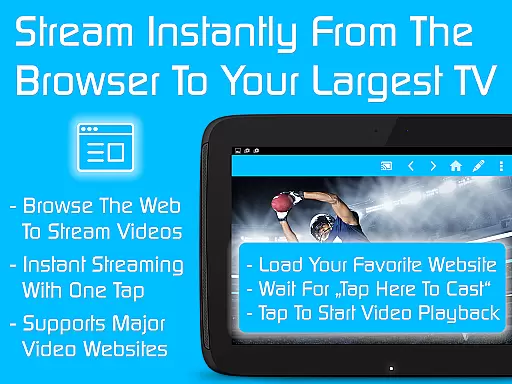
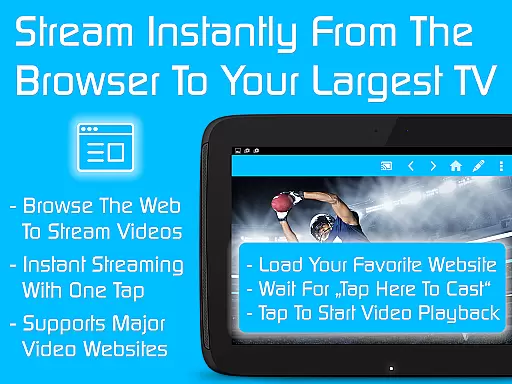
The app's core functionality lies in its ability to seamlessly stream content from the web to various smart TVs and streaming devices. Users can enjoy an uninterrupted viewing experience by blocking ads and popups, controlling playback with a remote-like interface, setting personalized homepages, and saving unlimited bookmarks. With over 10 million users, TV Cast stands out for its comprehensive compatibility and user-friendly features.
Whether you're looking to stream content on a big screen or seeking an ad-free browsing experience, TV Cast provides a practical solution. Its multi-device support makes it ideal for households with different types of smart TVs and streaming gadgets, enhancing the overall entertainment experience.
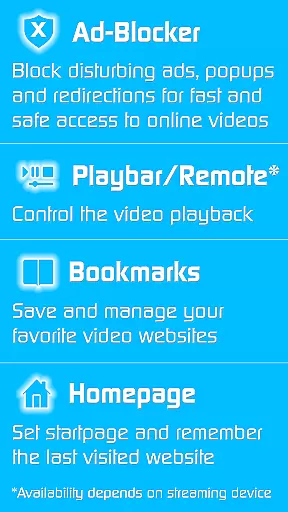
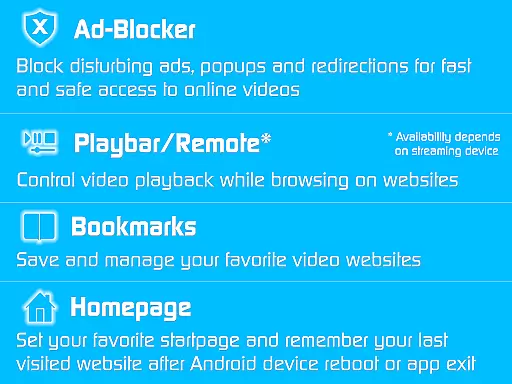
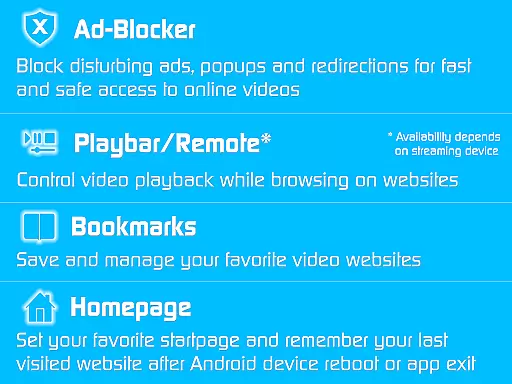
TV Cast boasts a rich array of features designed to enhance the streaming experience. One of its standout capabilities is the Ad-Blocker, which effectively blocks all advertisements, popups, and redirections caused by websites. This ensures a smooth and uninterrupted viewing session, allowing users to focus solely on their desired content without distractions.
In addition to ad-blocking, TV Cast includes a Playbar/Remote feature that enables fast forward, rewind, and video scrubbing while browsing. This gives users control over their playback experience, depending on the capability of the streaming device. The app also allows customization through features like Change Homepage, where users can set a personal homepage and enable remembering their last visited website, and Desktop Mode, which cloaks the device as a desktop PC to help detect video links on some websites.
Other notable features include Unlimited Bookmarks for saving and managing favorite websites and videos, and the absence of sponsoring advertisements. These functionalities collectively contribute to a superior streaming experience, making TV Cast a valuable tool for anyone looking to optimize their media consumption across multiple devices.
Video format compatibility is a crucial feature for any video player or editor, ensuring that users can access and play their desired content without technical limitations. TV Cast excels in this area by supporting a wide range of streaming devices including Chromecast, Samsung TV, LG TV, Sony TV, Hisense TV, Sharp TV, TiVo, Roku, Fire TV, DLNA, and Google Cast-powered devices.
The app's extensive device support allows users to stream web videos, online movies, livestreams, and live TV shows seamlessly across different platforms. Whether you're using an Android TV, gaming console, or media center, TV Cast ensures your content plays smoothly without the need for format conversion or additional plugins.
This broad compatibility provides significant value to users who own multiple devices from different brands. By maintaining consistent performance across various devices, TV Cast eliminates the frustration of format incompatibility and ensures that users can enjoy their favorite content on any screen they choose.
Moreover, the app's ability to work with both modern and legacy devices makes it a versatile solution for households with diverse entertainment setups. This comprehensive format support demonstrates TV Cast's commitment to delivering a truly universal streaming experience.
AI-powered editing features represent the cutting edge of video processing technology, enabling users to enhance and modify their video content with unprecedented ease and precision. While TV Cast primarily focuses on streaming capabilities, its premium features incorporate intelligent tools that significantly improve the user experience.
The app's AI-driven functionality includes an advanced ad-blocker that automatically detects and removes advertisements, popups, and unwanted redirections from websites. This smart filtering system ensures uninterrupted viewing sessions while maintaining optimal page loading speed. Additionally, the desktop mode feature intelligently cloaks mobile devices as desktop PCs, helping to detect video links on websites that typically restrict mobile access.
TV Cast's AI capabilities extend to its playback controls, where the playbar/remote function enables precise video scrubbing, fast forwarding, and rewinding during browsing sessions. The app also features intelligent bookmarking that allows users to save unlimited website and video links, automatically remembering last visited pages for convenient access.
These AI-powered enhancements demonstrate how TV Cast leverages artificial intelligence not just for traditional video editing, but to create a more intuitive and efficient streaming experience. The combination of these smart features significantly reduces user effort while maximizing content accessibility and viewing pleasure.
Wide device compatibility
Effective ad-blocking
User-friendly interface
Customizable settings
Unlimited bookmarks
Premium requires separate app
Device-specific limitations
Occasional connectivity issues
Limited free features
Subscription cost

Online Videos Player
 3.90
3.90
You can play SWF format file!
2.50
Powerful HD video player with support for all formats & subtitles.
4.2
KMPlayer Plus (Divx Codec) officially support Divx codec.
4.30
Make your own Animations, Video and Photo Edits, Visual Effects, and more!
4.00
Browser for Samsung TV to stream webvideos, online movies and livestreams in HD
4.10
This app is an emulator of some specific IPTV boxes
3.50
AI Video Editor with Music, Filter, Slideshow, Effect, Merge & Trim Video.
4.80
Enjoy your favorite videos and channels with the official YouTube app.
3.90
Play ALL formats in 4K & HD. Video downloader, MP3 player, Chromecast & more.
4.80
Support 1000+ Video Format, Subtitle Download, mp3 & Background Play, Cast On TV
4.60
IPTV Loader, loads your own Playlist. DOES NOT CONTAIN ANY LIST OR CHANNELS
4.60
Watch IPTV on your Android device
4.60
Auto video maker with music & exclusive filters. Video editing made simple.
4.50
Fast & Private Video Downloader App. Save all videos easily from the Internet.
4.40
1)AirPlay/DLNA Mirroring/Streaming, up to 4 connections; 2)Samba/NAS/DMS Player.
4.00
HD video & music player - All format support with floating & PIP mode!
3.80
Download videos easily & play them all in one smart, powerful video manager.
3.40
The smartest M3U IPTV Player your playlists have ever seen.
4.1

User Reviews