

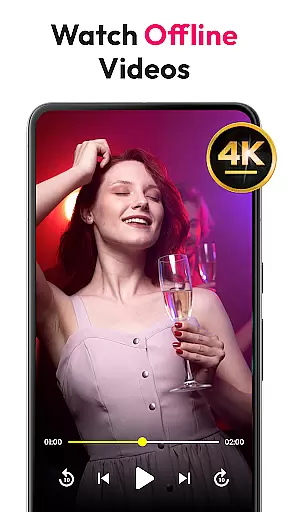
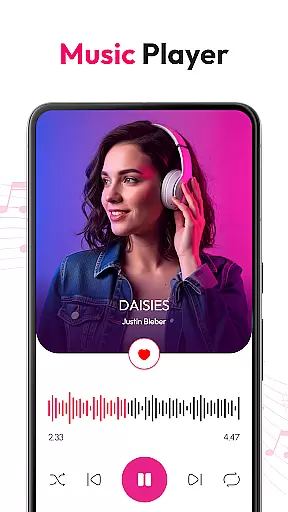
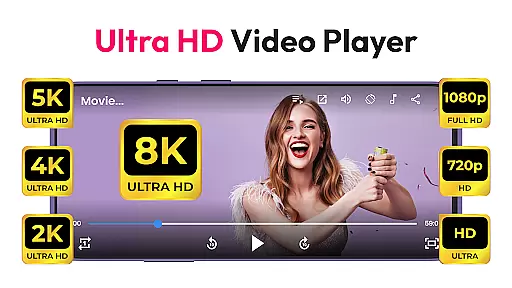
HD Video & Music Player is a versatile media player for Android that supports all video and audio formats. Whether you're watching 4K, Ultra HD, or Full HD videos, this app delivers smooth playback with advanced controls. It also functions as an mp4 player, mp3 player, and offline video player, making it the ultimate choice for managing and enjoying your media files.
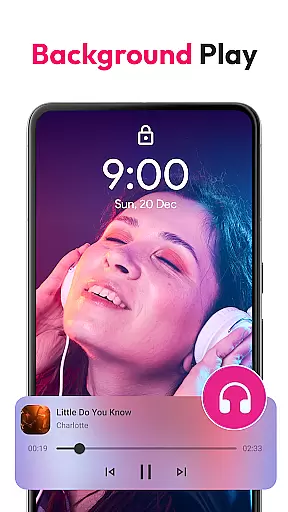
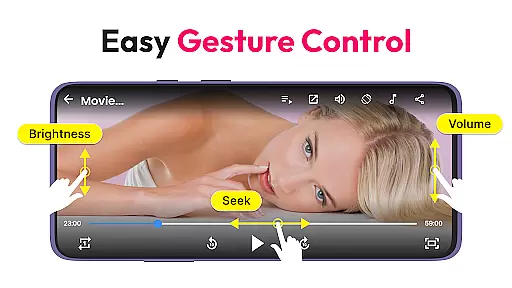
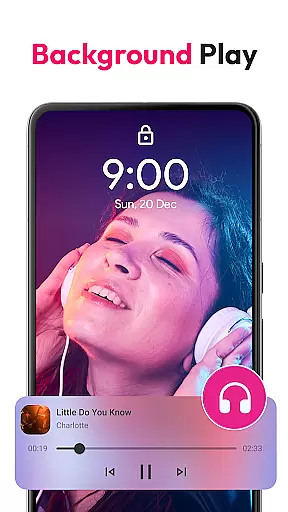
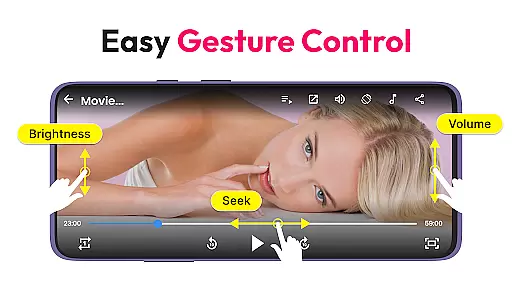
This app stands out with its floating player and Picture-in-Picture (PIP) mode, allowing multitasking while watching videos. With features like auto-rotate, screen aspect ratio adjustment, and lock screen support, users can customize their viewing experience. Its built-in file manager helps organize media, while gesture controls enhance usability by adjusting volume, brightness, and seek functions effortlessly.
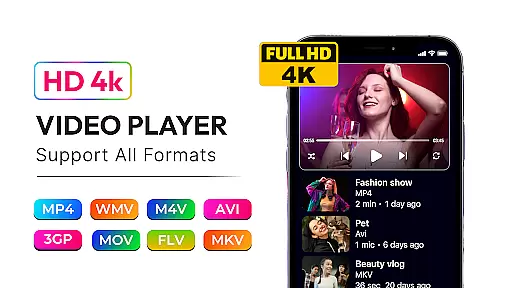
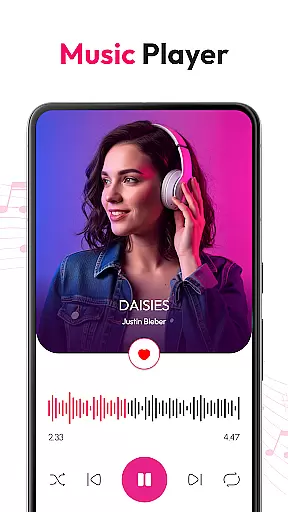
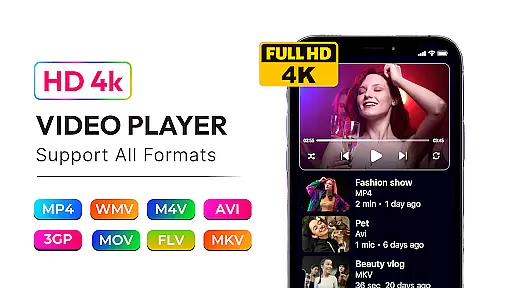
HD Video & Music Player offers extensive format support, including MP4, AVI, MKV, and more, ensuring compatibility with virtually any media file. The app's advanced movie player capabilities provide sharp visuals and crisp sound, elevating the entertainment experience. Additionally, it includes a powerful equalizer with bass boost and 3D sound for an immersive audio experience.
One of the standout features is its ability to auto-scan video files from internal storage and SD cards, simplifying media management. Users can create and manage playlists, browse content easily, and take advantage of Picture-in-Picture mode for multitasking. Gesture controls for volume, brightness, and seeking add another layer of convenience, making it one of the most user-friendly media players available.
Video format compatibility is a crucial feature for any media player, ensuring that users can enjoy their favorite content without worrying about file type restrictions. HD Video & Music Player excels in this area by supporting all major video formats including MP4, AVI, MKV, 3GP, FLV, MOV, WMV, and TS.
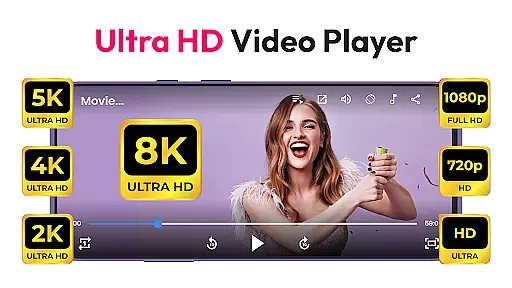
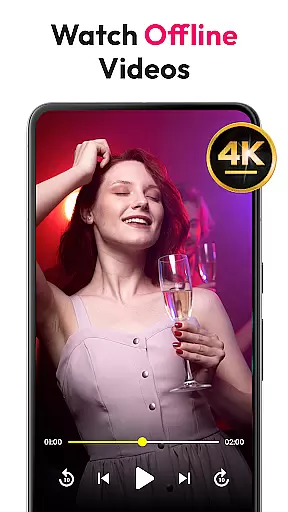
This versatile video player provides seamless playback of high-resolution videos, ranging from standard definition to 4K Ultra HD content. The application's advanced decoding capabilities guarantee smooth performance regardless of the video quality or file size.
For users, this means unparalleled flexibility in managing their media libraries. Whether it's movies, TV shows, or personal recordings, the app ensures that every video file plays flawlessly. This comprehensive format support eliminates the need for multiple players or format conversion tools.
The benefit extends beyond just playback; with automatic file scanning from internal storage and SD cards, users can quickly access their entire video collection through a built-in file manager. This complete solution approach makes HD Video & Music Player an essential tool for Android users seeking a reliable, all-purpose media player.
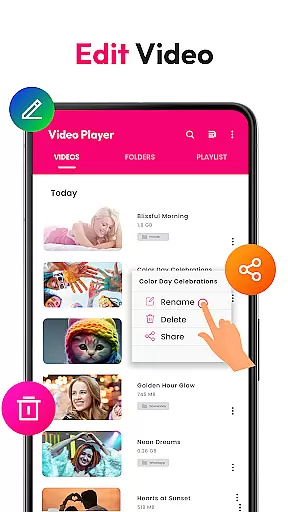
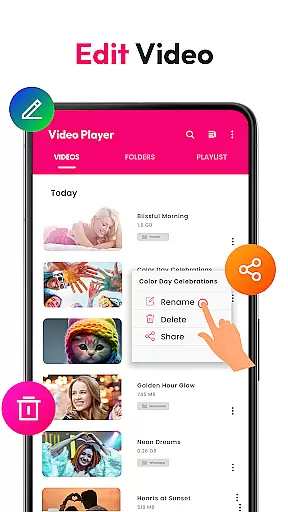
While primarily known for its playback capabilities, HD Video & Music Player also incorporates AI-powered editing features that enhance the user's media experience. These intelligent tools help optimize video playback settings automatically based on content analysis and viewing conditions.
The application's AI algorithms work behind the scenes to adjust visual parameters such as brightness, contrast, and color saturation. This ensures optimal picture quality regardless of the original recording conditions or display environment.
Additionally, the player's smart gesture controls represent another form of AI implementation. Users can intuitively adjust volume, brightness, and playback position through simple touch gestures, making the viewing experience more interactive and user-friendly.
These AI-driven enhancements demonstrate the application's commitment to providing not just basic playback functionality but a sophisticated media consumption platform. By integrating artificial intelligence into its core features, HD Video & Music Player sets itself apart from conventional media players, offering users a more refined and personalized entertainment experience.
Supports all formats
Smooth 4K playback
Floating player mode
Built-in file manager
Advanced equalizer
No cloud integration
Limited editing tools
Ads in free version
Occasional bugs
Heavy on storage



Client application for NextPVR software
 3.00
3.00
Create photo video with music & template. AI video maker for stunning slideshow.
4.60
AirMirror is Receiver for Screen Mirroring and Casting from Apple Devices.
3.60
AirMirror Receiver - Screen mirroring/cast web videos to Android TV by AirPlay.
4.40
An easy-to-use and all-round screen recorder with audio
4.80
Download videos and play them offline
4.70
Browser for Fire TV to stream webvideos, online movies, livestreams in HD
4.40
A Simple app to download Video & Music from the Internet.
4.70
Capture the moment and Cut
3.40
Download Hub, easy and private way to download and enjoy your videos offline
4.80
High-Quality USB Camera Viewer & HDMI Display
4.70
IPTV Loader, loads your own Playlist. DOES NOT CONTAIN ANY LIST OR CHANNELS
4.60
Powerful Video Editor & Photo Editing App —— Quick Edits & Stunning Effects!
4.30
Video Downloader is an utility that can save videos and music from web sites
4.20
VLC for Android is the best open source video and music player, fast and easy!
4.10
Kodi media center, a free and open source cross-platform entertainment hub
3.60
Watch full episodes of your favorite Cartoon Network and Cartoonito shows!
3.50
Powerful HD video player with support for all formats & subtitles.
4.2
Play and download HD videos from all sources — fast, simple, and all-in-one.
4.0
User Reviews