

M3U IPTV Premium is a top-tier IPTV player designed for users seeking an ad-free, customizable streaming experience. It builds on the features of its free version by offering advanced tools and enhanced performance.
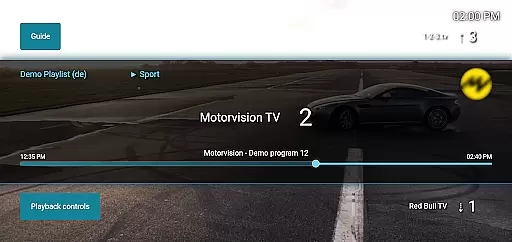
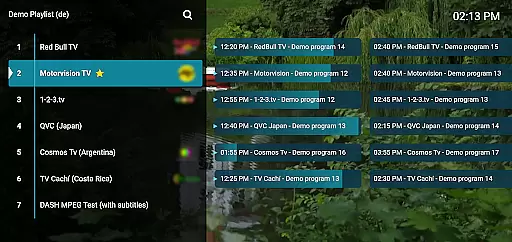
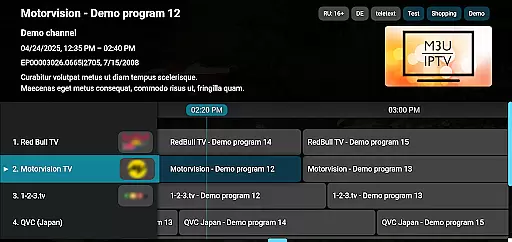
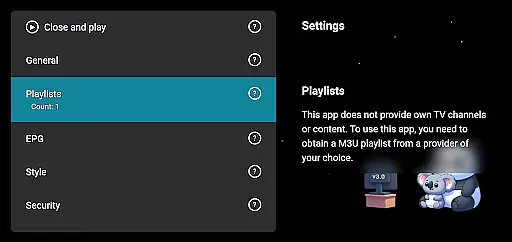
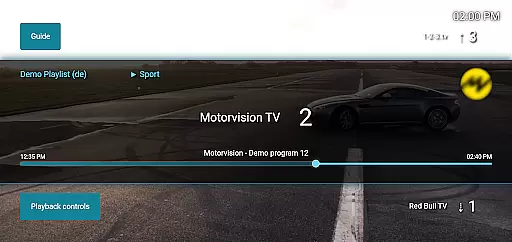
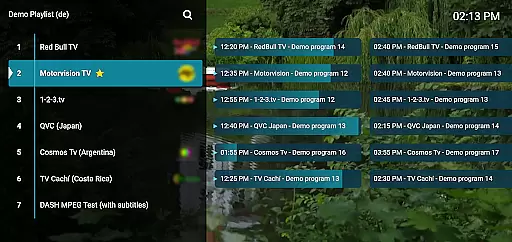
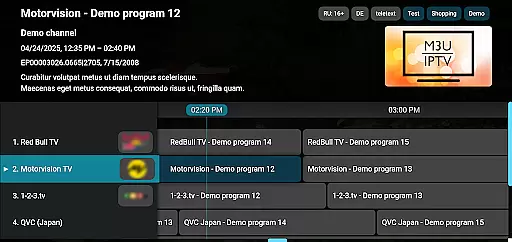
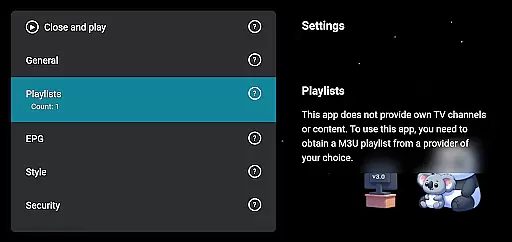
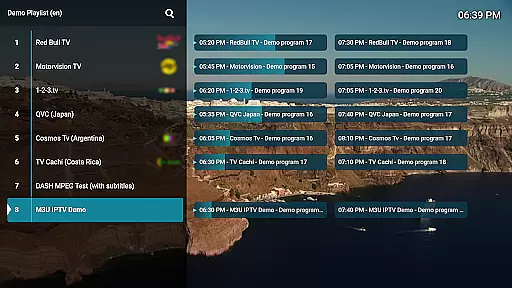
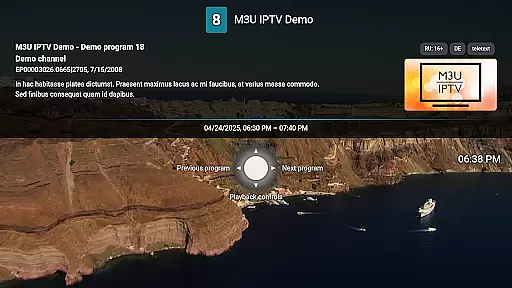
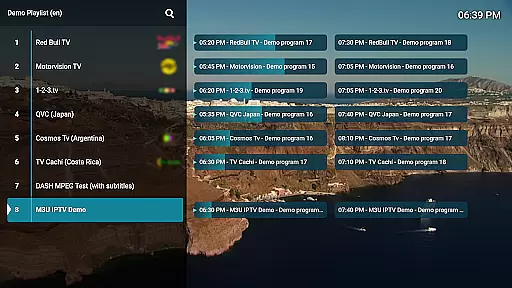
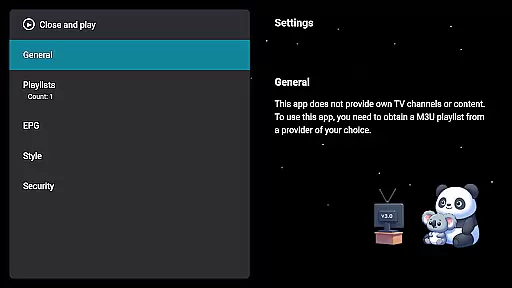
With support for M3U playlists, EPG integration, and unlimited playlists, this app provides full control over your IPTV content. Enjoy advanced playback controls, catch-up functionality, and channel customization, all within a user-friendly interface.
Whether you're managing personal IPTV streams or organizing channels with the built-in editor, M3U IPTV Premium ensures a seamless viewing experience tailored to your preferences.
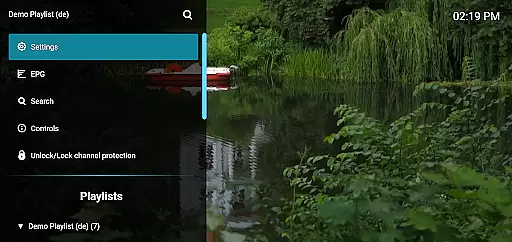
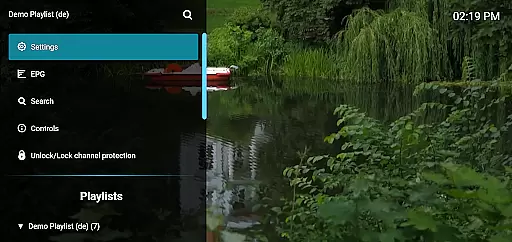
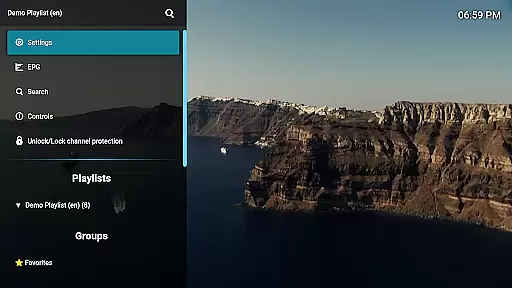
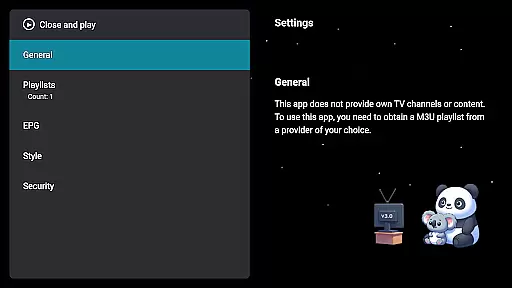
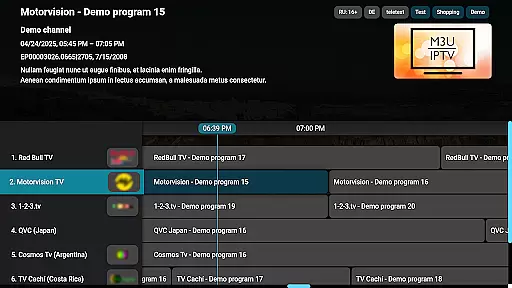
M3U IPTV Premium stands out with its comprehensive feature set tailored for IPTV enthusiasts. The app removes ads entirely, allowing uninterrupted streaming while supporting custom M3U playlists and EPG sources for TV schedules.
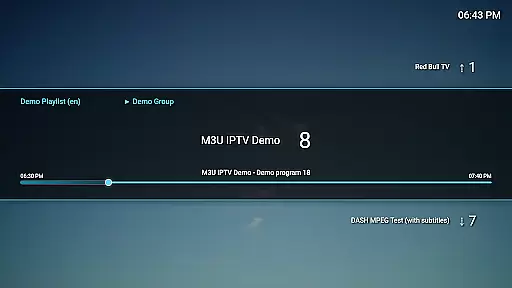
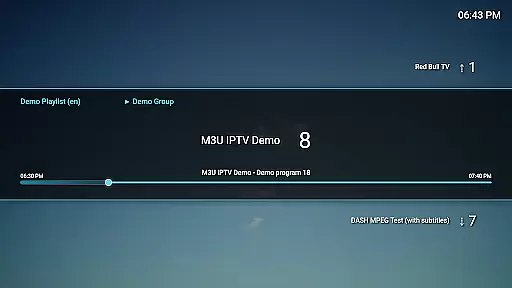
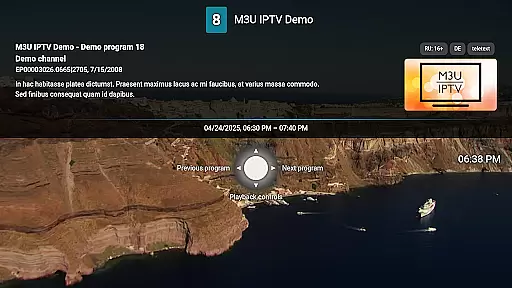
Advanced playback options include pause, rewind, and fast-forward, alongside catch-up functionality for missed content. Users can personalize their experience further with UI customization, channel reordering, and PIN protection for privacy.
These features make it ideal for power users who demand flexibility, organization, and high-quality streaming without limitations.
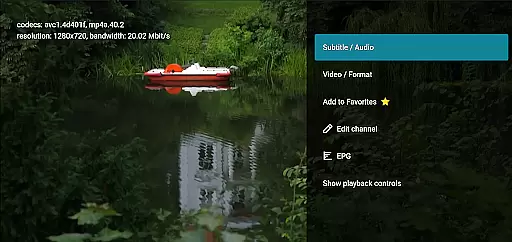
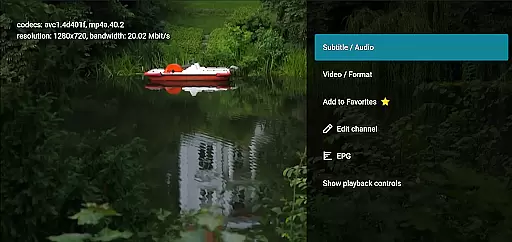
Video format compatibility is a crucial feature for any video player, ensuring that users can enjoy content in various formats without technical hindrances. M3U IPTV Premium excels in this area by supporting M3U playlists, which are widely used for streaming multimedia over the internet. This compatibility allows users to stream their own IPTV content seamlessly, provided they have the appropriate playlist.
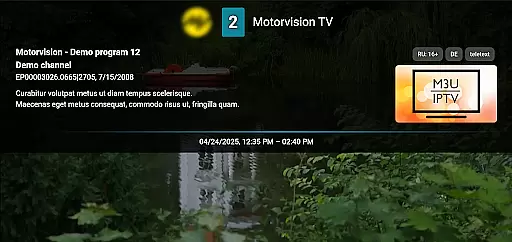
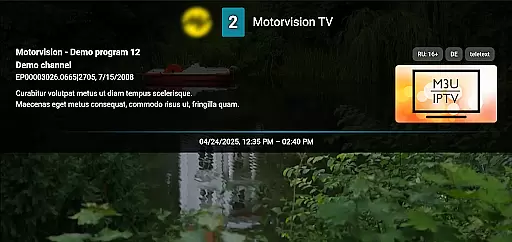
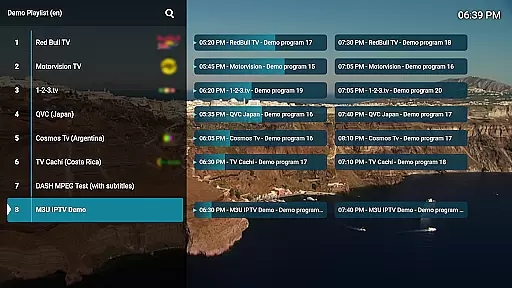
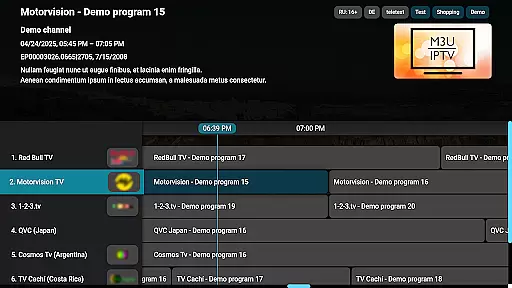
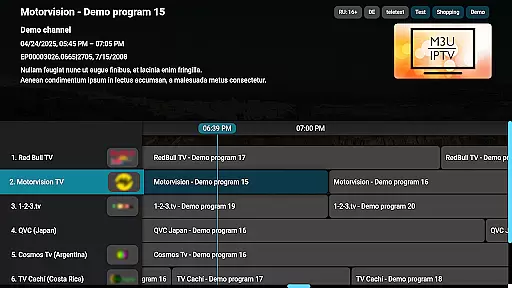
The application's support for electronic program guide (EPG) sources further enhances its video format compatibility. By integrating EPG, M3U IPTV Premium not only plays videos but also provides a comprehensive TV schedule view, enriching the user's viewing experience. This feature requires the EPG data to be in a compatible format, which the app adeptly manages, ensuring a smooth and informative interface.
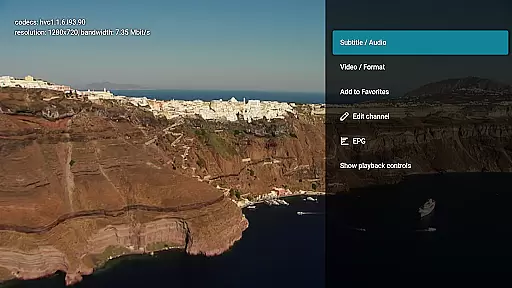
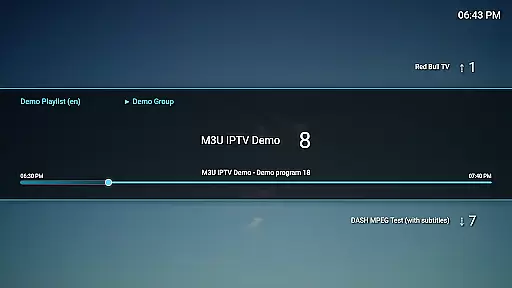
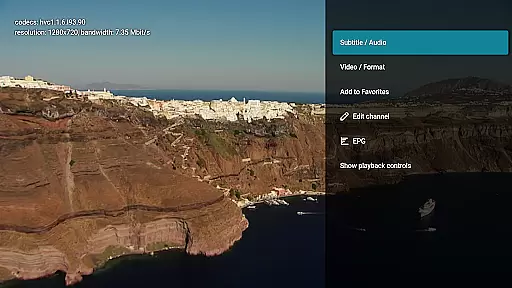
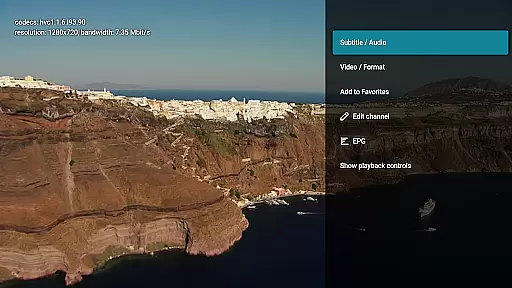
Moreover, M3U IPTV Premium offers advanced playback controls, allowing users to pause, rewind, or fast-forward streams effortlessly. These controls are made possible through robust video format compatibility, which ensures that all actions are executed without glitches. The catch-up and archive playback functionalities also rely on this compatibility, enabling users to rewatch missed content if supported by their service.
In summary, M3U IPTV Premium's extensive video format compatibility empowers users to fully customize and control their IPTV experience. Whether it's through seamless M3U playlist integration, EPG support, or advanced playback features, the app delivers a versatile and uninterrupted streaming experience.
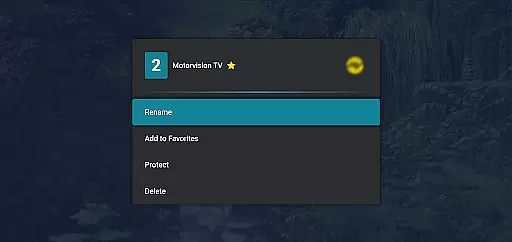
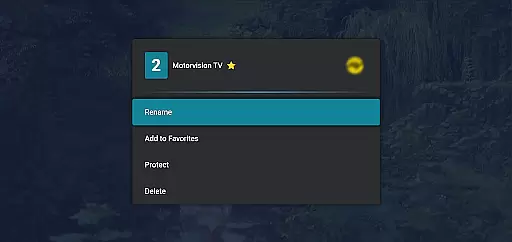
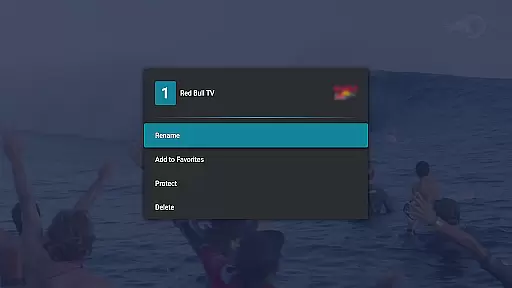
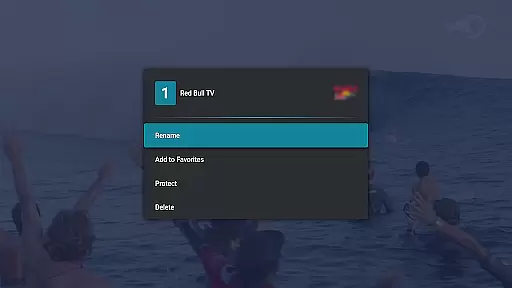
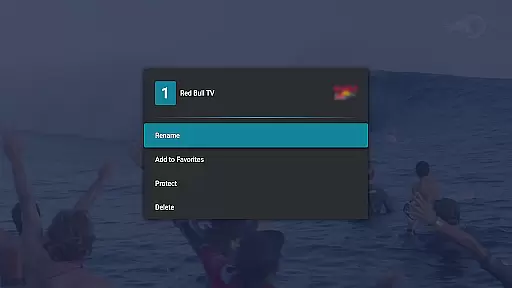
While M3U IPTV Premium does not focus on traditional video editing, it incorporates AI-powered features that enhance the streaming experience significantly. One such feature is the channel editor, which utilizes intelligent algorithms to allow users to rename, reorder, or remove channels easily. This tool simplifies the process of organizing channels, making it more intuitive and efficient for users to manage their viewing preferences.
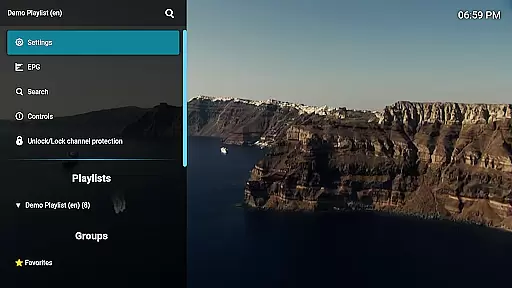
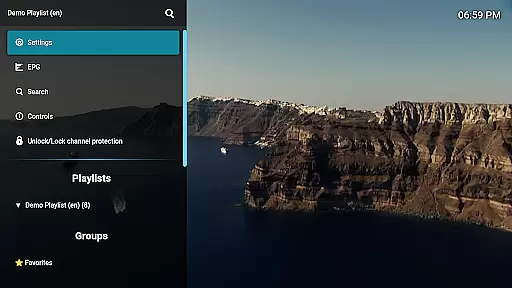
The customizable UI is another standout AI-powered feature of M3U IPTV Premium. Users can personalize the interface to align with their style and preferences, thanks to smart design elements that adapt to user inputs. This customization extends beyond mere aesthetics, as it includes functional aspects like channel protection, where channels can be locked with a PIN for privacy and parental control, leveraging AI to ensure secure access.
Additionally, the app's catch-up and archive playback functionalities benefit from AI enhancements. These features analyze streaming patterns and user behavior to provide a more tailored viewing experience. If supported by the user's service, these AI-driven tools enable users to rewatch missed content effortlessly, enhancing overall satisfaction and engagement.
In conclusion, M3U IPTV Premium leverages AI-powered editing features to offer a highly personalized and efficient IPTV experience. From intelligent channel management to adaptive UI customization and enhanced playback options, the app ensures users have complete control over their streaming environment.
Ad-free experience
Unlimited playlists
EPG integration
Customizable UI
Catch-up functionality
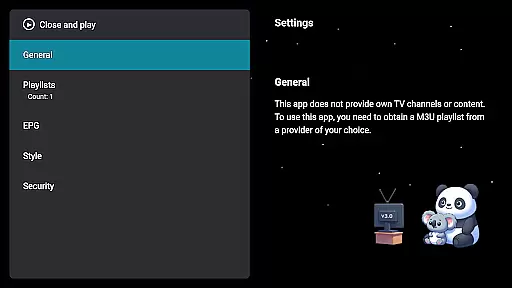
No included playlists
Paid version only
Requires technical setup
Limited beginner support
Privacy concerns

Full HD Video mp3 Player, MP4 player play 1080p, File manager, Video Downloader
 4.40
4.40
Explore the largest library of free GIFs, Stickers & Memes - or create your own!
3.90
Fast & easy HD video downloader for all formats, support 4K playback & download.
4.60
All in one HD video downloader & player for multiple formats with full privacy
4.70
Make your own Animations, Video and Photo Edits, Visual Effects, and more!
4.00
Add date and time watermark to photos and videos
4.50
Flud is a simple and beautiful BitTorrent client for Android.
4.80
Web Browser for LG TV to stream webvideos, online movies and livestreams in HD
4.20
convenient, safe and fast at Video Downloader & Player
4.60
Play ALL formats in 4K & HD. Video downloader, MP3 player, Chromecast & more.
4.80
Snaptubè Video Downloader app allows to download videos and music in Snaptube. .
4.60
VLC Remote lets you control your VLC Media Player on Mac, PC or Linux.
4.60
Cast movies, tv shows and live streams to Chromecast, Roku, DLNA, Fire TV & more
4.60
Fast & Private HD Video Downloader with Built-in Proxy Browser and Video Player.
4.50
KineMaster, Your Ultimate Video Editor!
4.40
Viddo: Generate Action Figure, AI Anime, AI kiss, AI hug Video from image & text
4.40
Video player, file manager for all formats, 4K/HD media player supports subtitle
4.30
This app was created to edit the metadata of music files.
4.20
Mix with Virtual DJ directly from your phone or tablet !
3.10

User Reviews