

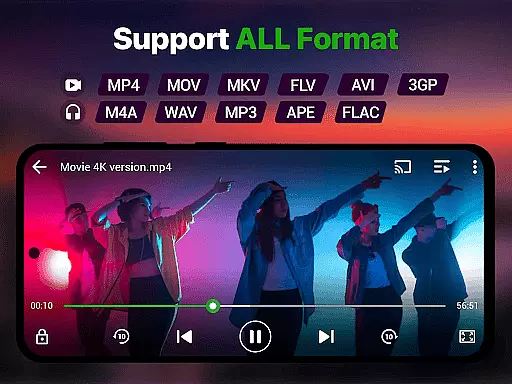
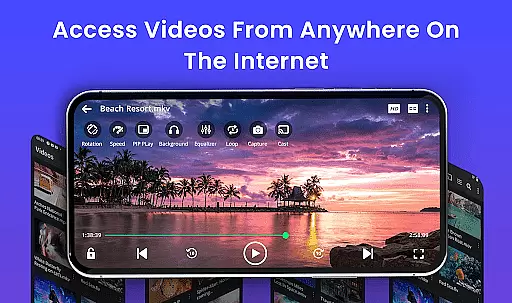
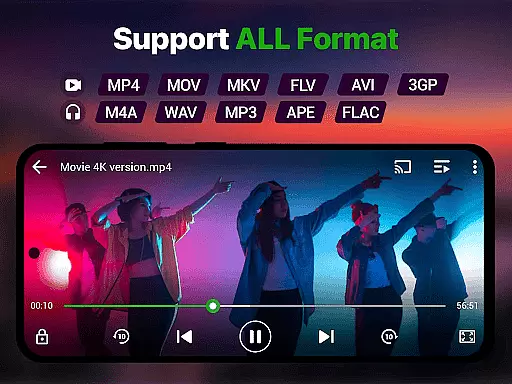
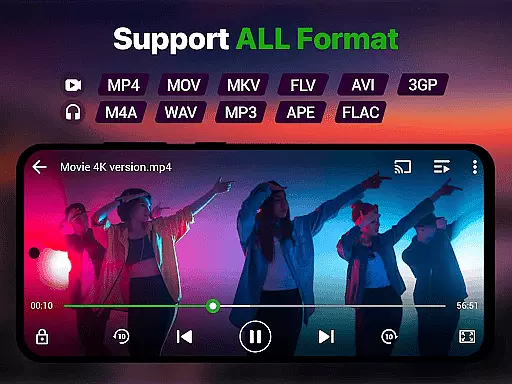
Video Player is a feature-rich application designed for seamless video playback on Android devices. It supports Ultra HD and 4K quality, ensuring users experience stunning clarity in every frame. The app is compatible with all major video formats including MP4, MKV, AVI, MOV, FLV, 3GP, and WMV, making it a versatile tool for any media need.
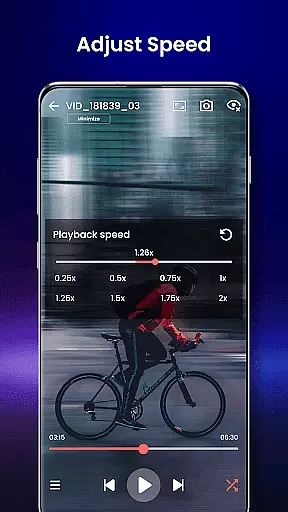
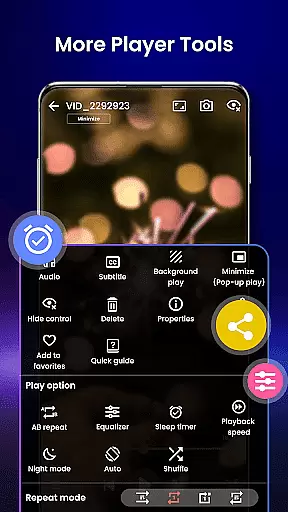
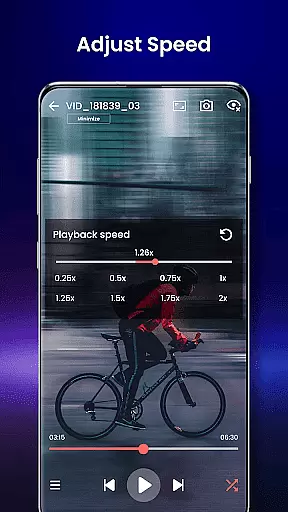
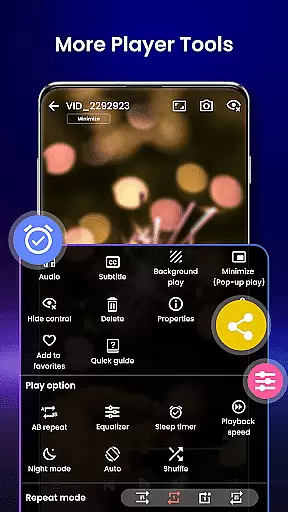
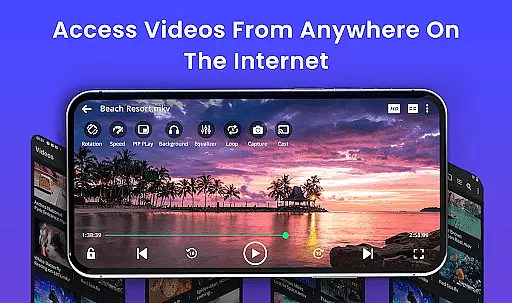
Beyond basic playback, Video Player offers advanced features such as smart gesture controls, subtitle support, and speed control that ranges from 0.25x to 4x. Its unique capabilities like background play, pop-up window mode, and Chromecast support allow users to stream content directly to their TV or enjoy videos while multitasking. With AI-enhanced rendering and night mode functionality, this app ensures both performance and user comfort.
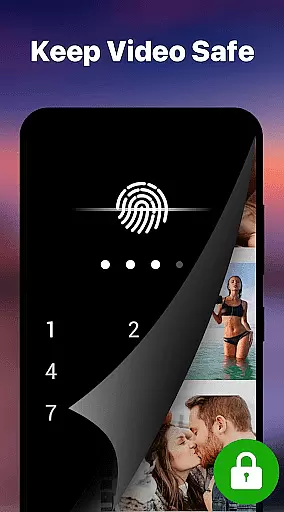
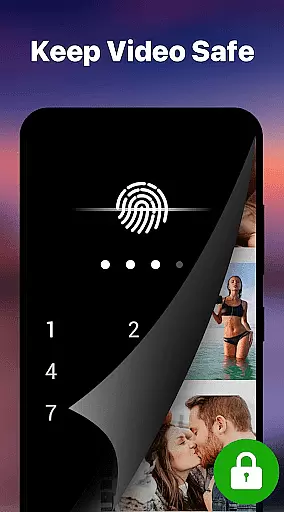
Perfect for movie enthusiasts, students watching lectures, or professionals managing media libraries, Video Player transforms any Android device into a cinema-grade viewing platform. Its intuitive design, secure private folder option, and ad-free environment make it an ideal choice for diverse user needs.
Video Player stands out with its comprehensive feature set tailored for optimal media consumption. One of its key highlights is the full-format compatibility, supporting everything from MP4 to WMV files without requiring additional codecs. This ensures uninterrupted playback regardless of file type or resolution, even extending to 4K quality videos.
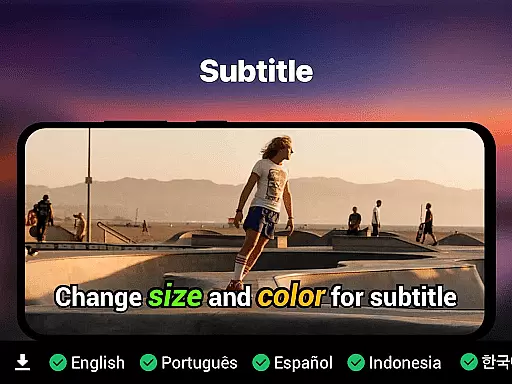
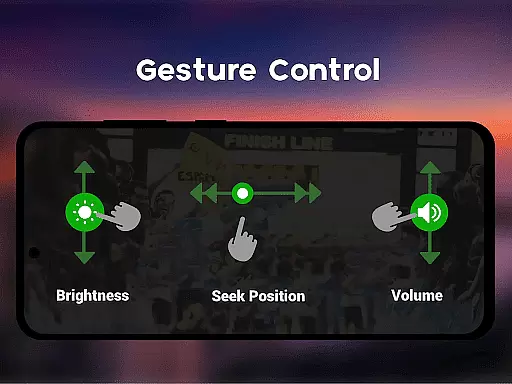
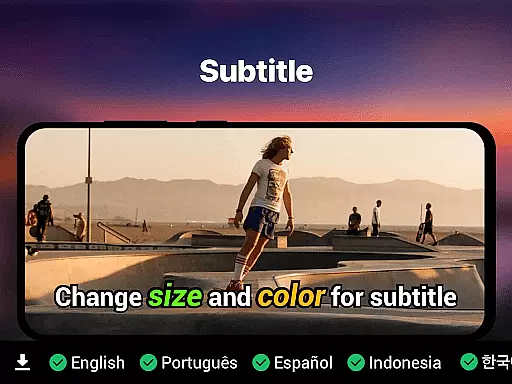
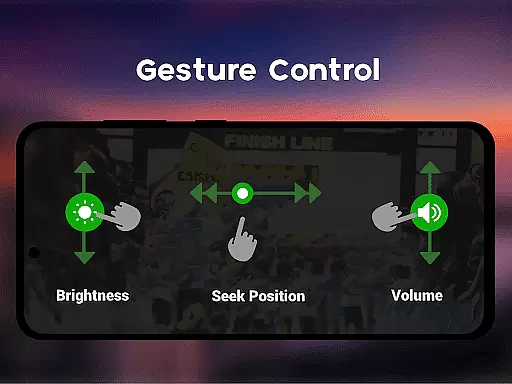
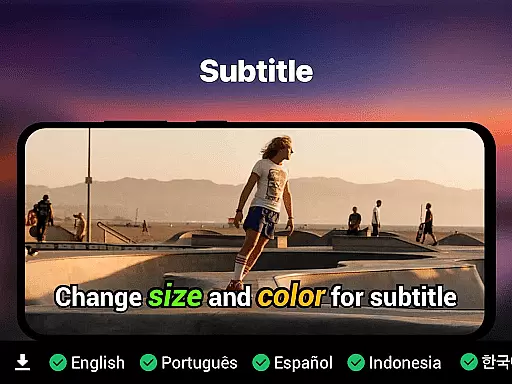
The app incorporates smart gesture controls that allow users to easily adjust volume, brightness, and playback position with simple swipes. Subtitle support is equally robust, accommodating SRT, SSA, ASS, and VTT formats with automatic track detection. Advanced functionalities like speed control (ranging from slow-motion 0.25x to fast forward 4x) and resume playback provide users with complete control over their viewing experience.
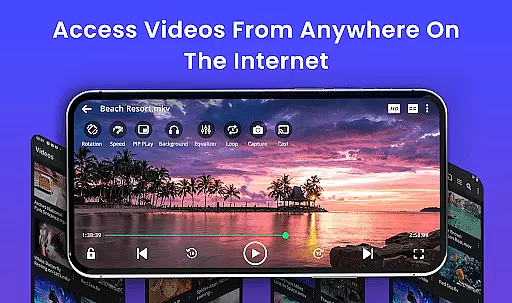
Additional innovations include background play mode for audio listening, pop-up windows for multitasking, and Chromecast integration for big-screen streaming. Privacy-conscious users will appreciate the secure PIN lock feature for private folders, while the lightweight design ensures smooth performance without draining system resources.
Video format compatibility is a crucial feature for any video player, ensuring that users can enjoy their media files without worrying about format restrictions. The Video Player app excels in this area by supporting an extensive range of formats including MP4, MKV, AVI, MOV, FLV, 3GP, and WMV.
This comprehensive support means that whether you're watching locally stored videos or streaming content from the cloud, the app handles it all with ease. The inclusion of less common formats like TS and M4V further enhances its versatility, making it a truly universal solution for video playback needs.
For users, this translates to convenience and flexibility. There's no need to convert files or worry about playback issues when transferring videos from different devices. With full format compatibility, the Video Player app ensures smooth, high-performance playback on Android devices, delivering a seamless viewing experience every time.
AI-powered editing features represent the cutting-edge integration of artificial intelligence into video processing, enhancing both the quality and efficiency of video playback and management. This Video Player app leverages AI-enhanced rendering to optimize video clarity and frame rates, ensuring a premium viewing experience even with high-resolution 4K content.
The app's smart gesture controls and speed adjustments from 0.25x to 4x are powered by AI algorithms that adapt to user preferences and viewing habits. These features not only improve usability but also offer unprecedented control over how content is consumed. Additionally, AI-driven subtitle synchronization and track detection make language barriers a thing of the past.
For users, these AI capabilities mean more than just enhanced video quality. They enable intuitive interaction with media files, automate organization through file manager integration, and provide intelligent playback options like resume functionality and last-seen tracking. This technological advancement transforms the Video Player app into an indispensable tool for managing and enjoying diverse media collections.
Ultra HD & 4K support
All video formats compatible
Smart gesture controls
Subtitle synchronization
No ads experience
Limited iOS availability
Advanced features locked
Occasional bugs
Heavy on storage
Complex UI for beginners

?100% FREE! Download & save videos? safely in this app. All formats supported.
 4.60
4.60
Video Downloader is an utility that can save videos and music from web sites
4.20
Create & edit videos with AI
4.30
HD video maker with no watermark, no ads & vlog maker with music, PIP, text
4.50
Live TV, anywhere in your home
3.80
Download videos easily & play them all in one smart, powerful video manager.
3.40
Browser for Samsung TV to stream webvideos, online movies and livestreams in HD
4.10
A Simple app to download Video & Music from the Internet.
4.70
Create, Publish & Maximize
4.70
GENRAL PRO - General Pro is the best video player that fully supports all formats.
4.70
Find, download, and play torrents with the official BitTorrent® Pro app
4.70
VLC Remote lets you control your VLC Media Player on Mac, PC or Linux.
4.60
Cast to Chromecast, Xbox, Fire Stick, Roku, DLNA, Smart TV & No Feature Limited!
4.50
Video player with 4K & 1080P support, popup play, background play and subtitle.
4.20
Fast private browser with secure, seamless access & supported video downloads!
4.00
Livestream, news, & gaming content. Watch, chat, and upload. Join Rumble today!
3.80
All in one multi protocols stream receiver for AirPlay, Cast and DLNA.
3.60
Mix with Virtual DJ directly from your phone or tablet !
3.10
The essential companion to your Blue Iris PC software
2.50

User Reviews