

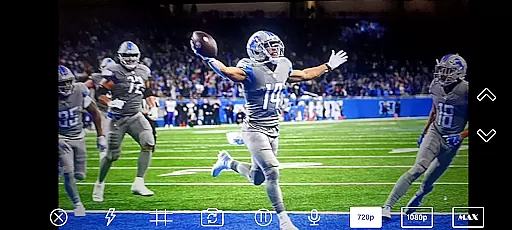
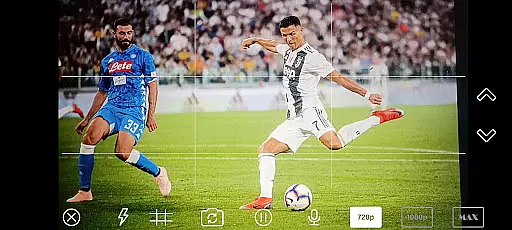
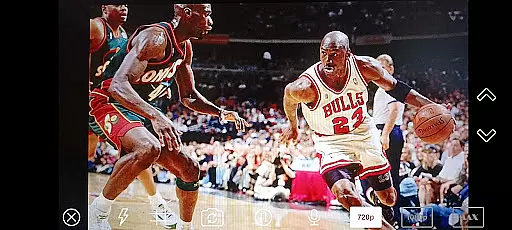
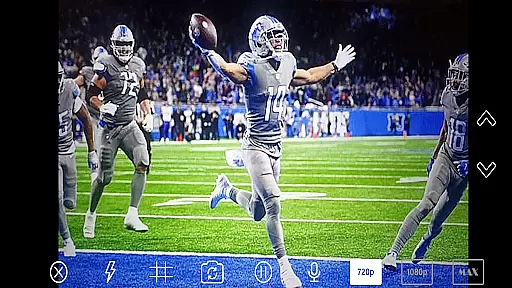
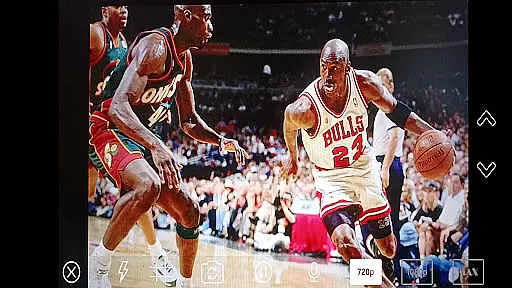
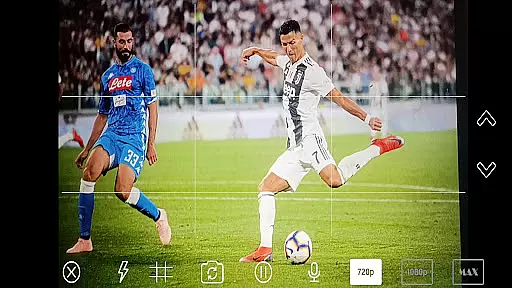
NDI Camera PRO is a powerful video streaming application that allows users to send NDI video streams directly from their device's camera. This app is specifically designed for professional live video production, making it an ideal tool for broadcasting applications such as OBS Studio.
The app utilizes the NDI (Network Device Interface) protocol, which ensures low-latency IP video transmission. With support from an extensive list of transmission systems, NDI Camera PRO offers reliable and high-quality video streaming capabilities. Whether you're producing live events or creating content in a studio setting, this app provides the essential tools needed for seamless integration into your video production workflow.
NDI Camera PRO stands out with its advanced features tailored for professional use. The app supports the NDI protocol, enabling low-latency video streaming over IP networks. This feature is crucial for live broadcasts where timing and quality are paramount.
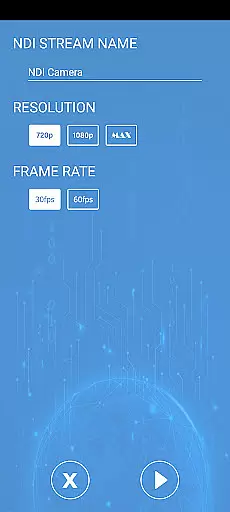
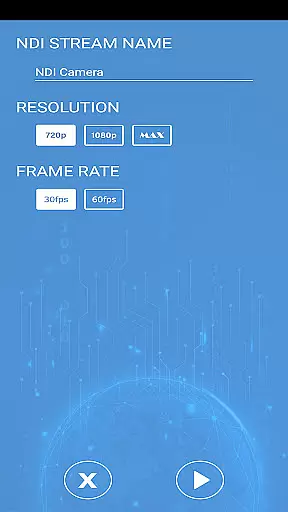
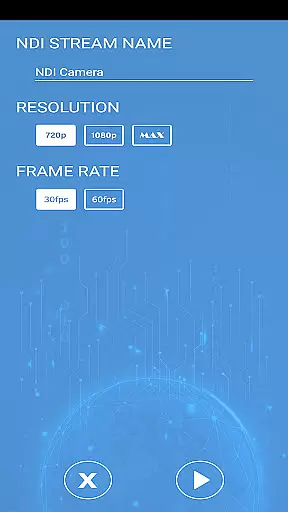
Another notable feature is its compatibility with various broadcasting applications like OBS Studio. Users can easily integrate their mobile device's camera feed into complex production setups without additional hardware. The app also offers customizable settings to adjust video parameters according to specific project requirements, ensuring optimal performance across different devices and network conditions.
Video format compatibility is a crucial feature for any video player or editor, ensuring that users can work with a wide range of video file types without encountering playback issues. NDI Camera PRO excels in this area by supporting the NDI protocol, which allows for low-latency video streaming over IP networks.
This application enables users to send NDI video streams directly from their camera, making it an ideal tool for broadcasting applications such as OBS Studio. By leveraging the NDI protocol, the app ensures that video streams are transmitted efficiently and with high quality, maintaining the integrity of the original footage.
The support for NDI not only enhances the versatility of NDI Camera PRO but also broadens its appeal to professionals in live video production. Users can seamlessly integrate this app into their existing workflows, confident in its ability to handle various video formats and deliver reliable performance.
While NDI Camera PRO focuses primarily on video streaming rather than editing, it incorporates advanced features that enhance the overall video production process. The app's integration with the NDI protocol represents a form of AI-powered technology that optimizes video transmission, ensuring minimal latency and high-quality output.
Although it may not offer traditional editing tools like cutting or splicing, the app provides powerful capabilities for real-time video streaming. This functionality is akin to AI-driven processes that automatically adjust settings for optimal performance, allowing users to focus on creating engaging content without worrying about technical details.
For professionals using broadcasting applications such as OBS Studio, NDI Camera PRO serves as a valuable asset in their toolkit. Its ability to stream video efficiently and reliably contributes to a smoother editing and production workflow, ultimately enhancing the final product's quality.
User-friendly interface
High-quality video streaming
Wide compatibility with broadcasting tools
Customizable video settings
Reliable low-latency transmission
Requires stable internet connection
Limited to NDI-supported systems
Premium features may require subscription
Advanced settings can be complex for beginners
May drain device battery quickly during extended use
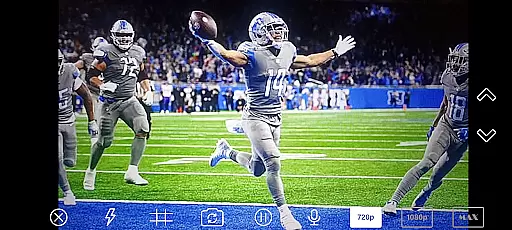
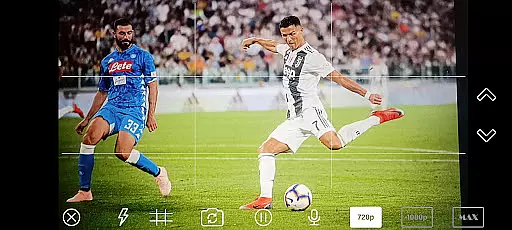
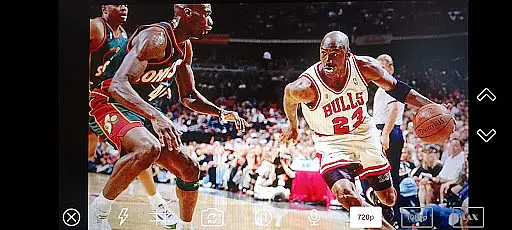
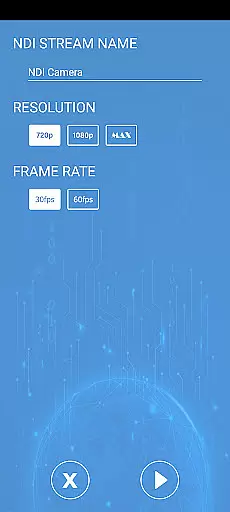
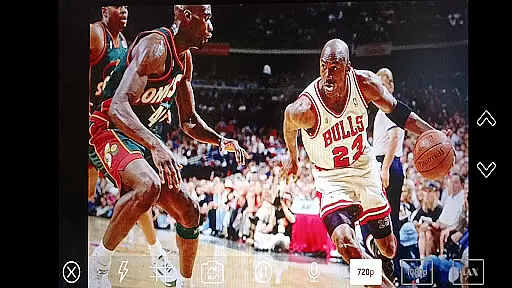
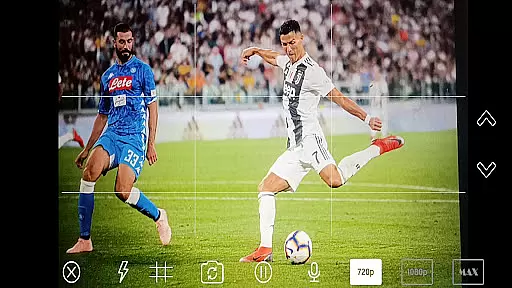
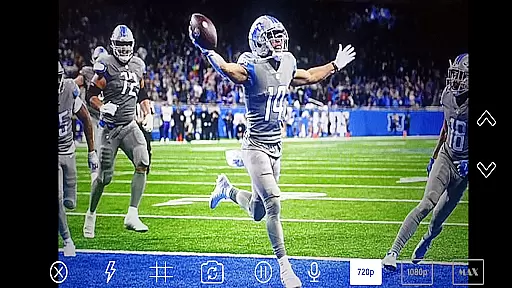

Powerful, professional, versatile teleprompter. Developed by an active film crew
 4.00
4.00
IPTV-Smarters Player Pro M3U - Watch Live Stream TV Channels with Chromecast
4.00
Search & download videos from net with all video downloader, auto-detect & safe.
4.60
All format media Player, no need video converter any more!
4.00
Manage your IPTV live channels and VOD playlists (no playlist included)
3.80
Cast movies, tv shows and live streams to Chromecast, Roku, DLNA, Fire TV & more
4.60
Viddo: Generate Action Figure, AI Anime, AI kiss, AI hug Video from image & text
4.40
Video&Drama Player All Format is a HD video player, music player
3.00
Make videos you’re proud to share with Edits, a video editor for creators.
4.70
HD Video player all format, HD Videos, Cast & Subtitle. No annoying ads.
4.60
Video Player - Unlimited features, 30 days money back guarantee.
4.60
Create photo video with music & template. AI video maker for stunning slideshow.
4.60
Browser + Remote for Roku to stream webvideos, online movies and livestreams
4.60
Powerful Video Editor & Photo Editing App —— Quick Edits & Stunning Effects!
4.30
Web Browser for LG TV to stream webvideos, online movies and livestreams in HD
4.20
This app is an emulator of some specific IPTV boxes
3.50
Mix with Virtual DJ directly from your phone or tablet !
3.10
Client application for NextPVR software
3.00
Play and download HD videos from all sources — fast, simple, and all-in-one.
4.3

User Reviews