

Filmora is an AI-powered video editor tailored for social creators, offering a balance between ease of use and advanced features. It enables users to transform clips, photos, or scripts into engaging videos suitable for platforms like TikTok, Reels, and YouTube without prior editing experience.
The app boasts powerful AI features such as Image to Video, Dynamic Captions, Text to Video, AI Remover, AI Auto Cut, AI Beats, VideoGen, and Text to Speech. These tools facilitate effortless content creation and enhancement, making it ideal for both beginners and professionals seeking efficient video production solutions.
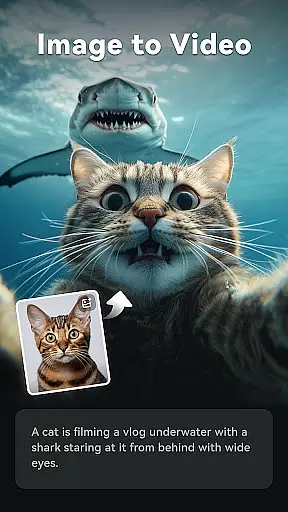
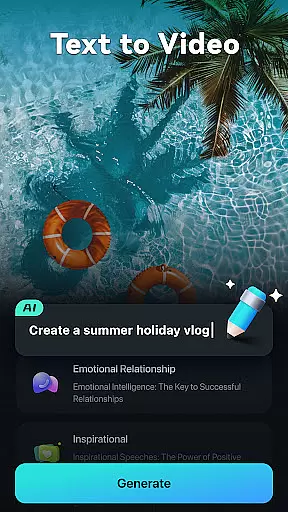
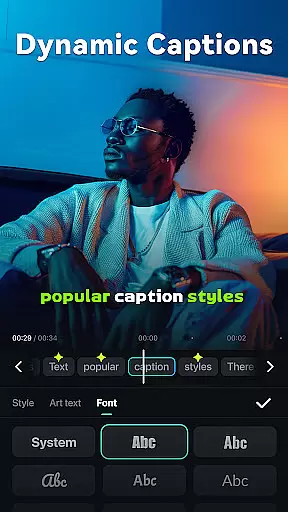
Filmora stands out with its array of innovative AI-driven functionalities. The Image to Video feature brings photos to life based on user input, while Dynamic Captions automatically convert speech to text, creating engaging visual narratives. The Text to Video tool allows users to generate movies from simple prompts, visualizing creative concepts seamlessly.
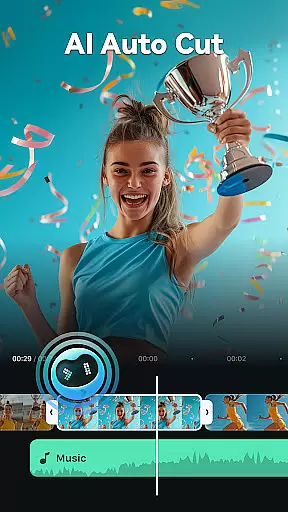
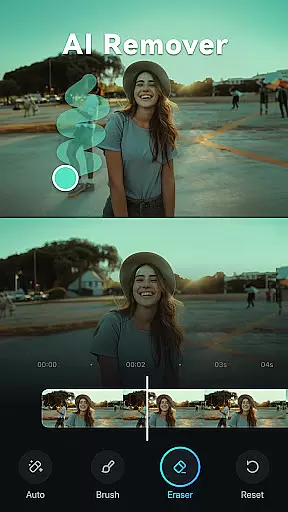
Additional features include AI Remover for eliminating unwanted elements, AI Auto Cut for crafting cinematic stories from highlights, and AI Beats for syncing video moments with music rhythms. The VideoGen capability enables element swapping or addition within videos, and Text to Speech transforms written content into professional voiceovers.
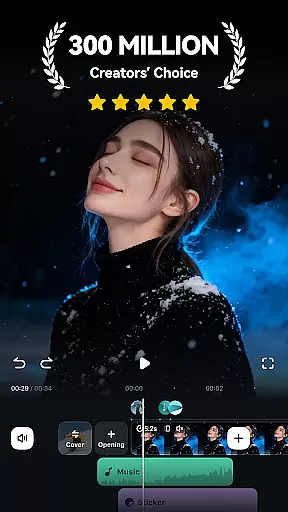
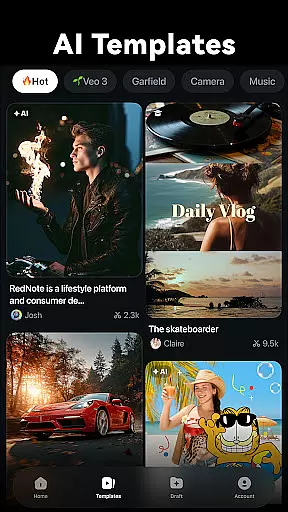
For comprehensive editing, Filmora offers stunning templates, trimming, splitting, merging options, text additions, royalty-free music, speed adjustments, masking, smart tracking, and more, catering to both novice and expert editors.
Video format compatibility is a crucial feature for any video editor, ensuring that users can work with a wide range of file types without conversion hassles. Filmora supports an extensive array of video formats, allowing creators to import and export videos in their desired resolutions and codecs.
The application's broad format support includes popular standards such as MP4, AVI, MOV, and MKV, among others. This versatility enables users to seamlessly edit content intended for various platforms like TikTok, Reels, and YouTube without worrying about format restrictions.
For professionals, the ability to handle high-resolution footage up to 4K ensures that Filmora meets industry standards. The software also accommodates different frame rates and aspect ratios, making it suitable for both casual and professional video projects.
By offering comprehensive video format compatibility, Filmora empowers creators to focus on their content rather than technical limitations. This flexibility enhances productivity and creativity, providing a smooth editing experience across devices and platforms.
Filmora harnesses the power of AI to provide innovative editing features that simplify complex tasks and elevate video quality. One standout function is the AI Auto Cut, which intelligently stitches highlight moments into cinematic narratives, saving editors valuable time.
Another impressive tool is Dynamic Captions, where AI converts speech to text and generates engaging word-by-word captions. This feature not only boosts accessibility but also adds a dynamic layer to storytelling, capturing viewer attention more effectively.
The AI Remover effortlessly eliminates unwanted elements from videos, while VideoGen allows seamless swapping or adding of elements within clips. These capabilities enhance creative freedom, enabling editors to refine their work with precision.
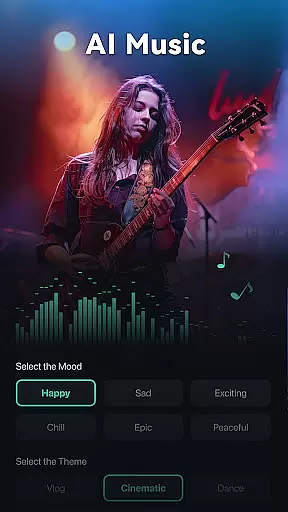
With AI Beats syncing video highlights to music rhythms and Text to Speech transforming written content into voiceovers, Filmora's AI-powered tools streamline workflows and unlock new creative possibilities for social media creators and professionals alike.
User-friendly interface
Advanced AI features
Versatile editing tools
Cross-platform compatibility
Professional templates
Subscription required for full access
Limited free trial usage
Some features may be complex for beginners
Occasional performance lags
Internet connection needed for certain functions

Video player, file manager for all formats, 4K/HD media player supports subtitle
 4.30
4.30
Watch a large amount of high-definition short drama content
4.60
All format media Player, no need video converter any more!
4.00
Live TV, anywhere in your home
3.80
Stream Web Videos to Chromecast, Samsung, LG, Sony, Roku, Fire TV, DLNA + more
4.00
Powerful Video Editor & Photo Editing App —— Quick Edits & Stunning Effects!
4.30
Browser for Sony TV to stream web videos, online movies and live tv
3.20
Screen recorder with audio to take live videos & Screenshot in high quality!
4.70
Manage your YouTube channel on the go
4.40
Video Trimmer, Video to MP3 Converter. Extract music from video, Easy & Fast.
4.80
Support 1000+ Video Format, Subtitle Download, mp3 & Background Play, Cast On TV
4.60
Photo and Music Video Creator into Stunning Videos—Effortlessly
4.40
AirMirror Receiver - Screen mirroring/cast web videos to Android TV by AirPlay.
4.40
Movie maker & video editing app with AI effects and green screen
4.30
This app was created to edit the metadata of music files.
4.20
Browser for Samsung TV to stream webvideos, online movies and livestreams in HD
4.10
Powerful, professional, versatile teleprompter. Developed by an active film crew
4.00
IPTV-Smarters Player Pro M3U - Watch Live Stream TV Channels with Chromecast
4.00
Livestream, news, & gaming content. Watch, chat, and upload. Join Rumble today!
3.80


User Reviews