

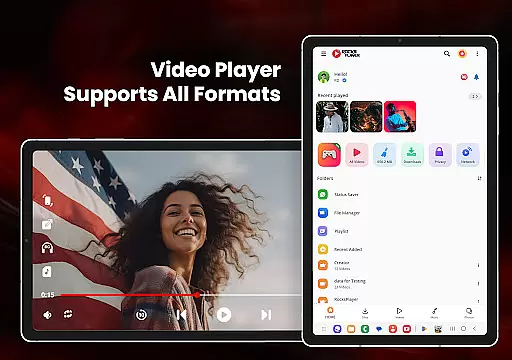
HD Video Player All Formats is a versatile media player designed for Android users who need comprehensive support for various video and audio formats. This powerful app supports everything from MP3 to Ultra HD 4K videos, making it an all-in-one solution for media playback needs.
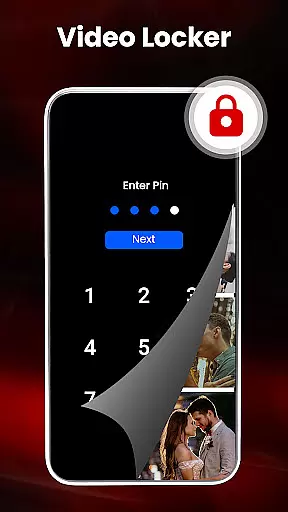
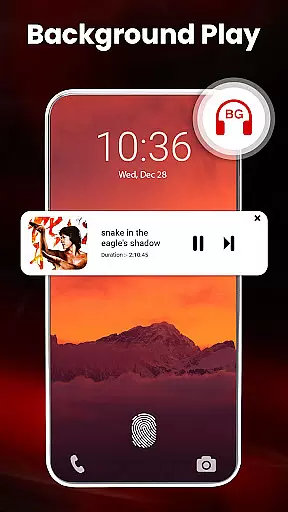
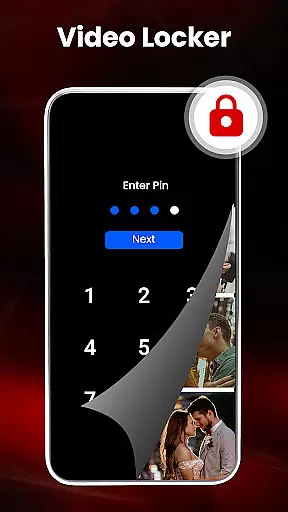
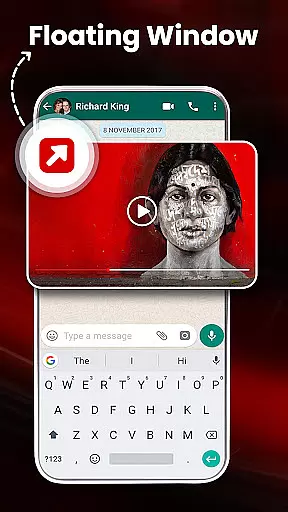
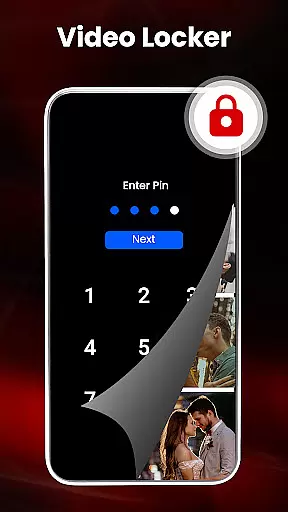
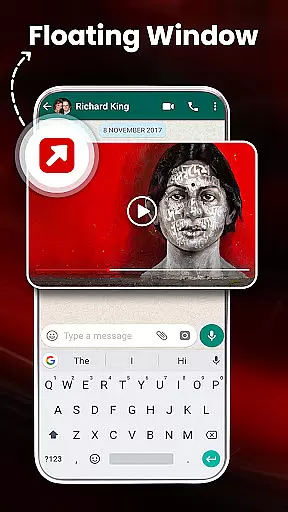
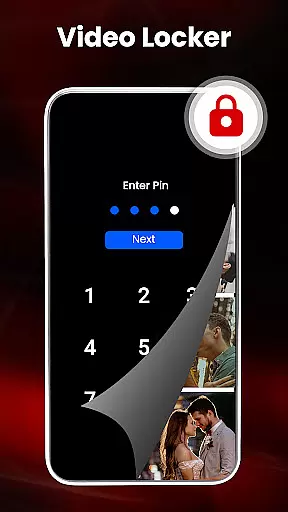
The application stands out with its advanced features such as hardware acceleration through the new HW+ decoder, pop-up video playback, and background audio mode. It also includes practical tools like a file manager, duplicate file scanner, and a video hider for private content management.
Ideal for users who require high-quality playback and efficient media management, this app ensures smooth performance even with large files. Whether you're watching movies or managing your media library, HD Video Player All Formats offers a seamless experience across devices.
HD Video Player All Formats boasts an impressive array of features that cater to diverse user requirements. The app supports popular formats including MKV, MP4, MOV, and more, ensuring compatibility with almost any media file you may have.
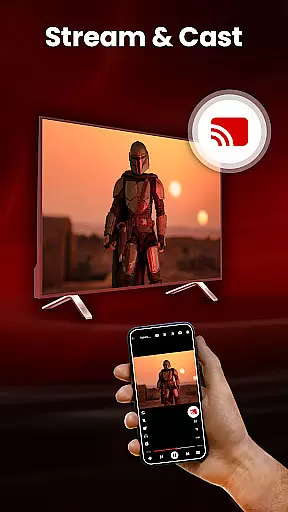
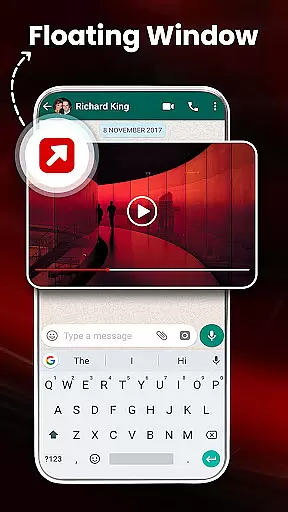
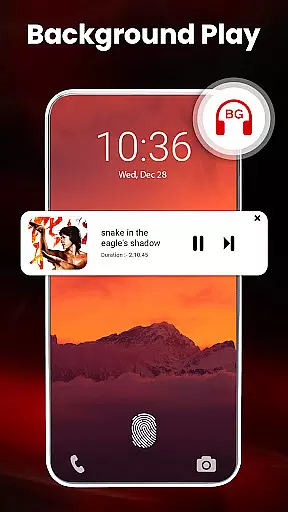
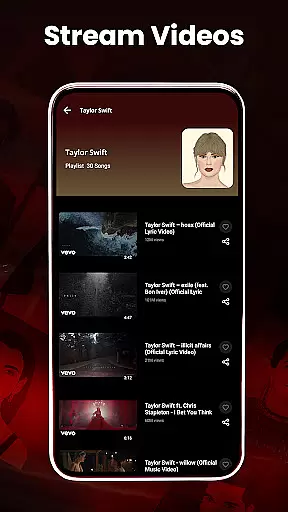
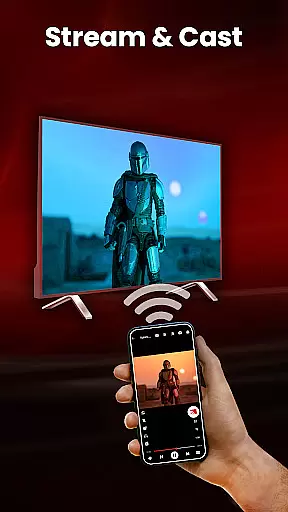
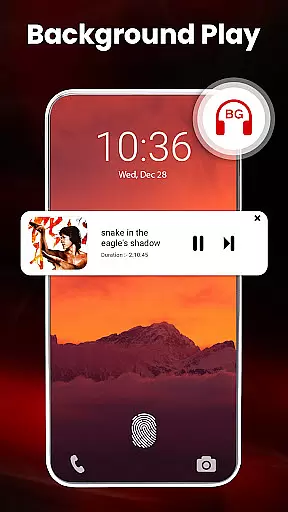
One of the standout functionalities is the ability to cast videos to a TV directly from your phone. Additionally, the built-in video downloader allows users to save online content for offline viewing. With options like pop-up playback, split-screen mode, and background audio play, multitasking becomes effortless.
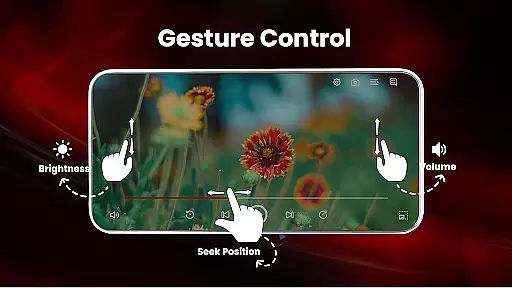
Advanced controls such as smart gestures, pinch-to-zoom, and customizable themes enhance user interaction. The inclusion of a powerful equalizer with bass boost and virtualizer makes this app not just a video player but a complete multimedia hub.
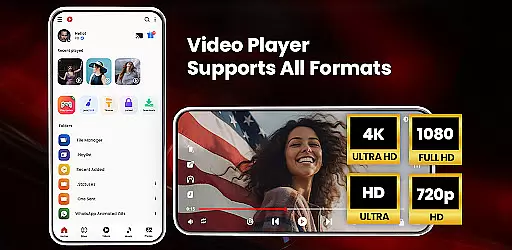
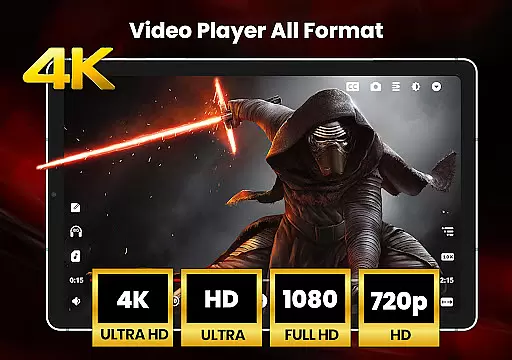
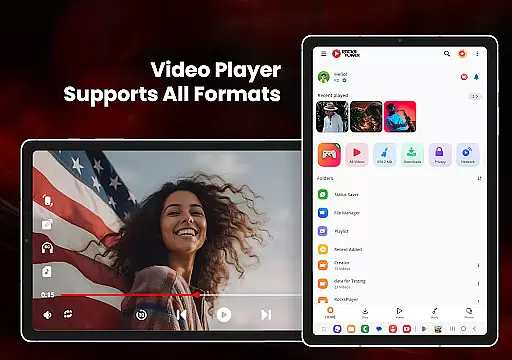
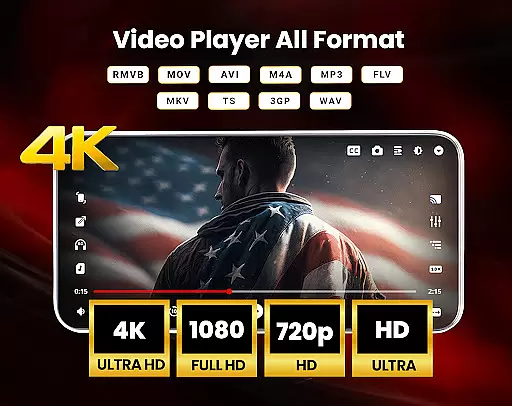
Video format compatibility is a crucial feature for any video player application, determining its ability to support various file types. HD Video Player All Formats excels in this area by offering extensive support for popular formats such as MKV, MP4, M4V, MOV, 3GP, FLV, WMV, TS, MP3, and MPG.
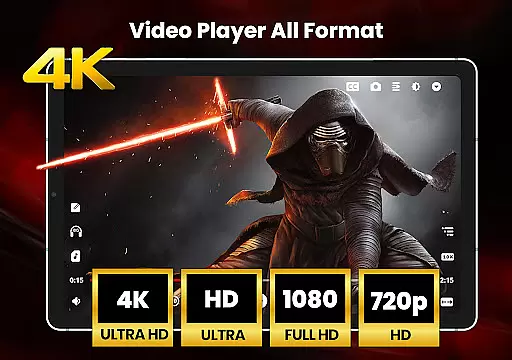
The app's comprehensive format support ensures that users can play HD, Full HD, 4K, and Ultra HD video files without compatibility issues. This versatility allows users to enjoy all their media content without the need for additional conversion tools or plugins.
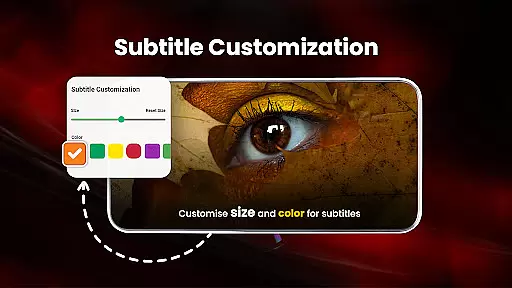
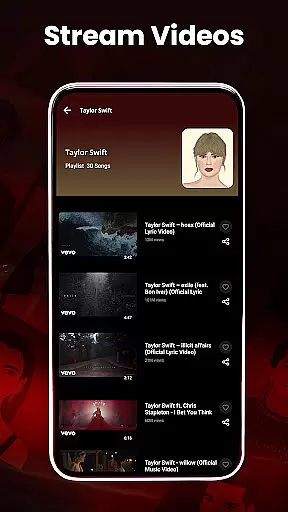
By supporting multiple subtitle downloaders and video downloaders, the app enhances accessibility and convenience. Users can easily manage subtitles and download videos from platforms like Facebook and Instagram, making it a complete multimedia solution.
This wide-ranging compatibility not only saves time but also provides peace of mind, knowing that any video file can be played smoothly. The app's dedication to supporting all major formats makes it one of the most versatile video players available on Android devices.
While primarily a video player, HD Video Player All Formats incorporates AI-powered editing features that enhance the overall user experience. These intelligent tools help optimize video playback and offer smart functionalities that simplify media management.
The app's AI capabilities include automatic scanning of duplicate files, which helps users maintain an organized media library. This feature not only saves storage space but also prevents clutter, making it easier to find and manage important files.
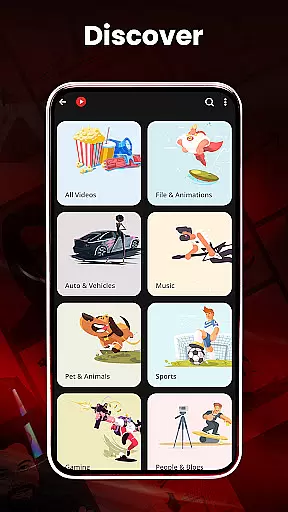
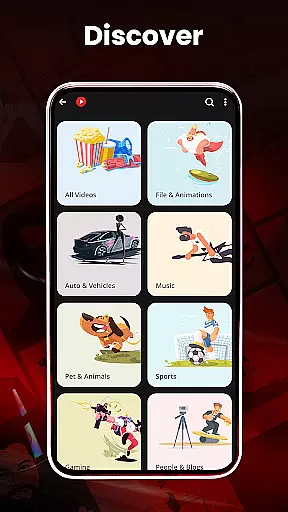
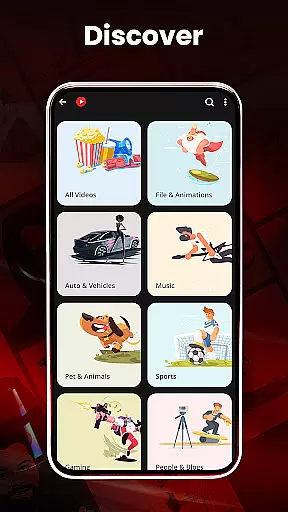
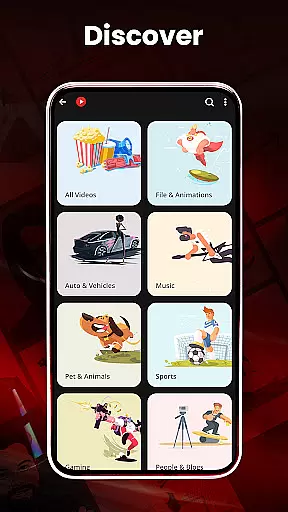
Additionally, the built-in gallery and playlist management system utilizes smart algorithms to categorize and organize media files efficiently. Users can browse and search all media files, create playlists, and filter duplicate media content with minimal effort.
These AI-powered features, combined with traditional video player functions, create a comprehensive media management solution. The app's intelligent approach to file handling and organization demonstrates its commitment to providing a sophisticated, user-friendly experience beyond basic video playback.
User-friendly interface
Wide format support
Advanced playback options
Efficient file management
Customizable themes
Occasional ads
Heavy on storage
Complex settings
Limited cloud integration
High battery usage

Online Videos Player
 3.90
3.90
Cast Videos from Web Browser, IPTV to Roku, Chromecast, DLNA, Smart TV +more
4.60
Snaptubè Video Downloader app allows to download videos and music in Snaptube. .
4.60
Play ALL formats in 4K & HD. Video downloader, MP3 player, Chromecast & more.
4.80
Fast & easy HD video downloader for all formats, support 4K playback & download.
4.60
Browser + Remote for Roku to stream webvideos, online movies and livestreams
4.60
Video player with 4K & 1080P support, popup play, background play and subtitle.
4.20
Enjoy your favorite videos and channels with the official YouTube app.
3.90
Capture the moment and Cut
3.40
HD Video player all format, HD Videos, Cast & Subtitle. No annoying ads.
4.60
IPTV Loader, loads your own Playlist. DOES NOT CONTAIN ANY LIST OR CHANNELS
4.60
Auto video maker with music & exclusive filters. Video editing made simple.
4.50
Viddo: Generate Action Figure, AI Anime, AI kiss, AI hug Video from image & text
4.40
This app was created to edit the metadata of music files.
4.20
Web Browser for LG TV to stream webvideos, online movies and livestreams in HD
4.20
HD video & music player - All format support with floating & PIP mode!
3.80
Manage your IPTV live channels and VOD playlists (no playlist included)
3.80
Mix with Virtual DJ directly from your phone or tablet !
3.10
Play and download HD videos from all sources — fast, simple, and all-in-one.
4.2

User Reviews