

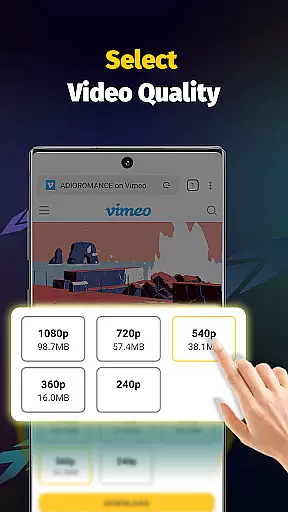
Video Downloader - Save Videos is a versatile and free video downloading application designed for users who need to save multimedia content from various social media platforms. This app offers fast download speeds, supporting multiple file formats including MP4, AVI, and PNG, while providing essential features like multi-threading downloads and resolution selection.
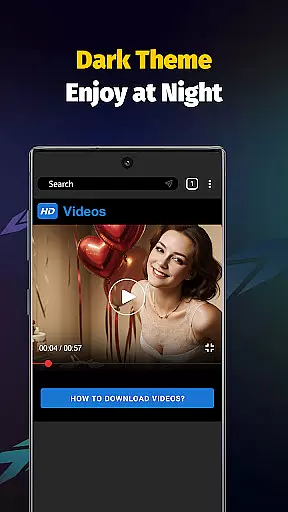
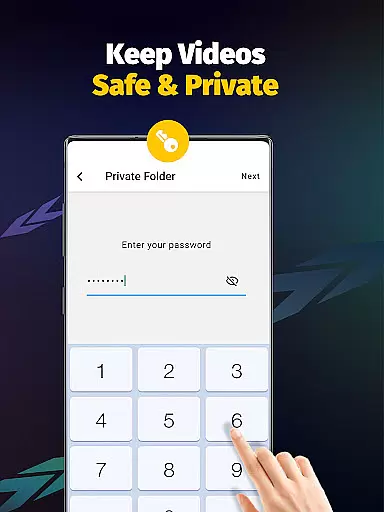
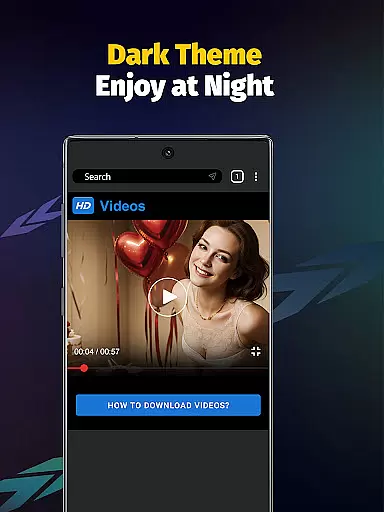
Beyond basic downloading capabilities, the app includes a built-in browser and player, allowing seamless transitions between downloading and enjoying content. It also provides privacy controls, enabling users to password-protect their downloaded files. Whether you're looking to save videos, images, or music, this app ensures a smooth experience with its user-friendly interface and robust functionality.
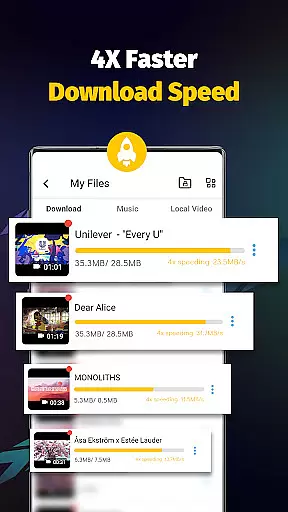
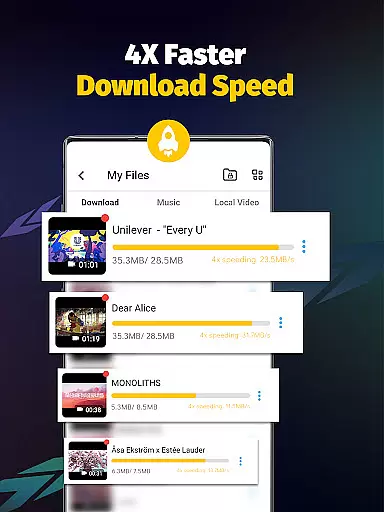
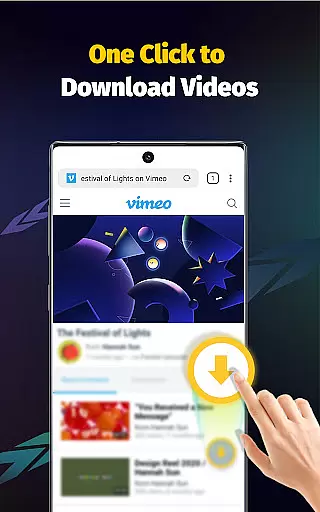
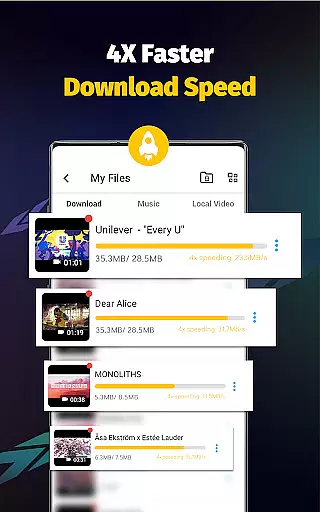
With its 4x faster download speed and ability to extract audio from videos, Video Downloader - Save Videos is ideal for users seeking an efficient way to manage and enjoy their favorite online media offline.
Video Downloader - Save Videos stands out with its comprehensive feature set tailored for modern digital consumers. The app supports simultaneous downloads of multiple files, significantly reducing wait times. Its multi-threading capability enhances download speeds by several times, making it one of the fastest options available in the Video Players & Editors category.
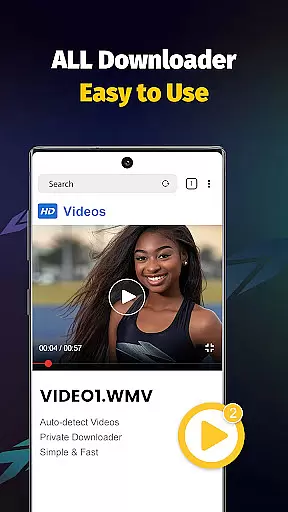
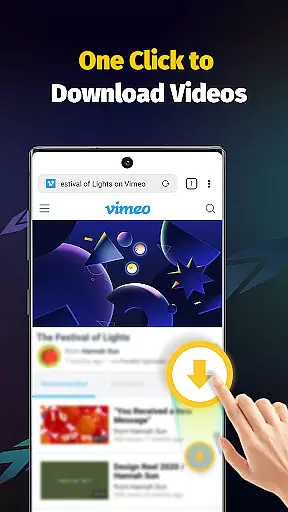
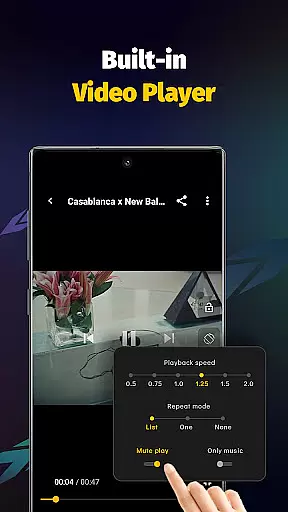
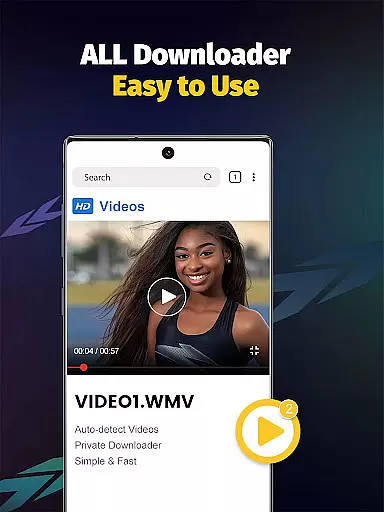
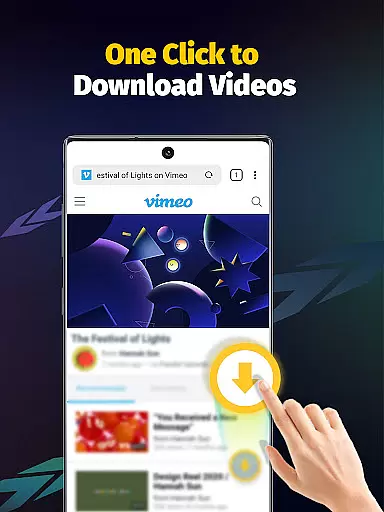
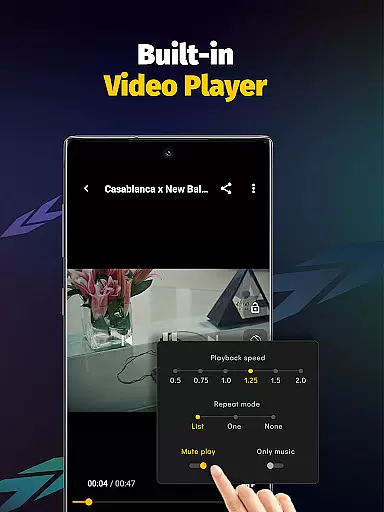
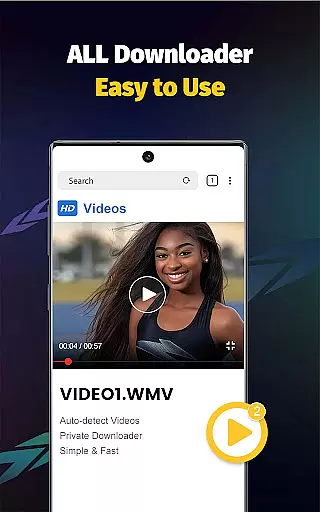
Another key feature is its broad compatibility with various file formats such as MP4, AVI, and JPEG, ensuring users can download nearly any type of media. The built-in media player allows users to watch videos offline without needing additional software. Additionally, the app automatically detects downloadable content on web pages, streamlining the process for users.
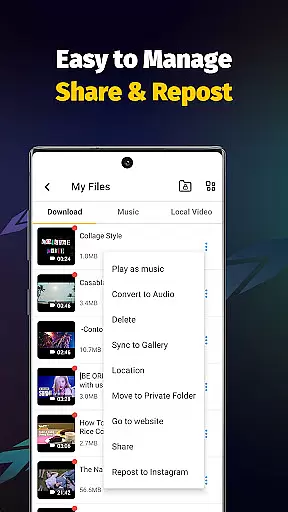
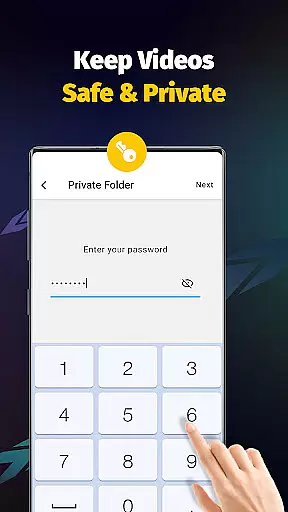
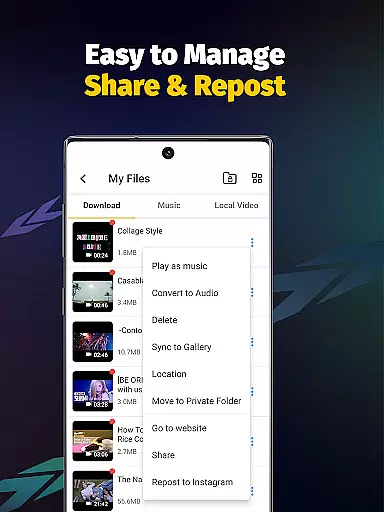
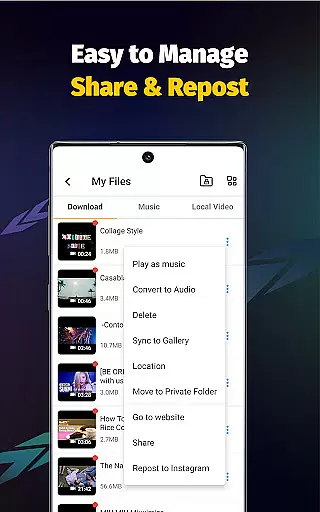
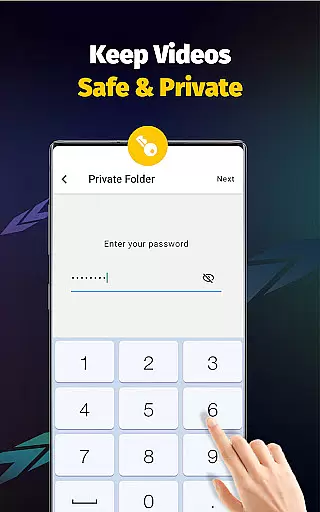
Privacy and customization are also prioritized, with options to create password-protected folders and organize files within the app. These features collectively make Video Downloader - Save Videos a reliable tool for managing personal media libraries efficiently.
Video format compatibility is a crucial feature for any video player and editor application. The Video Downloader - Save Videos app excels in this area by supporting an extensive range of file formats including MP4, M4A, M4V, AVI, WMV, MOV, JPG, JPEG, and PNG. This ensures that users can download and play videos from various sources without worrying about format restrictions.
The app's comprehensive format support allows users to save media files from different platforms and enjoy them offline through the built-in player. Whether you're downloading high-definition videos or images, the app handles each file type with ease, providing a seamless experience across multiple content types.
By offering such wide-ranging compatibility, Video Downloader - Save Videos caters to diverse user needs. From casual viewers who want to watch social media clips offline to professionals requiring access to specific video formats, this app delivers reliable performance and flexibility.
This level of format versatility not only enhances user convenience but also expands the app's usability across different devices and operating systems. Users can confidently collect and store their favorite content knowing they'll be able to access it regardless of its original format.
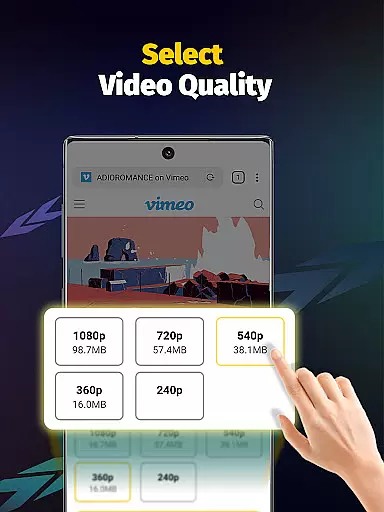
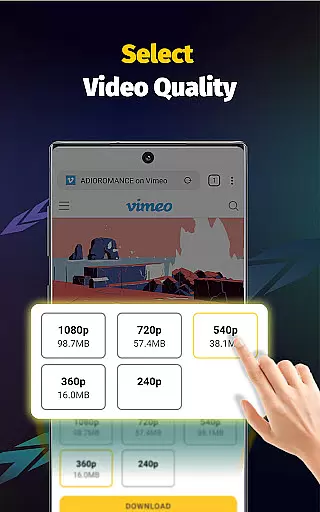
AI-powered editing features are revolutionizing how users interact with and modify their video content. While Video Downloader - Save Videos primarily focuses on downloading capabilities, it incorporates intelligent tools that enhance the overall user experience. The app's AI-driven functions include automatic video detection, smart resolution selection, and optimized download speeds.
These AI-powered capabilities work behind the scenes to streamline the downloading process. For instance, the app can automatically detect downloadable content on web pages and suggest optimal resolution settings based on available bandwidth and device capabilities. This intelligent approach ensures users get the best possible quality without manual configuration.
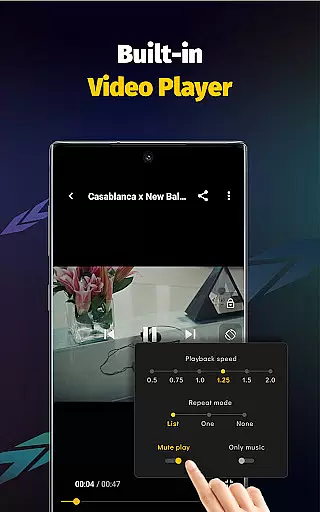
Additionally, the app's multi-threading technology, enhanced by AI algorithms, accelerates downloads by several times while maintaining file integrity. The built-in player also benefits from AI enhancements, offering features like adjustable playback speed and audio extraction with minimal user input required.
While not a traditional video editor, these AI-powered features provide users with powerful tools to manage and optimize their downloaded content efficiently. This combination of intelligent automation and practical functionality makes video management more accessible to users of all technical skill levels.
User-friendly interface
Fast download speeds
Multi-format support
Built-in media player
Privacy protection tools
No YouTube support
Limited to authorized content
Requires platform login
Ads may appear
Storage permissions needed

Auto video maker with music & exclusive filters. Video editing made simple.
 4.50
4.50
Cast Videos from Web Browser, IPTV to Roku, Chromecast, DLNA, Smart TV +more
4.60
This app was created to edit the metadata of music files.
4.20
Fast & Private Video Downloader App. Save all videos easily from the Internet.
4.40
Find, download, and play torrents with the official BitTorrent® Pro app
4.70
Manage your IPTV live channels and VOD playlists (no playlist included)
3.80
Connect EasyCap or UVC devices for recording and broadcast video/audio stream
3.60
#1 Torrent App on Android ** No Ads Ever + Battery Saver **
4.80
convenient, safe and fast at Video Downloader & Player
4.60
AI Video Editor with Music, Filter, Slideshow, Effect, Merge & Trim Video.
4.80
HD Video player all format, HD Videos, Cast & Subtitle. No annoying ads.
4.60
Video Downloader, Multiple Resolution Options, Video Player
4.50
Fast & Private HD Video Downloader with Built-in Proxy Browser and Video Player.
4.50
Photo and Music Video Creator into Stunning Videos—Effortlessly
4.40
KMPlayer Plus (Divx Codec) officially support Divx codec.
4.30
Fast private browser with secure, seamless access & supported video downloads!
4.00
Online Videos Player
3.90
Connect 2 UVC devices for recording and broadcast video/audio stream
3.90
This app is an emulator of some specific IPTV boxes
3.50

User Reviews