

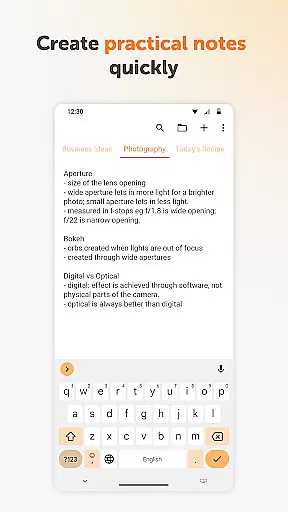
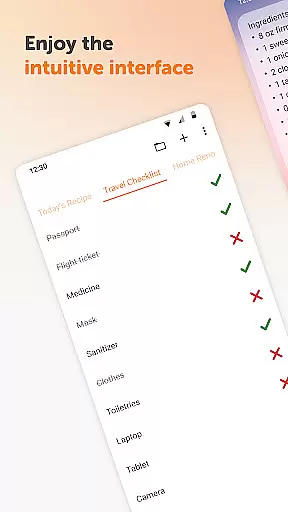
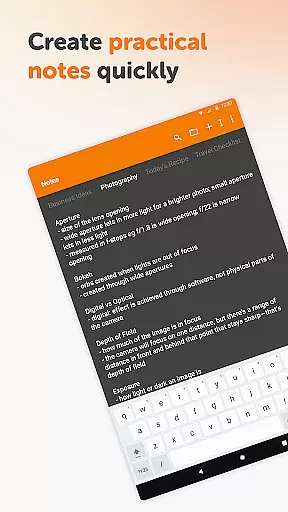
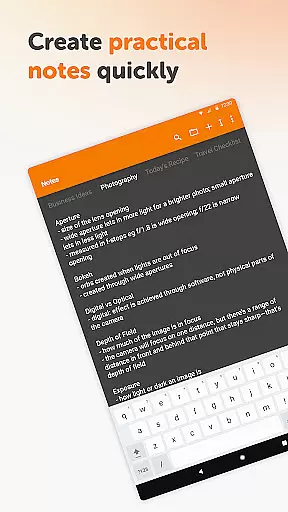
Simple Notes Pro is a productivity-focused note-taking application designed for Android users who need a reliable tool to manage their daily tasks and ideas. This app allows you to quickly create notes, to-do lists, and checklists with an intuitive interface that requires no complicated setup. With its autosave feature, your changes are always preserved, ensuring you never lose important information.
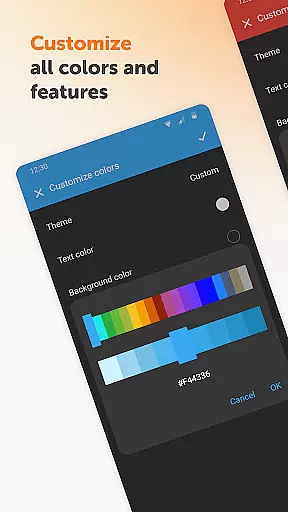
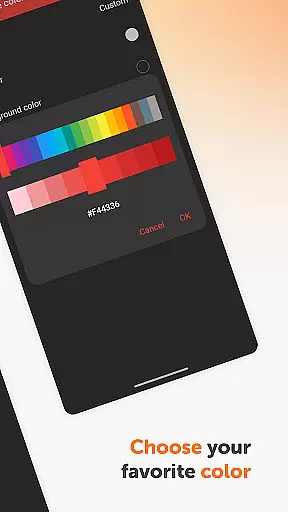
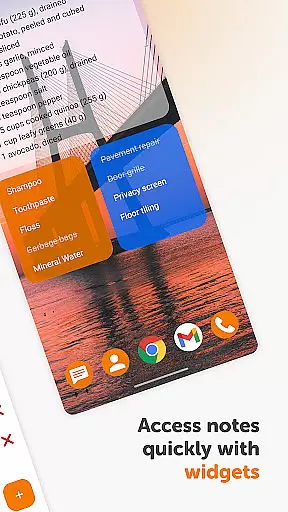
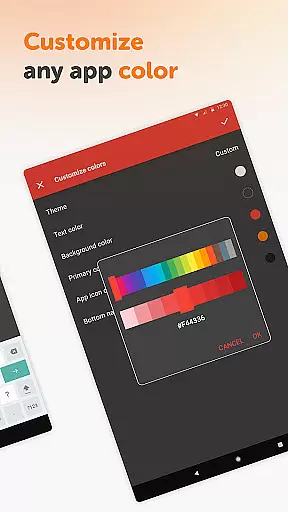
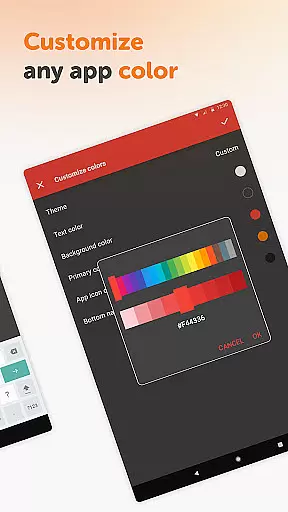
The app stands out with its customizable and resizable widget, which provides instant access to your notes directly from your home screen. It supports multiple independent plain text notes, making it easy to organize various types of information. Additionally, Simple Notes Pro offers a clean design with dark theme support and customizable colors, enhancing the user experience while maintaining privacy and security by not requiring internet access.
Whether you need to jot down a quick shopping list, capture startup ideas, or plan your daily agenda, Simple Notes Pro serves as an invaluable personal notebook. Its open-source nature and lack of ads or unnecessary permissions make it a trustworthy choice for users seeking a straightforward and efficient note-taking solution.
Simple Notes Pro boasts several notable features that enhance its functionality as a note-taking tool. One of its key attributes is the autosave function, which ensures that all your inputs are automatically saved without any manual intervention, reducing the risk of losing valuable data. The app also supports the creation of multiple independent plain text notes, allowing users to manage different topics or projects seamlessly.
Another standout feature is the customizable and resizable widget. This widget can be placed on your home screen for quick access to your notes and lists, streamlining your workflow and saving time. The app's interface is designed with simplicity in mind, featuring a clean layout with material design and a default dark theme, which is easy on the eyes and improves readability in various lighting conditions.
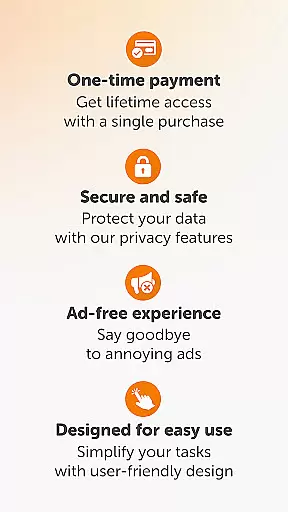
Privacy and security are prioritized in Simple Notes Pro, as it operates without the need for internet access. This not only enhances stability but also ensures that your notes remain private and secure. Furthermore, the app is fully open-source and free from ads or unnecessary permissions, providing a clutter-free environment that focuses solely on helping you capture and organize your thoughts efficiently.
Task management is a cornerstone of productivity applications, and Simple Notes Pro excels in providing users with the tools needed to efficiently organize their daily tasks. This app allows you to create quick lists, checklists, and backup notes for any idea that comes to mind, ensuring that nothing important slips through the cracks.
The application's autosave feature ensures that your changes are always captured, preventing accidental data loss. With support for multiple independent plain text notes and lists, it offers a flexible way to manage various projects or responsibilities simultaneously, all within a streamlined interface.
For those who appreciate visual organization, Simple Notes Pro includes customizable and resizable widgets. These widgets not only enhance accessibility but also open the main app with a simple tap, making it easier than ever to stay on top of your duties without unnecessary navigation.
Cross-device synchronization is vital for users who operate across multiple platforms and need reliable access to their notes from anywhere. While Simple Notes Pro focuses on standalone functionality, its robust design ensures that your data remains consistent and up-to-date on the device it's used on.
Although the app does not natively support cloud-based syncing, its straightforward approach guarantees stability and security by keeping all information locally stored. This method provides peace of mind, knowing that your notes are safe from online vulnerabilities while still being easily accessible via the customizable widget interface.
Simple Notes Pro emphasizes privacy and security by not requiring internet access. This means your notes remain private and are not shared over potentially insecure networks. The absence of ads and unnecessary permissions further enhances trust in the appu2019s commitment to user-focused design.
User-friendly interface
Autosave functionality
Customizable widgets
No ads or unnecessary permissions
Offline functionality
Limited formatting options
No cloud sync
Basic collaboration tools
Android only
No voice notes

Seamlessly integrate data and reports to build your presentation to impress
 4.80
4.80
Native client for Forgejo and Gitea
5.00
Create study competitions, track your hours, and stay consistent with friends
4.5
Mega cloud explorer plugin for Solid Explorer
3.80
8 custom complications. Custom Time Fonts. Beautiful color schemes. A++ Design.
5.00
Secure, open-source, SPICE and SSH Remote Desktop for QEMU KVM virtual machines
4.00
Share files & memories safely. Keep your photos and videos secure.
4.40
Okta MFA
4.70
AI Chatbot and AI writing assistant powered by ChatGPT.
4.60
Android Wallet Password Manager
4.80
Protect and view your important info on your phone and tablet with eWallet®
4.80
Calendar 2023 widget for Android. Appointment scheduler, planner, and reminder
4.60
Planet Free VPN - The best Fast Unlimited and Secure VPN Without Logs
4.50
Send files, sync SMS, notifications & clipboard across devices via local network
4.40
A customizable calendar for your Wear OS watch
4.20
Pwnagotchi companion app
4.20
Access your phone's notifications, calls, apps, photos & texts on your PC
3.90
Code on-the-go with VScode for Android. Edit,debug and collaborate from mobile!!
3.10
AI Video AI Image Private LLM AI Browser Llama Gemma Ollama Connect LLM Studio
4.0

User Reviews