

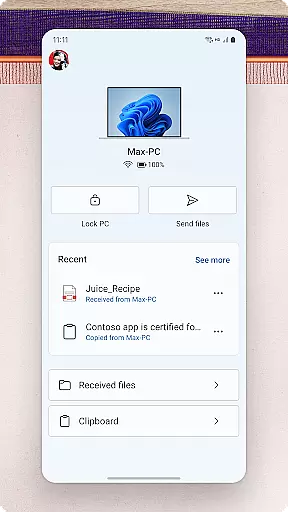
Link to Windows is a productivity-focused application that bridges the gap between your Android phone and Windows PC. This app allows users to seamlessly interact with their mobile devices directly from their computers, offering features such as making and receiving calls, managing notifications, and accessing mobile apps. With its integration into select Microsoft Duo, Samsung, and HONOR phones, Link to Windows provides an enhanced user experience by enabling functionalities like cross-device copy and paste, file drag-and-drop, and more.
The app's core value lies in its ability to streamline workflows by allowing users to share photos, text messages, and even clipboard content between devices effortlessly. Whether you're looking to reply to SMS messages from your desktop or transfer files without touching your phone, Link to Windows delivers a unified ecosystem for both personal and professional use cases.
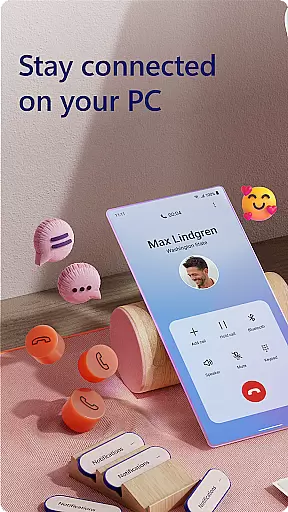
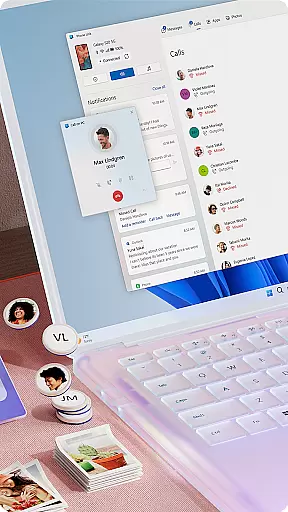
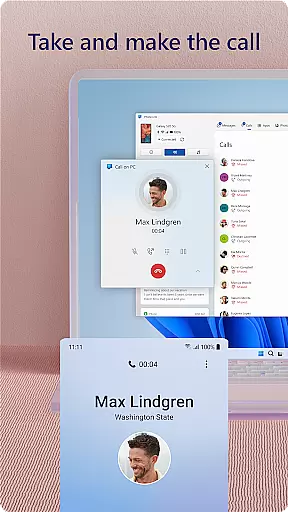
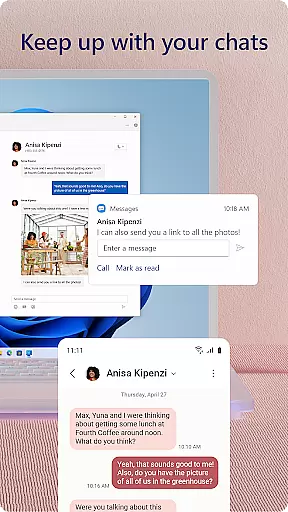
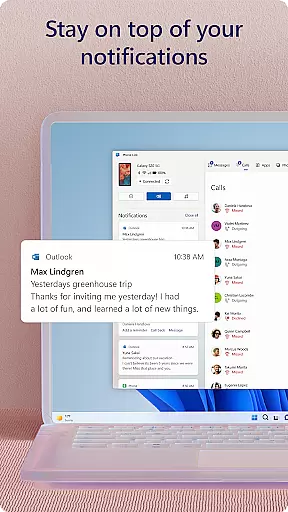
Link to Windows offers a comprehensive suite of features designed to enhance productivity across devices. The app enables users to make and receive calls directly from their PCs, provided the computer has Bluetooth capabilities. Additionally, it allows for managing Android phone notifications on the PC, ensuring users never miss important alerts while working.
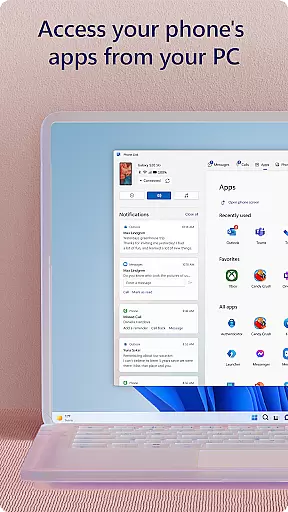
One of the standout features is the ability to access favorite mobile apps on the PC screen, which is particularly useful for multitasking. The app also supports reading and replying to text messages from the PC, dragging files between devices, and copying-pasting content across platforms. For compatible devices, exclusive functionalities like Phone screen mirroring and multi-app experiences are available, further enriching the cross-device interaction.
Core task management is essential for productivity applications, and Link to Windows excels in this area by seamlessly integrating your Android phone with your Windows PC. This integration allows you to handle calls, messages, and notifications directly from your computer.
The app enables users to make and receive calls, manage notifications, and access mobile apps on their PC. This means you can stay focused on your work without needing to constantly check your phone, streamlining your workflow significantly.
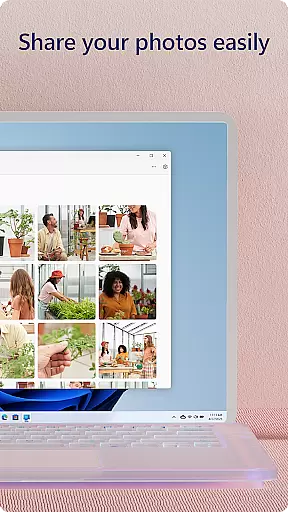
Additionally, the drag-and-drop functionality between devices enhances productivity by allowing effortless file sharing. Copying, editing, and transferring photos between devices becomes a breeze, eliminating the need to email yourself files or use external storage devices.
By leveraging your PC's larger screen, keyboard, and mouse, Link to Windows transforms how you interact with your phone. This feature not only boosts efficiency but also provides a more comfortable and intuitive user experience, making multitasking between devices smoother than ever.
Cross-device synchronization reliability is crucial for ensuring that all your data and interactions are consistently updated across your devices. Link to Windows offers robust synchronization features that keep your phone and PC in perfect harmony.
With integrated support for select Microsoft Duo, Samsung, and HONOR phones, the app provides an enhanced experience through seamless connectivity. This ensures that actions performed on one device are instantly mirrored on the other, maintaining continuity in your tasks.
Exclusive features such as cross-device copy and paste, Phone screen, and file drag-and-drop are available for compatible devices. These functionalities allow for real-time interaction and manipulation of content across devices, enhancing both convenience and productivity.
Moreover, the accessibility service supports those using screen reading tools on their PC, enabling full control of phone apps via Android keyboard navigation while providing spoken feedback. This inclusive approach guarantees reliable performance for all users, reinforcing the appu2019s commitment to synchronization excellence.
Seamless cross-device integration
Enhanced productivity tools
User-friendly interface
Wide compatibility range
Exclusive features for select devices
Limited call functionality
Requires specific hardware
Some features need Android 11
Bluetooth dependency for calls
Advanced features for select devices only

Seamlessly integrate data and reports to build your presentation to impress
 4.80
4.80
Take control of your clipboard with Clipper!
3.90
Native client for Forgejo and Gitea
5.00
Make your handwriting beautiful, even more than pen on paper.
3.60
Find and delete junk files & block unwanted notifications & manage files
3.70
Tally and goal counter for Wear OS & mobile
4.50
Access, manage and transfer files on Android, PC, Mac, NAS and cloud storages.
4.30
A beautiful digital clock with autostart and many other functions
4.70
Set up, print, and get support—in one place
4.20
The long-awaited modern gallery app for your Nextcloud server
4.70
Subscribe to Webcal & .ics calendars and keep them up-to-date!
4.50
CalenGoo is a very flexible and feature-rich calendar app
4.40 4.20
4.20
Total remote control for your Android device, PC and cloud services (IFTTT)!
4.20
Customizable calendar widget for seamless event sync, planning & scheduling.
4.00
Create and edit presentations with Google Slides, part of Google Workspace.
4.00
⏰ Finally a timer app which can run multiple timers simultaneously on your watch
3.90
Mega cloud explorer plugin for Solid Explorer
3.80
Remotely view listen control and record cameras.
3.70


User Reviews