

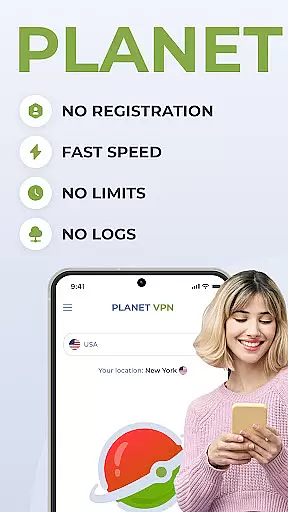
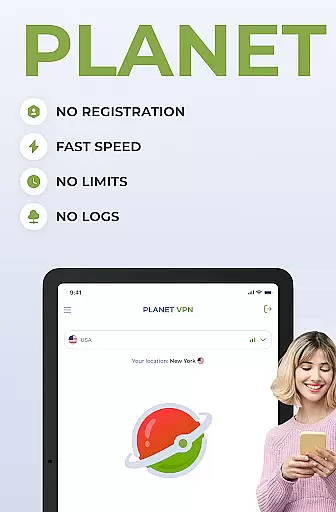
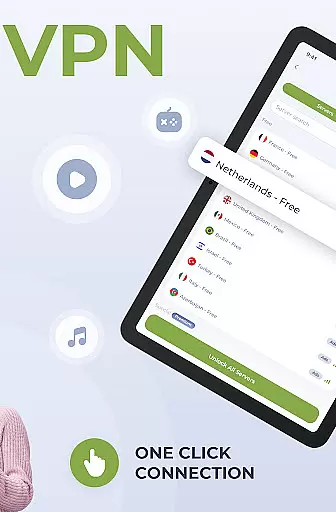
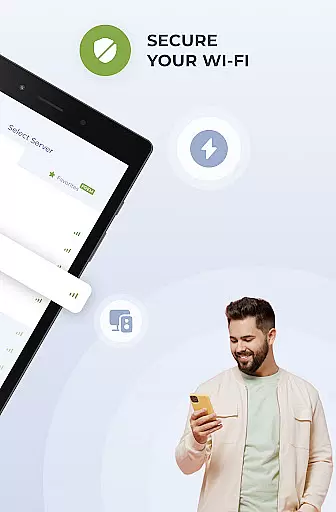
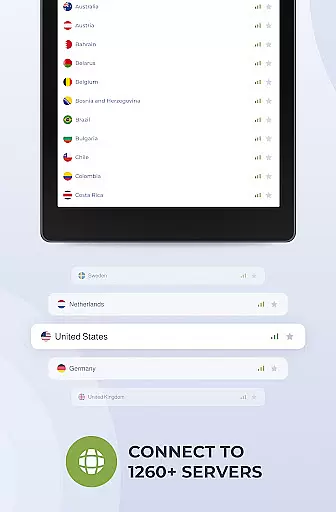
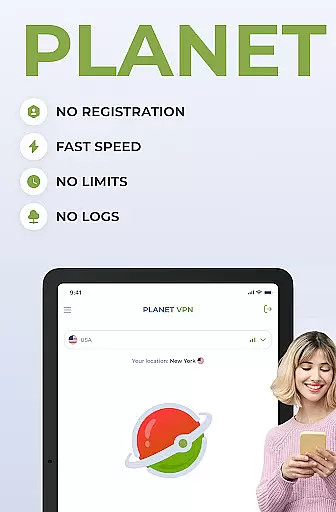
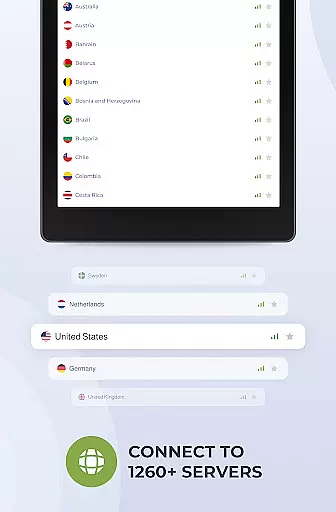
Planet Free VPN Super Proxy is a top-tier productivity tool designed to enhance your online privacy and security. This application offers instant access to unlimited free servers worldwide without requiring any registration or personal data. With 11 server locations available, users can enjoy unrestricted browsing with no limitations on time, bandwidth, or speed.
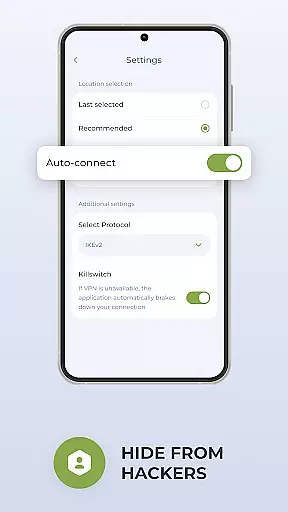
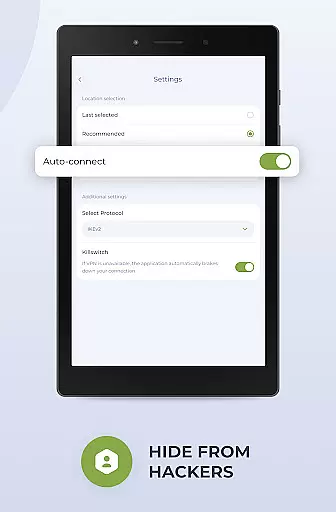
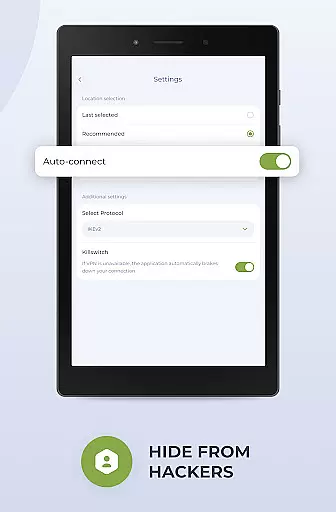
The app ensures user privacy through its strict no-logs policy and adherence to local privacy laws. It provides flexible protocol options, a high-speed connection with robust encryption, and a kill switch function that automatically disconnects the internet if the server connection is lost. Optimized for Android devices, it delivers seamless performance and wide compatibility across various devices and operating systems.
Whether you're looking to protect personal data, access local services while traveling, or browse sites safely, Planet Free VPN Super Proxy has got you covered. Its ability to maintain online privacy by hiding your IP address and encrypting your connection makes it an essential tool for anyone seeking true online freedom and security.
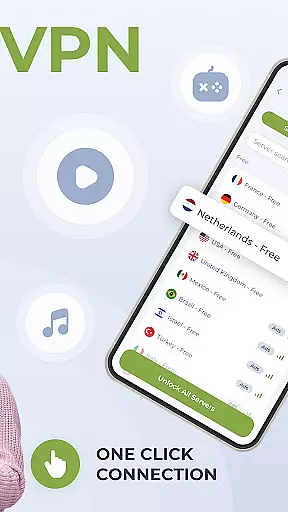
Planet Free VPN Super Proxy stands out with its array of advanced features tailored to meet diverse user needs. One of its key highlights is the instant access feature, allowing users to start using the VPN without any registration or sharing of personal data. The app offers unlimited free servers across 11 locations worldwide, ensuring no restrictions on time, bandwidth, or speed.
Privacy is guaranteed as the app never stores any logs of user activity. Users can choose from multiple protocol options and experience a high-speed connection with strong encryption. The kill switch function adds an extra layer of security by automatically disconnecting the internet if the server connection is lost. Additionally, the app is optimized for Android, providing smooth and seamless performance.
For those seeking comprehensive support, Planet Free VPN Super Proxy offers 24/7 assistance via live chat or email. The Premium version includes an ad blocker and an app filter feature, allowing users to route specific apps through the VPN while designating others as exceptions. These features collectively ensure a secure, private, and efficient browsing experience.
Planet Free VPN Super Proxy offers a robust solution for managing online tasks with privacy and efficiency. The app's core functionality revolves around providing users with instant access to a secure network without the need for registration or sharing personal data.
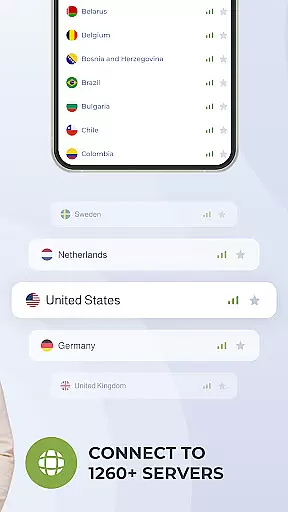
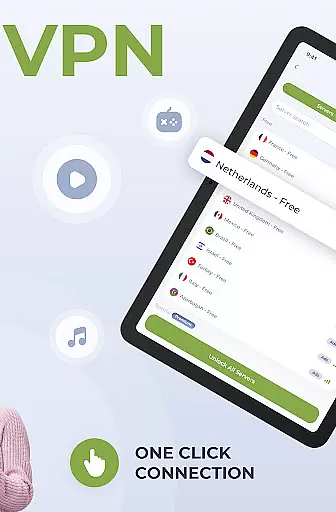
With unlimited free servers available worldwide, users can connect to any of the 11 server locations, ensuring that their internet activities remain private and unrestricted by geographic boundaries. This global reach empowers individuals to work on projects, access local services, or browse sites safely from anywhere in the world.
The high-speed connection feature guarantees that productivity is not compromised while using the VPN service. Whether it's safeguarding sensitive information during financial transactions or securing gaming accounts, Planet Free VPN ensures that all data remains encrypted and protected against potential threats.
Moreover, the killswitch function adds an extra layer of security by automatically disconnecting the internet if the server connection is lost, preventing any accidental exposure of user activity. This comprehensive approach to task management makes Planet Free VPN a reliable tool for maintaining both personal privacy and professional integrity.
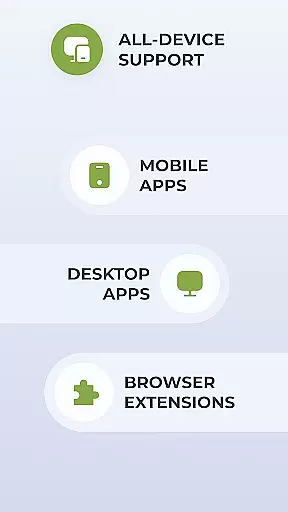
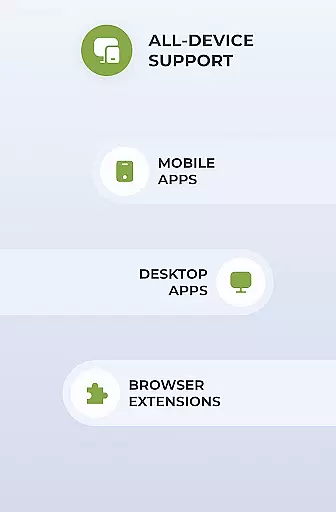
Cross-device synchronization is a critical aspect of modern productivity tools, and Planet Free VPN Super Proxy excels in this area. By allowing users to maintain a consistent experience across multiple devices, the app ensures that switching between smartphones, tablets, or computers does not disrupt workflow or compromise security.
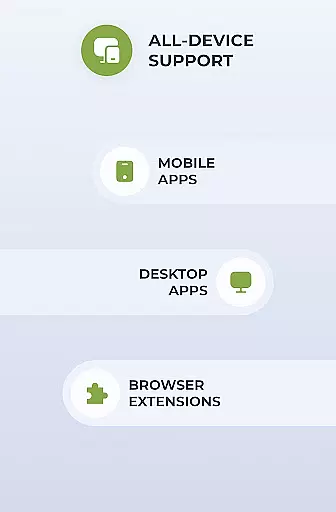
The wide compatibility of Planet Free VPN means it works seamlessly with all types of devices and operating systems, providing a reliable connection no matter where you are or what device you're using. This flexibility supports professionals who rely on various gadgets throughout their day, ensuring they remain connected and protected at all times.
For those seeking enhanced features, the Premium version offers additional benefits such as an ad blocker and app filter functionality. These tools enable users to customize which applications utilize the VPN, optimizing performance and maintaining focus on essential tasks without unnecessary interruptions.
Furthermore, with 24/7 support available via live chat or email, Planet Free VPN stands ready to assist users in resolving any issues related to cross-device synchronization. This commitment to customer service reinforces the app's reliability, making it an invaluable asset for anyone looking to enhance their digital productivity securely.
Instant Access
Unlimited Servers
No Logs Policy
High-Speed Connection
Wide Compatibility
Limited Free Servers
Premium Features Locked
Occasional Connectivity Issues
Ads in Free Version
Complex Setup for Beginners


Native client for Forgejo and Gitea
 5.00
5.00
Total remote control for your Android device, PC and cloud services (IFTTT)!
4.20
Automates browsing any website and notifies you of important changes or events
4.30
CalenGoo is a very flexible and feature-rich calendar app
4.40
Todo reminder
4.10
Stay on top of your to-dos with Google Tasks, part of Google Workspace.
4.60
All document reader, all in one file viewer read PDF, DOCX, XLS, PPT, TXT files.
4.60
A comprehensive suite of tools designed specifically for Lactation Consultants
4.5
Scientific calculator for Android - looks and operates like the real thing!
4.90
Quickly and easily keep track of your work shifts
4.70
A simple Whisper AI keyboard for reliable speech transcription and rewording
4.60
Secure your apps with lock screens, use custom themes and different features.
4.40
All in One PDF Reader: Manage, Read and Edit your Documents
4.20
Wake up & get tasks done! Add alarms & reminders on the Clock Launcher.
4.00
Customizable calendar widget for seamless event sync, planning & scheduling.
4.00
Access your phone's notifications, calls, apps, photos & texts on your PC
3.90
Find and delete junk files & block unwanted notifications & manage files
3.70
Auto-shutoff Alarm with Sunrise, Sunset & Fixed Options.
3.50
A simple, portable logger for POTA, SOTA, Field Day, and more
4.1


User Reviews