

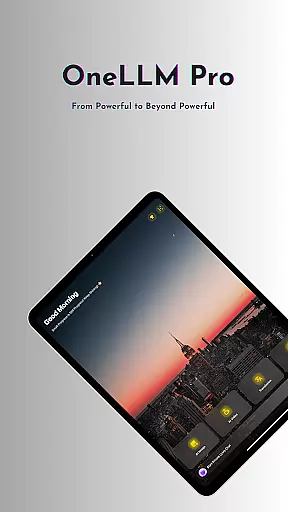
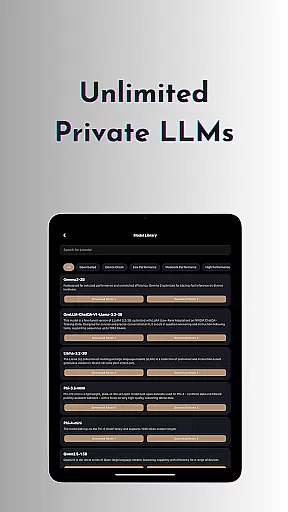
OneLLM Pro is a cutting-edge productivity app that seamlessly integrates local and cloud AI capabilities, offering users an extensive suite of powerful tools. Whether you're offline or online, the app provides lightning-fast, secure interactions while ensuring maximum privacy through local processing. It supports over 300 leading Large Language Models (LLMs) like ChatGPT 4o, Claude, and Llama, allowing users to switch between models effortlessly.
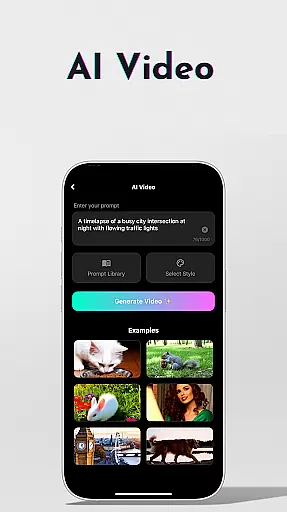
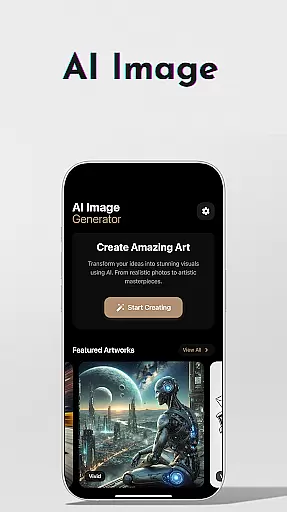
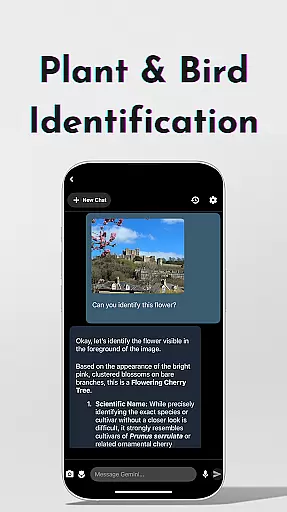
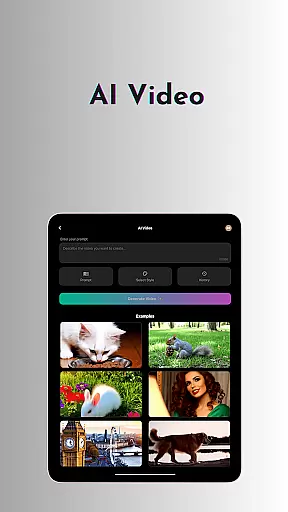
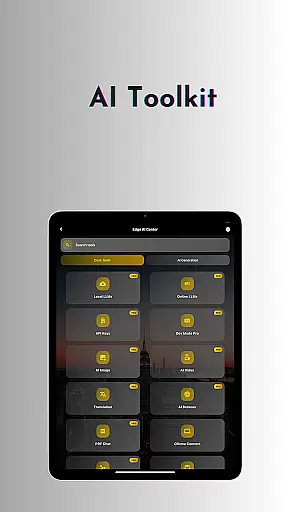
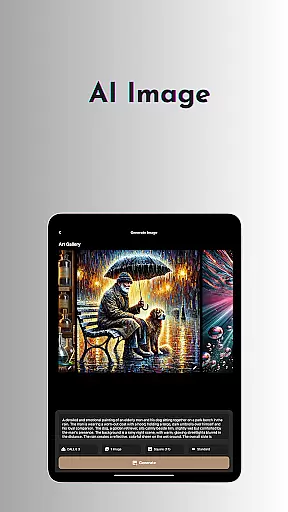
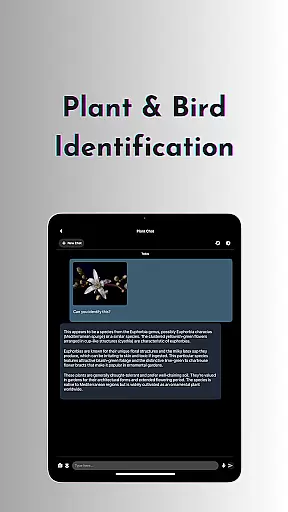
The app includes AI-driven features such as video generation, image creation using Stable Diffusion and DALL·E 3, offline OCR document scanning, and private speech-to-text transcription. Additionally, it offers specialized tools like AI Browser for summarizing articles, Study Assistant for learning support, and plant and bird identification. With its optimized performance across all devices and ad-free experience, OneLLM Pro delivers exceptional value for both casual users and professionals.
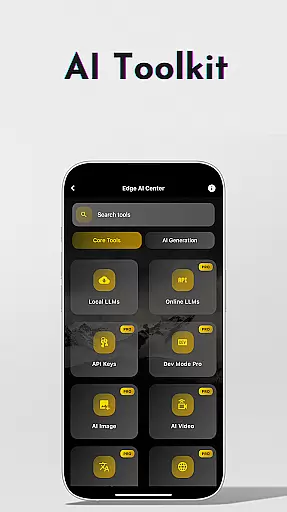
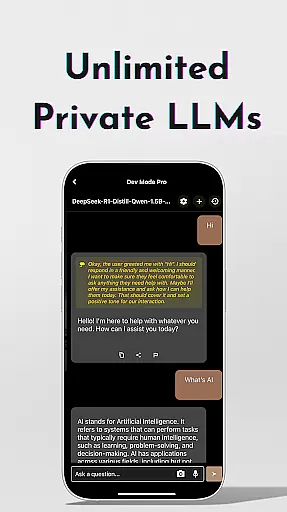
OneLLM Pro stands out with its comprehensive toolkit designed to enhance productivity. The app provides unlimited access to private, fully offline LLMs, enabling users to customize unique AI characters tailored to specific needs. For those requiring advanced capabilities, the app also connects to cloud-based LLMs via API keys, unlocking top-tier models like o1, DeepSeek, and Grok.
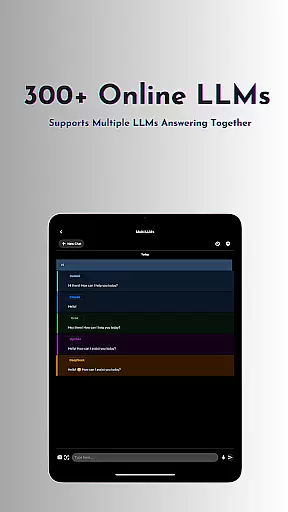
Beyond language models, OneLLM Pro includes innovative AI tools such as cinematic video generation, professional-grade image creation, and offline OCR scanning. Its Private Speech-to-Text Transcription ensures confidentiality during meetings, while the AI Browser helps digest complex content quickly. The app also features LLM Dev Mode for developers, multi-LLM simultaneous response mode, and integrations with platforms like Hugging Face, making it a versatile solution for various use cases.
Task management is a cornerstone of productivity applications, and OneLLM Pro excels in this area by offering an extensive suite of AI-driven tools designed to streamline workflows. The app's core features include unlimited private and local LLMs, which allow users to handle daily tasks without internet connectivity, ensuring privacy and speed. These models can be customized to fit specific needs, providing a personalized task management experience that adapts to various scenarios.
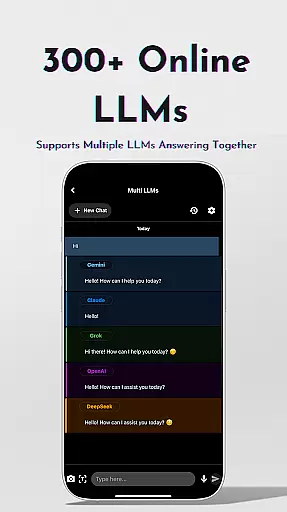
OneLLM Pro also integrates advanced functionalities such as multi-LLM simultaneous response mode, enabling users to receive instant answers from leading LLMs with just one click. This feature eliminates the need to switch between different apps, thus enhancing efficiency. Additionally, the study assistant tool supports text input, photo capture, or image uploads, making it versatile for educational purposes and research projects.
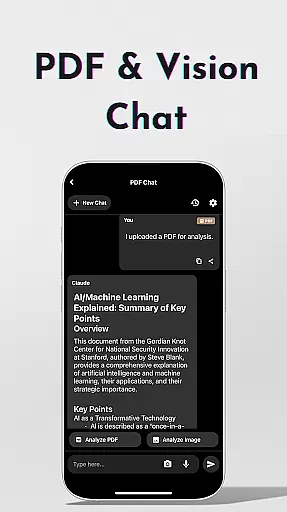
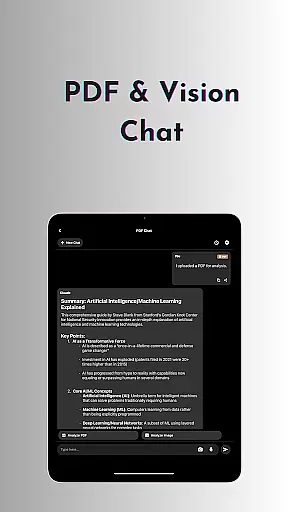
For professionals who require robust document analysis capabilities, OneLLM Pro offers chat functionalities with PDFs and images. Users can analyze documents quickly, pinpoint essential details, and focus on critical content, saving valuable time. With these comprehensive task management solutions, OneLLM Pro empowers users to optimize their productivity while maintaining control over their data and workflow processes.
Cross-device synchronization is vital for maintaining consistency and accessibility across multiple platforms, and OneLLM Pro ensures reliable performance in this domain. By leveraging both local and cloud AI capabilities, the application provides seamless integration that adapts to user preferences and device specifications. Whether working offline or online, users benefit from synchronized data that remains secure and up-to-date, regardless of the device being used.
The smart LLMs matching feature intelligently recommends models optimized for individual devices, ensuring peak performance while conserving storage and battery life. This adaptability extends to various hardware configurations, from entry-level smartphones to flagship models, guaranteeing smooth operation and consistent user experiences. Furthermore, OneLLM Prou2019s Hugging Face integration allows easy downloading and customization of models directly within the app, enhancing flexibility and personalization options.
With its ad-free environment and commitment to privacy through local processing, OneLLM Pro delivers a dependable cross-device synchronization solution. Users can trust that their information remains confidential, with no external data sharing, allowing them to focus on their tasks without distractions. Overall, OneLLM Pro sets a high standard for synchronization reliability, empowering users to work efficiently across all their devices.
Extensive AI toolkit
Offline functionality
Privacy-focused design
Cloud and local AI options
Ad-free experience
Requires API setup
High system demands
Limited free models
Complex for beginners
Premium subscription cost

 4.20
4.20
Client for Nextcloud Deck
4.60
Take control of your clipboard with Clipper!
3.90
All in one sketching tool. Technical and General drawing. Online Maps support.
3.70
Send files, sync SMS, notifications & clipboard across devices via local network
4.40
Make your handwriting beautiful, even more than pen on paper.
3.60
Set up, print, and get support—in one place
4.20
Put a lock on your cloud: Take the security of your data into your own hands
3.70
QuickEdit is a fast, stable and full featured text and code editor.
4.20
8 custom complications. Custom Time Fonts. Beautiful color schemes. A++ Design.
5.00
We're working to become the best machining app on the market! www.cncdirt.com
4.80
Use powerful, industry-leading AI tools to generate visual charts from any data
4.80
Direct Chat without saving contacts & Dual WA Account on Single Device
4.70
Secure, fast, open-source, Remote Desktop Client for Windows and Linux with SSH
4.60
CalenGoo is a very flexible and feature-rich calendar app
4.40
Enjoy classic gameplay with customizable features and retro-style graphics.
4.30
Pwnagotchi companion app
4.20
Activate Two Factor Authentication (2FA or Multi OTP), Password manager and more
4.10
Intelligent AI Assistant
4.10


User Reviews