

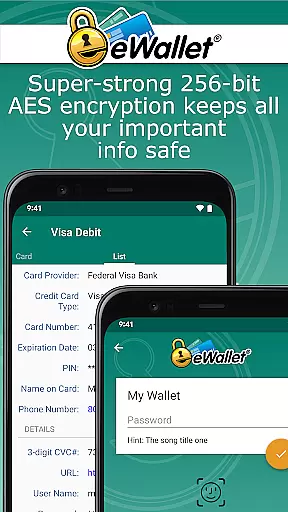
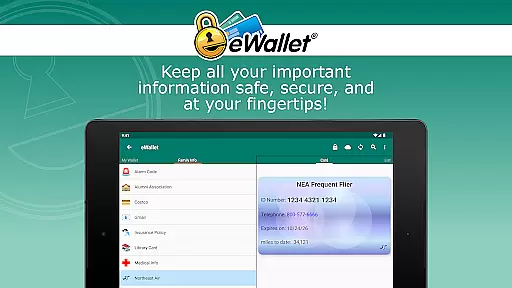
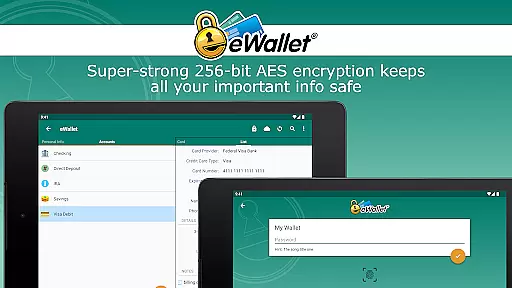
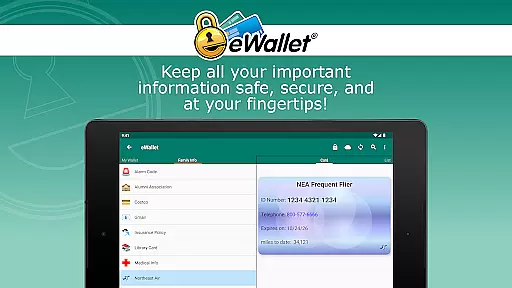
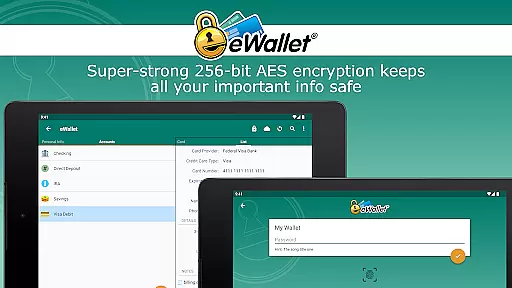
eWallet is a premier productivity app designed for managing sensitive information with military-grade security. This application allows users to store passwords, credit card details, and personal data behind 256-bit AES encryption, ensuring top-tier protection. With the inclusion of updated Biometric features such as fingerprint and facial recognition, accessing your secure information has never been easier or safer.
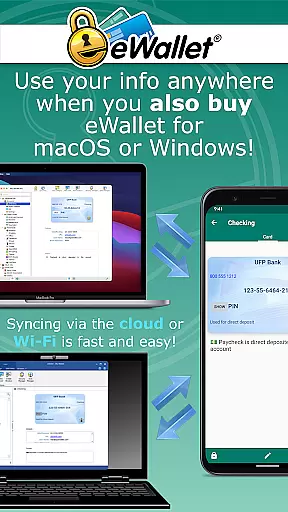
Designed for both smartphones and tablets, eWallet provides seamless synchronization across Android devices and desktop computers via cloud services like Dropbox, Google Drive, or local Wi-Fi. Its comprehensive password management system includes an auto-lock feature, random password generator, and customizable wallets, making it an indispensable tool for anyone looking to maintain a secure yet accessible digital life.
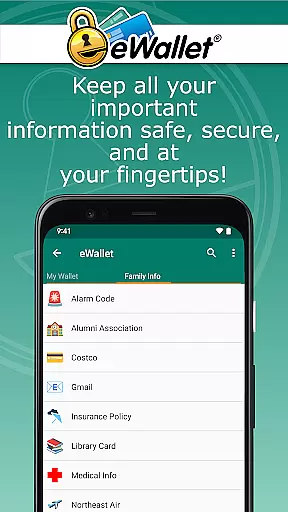
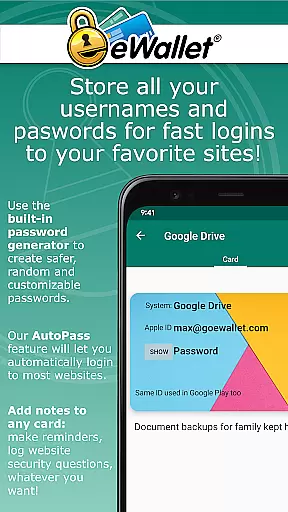
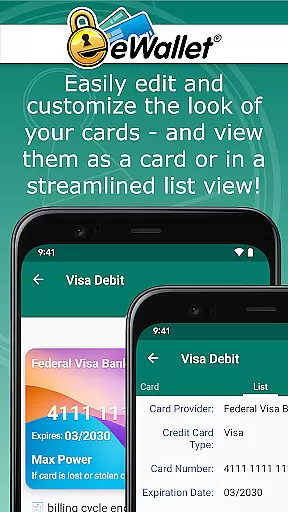
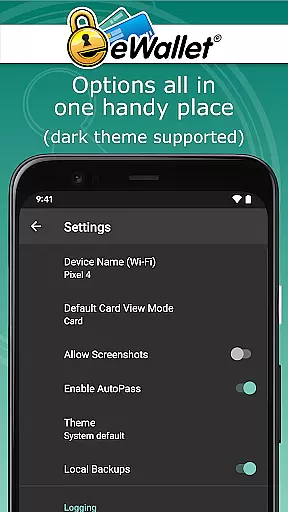
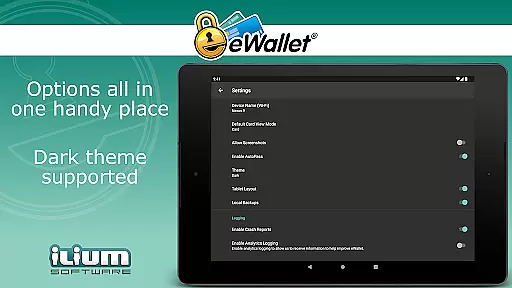
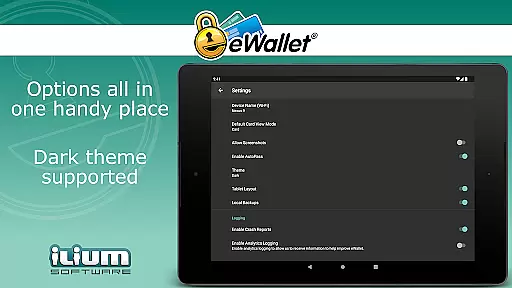
eWallet stands out with its robust feature set tailored for secure and efficient personal data management. The app supports biometric authentication methods including fingerprint and facial recognition, offering users a convenient yet secure access method. It also includes a Dark Theme for user comfort and a built-in browser control known as AutoPass, which automatically enters passwords.
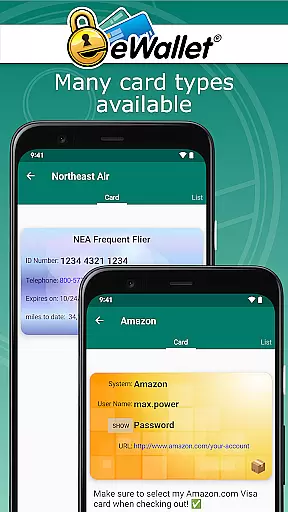
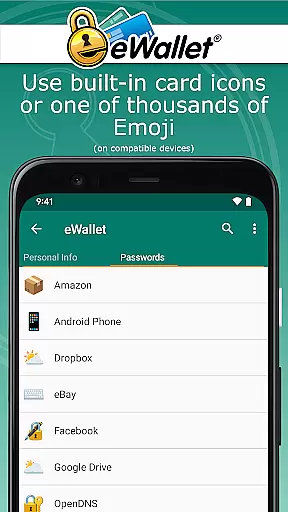
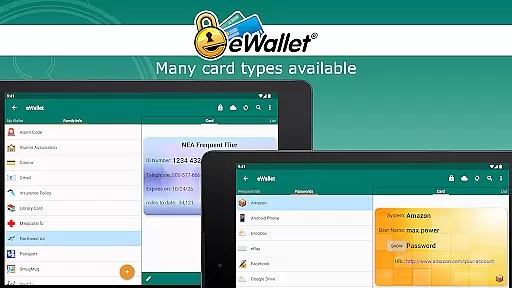
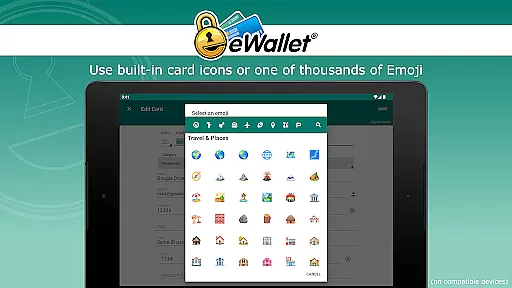
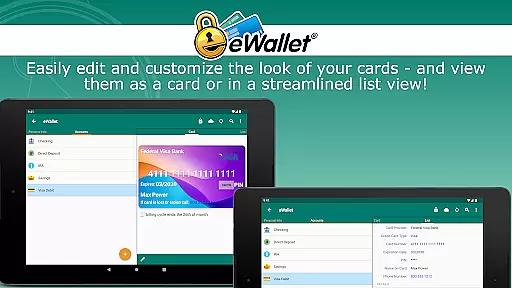
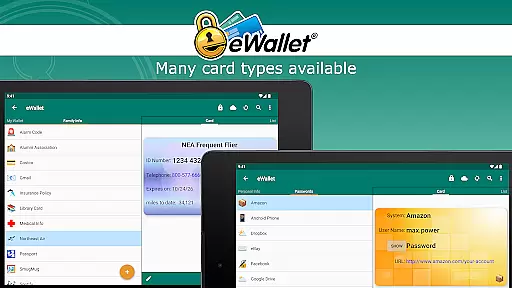
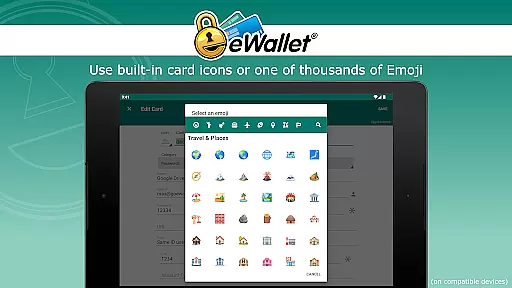
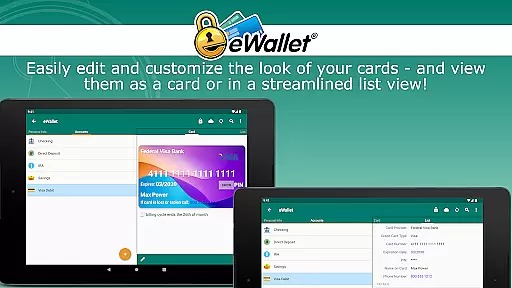
One of the key highlights is its ability to sync multiple wallets across various devices using either cloud services like Google Drive or local Wi-Fi connections. Users can customize their experience with unique card designs, backgrounds, and categories. Additionally, eWallet offers a random password generator and stores critical information such as bank account and insurance details, ensuring all personal data is both secure and easily accessible.
In the realm of productivity applications, core task management is pivotal for organizing and securing personal information efficiently. eWallet excels in this area by offering a comprehensive solution that caters to the management of sensitive data such as passwords, credit card details, and personal identification numbers.
Utilizing military-grade 256-bit AES encryption, eWallet ensures that your digital life remains protected against unauthorized access. The app's ability to store and manage complex information, coupled with an auto-locking feature, means users can confidently carry their data wherever they go without compromising on security.
The true value of eWallet's task management capabilities lies in its seamless synchronization options. Whether through cloud services like Dropbox, Google Drive, or Microsoft OneDrive, or via Wi-Fi with its desktop counterparts, users can maintain up-to-date records across all their devices. This cross-device reliability enhances accessibility while maintaining stringent security protocols.
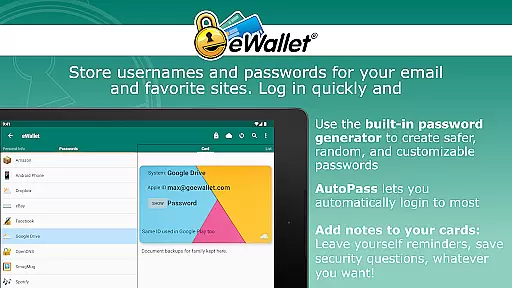
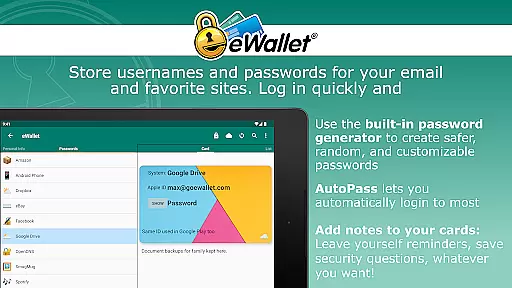
Furthermore, features such as the random password generator and AutoPass automatic password entering through a built-in browser control augment the user experience by simplifying the management of online credentials. These tools not only save time but also contribute to a more secure digital presence by encouraging the use of strong, unique passwords for different accounts.
Cross-device synchronization is a cornerstone of modern productivity apps, enabling users to access their data from multiple devices without hassle. eWallet addresses this need by providing reliable synchronization options that ensure your 'wallets' are consistently updated across your Android devices and computers.
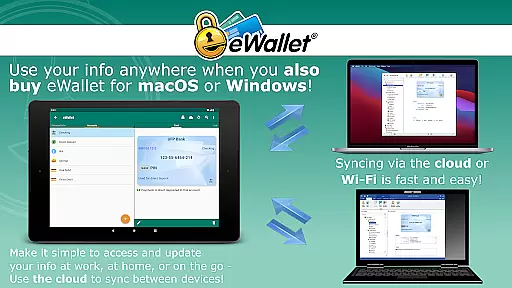
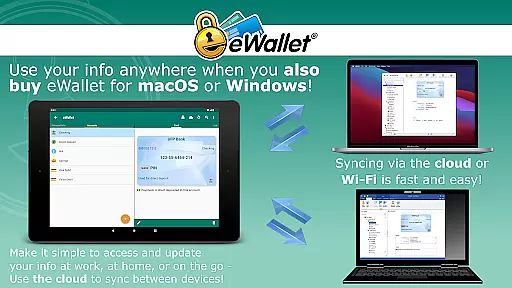
With support for popular cloud services including Dropbox, Google Drive, and Microsoft OneDrive, eWallet facilitates effortless data syncing. Users can choose between cloud-based synchronization for convenience or opt for local Wi-Fi sync with the macOS or Windows version of the app for enhanced privacy.
This flexibility in choosing how to sync data enhances both the reliability and security of information transfer. By allowing users to create and sync multiple wallets between various devices, eWallet ensures that whether at home, in the office, or on the move, your critical data remains accessible yet safeguarded.
Moreover, the inclusion of backup functionalities during synchronization means that users can restore previous versions of their wallets if needed. This robust approach to data management underscores eWallet's commitment to delivering a dependable cross-device experience, reinforcing its position as a trusted tool for personal data security.
Top-tier encryption
Biometric login options
Cloud and Wi-Fi sync
Customizable interface
Auto-lock security feature
No iOS compatibility
Separate desktop purchase
Limited free features
Subscription fees apply
Complex setup process

Create study competitions, track your hours, and stay consistent with friends
 4.5
4.5
Absolutely the best CNC machinist speed and feed calculator around. fswizard.com
4.60
Secure, fast, open-source, Remote Desktop Client for Windows and Linux with SSH
4.60
Make apps & sites with natural language prompts
4.10
Simple and reliable communication between inmates, friends and family
3.20
The ultimate file manager for rooted devices. The original and still the best.
4.00
Ultimate Virtual AI Character for immersive Roleplay Chat. Perfect Companion
3.90
Lightweight PDF, Word, Excel reader.
4.60
Browse and view your photos and videos from the phone with photo & video hide.
4.10
Multilingual translator for text, voice, and image translation!
4.90
Android Wallet Password Manager
4.80
Direct Chat without saving contacts & Dual WA Account on Single Device
4.70
A simple Whisper AI keyboard for reliable speech transcription and rewording
4.60
Docker, Kubernetes management over Portainer Mobile
4.40
Share files & memories safely. Keep your photos and videos secure.
4.40 4.20
4.20
Pwnagotchi companion app
4.20
Smart PDF reader & editor to view, organize and manage PDF documents easily.
3.70
Remotely view listen control and record cameras.
3.70


User Reviews