

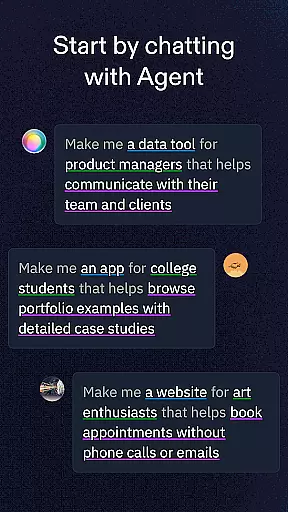
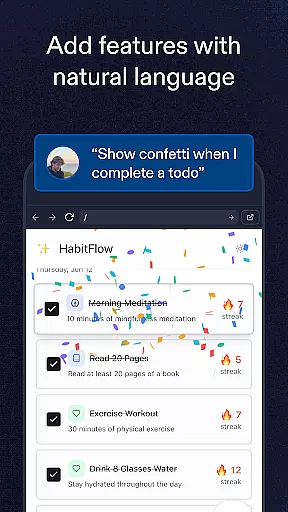
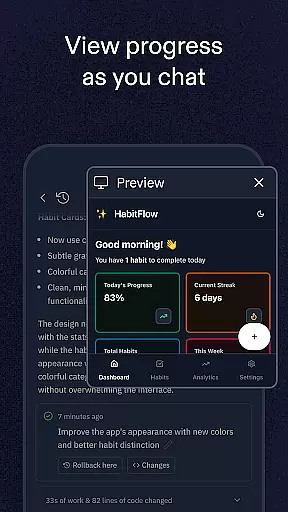
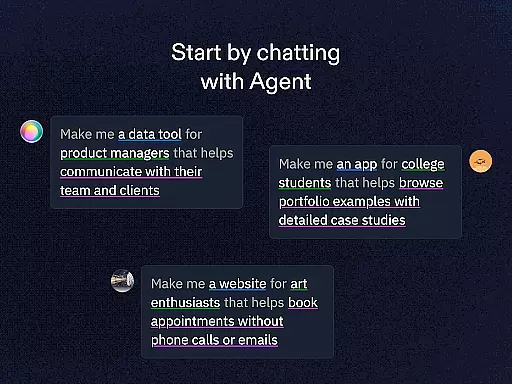
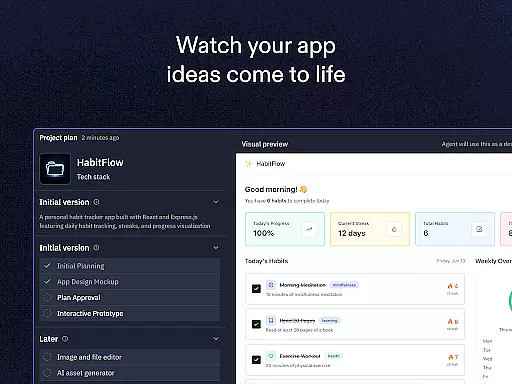
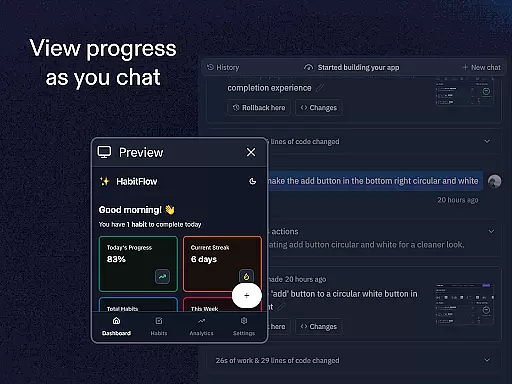
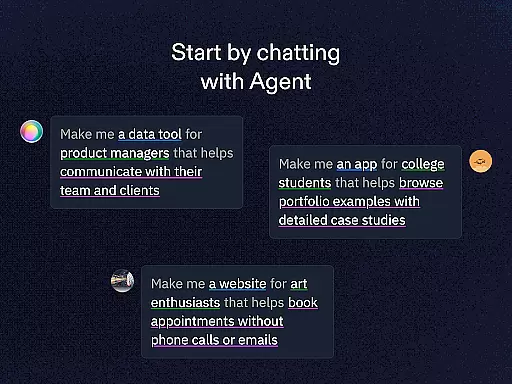
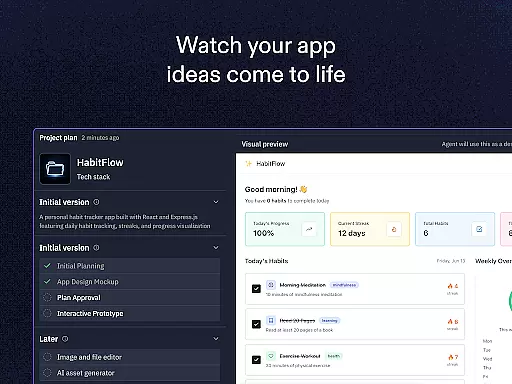
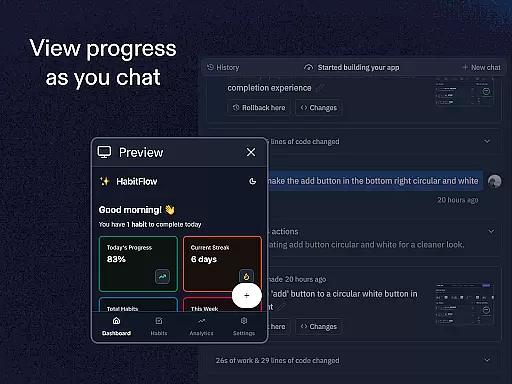
Replit is a powerful productivity app that allows users to create, develop, and deploy real projects directly from their mobile devices. The app supports the creation of apps, websites, and games with natural language prompts, eliminating the need for coding skills. Replit Agent can automatically build your app or website idea through simple chat commands, making it an ideal tool for both beginners and experienced developers.
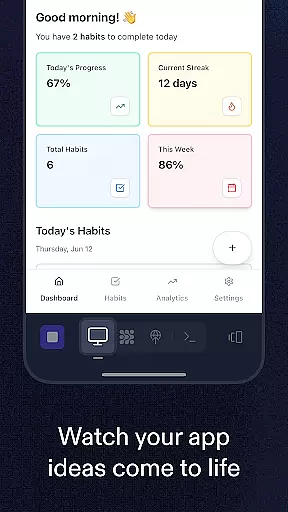
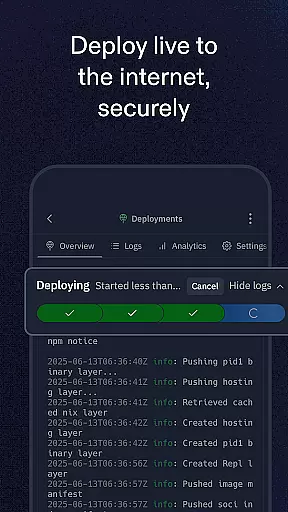
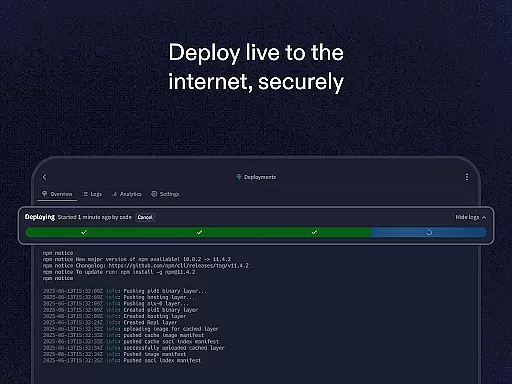
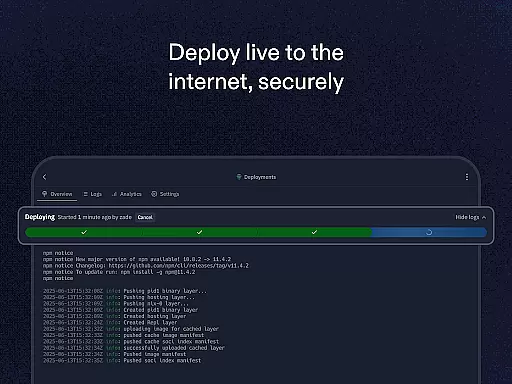
The app offers features such as zero-setup deployment, real-time multiplayer collaboration, support for multiple programming languages and frameworks, and access to millions of templates and projects. With Replit, you can instantly host your projects, set up custom domains, configure user logins, and spin up databases quickly. Whether you're new to app development or have years of experience, Replit provides the tools necessary to bring your ideas to life efficiently and effectively.
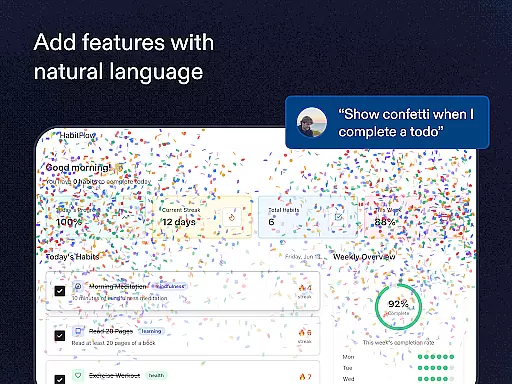
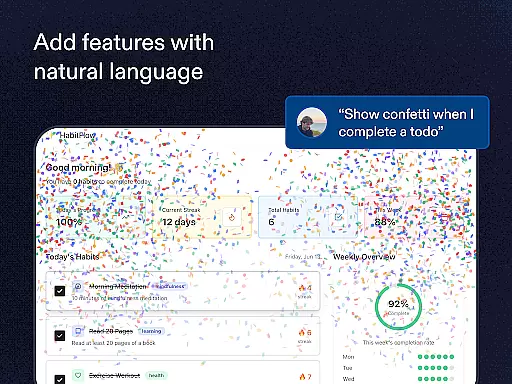
Replit stands out with its innovative features designed to enhance productivity and streamline project development. One of its key features is Replit Agent, which allows users to describe their app or website idea in natural language, and the system will automatically generate the project. This feature significantly reduces the time and effort required to start new projects.
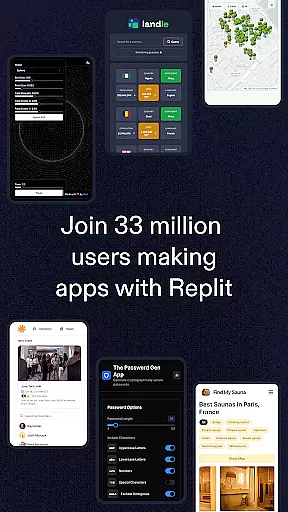
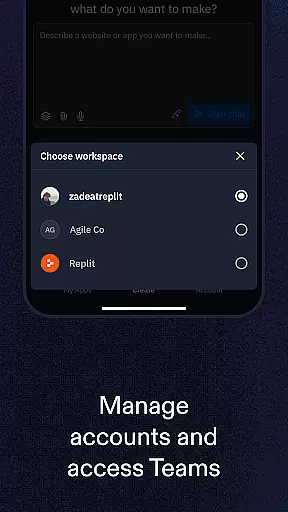
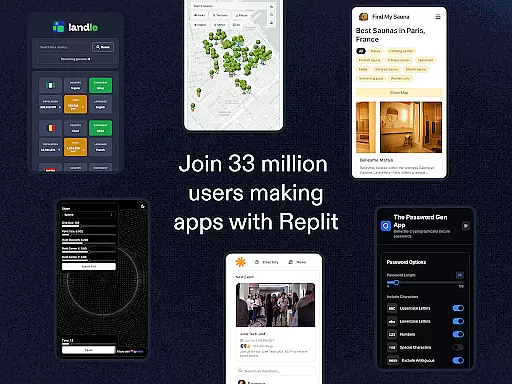
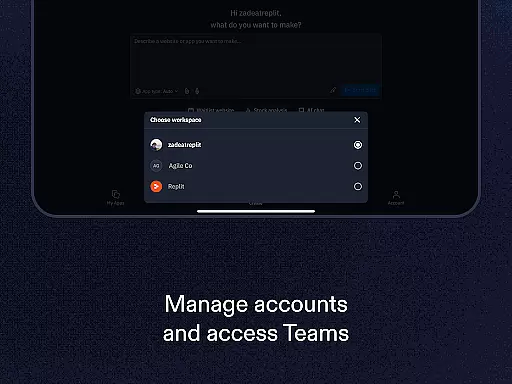
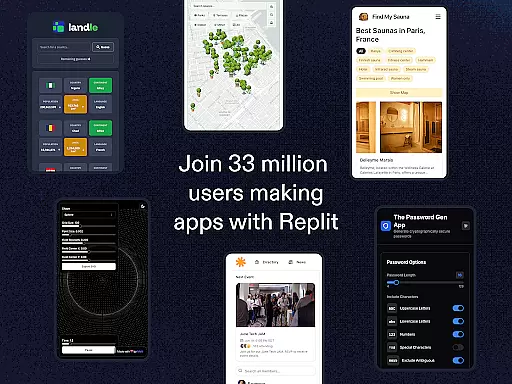
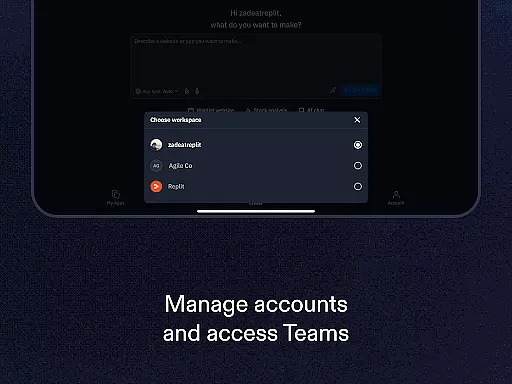
Another notable feature is the real-time multiplayer collaboration, enabling multiple users to work on the same project simultaneously. This fosters teamwork and creativity, allowing users to collaborate live with friends or colleagues. Additionally, Replit supports over 33 million creators' projects, providing a vast library of templates and resources to clone and remix. The app also includes advanced functionalities like custom domain setup, replAuth for user login configuration, and ReplDB for quick database setup, ensuring that users have all the tools they need to develop and deploy complex applications.
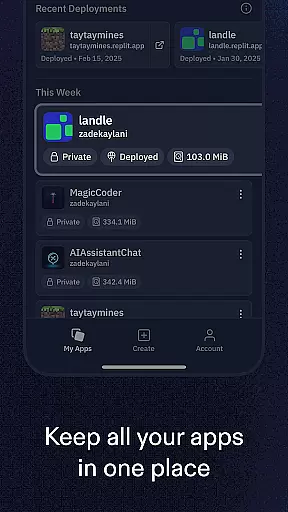
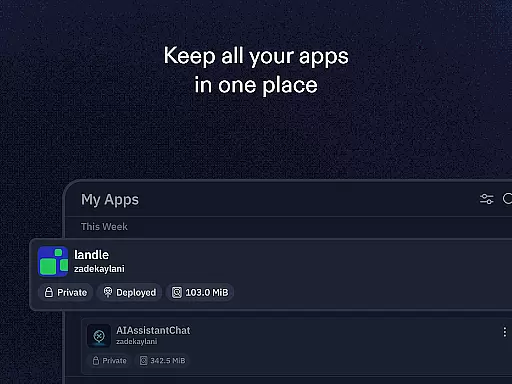
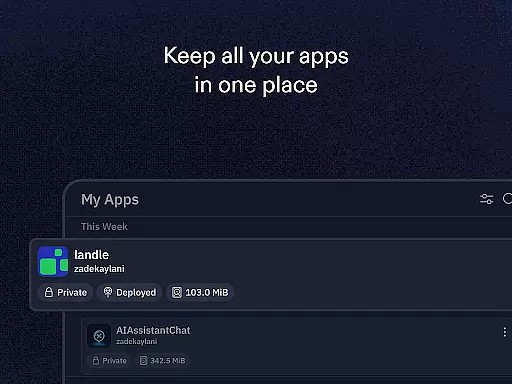
Effective task management is essential for productivity applications, and Replit excels in this area by offering a comprehensive suite of tools designed to streamline the creation and deployment process. The app provides an intuitive interface that allows users to manage their projects efficiently, whether they are beginners or seasoned developers.
Replit's core task management features include instant hosting with zero setup deployment, which means that users can focus on coding and developing without worrying about the underlying infrastructure. This seamless integration of development and deployment processes ensures that projects are live and accessible quickly, enhancing productivity.
Moreover, Replit supports real-time multiplayer collaboration, enabling users to invite friends or colleagues to work together on a project simultaneously. This feature not only improves efficiency but also fosters a collaborative environment where ideas can be shared and refined in real time.
For users looking to expand their projects, Replit offers advanced functionalities such as custom domain setup and user authentication through replAuth, making it a versatile tool for managing various aspects of app development and maintenance.
Cross-device synchronization is a critical component for any productivity tool, ensuring that work is not lost and remains accessible across different devices. Replit addresses this need by providing reliable synchronization that allows users to start a project on one device and continue working on it from another without missing a beat.
The platform supports creating and shipping projects entirely from a mobile phone, which means that whether you're at home on your computer or on the go with your smartphone, your work remains consistent and up-to-date. This flexibility is particularly beneficial for users who travel frequently or prefer working from multiple locations.
Additionally, Replit's cloud-based infrastructure ensures that all changes are saved automatically and are available instantly across devices. This eliminates the risk of losing progress due to device failure or connectivity issues, providing peace of mind and allowing users to focus on their creative process.
With its robust cross-device synchronization capabilities, Replit empowers users to collaborate effectively, regardless of their physical location, thereby enhancing overall productivity and project continuity.
User-friendly interface
Powerful automation tools
Extensive template library
Real-time collaboration
Zero-setup deployment
Limited offline functionality
Subscription fees apply
Advanced features require learning
Occasional performance issues
Dependent on internet connection

QuickBooks Workforce lets teams view pay info and track time in one place.
 4.70
4.70
Easily read and manage all your PDF files
4.10
Send files, sync SMS, notifications & clipboard across devices via local network
4.40
The Pro Version of Android's tiniest Notepad app. Just 0.3MB but feature-packed!
4.60
Stay on top of your to-dos with Google Tasks, part of Google Workspace.
4.60
Calendar 2023 widget for Android. Appointment scheduler, planner, and reminder
4.60
Scientific calculator for Android - looks and operates like the real thing!
4.90
Okta MFA
4.70
AI Chatbot and AI writing assistant powered by ChatGPT.
4.60
Native client for Forgejo and Gitea
5.00
8 custom complications. Custom Time Fonts. Beautiful color schemes. A++ Design.
5.00
aCalendar+ makes your day, week and month
4.70
App Lock with fingerprint, password: Lock apps & hide photos with lock screens
4.60
PDF scanner & converter for files, photos, lottery, QR codes. One swipe away!
4.50
A Pixel Art watchface inspired by other iconic 90s designs for Wear OS devices!
4.40
Customizable calendar widget for seamless event sync, planning & scheduling.
4.00
Create and edit presentations with Google Slides, part of Google Workspace.
4.00
Mega cloud explorer plugin for Solid Explorer
3.80
IP Camera Viewer - Android TV : RTSP Surveillance camera viewer for Android TV
4.1


User Reviews