

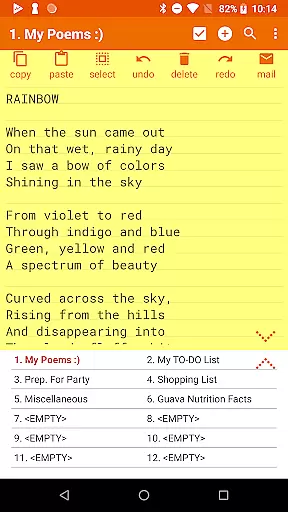
Notepad Pro represents the pinnacle of note-taking applications on Android, designed for users who value efficiency and versatility in their productivity tools. This application offers an unlimited number of notepad slots, ensuring that you can document as many ideas or tasks as needed without constraint. Its standout feature is the auto-save functionality, which guarantees that your notes are preserved instantly, eliminating the risk of data loss.
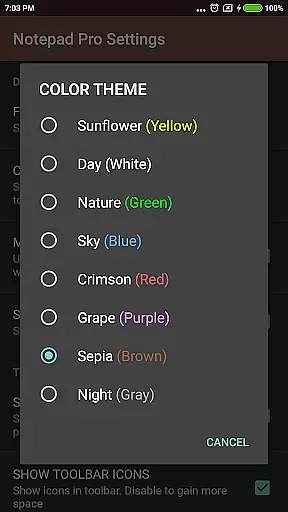
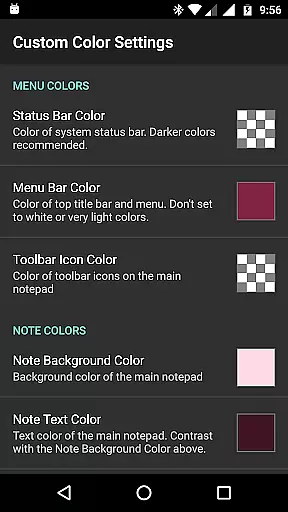
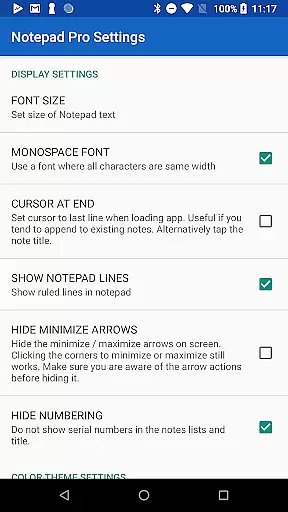
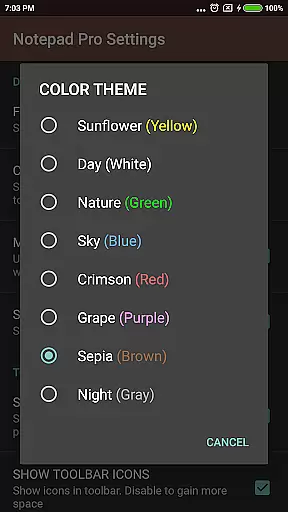
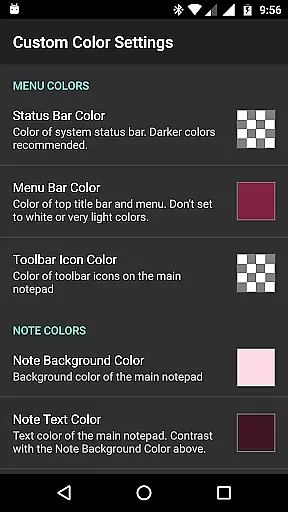
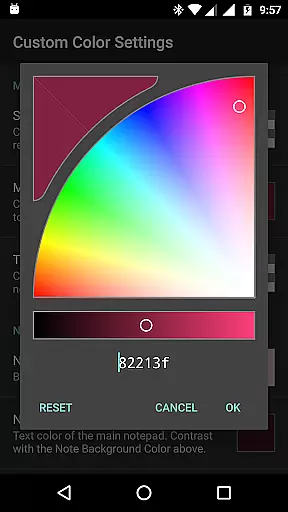
Beyond its core capabilities, Notepad Pro enhances user experience with advanced features such as in-line checklist creation, search functionalities within and across notes, and desktop widget support. The app's remarkably compact size of just 0.3 MB ensures minimal impact on device resources while providing powerful customization options like custom themes and full-screen views. Whether for personal or professional use, Notepad Pro delivers a seamless blend of functionality and flexibility to optimize your note-taking process.
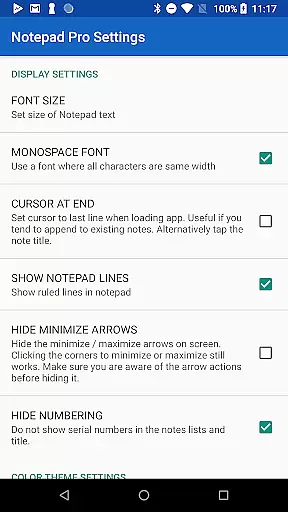
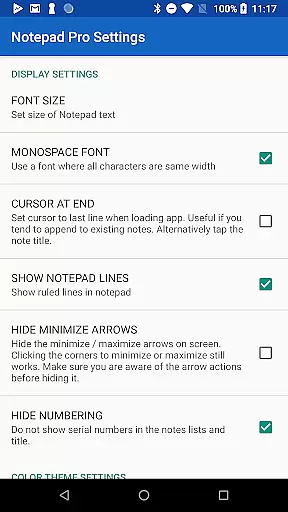
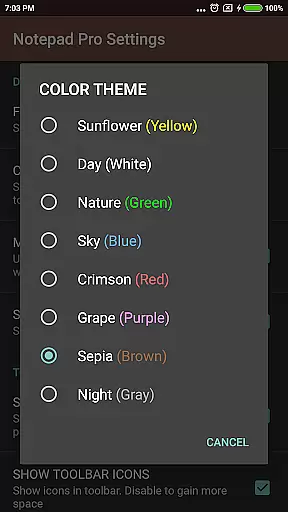
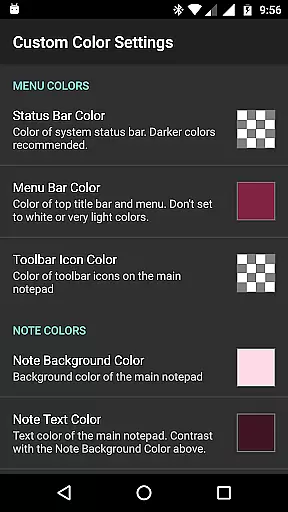
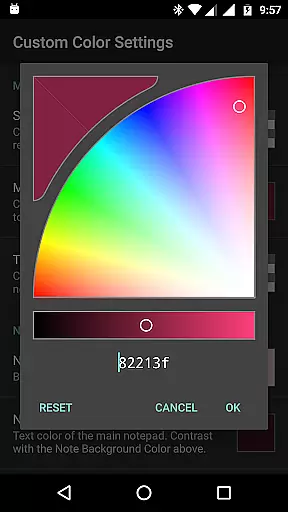
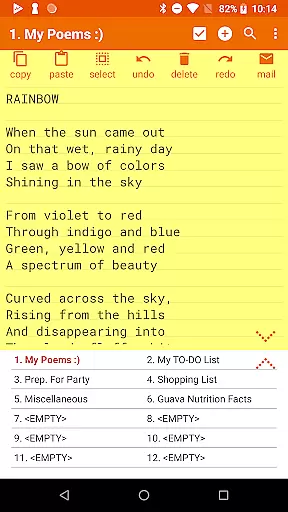
Notepad Pro distinguishes itself through a comprehensive suite of features tailored to meet diverse user needs. One of its primary advantages is the ability to customize and rearrange notes, allowing users to organize their thoughts precisely how they prefer. With options for categorization and bookmarking, alongside always-visible note titles and blank note initialization, it provides a highly personalized and efficient workspace.
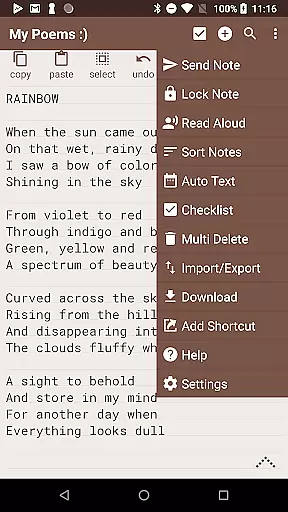
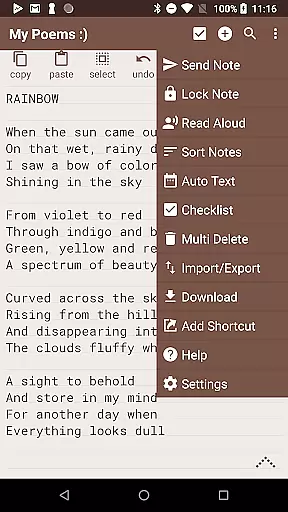
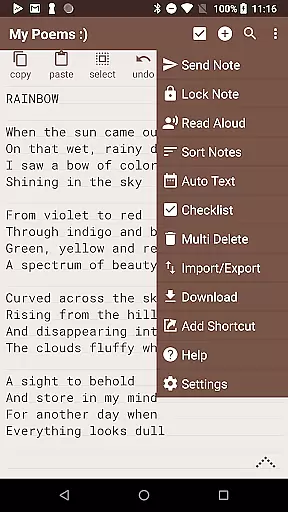
Safeguarding your information is another critical aspect where Notepad Pro excels. It offers robust backup solutions including local downloads of notes and backups, selective import/export capabilities, and adjustable backup frequencies. Accessibility features further enhance usability; read-aloud functionality caters to auditory learners, while desktop shortcuts and additional configuration settings ensure quick access and tailored interactions. Sharing functionalities are equally impressive, supporting integrations with external apps, email attachments, and specified preferred email clients, making collaboration effortless.
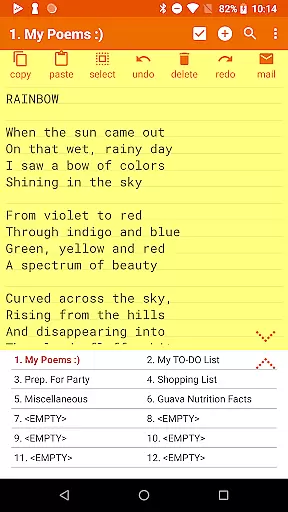
Notepad Pro excels in core task management by providing users with unlimited notepad slots, ensuring that you never run out of space for your notes. This feature is crucial for individuals who require extensive note-taking capabilities without the worry of storage limitations.
The app also supports in-line checklist capability, allowing users to create and manage tasks efficiently. With this functionality, users can easily track their to-do lists, check off completed items, and maintain an organized workflow directly within their notes.
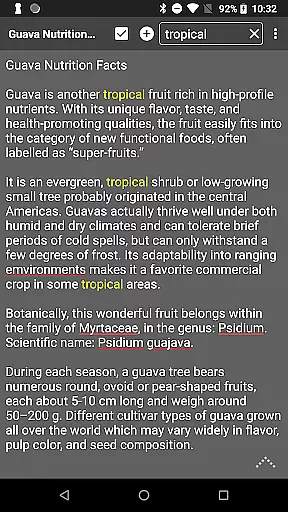
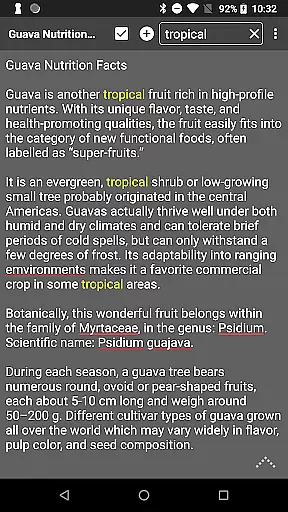
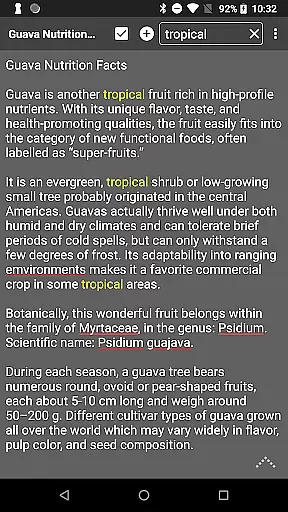
Additionally, Notepad Pro offers search functionality both within and across notes, making it effortless to locate specific information quickly. This ensures that users can retrieve important data without sifting through numerous notes manually, thus enhancing productivity and saving valuable time.
While Notepad Pro focuses on device-local features, it provides reliable options for managing and safeguarding your notes. The app allows users to download notes and backups locally, which means you have full control over your data and can access it across devices by manually transferring files.
For those concerned about data safety, Notepad Pro includes a feature to restore notes by opening backup files. This ensures that your valuable information is never lost and can be recovered easily when needed, offering peace of mind regarding your note security.
Moreover, the selective import/export notes functionality adds another layer of flexibility. Users can choose specific notes to share or back up, ensuring that only necessary information is synchronized or transferred between devices, maintaining both convenience and confidentiality.
User-friendly interface
Highly customizable
Efficient performance
Comprehensive backup options
Versatile sharing capabilities
Paid version only
Limited design templates
No cloud sync
Advanced features may overwhelm new users
Occasional bugs reported




When you Focus, so will your Bean in this cozy focus timer
 4.30
4.30
Planet Free VPN - The best Fast Unlimited and Secure VPN Without Logs
4.50
Easiest event planning, volunteer signups & parent teacher conference scheduling
2.20
Calendar 2023 widget for Android. Appointment scheduler, planner, and reminder
4.60
* block pre-roll ads, pop-up and forced redirect ads * Samsung certification app
4.00
Quickly and easily keep track of your work shifts
4.70
Secure your apps with lock screens, use custom themes and different features.
4.40
Understand anything with a personalized AI research assistant
4.80
Okta MFA
4.70
App lock - lock apps with fingerprint, password, pin or pattern, protect privacy
4.70
A beautiful digital clock with autostart and many other functions
4.70
A simple Whisper AI keyboard for reliable speech transcription and rewording
4.60
Lightweight PDF, Word, Excel reader.
4.60
A customizable calendar for your Wear OS watch
4.20
Wake up & get tasks done! Add alarms & reminders on the Clock Launcher.
4.00
Secure, open-source, SPICE and SSH Remote Desktop for QEMU KVM virtual machines
4.00
Find and delete junk files & block unwanted notifications & manage files
3.70
ID.me Authenticator is a simple and free Two Factor Authentication solution
3.50
IP Camera Viewer - Android TV : RTSP Surveillance camera viewer for Android TV
4.3

User Reviews