

OPlayer is a professional-grade media playback application designed for both Android tablets and smartphones, offering support for an extensive range of video and audio formats. With over a decade of development, it stands out as one of the premier HD video players available on the market.
Key features include hardware acceleration for smooth 4K playback, Chromecast support for casting videos to TV, pop-up and background video playback options, and comprehensive file management capabilities. The app also provides advanced functionalities such as gesture unlock for video safety, subtitle downloader, night mode, and quick mute options.
Ideal for users who require a versatile media player that can handle high-definition content with ease, OPlayer ensures an optimal viewing experience across various devices while maintaining a user-friendly interface.
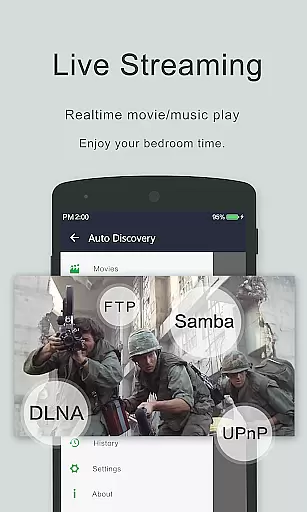
OPlayer distinguishes itself through its robust feature set tailored for avid multimedia consumers. It supports virtually all video formats including MKV, MP4, AVI, and more, making it an all-in-one solution for video playback needs.
The inclusion of hardware acceleration allows for seamless Ultra HD and 4K video rendering, while the floating video player enables multitasking without interrupting media consumption. Additionally, the integrated file manager facilitates effortless organization and sharing of media files directly from the app.
Users benefit from customizable playback settings like auto-rotation and aspect ratio adjustments, alongside practical utilities such as volume and brightness controls via intuitive touch gestures on the playback screen.
Video format compatibility is a crucial feature for any video player as it determines the range of video files that can be played. OPlayer excels in this area by supporting almost all video formats, including but not limited to MKV, MP4, M4V, AVI, MOV, 3GP, FLV, WMV, RMVB, and TS.
The application's extensive format support ensures that users are not restricted by the type of video files they wish to play. Whether you're watching high-definition movies or viewing personal recordings, OPlayer provides seamless playback without the need for file conversion.
Furthermore, OPlayer stands out as one of the best HD video players for Android devices, offering Ultra HD video playback, including 4K resolution. This makes it an ideal choice for users who demand the highest quality visual experience on their Android tablets and phones.
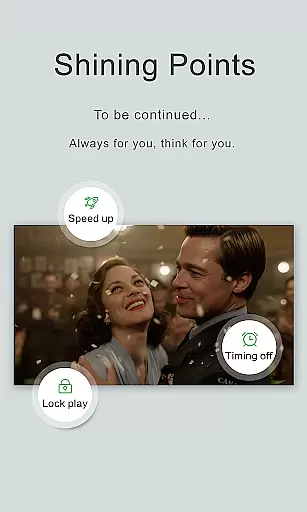
With hardware acceleration and multi-playback options such as auto-rotation, aspect-ratio adjustment, and screen-lock, OPlayer delivers both flexibility and performance, ensuring that every video plays smoothly and looks stunning on any device.
While OPlayer is primarily known for its video playback capabilities, it also offers AI-powered editing features that enhance the user's ability to manage and interact with their media files. Although not traditionally an editor, OPlayer includes functionalities that allow for basic management tasks, which are augmented by intelligent algorithms.
The app automatically identifies all video files on your device and SD Card, organizing them in a way that makes it easy for users to access and manage their content. This automatic identification and organization are akin to AI-powered features found in dedicated video editors, streamlining the process of finding and handling media files.
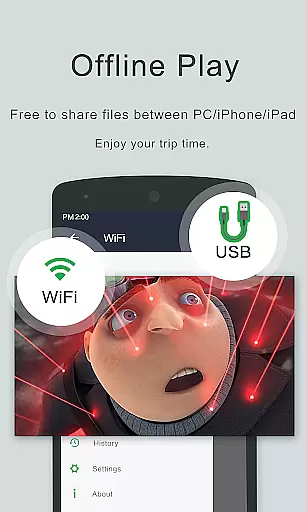
OPlayer goes beyond simple playback by providing users with a full-featured file manager. This includes operations such as moving, cutting, and pasting files, allowing users to maintain an organized library of videos. The ease of managing or sharing videos directly from the player adds a layer of convenience not commonly found in other video players.
Additionally, OPlayer supports subtitle downloading and customization, further enriching the viewing experience. These features, combined with the ability to control volume, brightness, and playing progress through intuitive touch gestures, demonstrate how OPlayer integrates smart functionalities to improve user interaction with their video content.
Comprehensive format support
Smooth 4K video playback
Chromecast integration
Advanced file management
Multitasking friendly
Premium version required
Occasional bugs reported
Interface not modern
Limited free features
Ads in free version
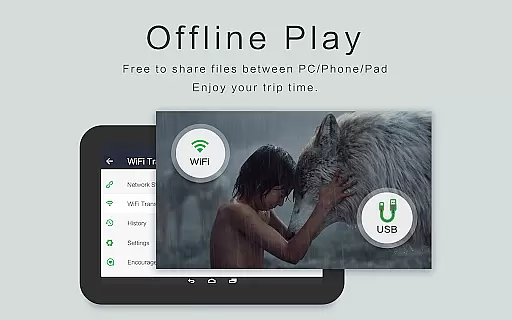
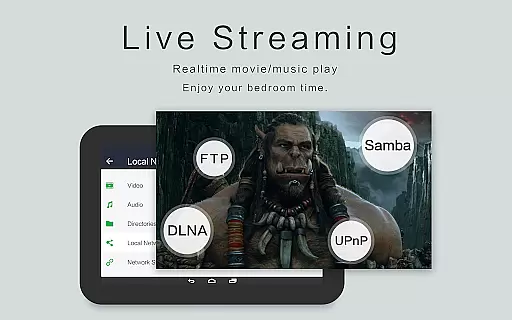
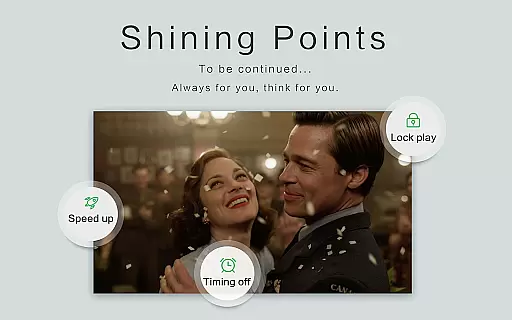
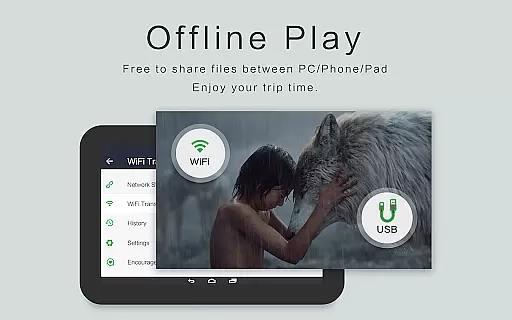
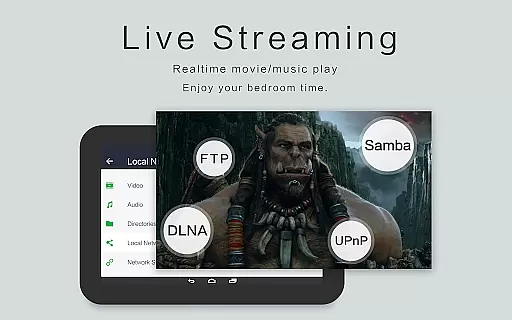
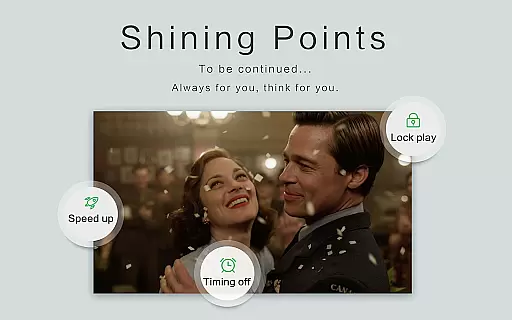

Video player, file manager for all formats, 4K/HD media player supports subtitle
 4.30
4.30
Watch full episodes of your favorite Cartoon Network and Cartoonito shows!
3.50
Live TV, anywhere in your home
3.80
GENRAL PRO - General Pro is the best video player that fully supports all formats.
4.70
Powerful Video Editor & Photo Editing App —— Quick Edits & Stunning Effects!
4.30
Find, download, and play torrents with the official BitTorrent® Pro app
4.70
The essential companion to your Blue Iris PC software
2.50
#1 Torrent App on Android ** No Ads Ever + Battery Saver **
4.80
Capture the moment and Cut
3.40
Cast Videos from Web Browser, IPTV to Roku, Chromecast, DLNA, Smart TV +more
4.60
Create photo video with music & template. AI video maker for stunning slideshow.
4.60
Full HD Video mp3 Player, MP4 player play 1080p, File manager, Video Downloader
4.40
KMPlayer Plus (Divx Codec) officially support Divx codec.
4.30
Stream Web Videos to Chromecast, Samsung, LG, Sony, Roku, Fire TV, DLNA + more
4.00
Connect 2 UVC devices for recording and broadcast video/audio stream
3.90
HD video & music player - All format support with floating & PIP mode!
3.80
A full editing room to accompany your Insta360 cameras and handheld gimbals.
3.30
Video player with powerful streaming playback and various convenient features.
2.10
Play and download HD videos from all sources — fast, simple, and all-in-one.
4.0

User Reviews