

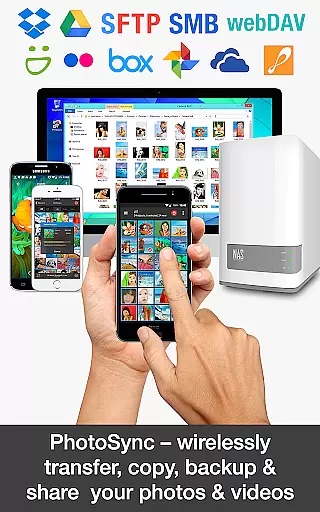
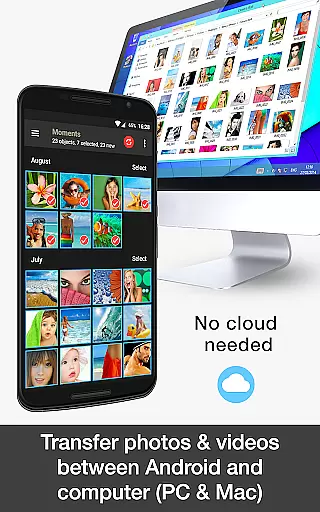
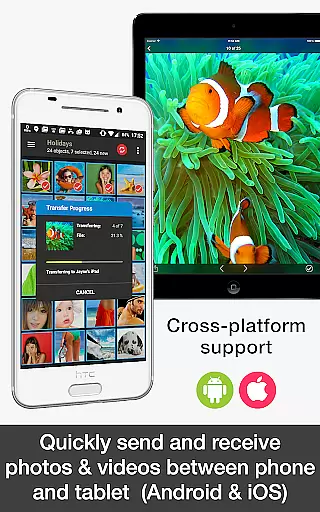
PhotoSync Bundle Add-On is an advanced activation license that enhances the free version of PhotoSync, a leading cross-platform solution for wireless photo and video management. This add-on enables users to seamlessly transfer, backup, and share multimedia content between Android devices, iOS, Windows, Mac, NAS, cloud services, and more.
With over 10,000 positive reviews and millions of successful transfers, PhotoSync stands out as a reliable and secure software with ten years of market presence. The bundle includes Autotransfer, NAS, and Cloud add-ons, offering users unlimited capabilities such as automatic backups, location-based transfers, and integration with major cloud services while removing ads from the application.
Ideal for photographers and everyday users, PhotoSync ensures total control over media files, providing customizable options for all kinds of transfers. Whether backing up to a NAS or sharing to cloud services like Dropbox and Google Drive, this tool delivers exceptional value by combining all features at a reduced cost compared to purchasing individual add-ons.
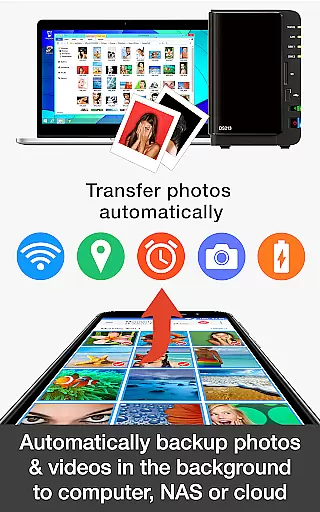
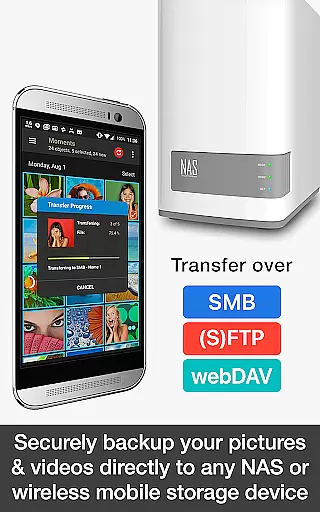
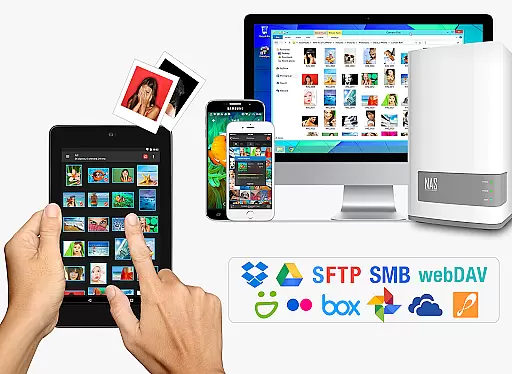
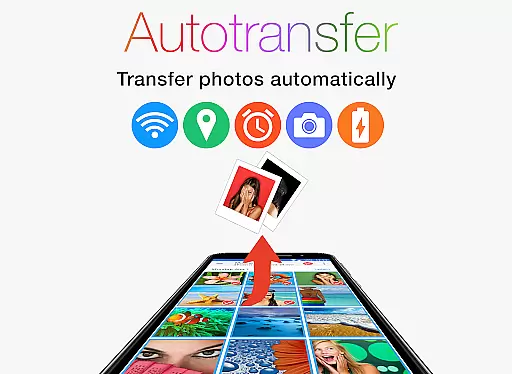
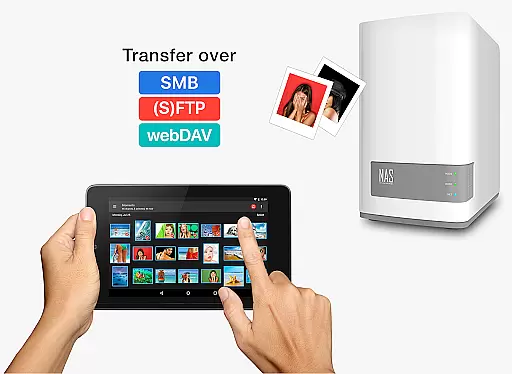
The PhotoSync Bundle Add-On brings a comprehensive suite of features designed to streamline photo and video management across multiple platforms. One standout feature is the Autotransfer functionality, which allows users to automatically back up photos and videos directly from their Android devices to computers, NAS systems, or remote servers via SMB, (S)FTP, and WebDAV protocols.
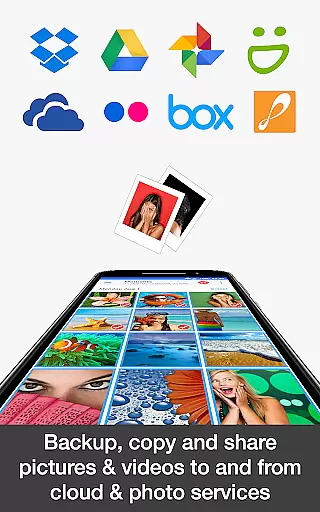
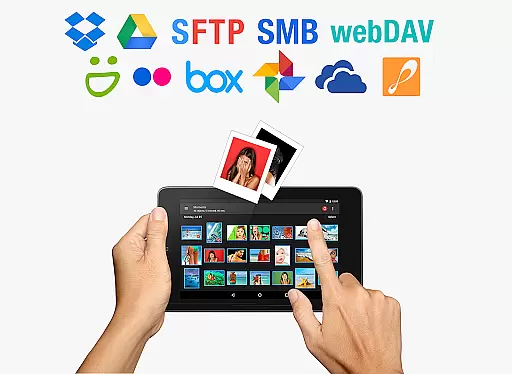
Another key aspect is the NAS Add-On, which supports seamless integration with popular storage solutions like Synology, QNAP, and Western Digital. Users can securely upload, download, and manage multimedia files on-the-go, ensuring accessibility regardless of location. Additionally, the Cloud Add-On extends compatibility to services such as Google Photos, Flickr, and OneDrive, enabling effortless uploads and imports over WiFi or mobile data.
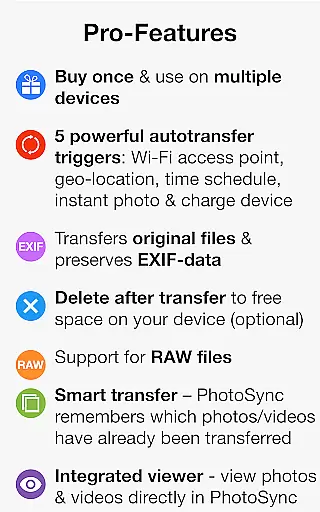
These features collectively empower users to customize their experience based on specific needs, whether it's scheduling transfers, geolocation-based triggers, or instant sharing. By consolidating these powerful tools into one package, PhotoSync eliminates the need for multiple subscriptions while enhancing productivity and convenience.
Real-time capture and preview functionality is essential for photography applications as it allows users to see exactly what the camera is capturing before taking a shot. This ensures that photos meet user expectations in terms of framing, lighting, and focus.
PhotoSync Bundle Add-On enhances this experience by enabling instant transfer of photos and videos from an Android device to various destinations like computers, NAS devices, or cloud services. The moment a picture is taken, it can be wirelessly transferred, providing immediate access for backup or sharing.
Users benefit from this feature through improved workflow efficiency and peace of mind knowing their media is automatically backed up. With PhotoSync's autotransfer capabilities, thereu2019s no need to manually manage files, which saves time and reduces the risk of losing important memories due to device failure.
The value of real-time capture with automatic transfers extends beyond convenience; it represents a reliable solution for photographers who require immediate access to their work across multiple platforms without compromising on quality or speed.
AI beauty and enhancement features are becoming increasingly popular in photography apps, offering tools that improve image quality while maintaining natural aesthetics. These enhancements range from skin smoothing to color correction, ensuring photos look polished yet authentic.
While PhotoSync does not directly alter images, its seamless integration with cloud services indirectly supports these processes by allowing quick uploads to platforms where AI enhancements can be applied. Users can then download enhanced versions back onto their devices via PhotoSyncu2019s robust transfer system.
This approach benefits users by giving them flexibility in how they enhance their photos. They can choose specialized services for specific needs, confident that PhotoSync will reliably handle the logistics of moving files between different environments.
Ultimately, combining efficient file management with advanced editing options results in high-quality images that retain their original charm. By facilitating easy access to diverse enhancement tools, PhotoSync empowers users to achieve professional-grade results effortlessly.
Comprehensive feature set
Seamless cross-platform support
Automatic backup options
Cost-effective bundle pricing
Reliable long-term performance
Requires initial setup time
Premium cost for full access
Limited standalone functionality
Dependent on network stability
Complexity for novice users

A collection of tools and reference tables for DPs, ACs, DITs and Operators.
 4.70
4.70
Effortlessly organize, view and share your photos & videos with Gallery app!
4.40
How would you look like with a differently shaped nose, chin or lips?
3.90
An interval timer to automate photo taking process for timelapse
2.90
Create collages easily! Nice pic collage maker & background eraser for Instagram
4.50
Be your best in every shot! Fix, edit and retouch your face in selfies & photos.
3.70
Take videos and pictures with the popular TikTok TIME WARP SCAN filter.
4.60
Future baby face generator: AI kids generator, kid face! What my baby look like?
4.40
Luminar: Photo Editor - easy picture editing with AI
4.20
Android Native system HD camera app. Never been so simple and faster.
4.70
Automatically backup your photos and videos to computer, NAS and Cloud services
4.60
Movie camera, supports pro recording settings for filming. Try it and be amazed!
4.50
Use AI Video Generator to turn your words to ai generated videos.
4.50
Edit like a pro with Hypic. Apply filters, AI effects, & magic touch.
4.40
All-in-One Editor & AI Photo Enhancer, Beautify & Retouch, Collage, Cartoonify
4.20
Transform Photos: Edit, Beautify and Craft Memories & Make Collages!
4.10
live datamoshing
4.00
Raw Image Viewer. Gallery with support of raw images (.cr3, .cr2, .nef, .raf).
2.00
Add a dreamy vibe to your selfies and videos with soft style filters
4.1

User Reviews