

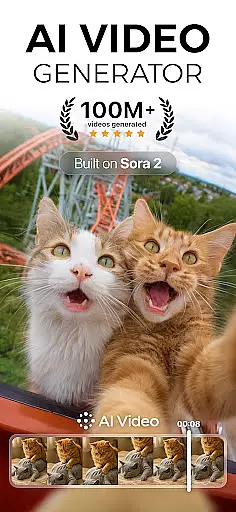
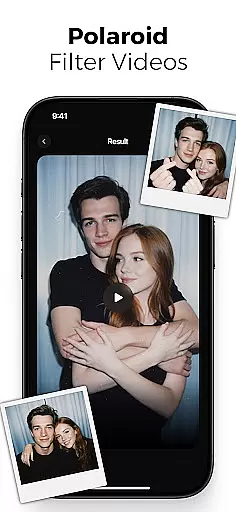
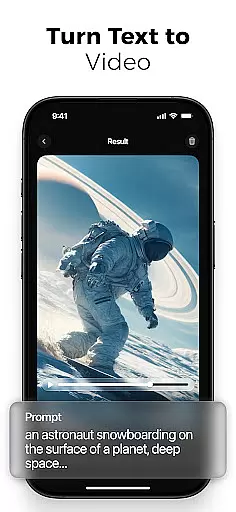
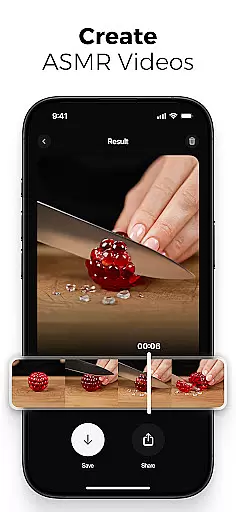
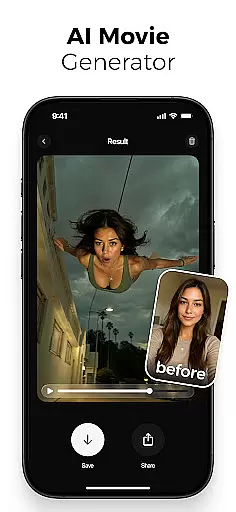
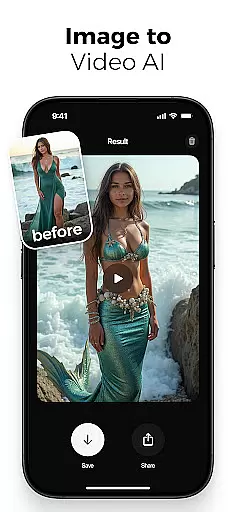
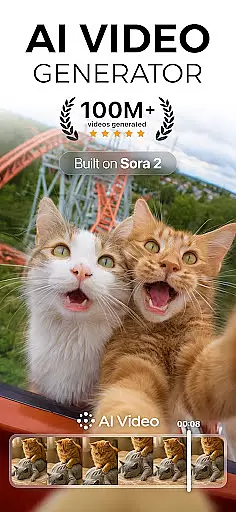
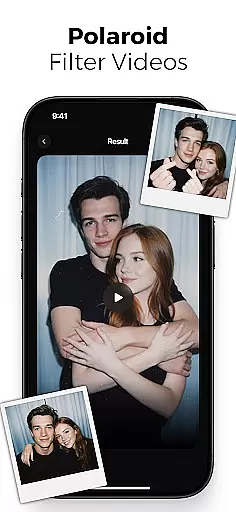
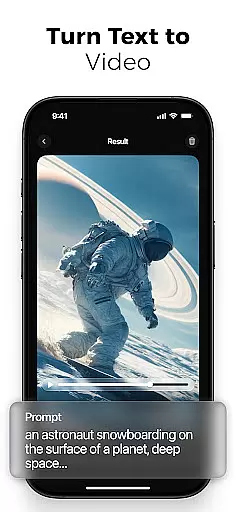
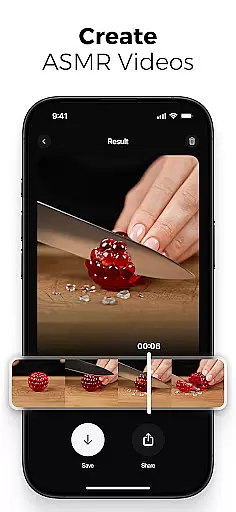
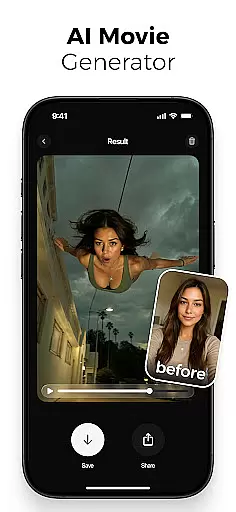
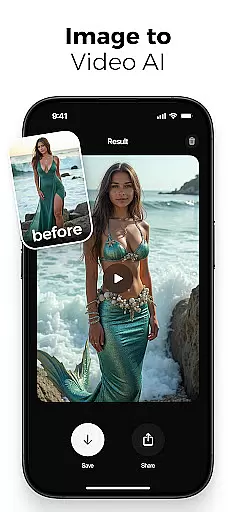
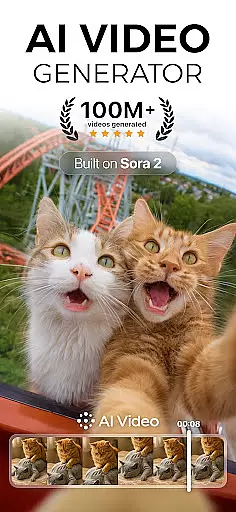
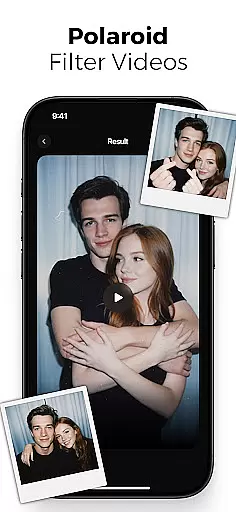
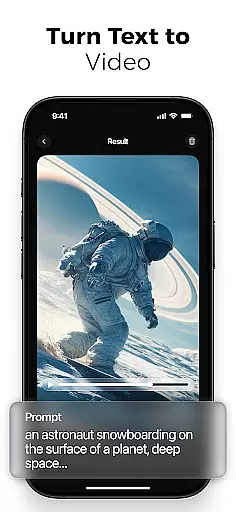
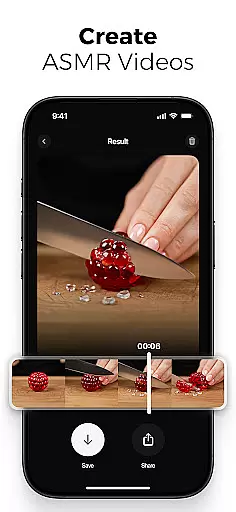
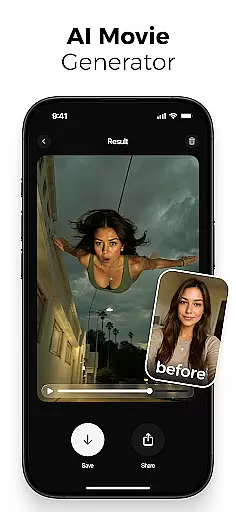
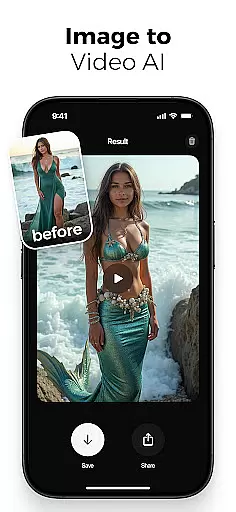
AI Video is a revolutionary photography app that transforms static images and text into dynamic, high-quality animated videos. This all-in-one AI video generator allows users to create stunning visuals with minimal effort, featuring capabilities like polaroid filter effects, character animations, and realistic facial expressions.
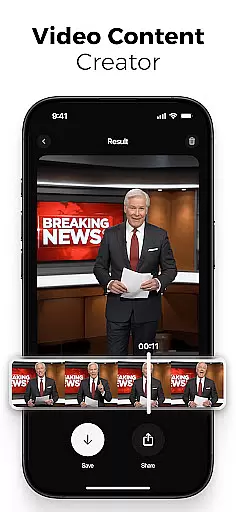
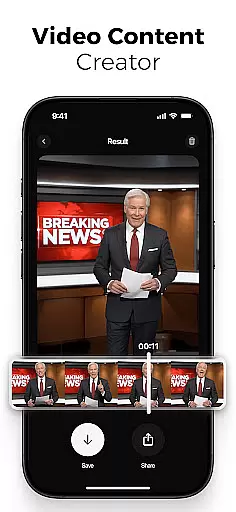
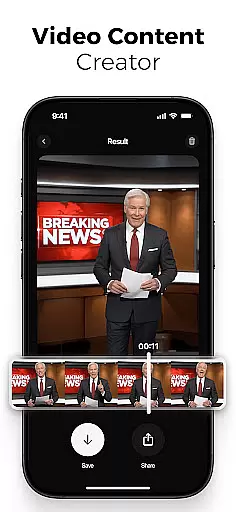
The app's powerful AI technology simplifies video creation for creators, marketers, and educators. With intuitive drag-and-drop functionality, customizable scenes, and automatic lip-sync tools, users can generate professional-looking videos optimized for various platforms including TikTok, Instagram Reels, and YouTube Shorts.
AI Video stands out with its comprehensive feature set designed for both beginners and professionals. The app includes an AI text-to-video generator, image-to-video creator, and photo-to-video maker that brings still images to life through motion and expression.
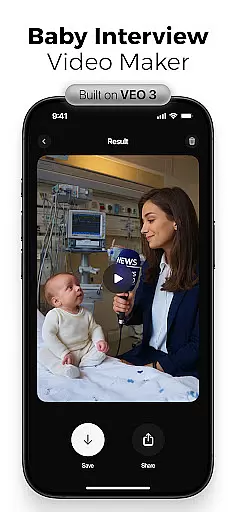
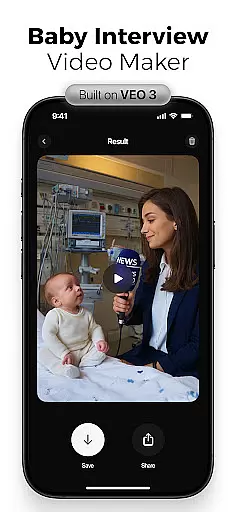
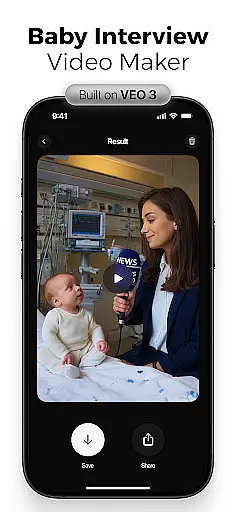
Advanced capabilities powered by Google's Veo3 model enable sophisticated animations with human-like reactions and customizable special effects. Users can access an extensive media library, apply cinematic filters, and utilize built-in voiceover tools while maintaining creative control over transitions, timing, and animation flow.
Real-time capture and preview functionality is essential for any photography or video application, allowing users to see exactly what their final output will look like before committing to a shot. AI Video offers this feature by leveraging advanced AI models that process scenes instantly, providing users with an accurate representation of the end result.
The app's real-time capabilities extend beyond simple previews. It includes dynamic scene adjustments, where elements such as lighting, character emotions, and background settings are modified on-the-fly based on user inputs. This ensures that creators can fine-tune every aspect of their video in real time, enhancing both efficiency and creative control.
For users, this means no more guesswork or trial-and-error when creating videos. The ability to visualize changes immediately allows for quicker decision-making and iteration, ultimately saving time and improving the quality of the final product. Whether you're crafting a marketing video or an educational explainer, AI Video's real-time capture and preview features ensure precision and satisfaction in your creative process.
AI beauty and enhancement features have become a staple in modern photo and video editing tools, but their effectiveness lies in how natural the results appear. AI Video excels in this area by using sophisticated algorithms that enhance visual elements without making them look artificial or over-processed.
The app provides a range of enhancements, from skin smoothing and blemish removal to more complex modifications like facial emotion adjustments and body animations. Each tool is designed to maintain the authenticity of the original image or video while elevating its aesthetic appeal. For instance, the AI can add realistic emotions to characters, ensuring that they align with the intended mood and context of the scene.
Users benefit from these enhancements by achieving professional-grade results without needing extensive editing skills. The naturalness of the enhancements also means that the final output resonates better with audiences, whether it's for social media content, educational videos, or personal projects. With AI Video, beauty and enhancement are not just about looking goodu2014they're about feeling real and engaging.
User-friendly interface
Powerful AI capabilities
Versatile video formats
Extensive effect library
Professional quality output
Subscription-based pricing
Internet connection required
Learning curve for advanced features
Limited free version
Resource-intensive processing

Remote control of the phone camera from your Wear OS smartwatch
 3.70
3.70
Search, tag and rate your way to an organized image gallery
4.40
Photobooth mini FULL app will allow you to add more fun to your parties
4.00
Create AI Photos, Improve and restore quality of blurry, old or damaged pics.
4.20
Add a dreamy vibe to your selfies and videos with soft style filters
4.1
Professional photography on your mobile phone
4.20
AI-powered video creator by MiniMax - Where ideas meet cinema
4.20
Your personal guide to the sun and moon. Plan ahead, visualize and predict!
4.70
Your Family Calendar + Photos. Manage your Skylight Calendar and Skylight Frame.
4.40
Collage your moments in one tap: 1000+ layouts, filters, stickers, and texts.
4.90
Photo editor: AI filters, photo enhancer, pic collage maker, AI art generator.
4.80
Amazing Photo Effects - The most fun you can have with your photos!
4.70
A must-have app for landscape photographers
4.60
Discover & download millions of art for The Frame TV or Hisense CanvasTV
4.60
Transform photos into videos! Create realistic or anime-style images easily!
4.50
RAW video capture with advanced controls
4.40
How old age camera Gender Swap App Face Shape Hairstyle App Hair Styler App fun!
4.00
USB Storage Access for Photos, Videos, Music and Documents
3.80
Over 800 film simulation recipes for Fujifilm. Black Friday Offer!
4.2


User Reviews