

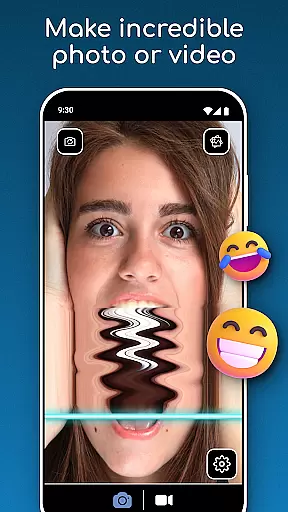
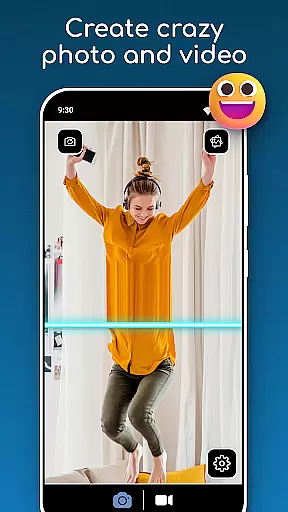
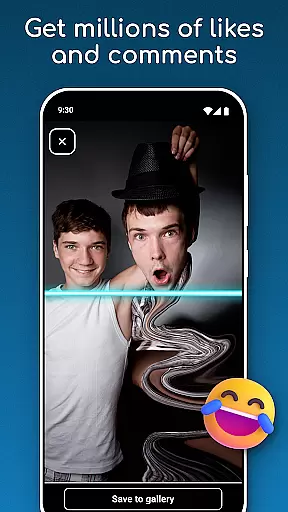
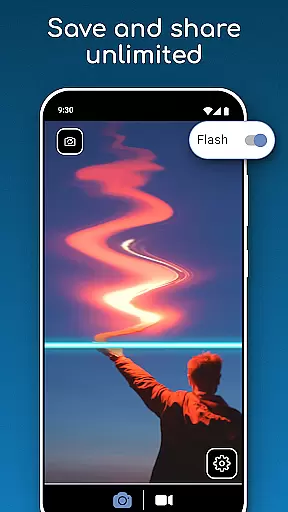
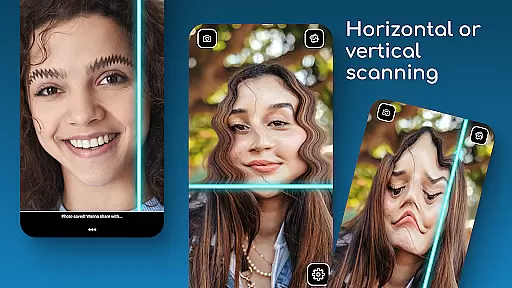
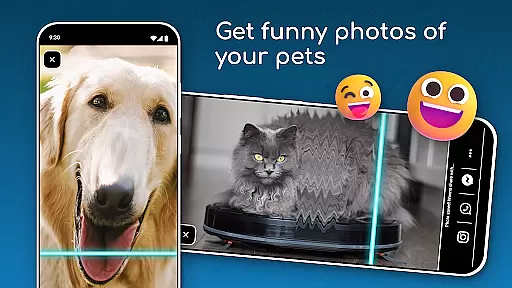
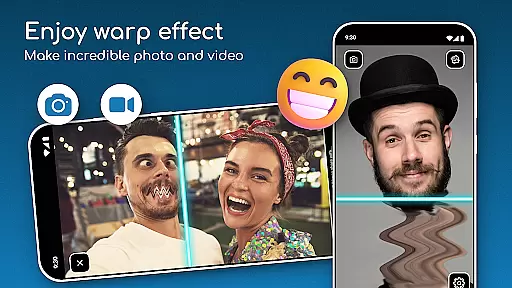
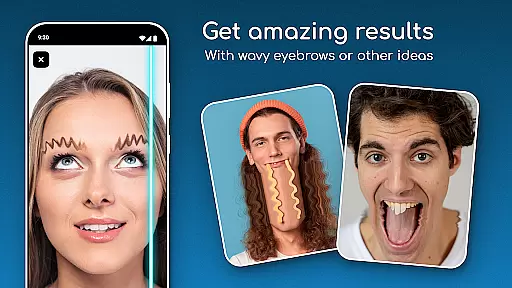
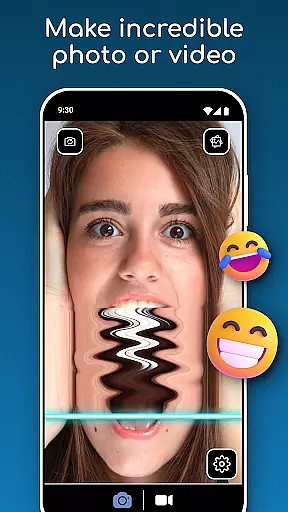
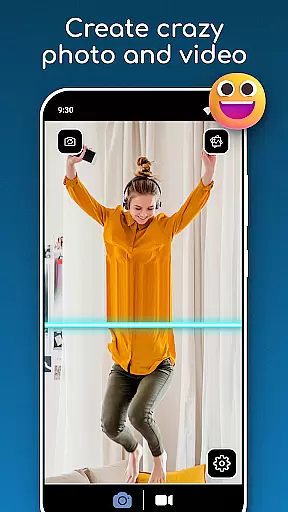
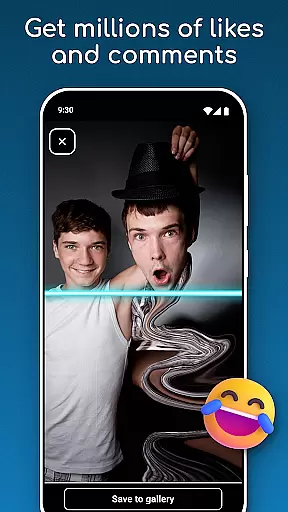
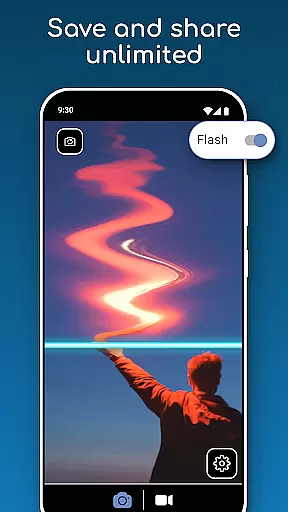
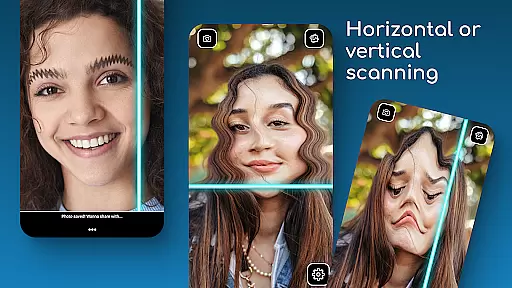
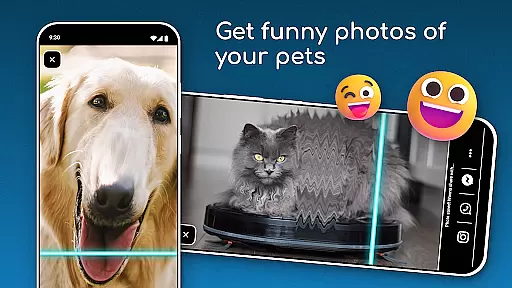
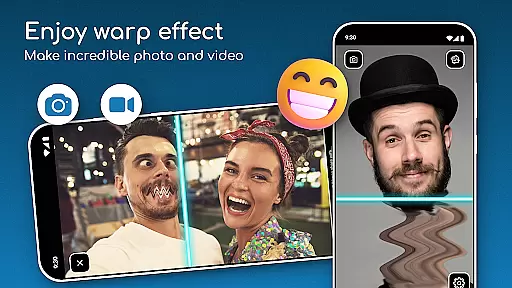
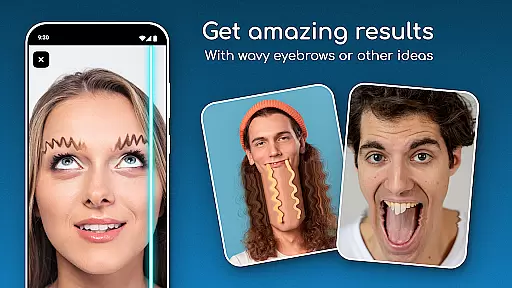
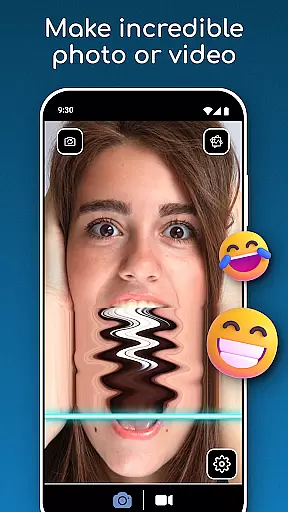
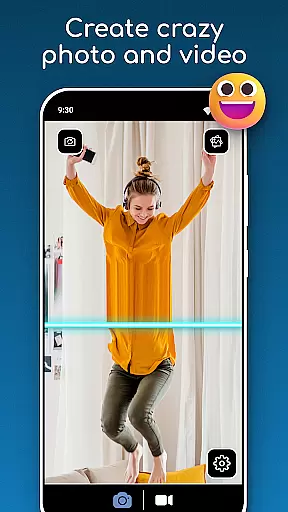
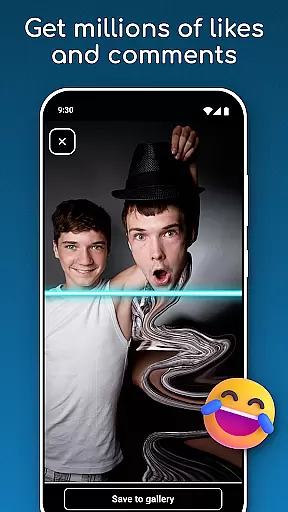
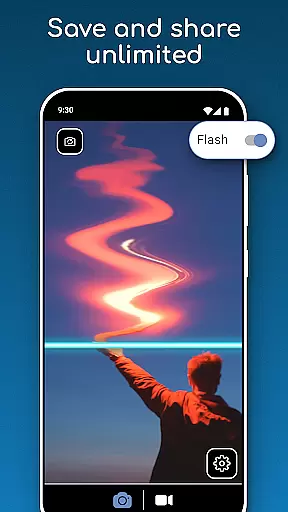
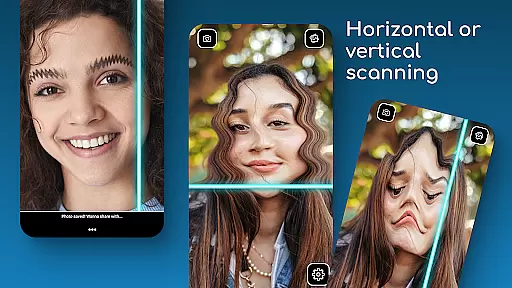
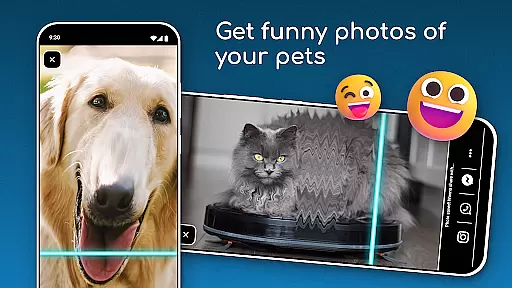
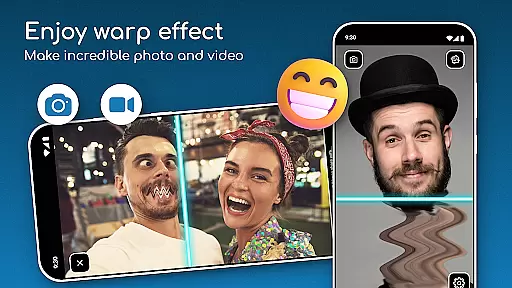
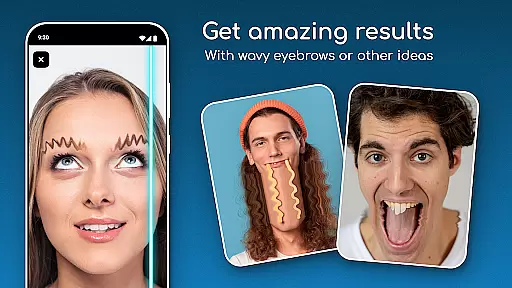
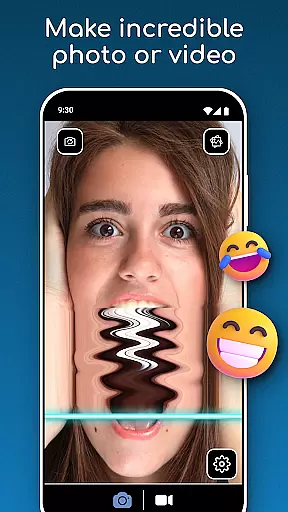
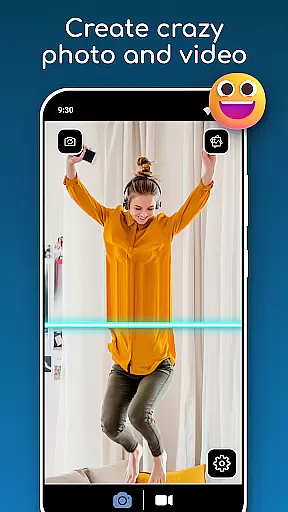
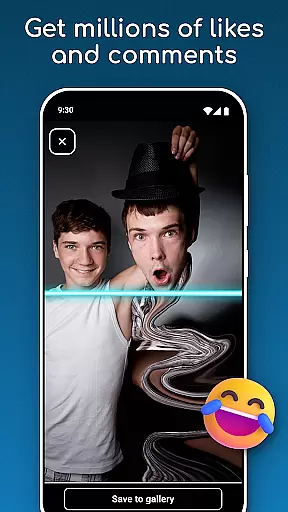
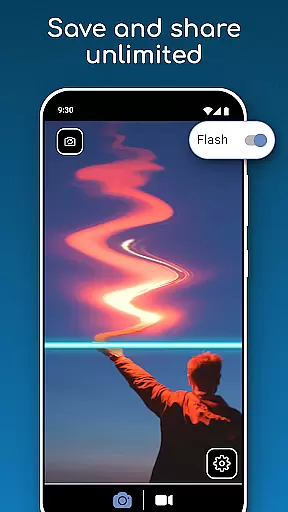
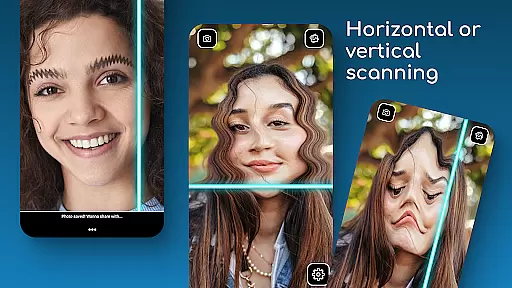
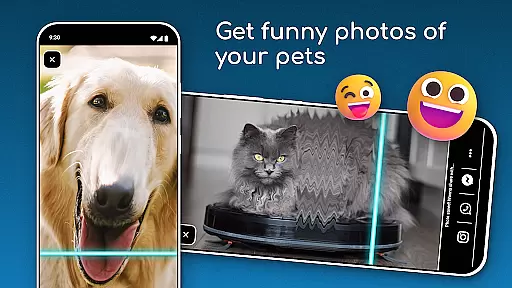
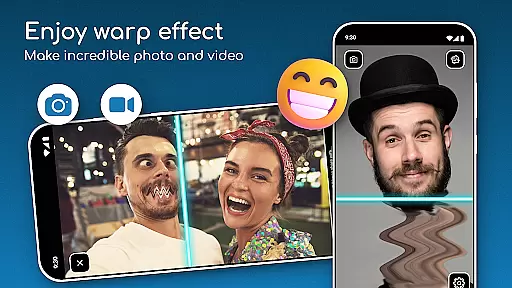
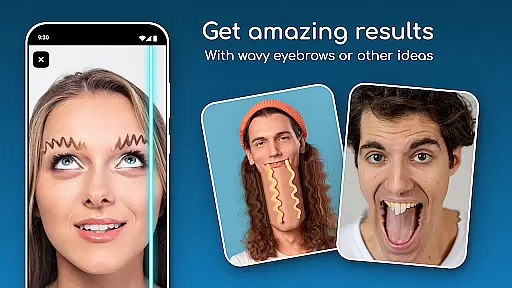
TIME WARP SCAN is a creative photography app that allows users to add unique time warp effects to their photos and videos. The app's signature feature is the Time Warp Effect: Blue Line Filter, which scans images horizontally or vertically, creating visually stunning and funny content. Users can capture moments with friends or experiment with artistic styles using the Warp Camera: Face Freeze mode.
This app is perfect for those looking to create viral content without needing advanced editing skills. With simple controls and instant saving options, TIME WARP SCAN makes it easy to produce creative visuals and share them directly from your device. Whether you're enhancing selfies or making entertaining videos, this app offers a complete toolkit for creative expression.
TIME WARP SCAN stands out with its innovative features designed for creativity and ease of use. The app includes the Timewarp Filter: Slit Scan, which adds a blue line scanning effect to photos and videos, allowing users to generate unique visual outputs. Users can choose between horizontal or vertical scan directions, giving them control over how their content appears.
Another notable feature is the Warp Camera: Face Freeze mode, which freezes facial expressions during video recording for humorous results. The app also provides a Time Scan Filter that works independently of social media platforms, ensuring privacy while creating content. These features collectively enable users to explore endless possibilities in photo and video editing, making TIME WARP SCAN an essential tool for anyone interested in creative photography.
Real-time capture and preview functionality is essential for photography apps like TIME WARP SCAN. This feature allows users to see the effects applied to their photos or videos instantly as they are being captured.
TIME WARP SCAN offers a unique twist with its Time Warp Effect: Blue Line Filter, enabling users to witness their content transform in real time. The blue line moves across the image, creating visually stunning results that can be previewed on the spot.
Users benefit from this immediate feedback by making precise adjustments before capturing the final content. This ensures that the desired creative outcome is achieved without the need for post-processing.
The app's real-time capabilities extend to its Warp Camera: Face Freeze mode, which provides creative visuals instantly. This empowers users to experiment with new artistic styles confidently, knowing exactly how the final product will look.
AI beauty and enhancement features are becoming increasingly popular in photography apps, offering natural-looking improvements to photos. TIME WARP SCAN incorporates such features to enhance user experience while maintaining authenticity.
With AI-powered tools, the app can apply enhancements that adapt to each user's unique facial features, ensuring that edits look genuine and not over-processed. This includes skin smoothing, blemish removal, and subtle refinements that preserve the subject's natural appearance.
Users appreciate these enhancements because they elevate the quality of their photos without sacrificing realism. The AI algorithms work seamlessly to provide professional-grade results that are accessible to amateur photographers.
Furthermore, TIME WARP SCAN emphasizes ease-of-use, allowing anyone to achieve impressive enhancements with minimal effort. By focusing on naturalness, the app ensures that every edited photo retains the original charm and character of the subject.
User-friendly interface
Variety of filters
Instant sharing
Creative tools
Privacy-focused
Storage access required
Limited free features
Ads present
Device compatibility
Learning curve

Remote control of the phone camera from your Wear OS smartwatch
 3.70
3.70
HD Photo gallery and photo manager to edit, hide private photos, videos & albums
4.5
What celebrity do you look like? Celebs will find your celebrity match!
4.10
Photo Exif Editor allows to view, add and modify EXIF data of multiple photos
4.50
A must-have app for landscape photographers
4.60
Create amazing frames with up to five photos. Rounded corners, effects and more!
3.60
Enhance, retouch & create your story - Share the moment with Photoshop Express.
4.60
Pro version: AR sun/moon tracker for any date. Tool for photographers & planners
4.90
A light meter for true photographers.
4.20
Cartoon and artistic effects for your photos and videos
4.70
Viewfinder, Light meter, Reciprocity failure time, DOF & Bellows Extension
4.60
HD Camera Pro with HD Video shooting, Panorama, Photo editor , Beauty Camera.
4.50
All-in-One Editor & AI Photo Enhancer, Beautify & Retouch, Collage, Cartoonify
4.20
Professional camera app that brings DSLR manual photography controls to Android.
4.20
The #1 app for B&W film developing featuring an advanced darkroom timer.
4.10
live datamoshing
4.00
How would you look like with a differently shaped nose, chin or lips?
3.90
Superimpose one photo on top of another using the original Superimpose app!
3.20
Remote control the phone camera shutter from your smartwatch and take a picture
1.60

User Reviews