

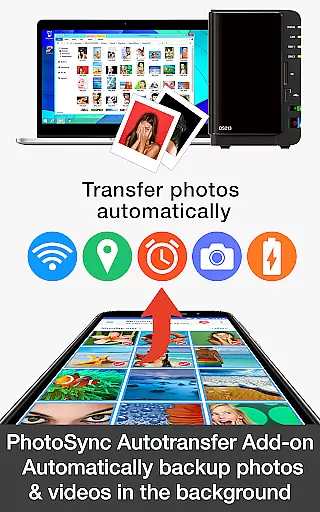
PhotoSync Autotransfer Add-On is an advanced activation license designed to enhance the free version of PhotoSync, a leading cross-platform solution for photo and video management. This add-on enables automatic wireless backup of multimedia files to various destinations including computers, private clouds, and NAS systems.
With over 10,000 positive reviews and millions of successful transfers, PhotoSync stands out for its reliability and security. The Autotransfer Add-On removes ads and offers five configurable triggers for automated backups, making it an essential tool for users seeking seamless media management.
Ideal for photographers and content creators who need regular backups, this solution ensures your valuable media files are safely stored without manual intervention. The application's customizable nature allows users to tailor the backup process to their specific needs.
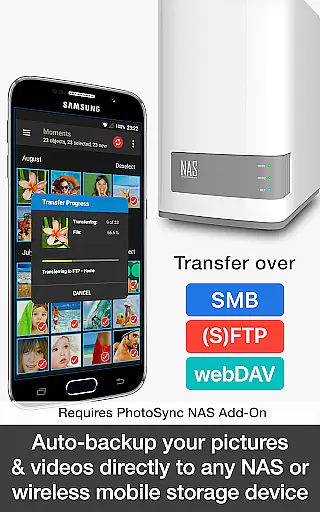
The PhotoSync Autotransfer Add-On boasts several standout features that make it a top choice for automatic media backup. Its core functionality lies in the ability to wirelessly and automatically back up photos and videos in the background to multiple targets such as computers, private clouds, and supported cloud services.
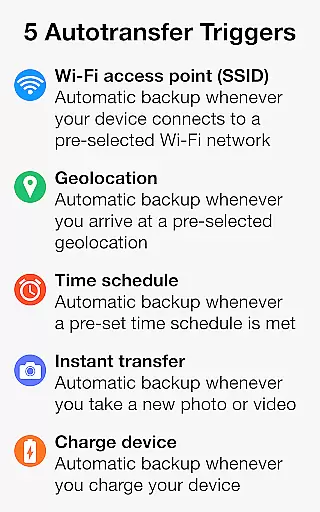
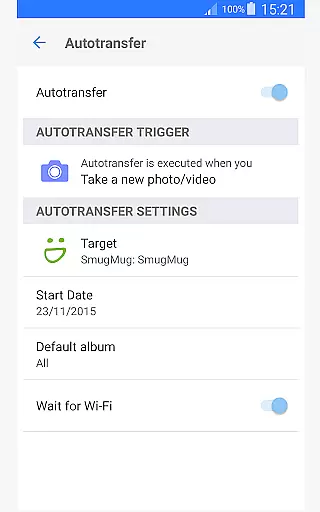
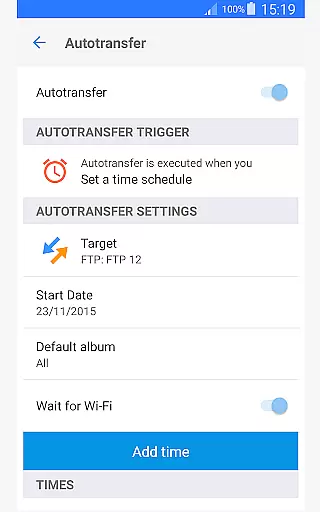
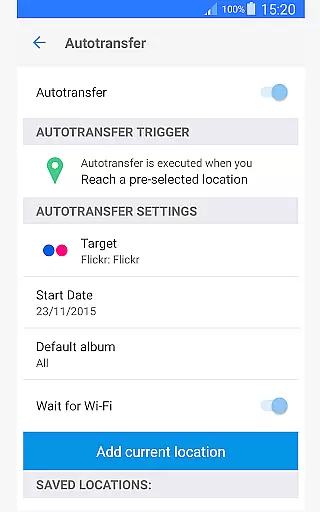
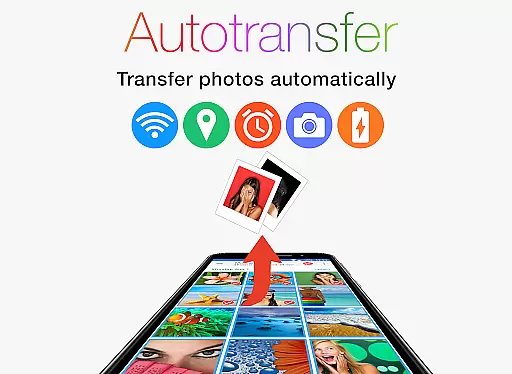
One of the key highlights is the five configurable Autotransfer triggers. Users can set backups based on Wi-Fi access points, geolocation, time schedules, device charging status, or when new photos are taken. This level of customization ensures backups occur exactly when and where needed.
Additionally, the add-on integrates seamlessly with the free version of PhotoSync, enhancing its capabilities while removing ads. This makes the user experience smoother and more professional, particularly beneficial for power users who require reliable and continuous media synchronization.
Real-time capture and preview functionality is essential for ensuring that every photo or video taken meets the user's expectations without delay. PhotoSync Autotransfer Add-On excels in this area by providing instant feedback on media captured, allowing users to make necessary adjustments before finalizing their shots.
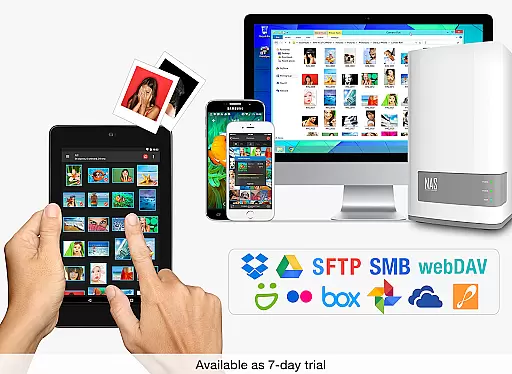
This application supports automatic wireless backup of photos and videos in the background, directly to computers, private clouds, NAS, and supported cloud services. This ensures that all media files are safely stored without requiring manual intervention, thus enhancing the real-time experience.
With five configurable autotransfer triggers including Wi-Fi access points, geolocation, time schedules, taking a photo, and charging the device, users can customize when and where their media is backed up. This flexibility ensures that users have control over their data while enjoying seamless real-time previews.
The benefit of using PhotoSync Autotransfer Add-On is the peace of mind it offers. Users can trust that their media is being securely backed up in real-time, allowing them to focus on capturing moments rather than worrying about data loss.
AI beauty and enhancement features are designed to improve the visual appeal of photos without compromising their natural look. PhotoSync Autotransfer Add-On incorporates advanced algorithms that enhance images subtly, ensuring that edits remain undetectable and true to life.
By integrating with native apps across Android, iOS, Windows, and Mac platforms, PhotoSync provides a comprehensive solution for managing and enhancing media files. The AI-driven enhancements work seamlessly across these platforms, offering consistent quality regardless of the device used.
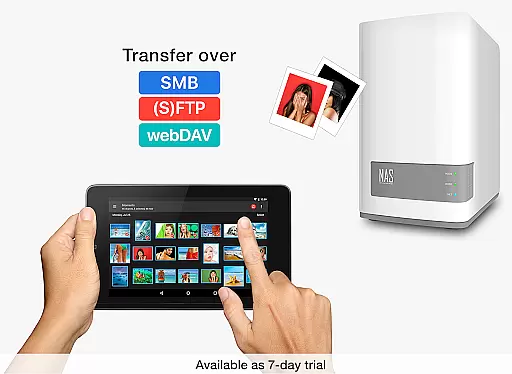
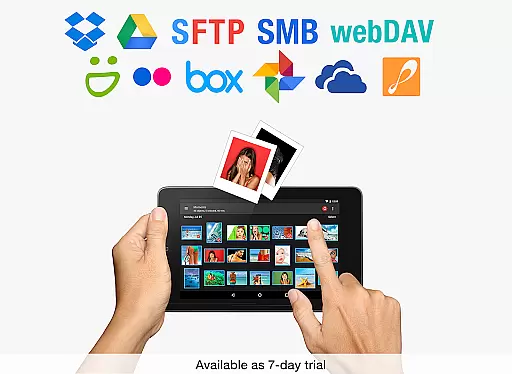
One of the standout features of PhotoSync is its ability to automatically upload photos and videos to various storage solutions such as NAS, cloud services, and remote servers. This capability ensures that enhanced media is readily available across all devices, maintaining a uniform appearance.
Ultimately, the AI beauty and enhancement tools within PhotoSync Autotransfer Add-On empower users to achieve professional-grade results effortlessly. By focusing on naturalness, the application ensures that every image retains its original charm while benefiting from subtle improvements.
Automatic wireless backup
Customizable transfer triggers
Ad-free experience
Cross-platform compatibility
Secure data transfer
Requires base app
Premium cost
Limited free features
Complex setup
Cloud add-ons needed



Gallery show photo, video, slideshow, is perfect 3D effect private photo albums.
 4.80
4.80
Shooting photos and records video easily and efficient with professional Camera
4.30
1M influencer's special filter
4.60
Perfect body tune & face app - photo retouch, makeup, slim body & beautify face.
4.80
Photo prints, cards, & gifts at Walgreens. Easy ordering & fast local pickup !
4.80
Light-weight Media Gallery app for Android made with Jetpack Compose
4.60
Snap photos remotely using your Garmin watch as the camera trigger
4.5
Enhance, upscale, and transform your images — on your device, without limits
4.70
Discover How to Plan any Sun, Moon and Milky Way Photo You Imagine in Seconds
4.70
Unblur, enhance & restore photos with powerful AI photo enhancer tools.
4.60
PhotoSync Bundle Add-On License. Enables all features and services in PhotoSync.
4.60
Create collages easily! Nice pic collage maker & background eraser for Instagram
4.50
A reflected light meter with spot metering and incident light metering.
4.40
Future baby face generator: AI kids generator, kid face! What my baby look like?
4.40
Turn your phone into a professional camera - full DSLR manual photography
4.30
Professional quality photo edits with the new Snapseed.
4.00
Pet Camera
3.70
Be your best in every shot! Fix, edit and retouch your face in selfies & photos.
3.70
Application for remote controlling DSLR
3.00
User Reviews