

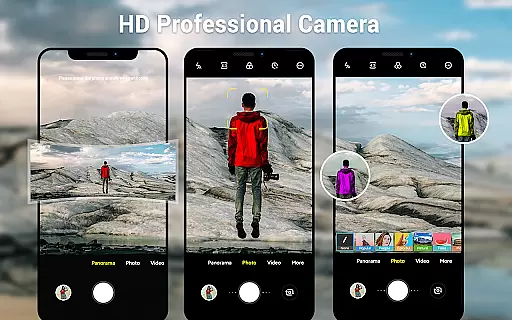
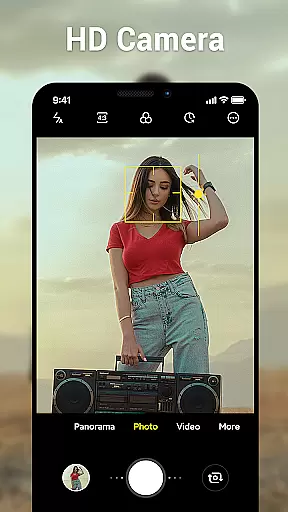
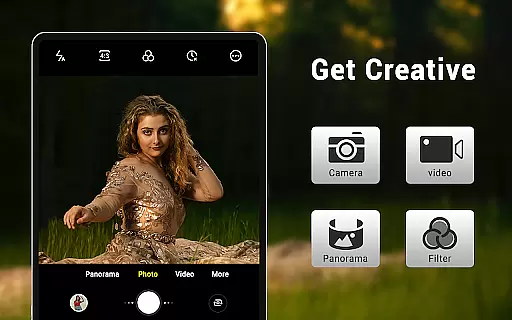
Camera for Android is a native HD camera application designed to provide users with a simple and efficient way to capture high-quality photos and videos. The app supports multiple shooting modes including standard photo capture, video recording, and smart panorama features. With its intuitive interface optimized for both phones and tablets, users can easily access advanced settings such as white balance, exposure, and screen mode configurations.
The application leverages the full capabilities of Android devices, offering features like pinch-to-zoom, countdown timers, and location tagging. Whether you're capturing everyday moments or professional-grade shots, this app ensures excellent image quality through customizable settings like picture resolution and wide-screen support. Its lightweight design makes it an ideal choice for users seeking a fast and reliable camera solution without unnecessary bloat.
This app serves as a supplementary option for devices lacking a native camera app, ensuring that all Android users have access to essential photography tools. By utilizing the Apache License and Google's native camera codebase, the developers have created a versatile tool that meets the needs of both casual photographers and more demanding users.
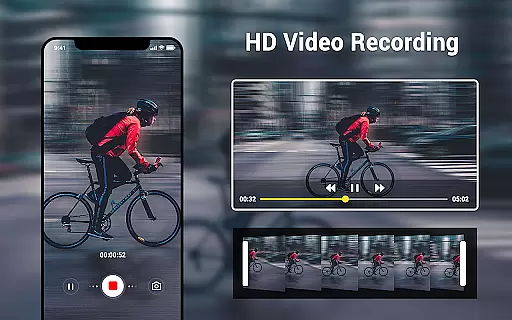
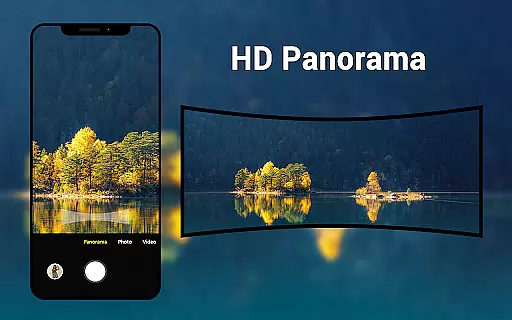
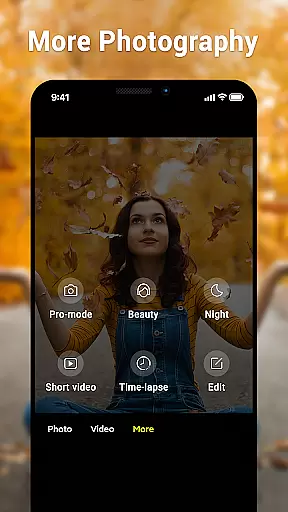
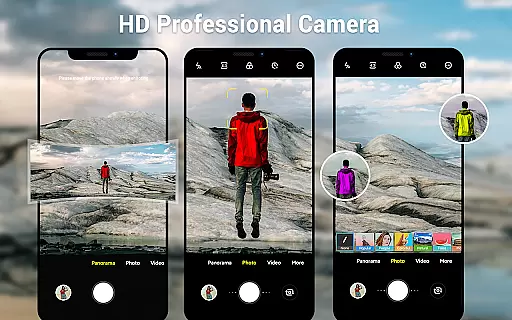
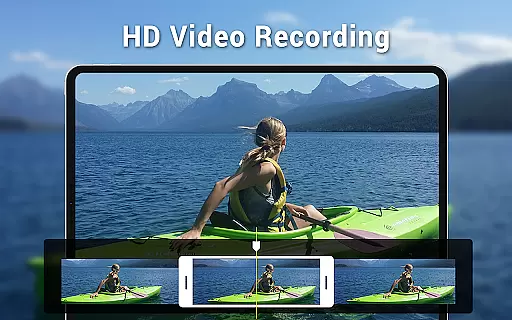
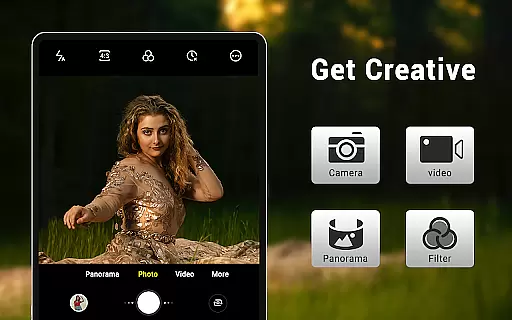
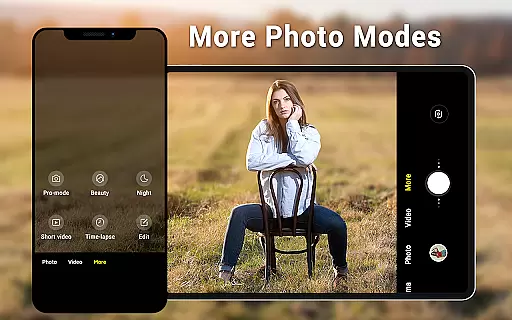
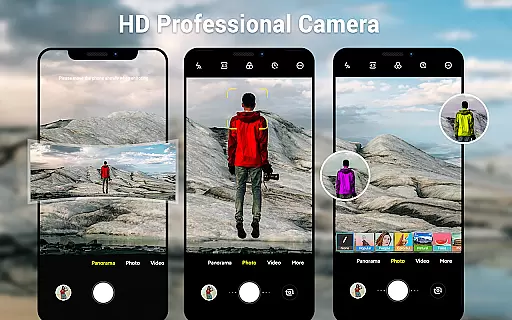
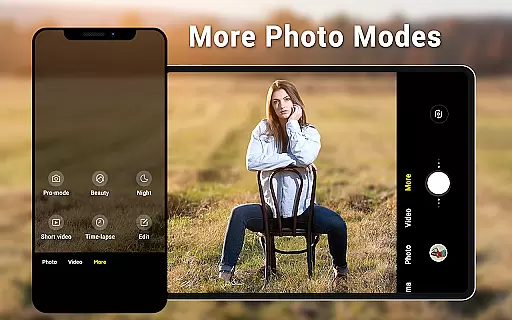
Camera for Android offers a comprehensive suite of features that cater to various photography needs. One of its standout capabilities is the inclusion of three distinct modes: standard camera, video recorder, and panorama shooting. Each mode is designed to maximize the hardware potential of your device, allowing users to capture everything from detailed close-ups to expansive panoramic views. The app also includes HD camera functionality, ensuring crisp and clear images in any lighting condition.
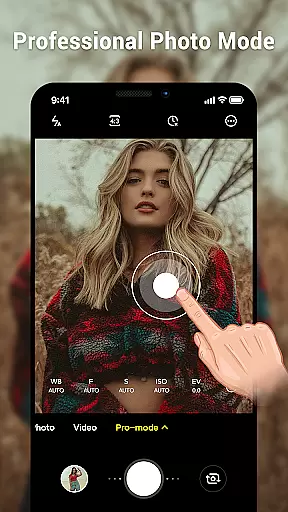
Advanced customization options are another key aspect of this application. Users can adjust settings such as white balance (Incandescent, Fluorescent, Auto, Daylight, Cloudy), screen modes (Action, Night, Sunset, Play), and exposure levels. The dynamic user interface automatically adapts to different screen sizes, providing an optimal experience on both phones and tablets. Additional features like pinch-to-zoom, countdown timers, and configurable volume keys enhance the overall usability of the app.
What sets this camera app apart is its focus on efficiency and performance. Despite offering numerous professional-grade features, the application maintains a lightweight footprint, ensuring smooth operation even on older devices. The developers have also included practical tools like location targeting and picture quality settings, making it easy to optimize your photography workflow while maintaining compatibility with Android's native ecosystem.
Real-time capture and preview functionality is essential for ensuring that users can accurately frame and capture their desired shots without delay. The Camera for Android app excels in this area by providing a seamless experience that leverages the native capabilities of Android devices.
This application offers an intuitive interface that allows users to instantly see what the camera sees, making it easier to adjust settings such as exposure, white balance, and screen modes on-the-fly. With features like pinch-to-zoom and countdown timer, users have precise control over their photography sessions.
The value of real-time capture extends beyond just convenience; it ensures that users do not miss important moments due to lag or unresponsive controls. By utilizing all the advantages of modern smartphones and tablets, Camera for Android delivers crisp, clear previews that enable photographers to take excellent photos with confidence.
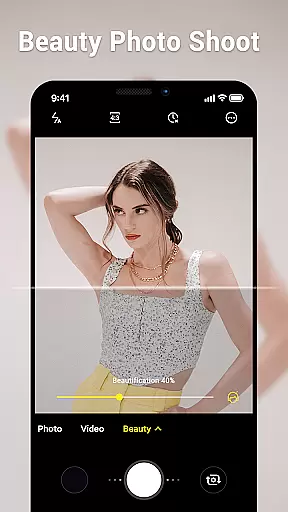
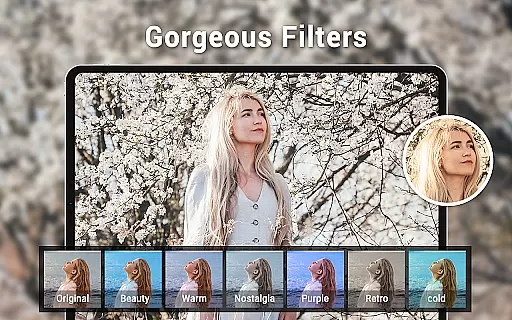
AI beauty and enhancement features are increasingly popular in photography apps, offering users the ability to improve their photos with natural-looking effects. Camera for Android incorporates advanced algorithms that enhance images while maintaining authenticity.
With options for picture quality settings, white balance adjustments, and exposure control, this app provides tools that help users achieve professional results. The smart panorama shooting feature further enhances the user's ability to capture expansive scenes with clarity and detail.
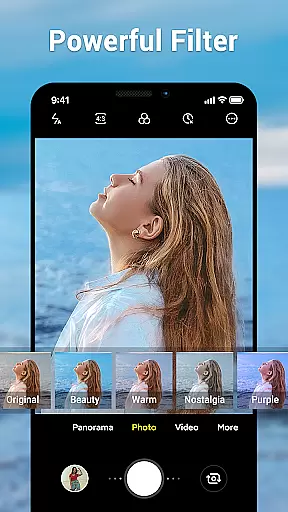
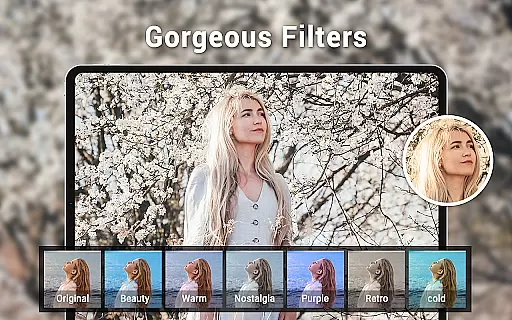
While many camera applications offer beautification filters, Camera for Android stands out by focusing on delivering enhancements that look genuine rather than overly processed. This approach appeals to users who seek high-quality, realistic photos that preserve the original essence of the captured moment.
User-friendly interface
High-quality imaging
Customizable settings
Lightweight performance
Versatile shooting modes
Limited creative filters
No advanced editing tools
Basic UI design
Few social sharing options
Occasional bugs reported

Long exposure camera with computational photography
 2.60
2.60
Perfect body tune & face app - photo retouch, makeup, slim body & beautify face.
4.80
Photo editor: AI filters, photo enhancer, pic collage maker, AI art generator.
4.80
Easily create custom gifts, cards, photo books & more on the Shutterfly app!
4.60
Fit multiple photos on one post. Create carousels & scroll layouts for Instagram
4.50
AI-powered video creator by MiniMax - Where ideas meet cinema
4.20
Hair color changer, AI haircut app, fun hair editor and buzz cut filter for all!
3.80
Enhance, upscale, and transform your images — on your device, without limits
4.70
A unique animation app. Powerful, easy to use, and lots of fun.
4.30
Find time and duration of different sunlight phases at any location
4.90
Amazing Photo Effects - The most fun you can have with your photos!
4.70
Viewfinder, Light meter, Reciprocity failure time, DOF & Bellows Extension
4.60
Edit like a pro with Hypic. Apply filters, AI effects, & magic touch.
4.40
How would you look like with a differently shaped nose, chin or lips?
3.90
Perfect photos with body shaping, BG changer and object remover.
3.70
Create amazing frames with up to five photos. Rounded corners, effects and more!
3.60
An interval timer to automate photo taking process for timelapse
2.90
HD Photo gallery and photo manager to edit, hide private photos, videos & albums
4.4
Over 800 film simulation recipes for Fujifilm. Black Friday Offer!
4.5

User Reviews