

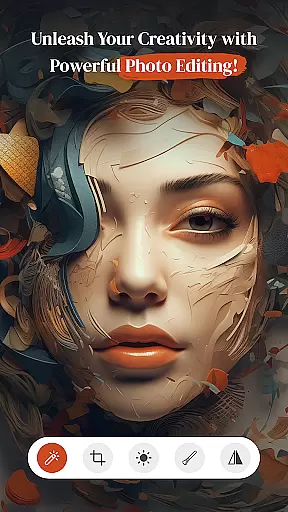
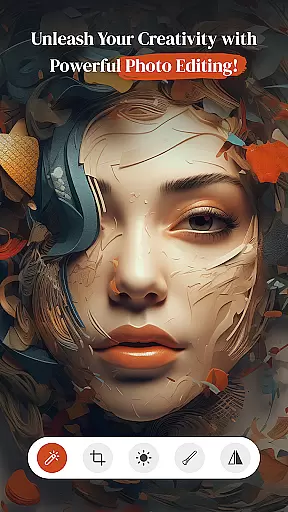
PerfectPic-Photo Edit・Collage is a comprehensive photo editing app that offers users the ability to transform their ordinary photos into extraordinary works of art. With its robust set of features, this app caters to both amateur and professional photographers who wish to enhance their images with just a few taps. The app includes tools such as a photo editor for applying filters and effects, an object remover for cleaning up unwanted elements, and a background changer for creating striking visuals.
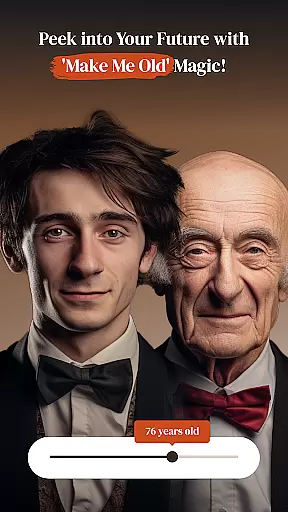
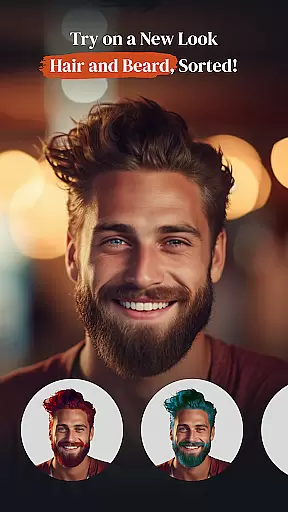
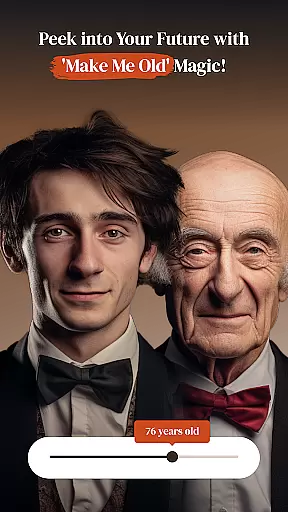
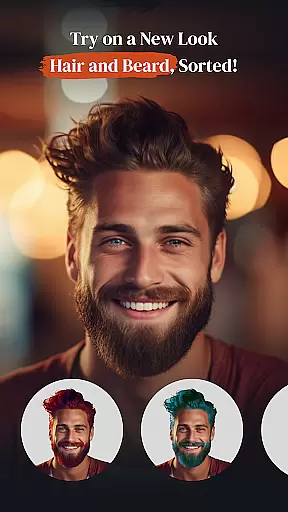
In addition to these powerful editing tools, PerfectPic also provides creative options like hairstyle and beard changers, makeup application, and even an age transformation feature. Users can compile their edited photos into stunning collages, making it easy to tell a visual story. Whether you're looking to touch up selfies or create professional-looking compositions, PerfectPic delivers the functionality needed to bring your vision to life.
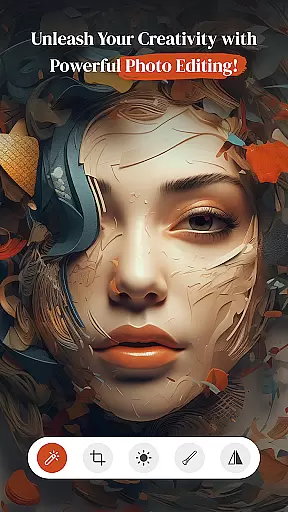
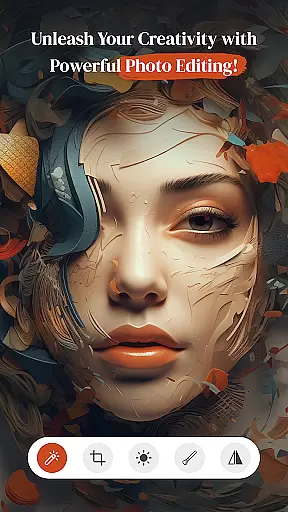
PerfectPic stands out with its diverse range of photo editing capabilities. The app's photo editor allows users to apply various filters, effects, and adjustments to contrast and brightness, ensuring each image can be fine-tuned to perfection. Its AI-powered object remover lets users erase unwanted distractions from photos effortlessly, resulting in clean and polished images without any hassle.
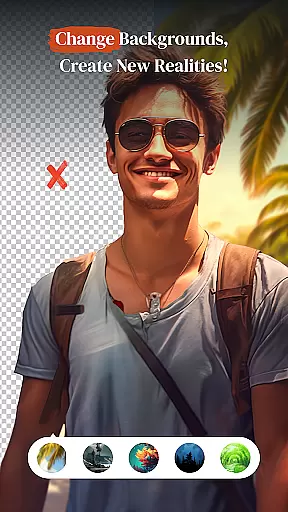
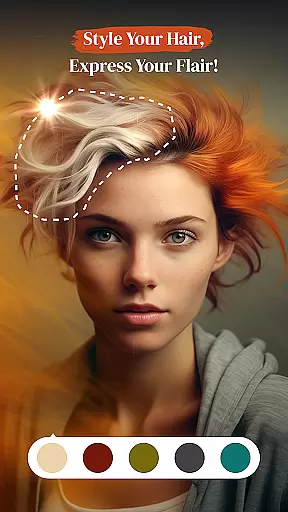
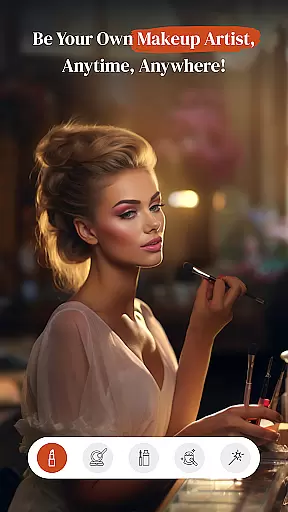
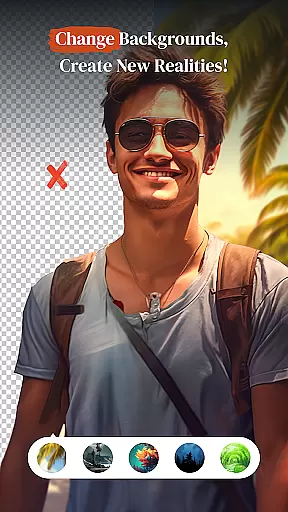
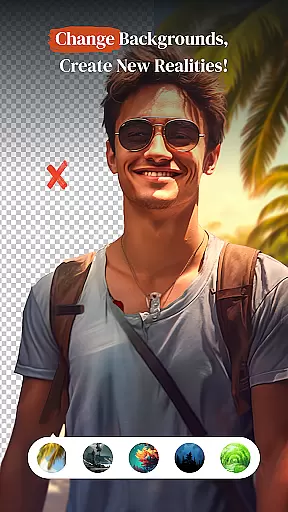
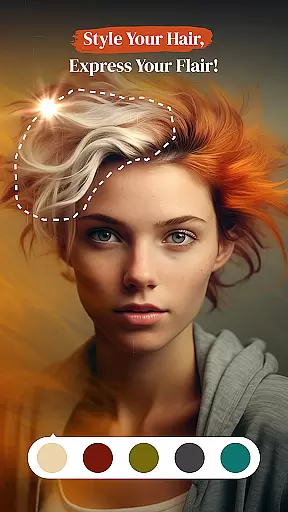
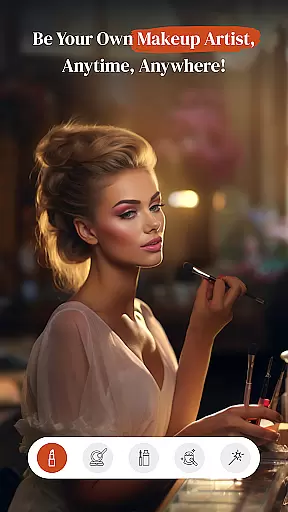
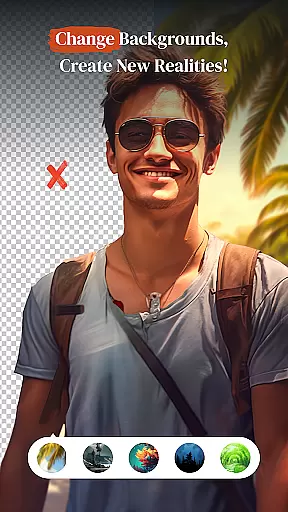
Beyond basic editing, PerfectPic offers innovative features such as the BG Changer, which transports subjects to entirely new settings by removing and replacing backgrounds. The Hair Style & Beard Changer enables experimentation with different looks, while the Beauty Cam adds glamour through virtual makeup. The 'Make Me Old' feature provides a fun twist by simulating the aging process. Finally, the Collage Maker helps users weave together multiple images into captivating stories, making every creation unique.
Real-time capture and preview functionality is essential for photography apps as it allows users to see exactly what the camera sees before taking a shot. This feature ensures that every photo taken meets the user's expectations in terms of framing, lighting, and composition.
PerfectPicuff0dPhoto Editu30fbCollage offers an intuitive real-time capture system that provides instant feedback on your phone's screen. The app utilizes advanced algorithms to ensure that what you see in the preview is what you get in the final image, making photo editing more predictable and satisfying.
Users benefit from this feature by being able to adjust settings such as exposure, focus, and white balance live, which leads to better photos without the need for extensive post-processing. This saves time and enhances the overall photography experience, allowing creators to concentrate on their artistic vision.
The value of real-time capture and preview lies in its ability to empower photographers of all skill levels to take better photos. With PerfectPic, even beginners can achieve professional-looking results thanks to the immediate visual feedback provided during the photo-taking process.
AI beauty and enhancement features are revolutionizing mobile photography by offering tools that improve the appearance of photos while maintaining a natural look. These enhancements range from skin smoothing to teeth whitening, ensuring subjects look their best without appearing overly edited.
In PerfectPicuff0dPhoto Editu30fbCollage, AI-driven beauty enhancements are designed to subtly refine facial features and skin tones. The app intelligently applies adjustments that enhance natural beauty, avoiding the pitfalls of over-processing that can make images appear artificial.
This approach benefits users by providing them with the means to create stunning portraits that retain authenticity. Whether it's for social media or personal albums, the enhanced yet natural results help maintain the original charm and character of the subject.
By focusing on naturalness, PerfectPic ensures that users can confidently share their edited photos, knowing they look great but still genuine. This commitment to preserving the essence of the original image sets the app apart in the crowded field of mobile photo editors.
User-friendly interface
Wide array of editing tools
AI-powered object removal
Creative personalization options
Fun and engaging features
Some features may require in-app purchases
Advanced tools might overwhelm beginners
Occasional performance lags on older devices
Limited tutorial content for new users
Ads can disrupt the editing experience
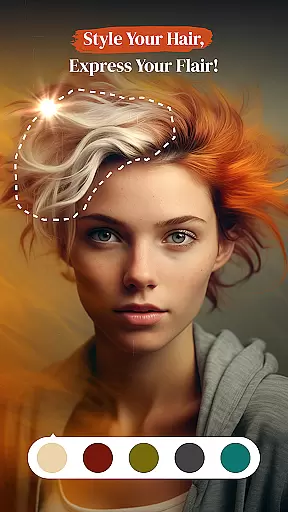
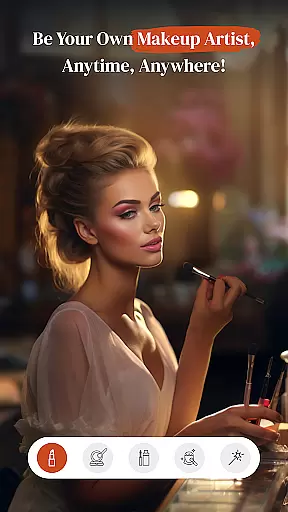
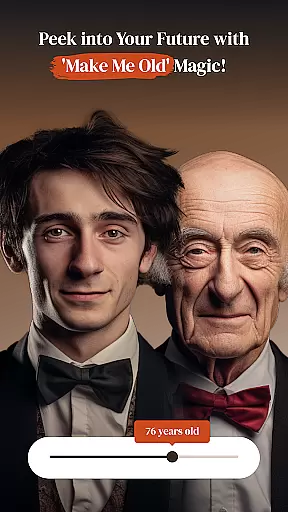
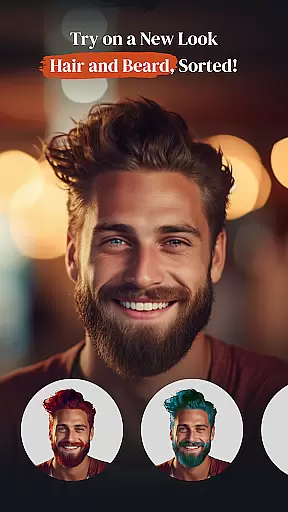
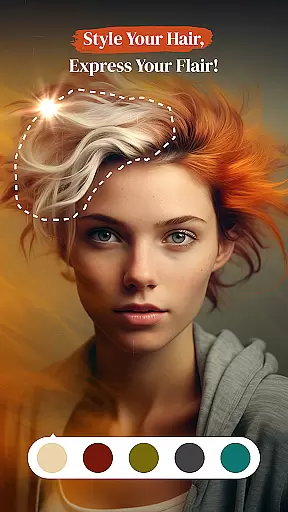
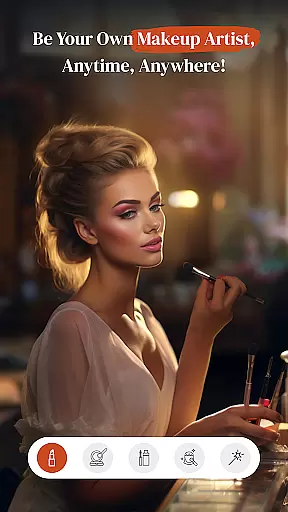
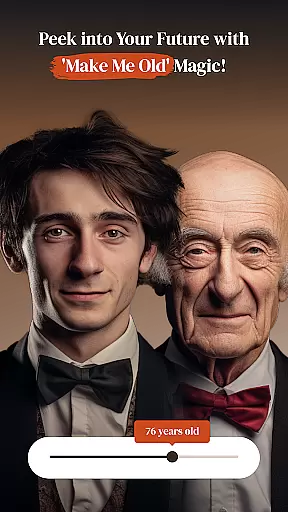
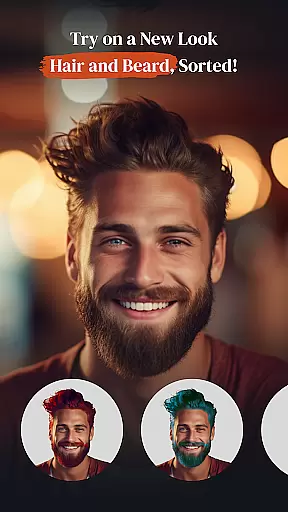

Be your best in every shot! Fix, edit and retouch your face in selfies & photos.
 3.70
3.70
Automatically backup your photos and videos to computer, NAS and Cloud services
4.60
Movie camera, supports pro recording settings for filming. Try it and be amazed!
4.50
Add a dreamy vibe to your selfies and videos with soft style filters
4.0
Hair color changer, AI haircut app, fun hair editor and buzz cut filter for all!
3.80
Snap photos remotely using your Garmin watch as the camera trigger
4.0
PhotoSync Bundle Add-On License. Enables all features and services in PhotoSync.
4.60
Unlock the full potential of your DJI drone with Litchi
4.50
Welcome to ProShot, the most powerful camera app on Android.
4.20
HD Camera Pro with HD Video shooting, Panorama, Photo editor , Beauty Camera.
4.50
Add Watermark - Sign your pictures with a text or logo. Effective, quick, easy!
4.50
Photo editor & gallery. Crop pictures & edit photos offline, no wifi!
4.50
Effortlessly organize, view and share your photos & videos with Gallery app!
4.40
[3DSteroid Pro] is a stereoscopic application for Android.
4.30
Create AI Photos, Improve and restore quality of blurry, old or damaged pics.
4.20
Create & Edit with AI: AI Remove, Enhance, Retouch, Filter
4.10
The #1 app for B&W film developing featuring an advanced darkroom timer.
4.10
Catch sunlight, sunrise sunset times and sun phases with the AR sun tracker.
4.10
Raw Image Viewer. Gallery with support of raw images (.cr3, .cr2, .nef, .raf).
2.00

User Reviews