

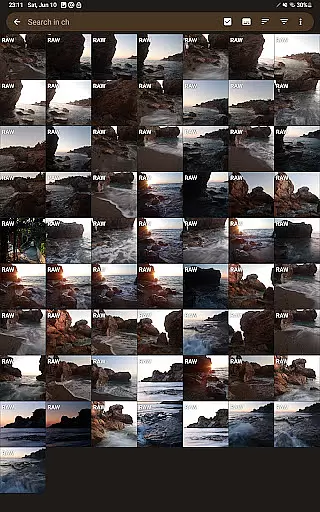
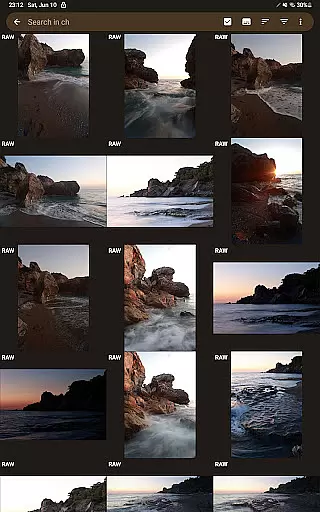
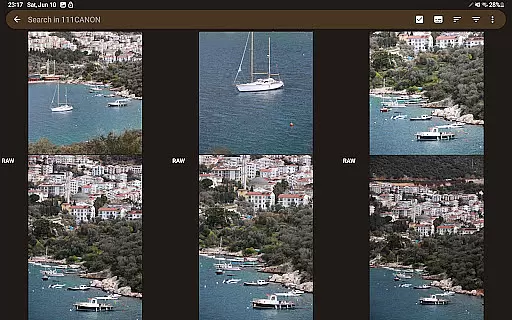
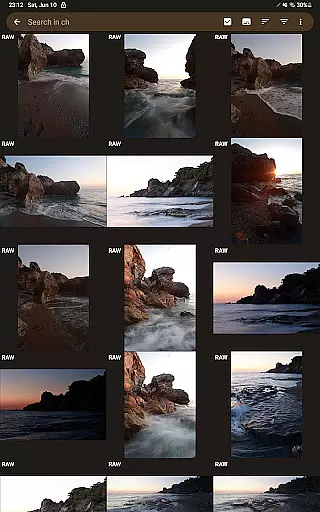
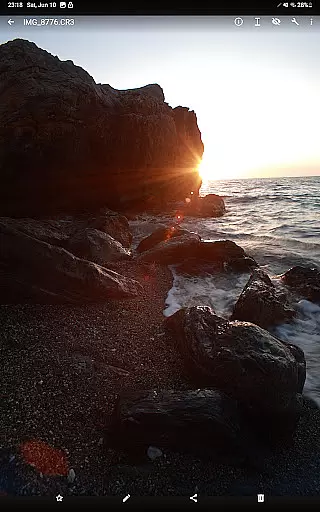
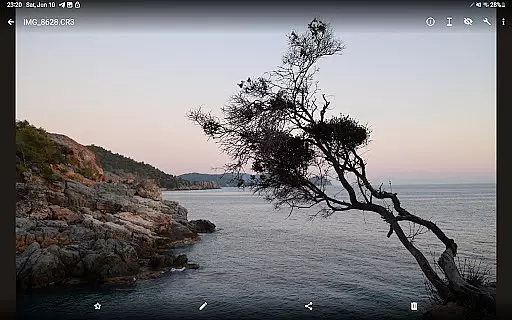
GalleryRAW is a specialized photography application designed for professional photographers and enthusiasts who need to manage and view raw image files on their Android devices. The app supports various raw formats including .cr2, .cr3, .nef, and .raf from leading camera brands like Canon, Nikon, Sony, and Fujifilm.
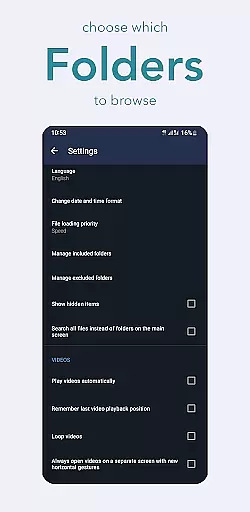
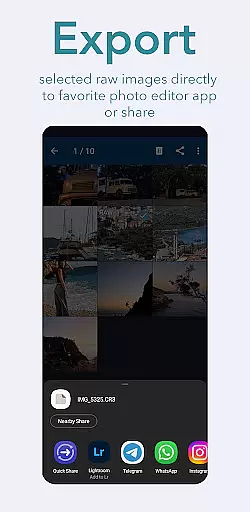
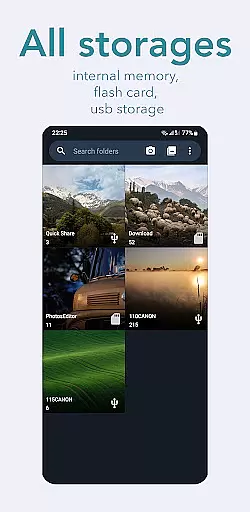
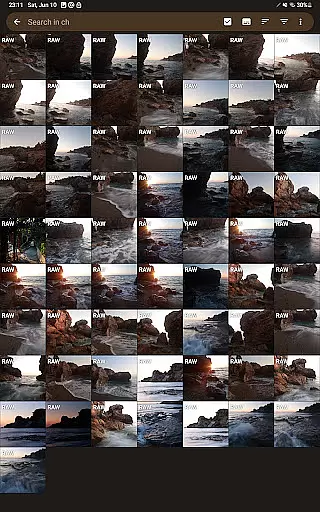
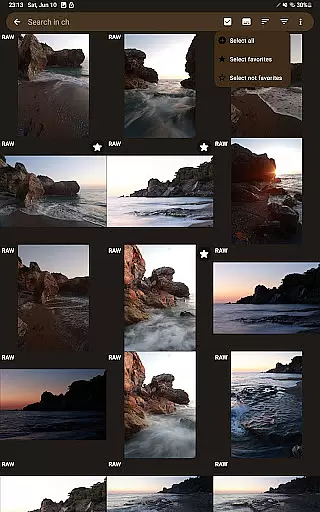
One of the standout features of GalleryRAW is its ability to function as a file manager for raw images. Users can easily import, view, and transfer raw files between USB storage devices such as HDD/SSD disks and camera flash drives connected via USB adapters. This makes it an invaluable tool for photographers who need to quickly review and select photos directly on their mobile devices.
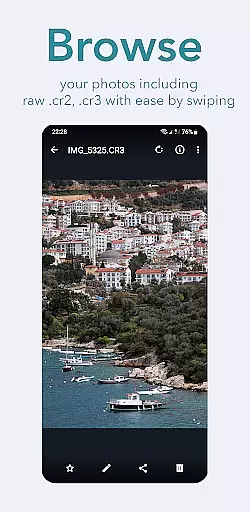
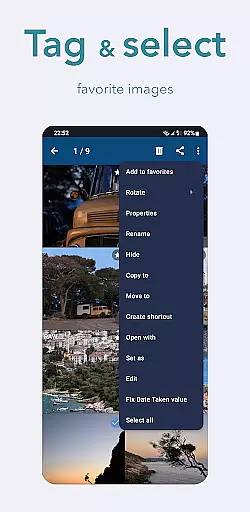
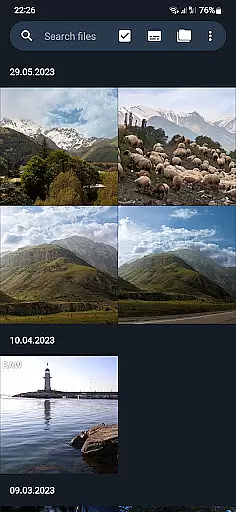
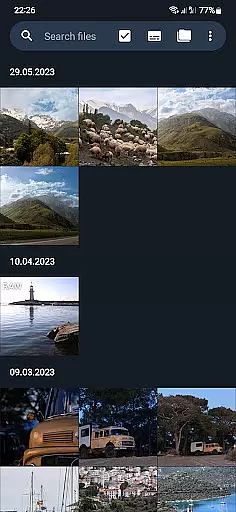
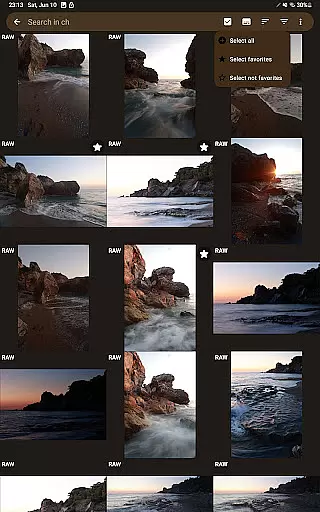
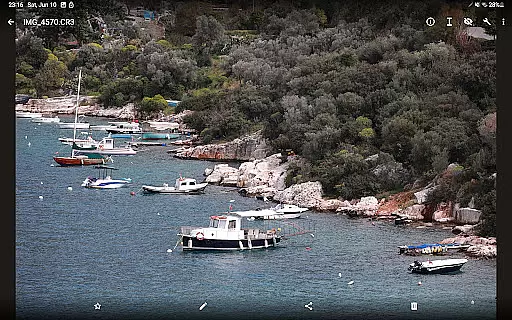
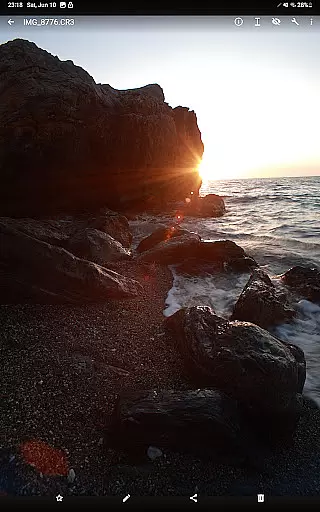
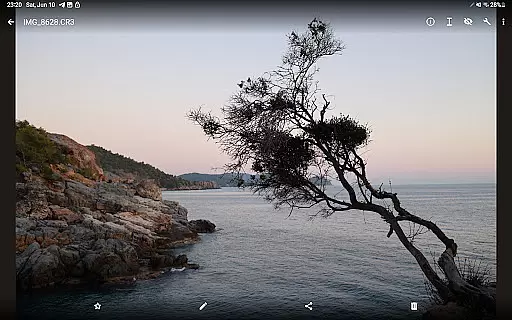
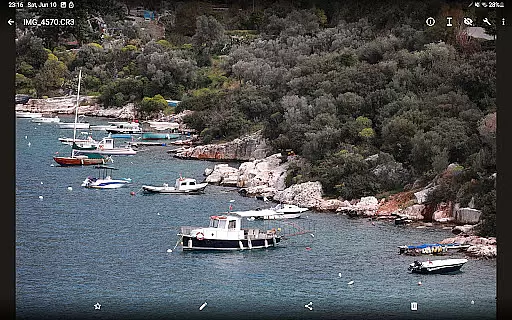
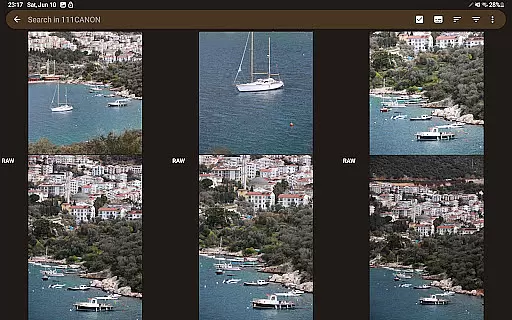
The app's full-screen viewing mode allows users to swipe through hundreds or even thousands of raw images stored on camera flash cards connected via USB. Photographers can efficiently select only the desired photos, copy them to the device's internal memory, and delete unwanted files to free up space for new shots. This streamlined workflow significantly enhances productivity and convenience in managing large volumes of high-quality images.
GalleryRAW offers a comprehensive set of features tailored specifically for handling raw image files. Its primary capability lies in supporting multiple raw formats such as .cr2, .cr3, .nef, and .raf, making it compatible with cameras from major manufacturers including Canon, Nikon, Sony, and Fujifilm.
A key feature of GalleryRAW is its robust file management system. The app acts as a bridge between your Android device and external storage solutions like HDD/SSD disks and camera flash drives connected via USB adapters. This functionality enables seamless importing, viewing, and transferring of raw files without the need for a computer.
Another notable feature is the full-screen viewing mode, which allows users to swipe through large collections of raw images effortlessly. This mode is particularly useful when dealing with extensive photo shoots where photographers need to quickly identify and select the best shots. Additionally, GalleryRAW provides options to copy selected photos to internal memory and delete unwanted ones from external storage, optimizing storage space and enhancing workflow efficiency.
GalleryRAW offers a unique approach to handling raw image files, providing users with the ability to view and manage professional-grade photos directly on their Android devices. The app's real-time capture and preview functionality is particularly beneficial for photographers who need immediate access to their raw files.
This application supports various raw formats including .cr2, .cr3, .nef, and .raf, allowing users to swipe through hundreds or even thousands of images in full-screen mode. This feature ensures that photographers can quickly review their work and make selections without delay, streamlining the post-production process.
By enabling direct interaction with USB storage devices, GalleryRAW facilitates the transfer of selected images to internal memory or flash cards. This seamless integration enhances workflow efficiency, as users can copy only the desired photos and remove unwanted ones to free up space for new shots.
While GalleryRAW focuses primarily on raw image viewing and management, it also incorporates features that enhance photo quality through advanced algorithms. These tools ensure that enhancements maintain the natural look of images, preserving the photographer's original intent.
The app provides options for adjusting and optimizing raw images, which can be particularly useful when working with high-resolution files from Canon, Nikon, Sony, and Fujifilm cameras. These enhancements are designed to bring out the best in each photograph without introducing artificial elements that detract from the image's authenticity.
Photographers using GalleryRAW can take advantage of its intuitive interface to apply these enhancements selectively. This ensures that each edited photo retains its unique character while benefiting from improvements that boost overall visual appeal, making it an invaluable tool for both amateur and professional photographers alike.
User-friendly interface
Wide format compatibility
Efficient file management
Full-screen viewing mode
Direct USB connection support
Limited editing capabilities
No cloud integration
Premium version required
Occasional performance issues
Large app size



Safe & smart flight with Go Fly drone controller for 40+ drone camera, zone map
 4.50
4.50
An interval timer to automate photo taking process for timelapse
2.90
Create & Edit with AI: AI Remove, Enhance, Retouch, Filter
4.10
AI photo editor with hair editor, retouch tools, hair color changer & filters!
4.50
AI Photo Editor with 100+ Filters, Effects! Remove BG, Retouch & Photo Enhancer.
4.80
Collage your moments in one tap: 1000+ layouts, filters, stickers, and texts.
4.90
Unblur, enhance & restore photos with powerful AI photo enhancer tools.
4.60
Turn photos into cartoons & avatars! - Photo Editor, Cartoon Face!
3.90
RAW video capture with advanced controls
4.40
Create funny photos and videos with the popular Time Warp Scan filter.
4.90
Automatically backup your photos and videos to computer, NAS and Cloud services
4.60
Easily create custom gifts, cards, photo books & more on the Shutterfly app!
4.60
HD Camera Pro with HD Video shooting, Panorama, Photo editor , Beauty Camera.
4.50
Create AI photos & videos with Enhancer; restore, fix, beautify, enhance photos
4.50
Luminar: Photo Editor - easy picture editing with AI
4.20
Transform Photos: Edit, Beautify and Craft Memories & Make Collages!
4.10
live datamoshing
4.00
Gallery Slideshow is slideshow maker app for slideshow from your gallery photos.
3.90
GCamera allows all GCam features on all phone models! Better photos with GCamera
3.30

User Reviews