

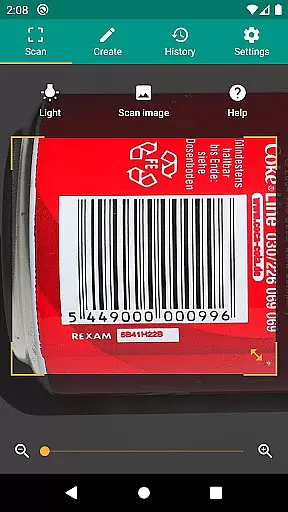
QR & Barcode Scanner is a versatile productivity tool designed to streamline the process of scanning and generating QR codes and barcodes. This application supports all common barcode formats, including QR, Data Matrix, Aztec, UPC, EAN, Code 39, and many others, making it an essential utility for both personal and professional use.
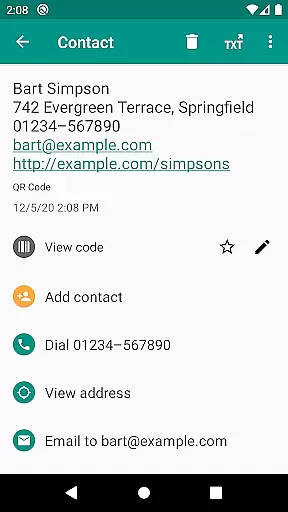
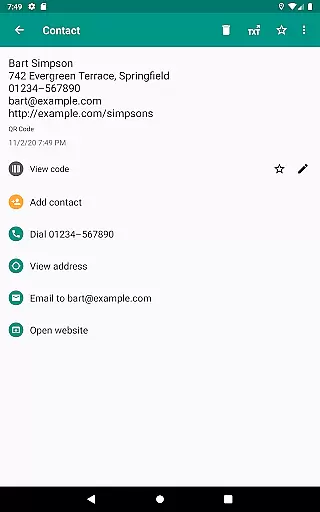
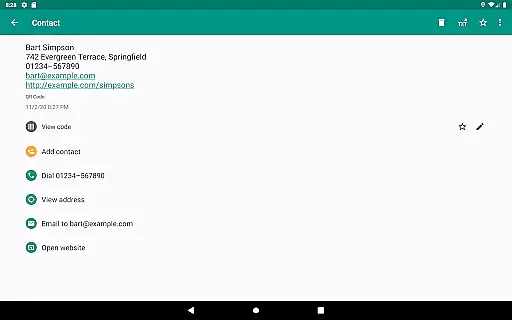
The app goes beyond basic scanning by offering relevant actions based on the scanned content. Users can open URLs, connect to WiFi hotspots, add calendar events, read VCards, and find product and price information from popular online services like Amazon, eBay, and Google. With added security features such as Chrome Custom Tabs and Google Safe Browsing, users are protected from malicious links while enjoying faster loading times.
Whether you're managing inventory, implementing quality assurance processes, or simply looking to share contact information, this app provides the tools you need with minimal permissions required. The built-in QR code generator allows for seamless data sharing between devices, while CSV export and annotation features make it easy to manage scan history and integrate with other systems.
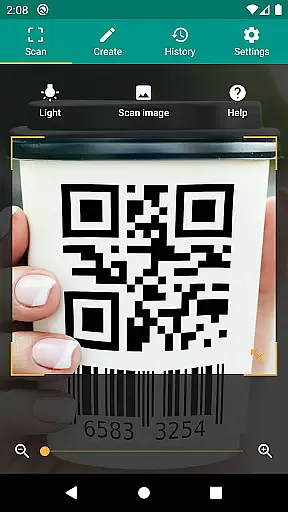
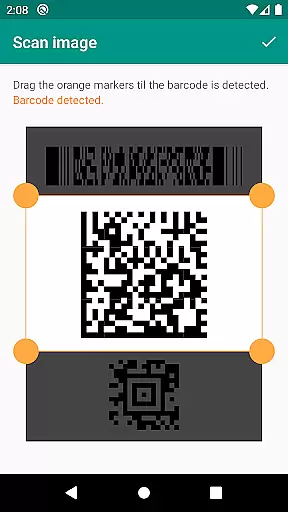
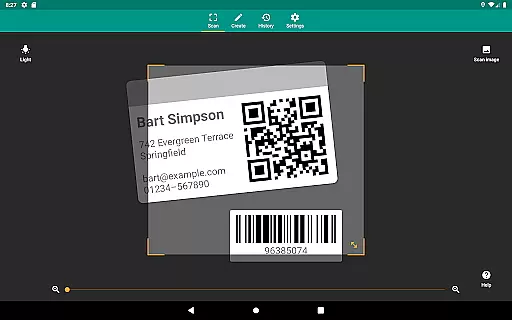
QR & Barcode Scanner stands out with its comprehensive feature set tailored for productivity enthusiasts. One of its key strengths is the ability to scan from images, allowing users to detect codes within picture files or directly through the camera. The inclusion of flashlight and zoom functionality ensures reliable scans even in challenging lighting conditions or from longer distances.
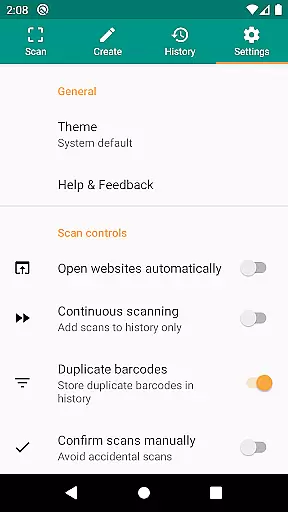
Security and performance are prioritized through the implementation of Chrome Custom Tabs with Google Safe Browsing technology. This protects users from potentially harmful links while optimizing loading speeds. The app also respects user privacy by requiring minimal permissions - you can scan images without granting access to your entire device storage and share contact data as a QR code without exposing your address book.
Additional notable features include custom search options that allow users to retrieve specific information by adding preferred websites to the barcode search. The CSV export and annotation capabilities enable efficient management of unlimited scan history, which can be exported to Excel or saved to cloud storage services like Google Drive. These features make the app particularly valuable for small business owners who need to manage product inventory or maintain quality assurance records.
QR & Barcode Scanner excels in core task management by offering a comprehensive suite of tools designed to handle various barcode and QR code-related tasks efficiently. The app supports all common barcode formats, including QR, Data Matrix, Aztec, UPC, EAN, Code 39, and many more, ensuring that users can scan virtually any code they encounter.
Beyond just scanning, the app provides relevant actions based on the scanned content. Users can open URLs, connect to WiFi hotspots, add calendar events, read VCards, and find product and price information from popular online services like Amazon, eBay, and Google. This functionality streamlines task management by consolidating multiple actions into one seamless process.
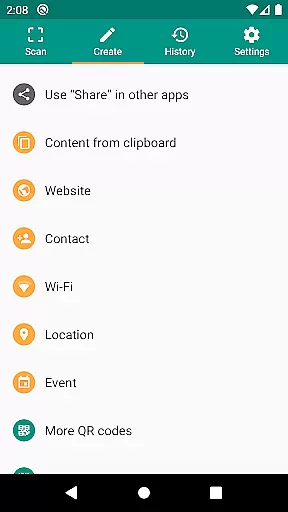
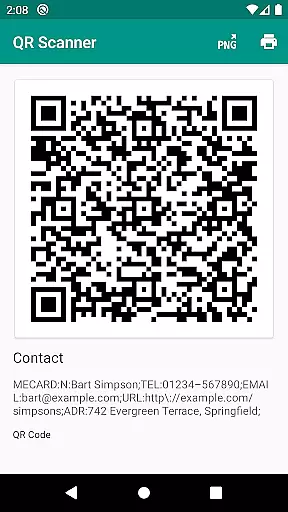
The app also features a built-in QR code generator, allowing users to create and share arbitrary data such as website links. By displaying these links as QR codes on their screens, users can easily transfer information between devices without manual input. This feature is particularly useful for businesses looking to manage product inventory or implement quality assurance processes.
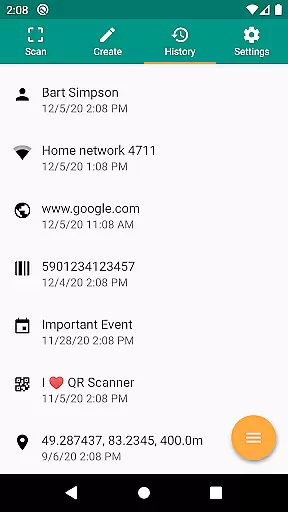
Cross-device synchronization reliability is a standout feature of QR & Barcode Scanner, ensuring that users can seamlessly access their scanned data across multiple devices. The app manages an unlimited history of scans, which can be exported as CSV files. These files can then be imported into Excel or saved to any cloud storage service such as Google Drive, providing users with flexible data management options.
In addition to exporting capabilities, the app allows users to annotate their scans. This feature is invaluable for small business owners who need to manage product inventory or track quality assurance metrics. Annotations help provide context to each scan, making it easier to organize and retrieve information when needed.
Security is another crucial aspect of the app's cross-device synchronization. QR & Barcode Scanner employs minimal permissions, meaning users can scan images without granting access to their device storage. Furthermore, sharing contact data as a QR code does not require access to the address book, thus safeguarding user privacy while maintaining reliable synchronization across devices.
User-friendly interface
Comprehensive format support
Robust security features
Minimal permission requirements
Versatile scanning options
Limited design customization
No offline database
Occasional slow processing
Basic annotation tools
Ads in free version
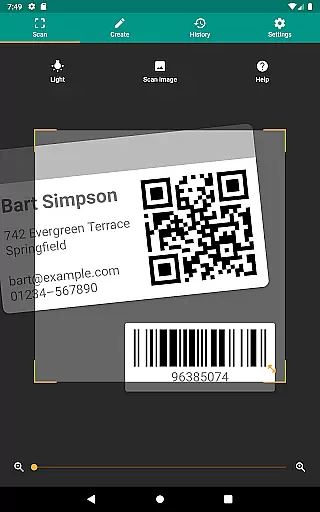

QuickBooks Workforce lets teams view pay info and track time in one place.
 4.70
4.70
Direct Chat without saving contacts & Dual WA Account on Single Device
4.70
A lightweight JSON & XML files creator, editor and viewer (Premium Version)
4.40
aCalendar+ makes your day, week and month
4.70
PDF scanner & converter for files, photos, lottery, QR codes. One swipe away!
4.50
Cloud storage, automatic phone backup, and more.
4.10
Access, manage and transfer files on Android, PC, Mac, NAS and cloud storages.
4.30
Understand anything with a personalized AI research assistant
4.80
Daily processing of PDF documents.
4.40
Best Tool for the professionals Electrician, Electrical contractors, etc.
4.90
Secure, fast, open-source, VNC and SSH Remote Desktop for Windows, Linux and Mac
4.70
A beautiful digital clock with autostart and many other functions
4.70
App Lock with fingerprint, password: Lock apps & hide photos with lock screens
4.60 4.20
4.20
Pwnagotchi companion app
4.20
Access your phone's notifications, calls, apps, photos & texts on your PC
3.90
Code on-the-go with VScode for Android. Edit,debug and collaborate from mobile!!
3.10
The upgraded version of Name Wheel with AI and the power to add your own wheels.
4.1
A comprehensive suite of tools designed specifically for Lactation Consultants
4.2

User Reviews