

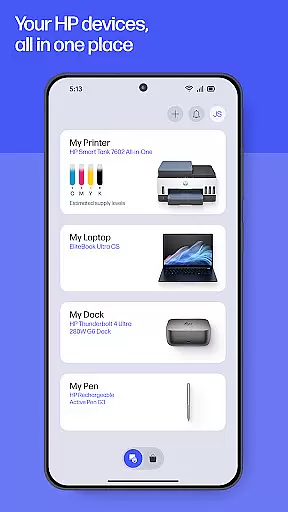
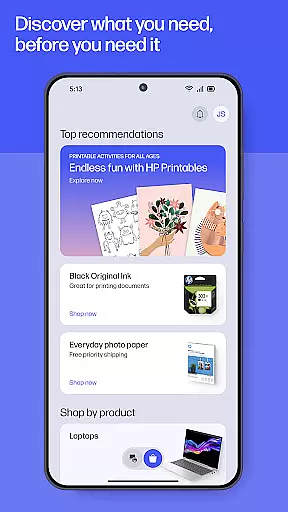
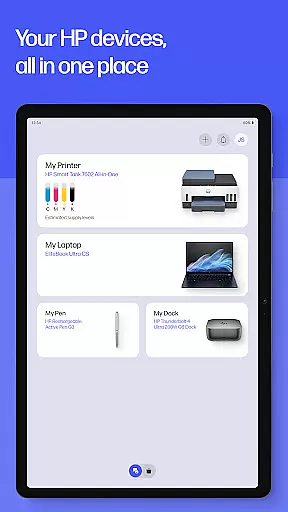
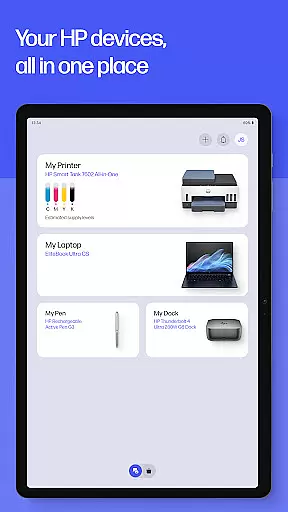
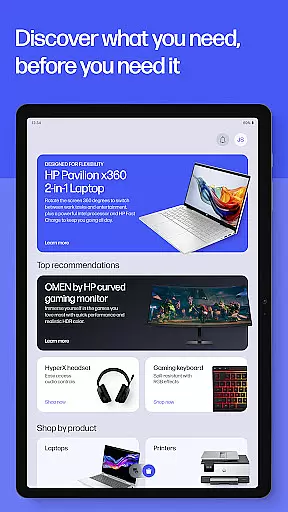
HP is a comprehensive productivity app designed to enhance your experience with HP devices. The application serves as an all-in-one solution for managing printers and computers, offering functionalities such as easy setup, print and scan capabilities, and instant support access. Whether you are at home or in the office, HP ensures that your printing tasks are seamless and efficient. With features like guided setup for new devices, checking ink levels, and personalized recommendations, this app aims to make technology work exactly how you prefer.
Beyond basic functionalities, HP app provides advanced options including HP Printables for creative projects, photo printing, document scanning, fax services, and custom print shortcuts. These features collectively contribute to a versatile user experience, allowing individuals to unlock their device's full potential while staying connected to essential services and support.
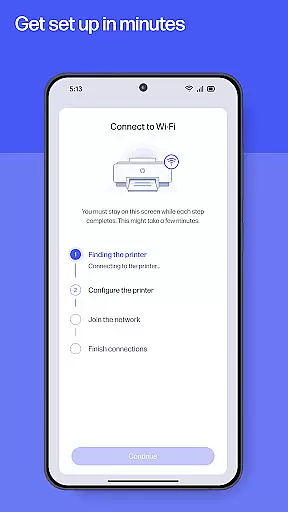
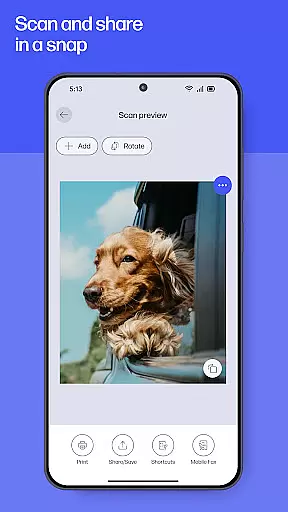
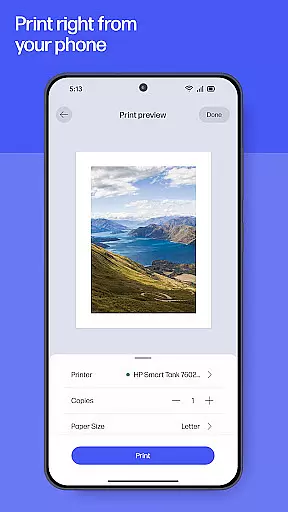
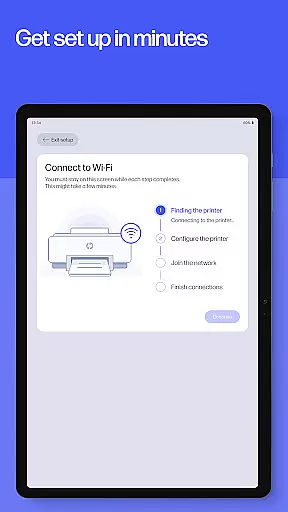
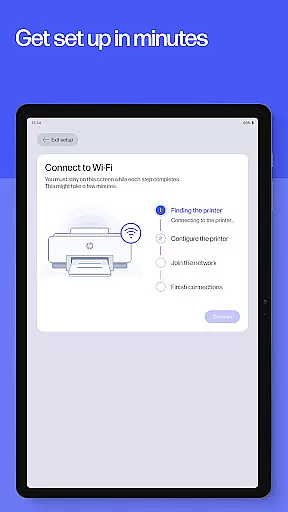
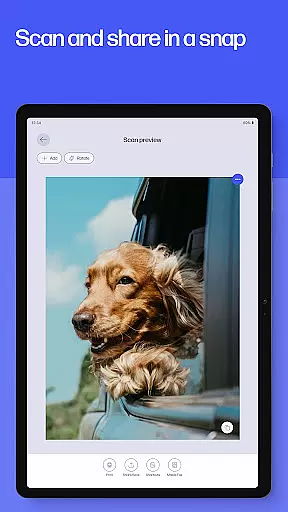
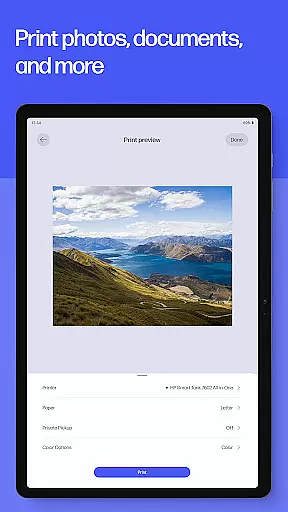
The HP app stands out with its rich feature set tailored for productivity enthusiasts. One of the core highlights is the Easy Setup functionality, which simplifies the initial configuration of new HP devices through guided instructions. This ensures users can quickly manage their printers and computers without hassle. Additionally, the app offers robust print and scan capabilities, enabling tasks such as printing school forms or scanning receipts directly from your device with remarkable ease.
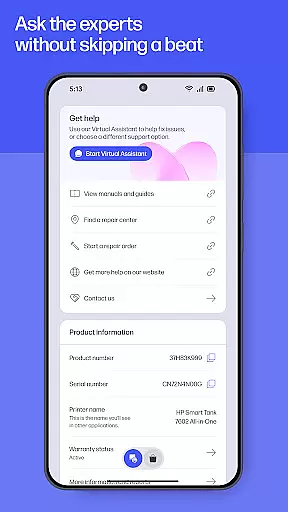
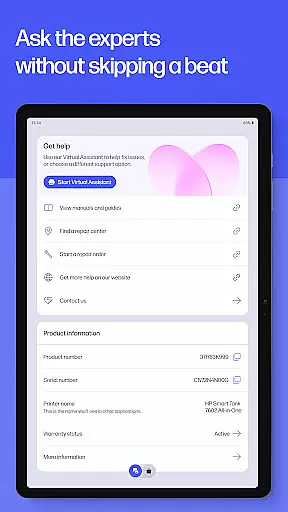
Another significant aspect is the Instant Help feature, providing various support channels like live chat and phone assistance within the app itself. Users also benefit from advanced tools such as HP Printables for accessing creative templates, high-quality photo printing, document editing before printing, and even fax services. Each feature is meticulously designed to offer convenience and efficiency, ensuring that whether you're handling personal projects or professional documents, the HP app equips you with everything needed for optimal performance.
Task management is a cornerstone of productivity, and the HP app excels in providing users with tools to manage their printing and scanning tasks efficiently. This app consolidates various functions such as printing documents, scanning receipts, and managing print supplies into one streamlined interface.
With features like Print Shortcuts, users can set up custom shortcuts for frequently used print tasks, saving time and effort. The app also allows for quick access to essential functions like checking ink levels and ordering supplies, ensuring that your workflow is never interrupted by a lack of resources.
The HP app's comprehensive task management extends beyond just printing. It includes functionalities for scanning documents directly to email or cloud storage, making document management seamless. Users can also send and receive faxes directly from the app, adding another layer of convenience to their daily operations.
By integrating these core task management features, the HP app ensures that both home and office users can maintain an organized and efficient workspace. Whether it's handling school forms or managing business documents, this app provides the necessary tools to keep tasks on track and under control.
Cross-device synchronization is vital for users who operate in multi-device environments. The HP app addresses this need by offering reliable synchronization across various devices, ensuring that your printers and computers are always in sync.
This synchronization capability means that whether you're at home or in the office, you can easily manage your HP devices from your mobile phone or tablet. The app provides real-time updates on ink levels, notifications when supplies are low, and instant access to support whenever needed.
Moreover, the HP app supports continuity in user experience through its auto-update feature. By turning on auto-updates, users ensure they have the latest improvements and features without manual intervention, thus maintaining optimal performance across all their devices.
Reliable cross-device synchronization not only enhances productivity but also simplifies device management. With consistent information available regardless of the device being used, users can focus more on their tasks and less on troubleshooting connectivity issues, thereby improving overall efficiency.
User-friendly interface
Comprehensive device management
Advanced print and scan options
Instant support access
Creative project resources
Limited to HP devices
Internet connection required
Some features English-only
Potential future charges
Country-specific limitations
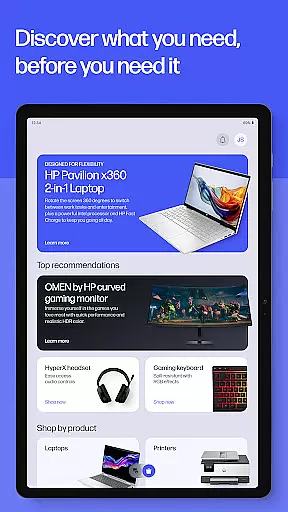
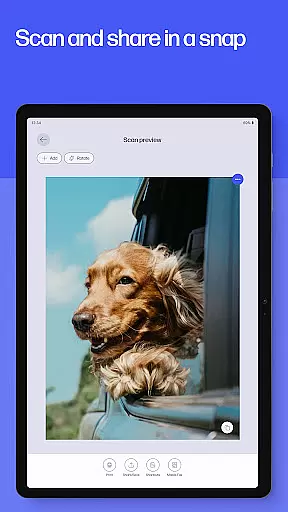
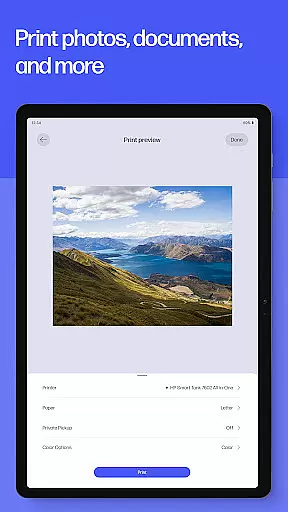
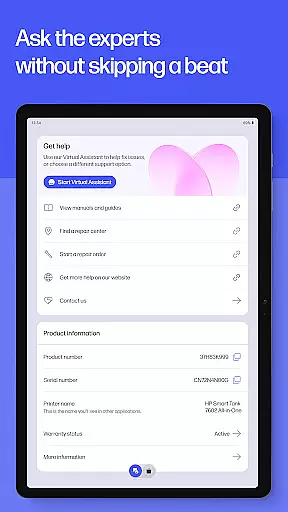

Seamlessly integrate data and reports to build your presentation to impress
 4.80
4.80
Take control of your clipboard with Clipper!
3.90
All in one sketching tool. Technical and General drawing. Online Maps support.
3.70
Direct Chat without saving contacts & Dual WA Account on Single Device
4.70
Multilingual translator for text, voice, and image translation!
4.90
Translate text/voice/photos in 150+ languages. Offline & fast translator app.
4.50
Calendar 2023 widget for Android. Appointment scheduler, planner, and reminder
4.60
Intelligent AI Assistant
4.10
QuickEdit is a fast, stable and full featured text and code editor.
4.20
We're working to become the best machining app on the market! www.cncdirt.com
4.80
Lightweight PDF, Word, Excel reader.
4.60
Tally and goal counter for Wear OS & mobile
4.50
CalenGoo is a very flexible and feature-rich calendar app
4.40
Share files & memories safely. Keep your photos and videos secure.
4.40
Automates browsing any website and notifies you of important changes or events
4.30
Wake up & get tasks done! Add alarms & reminders on the Clock Launcher.
4.00
A Revolutionary All-in-One Artificial Intelligence Tools
3.80
Make your handwriting beautiful, even more than pen on paper.
3.60
Experience and share your SolidWorks designs on your Android® phone and tablet.
2.50


User Reviews