

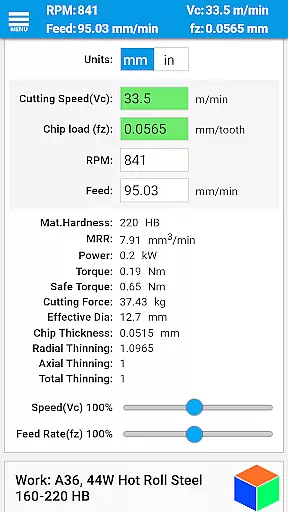
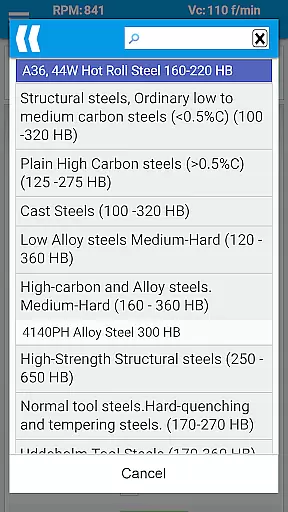
FSWizard Pro Machinist Calc is a premier CNC milling and turning speed and feed calculator designed for machinists by a machinist. This productivity app simplifies the process of calculating speeds and feeds by allowing users to select their work and tool material without needing to know specific numbers. It automatically applies recommended cutting speeds and chip loads for various tools, including indexed and solid endmills, drills, and taps.
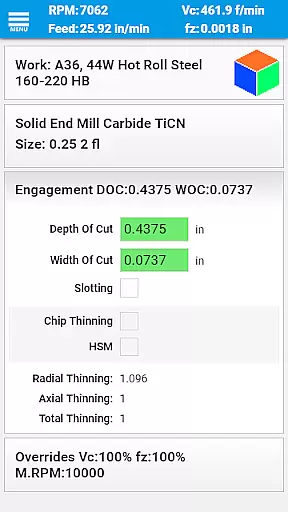
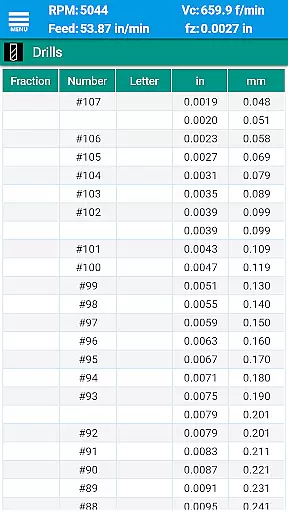
The app offers advanced features such as High-Speed Machining (HSM) calculations, chip thinning assessments, and optimal depth and width of cut parameters. FSWizard also includes comprehensive reference materials like drill charts, tap drill charts, and GD&T references, making it an indispensable tool for improving machining productivity and optimizing cutter life.
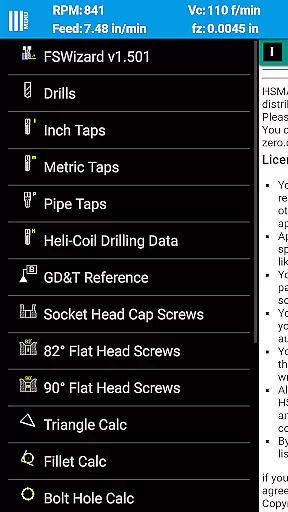
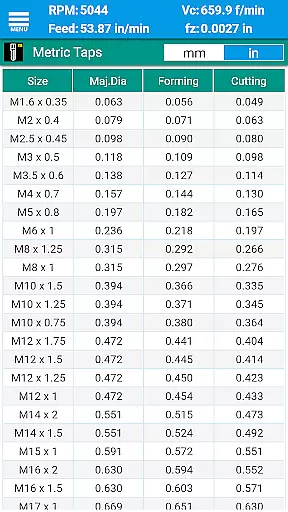
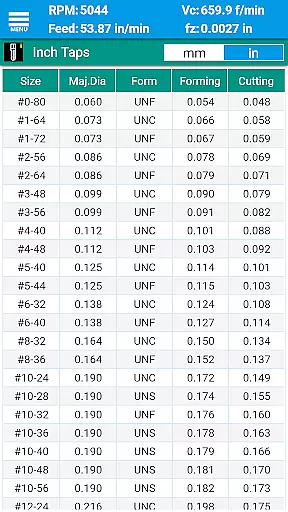
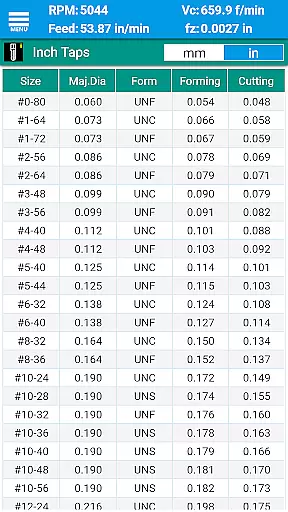
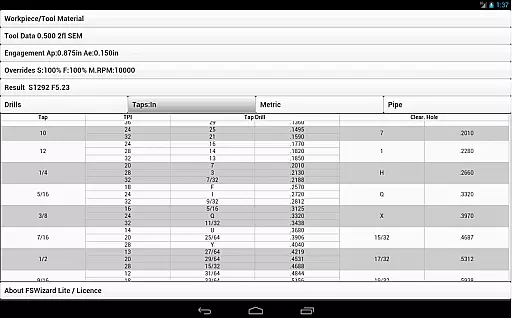
FSWizard Pro stands out with its extensive feature set tailored for CNC machinists. The app provides specialized calculators for milling, drilling, and turning operations, including support for HSM and ball nose endmills. Users can calculate tapping thread engagement and select the best tap drills for both imperial and metric taps.
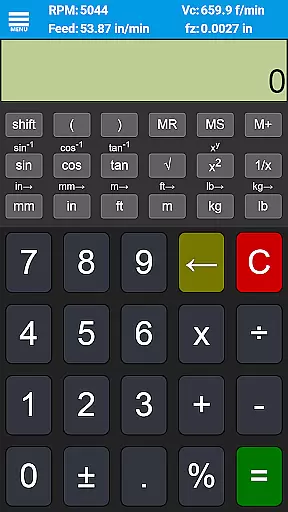
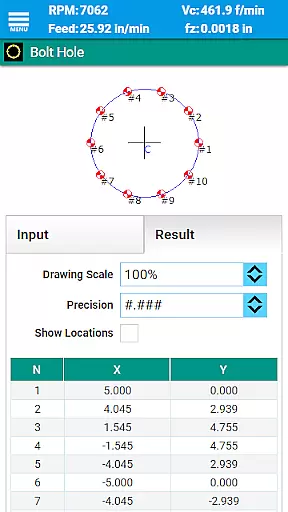
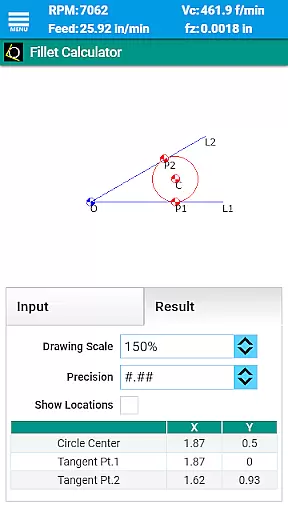
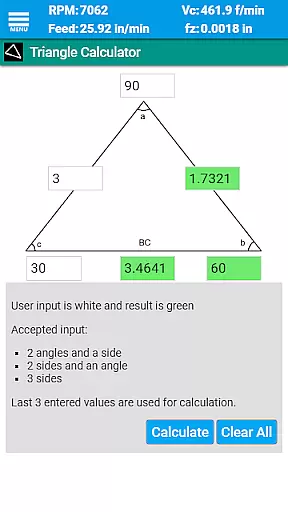
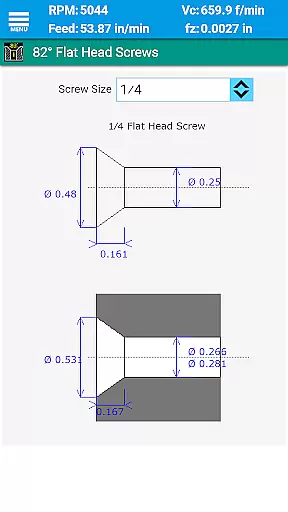
Beyond machining calculations, FSWizard includes a variety of general-purpose calculators such as oblique triangle, fillet, bolt circle, countersink, and true position calculators. It also features interactive GD&T references and scientific calculators with trigonometric functions. With support for both metric and imperial units, this app caters to a global audience of machinists seeking precision and efficiency in their work.
In the realm of CNC machining, FSWizard Pro Machinist Calc excels in core task management by simplifying complex calculations into user-friendly operations. The app allows machinists to calculate speeds and feeds with just a few taps, selecting work and tool materials without needing to memorize specific numbers.
FSWizard takes the guesswork out of machining by automatically applying recommended cutting speeds and chip loads for various tools, including indexed and solid endmills, drills, and taps. This automation not only saves time but also reduces errors, ensuring that machinists can focus on the machining process itself.
The application's ability to handle both imperial and metric units adds another layer of versatility, catering to a global audience. With features like High-Speed Machining (HSM) and Chip Thinning calculations, users can optimize their machining parameters for improved productivity and extended tool life.
While FSWizard Pro Machinist Calc does not explicitly market itself as a cross-device synchronization tool, its reliability across different devices is evident through its consistent performance and data accuracy. Machinists can rely on FSWizard to provide precise calculations whether they are using a smartphone or tablet, ensuring seamless transitions between devices.
The app's comprehensive database of materials and cutting parameters remains up-to-date and synchronized, providing users with the most current information needed for their machining tasks. This consistency ensures that regardless of the device used, calculations and recommendations remain accurate and reliable.
Moreover, FSWizard's offline capabilities guarantee that machinists have access to critical data even without an internet connection, further enhancing its reliability. By offering a robust set of features that perform consistently across devices, FSWizard supports machinists in maintaining efficiency and precision in their work.
Highly specialized for CNC
User-friendly interface
Comprehensive tool library
Advanced calculation options
Extensive reference materials
Premium price point
Steep learning curve
Limited to machining
No offline functionality
Requires technical knowledge

Secure, fast, open-source, VNC and SSH Remote Desktop for Windows, Linux and Mac
 4.70
4.70
Android Wallet Password Manager
4.80
The Pro Version of Android's tiniest Notepad app. Just 0.3MB but feature-packed!
4.60
aCalendar+ makes your day, week and month
4.70
App Lock with fingerprint, password: Lock apps & hide photos with lock screens
4.60
PDF scanner & converter for files, photos, lottery, QR codes. One swipe away!
4.50
Simple and reliable communication between inmates, friends and family
3.20
Multilingual translator for text, voice, and image translation!
4.90
Okta MFA
4.70
The long-awaited modern gallery app for your Nextcloud server
4.70
Client for Nextcloud Deck
4.60
All document reader, all in one file viewer read PDF, DOCX, XLS, PPT, TXT files.
4.60
Share files & memories safely. Keep your photos and videos secure.
4.40
Todo reminder
4.10
Font maker keyboard with your own handwriting
4.10
* block pre-roll ads, pop-up and forced redirect ads * Samsung certification app
4.00
Remotely view listen control and record cameras.
3.70
ID.me Authenticator is a simple and free Two Factor Authentication solution
3.50
A simple, portable logger for POTA, SOTA, Field Day, and more
4.5

User Reviews