

Google Sheets is a powerful productivity app that allows users to create, edit, and collaborate on spreadsheets directly from their Android devices. The app provides a comprehensive set of features including real-time collaboration, offline access, and automatic saving. Whether you need to manage business data or organize personal information, Google Sheets offers the flexibility to work anytime, anywhere.
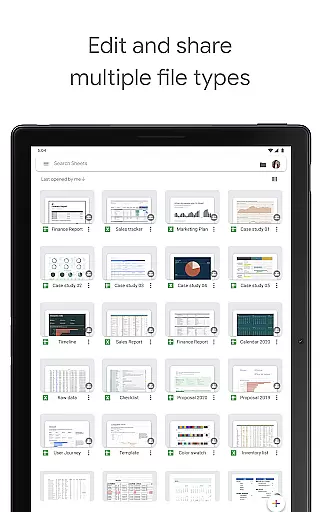
The app stands out with its seamless integration with other Google Workspace tools and Excel compatibility. Users can take advantage of smart suggestions for quick insights and formatting, making spreadsheet management more efficient. With enterprise-grade security and AI-powered analytics, it's an ideal solution for both individual and team productivity needs.
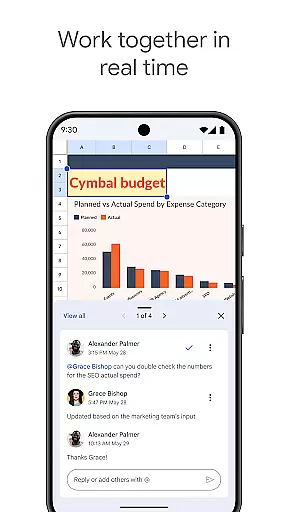
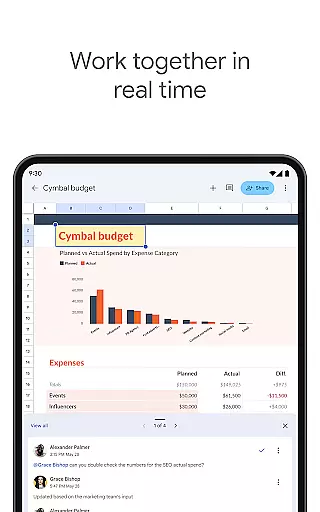
Google Sheets offers an impressive array of features designed to enhance productivity. The app supports real-time collaboration, allowing multiple users to work on the same document simultaneously. Its robust functionality includes advanced cell formatting, formula creation, data sorting, and chart visualization capabilities.
One of the key advantages is its cross-platform compatibility. Users can seamlessly transition between mobile and desktop environments while maintaining full feature parity. The app also incorporates AI-powered suggestions that help users quickly analyze data and apply professional formatting. Additionally, Google Workspace subscribers benefit from enhanced security controls and advanced analytics tools, making it a complete solution for modern spreadsheet management.
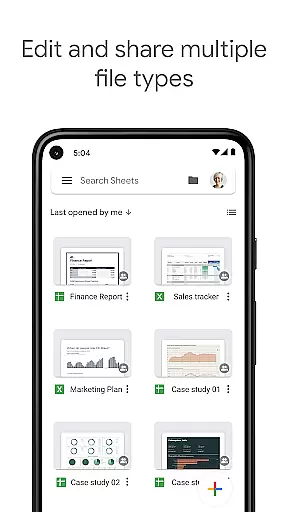
Google Sheets excels in core task management by offering a comprehensive suite of tools designed to handle various spreadsheet tasks efficiently. The app allows users to create new spreadsheets or edit existing files, ensuring that all work is saved automatically as you type.
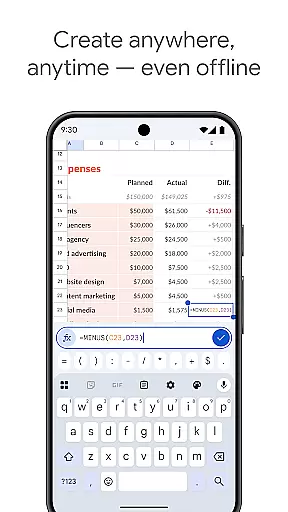
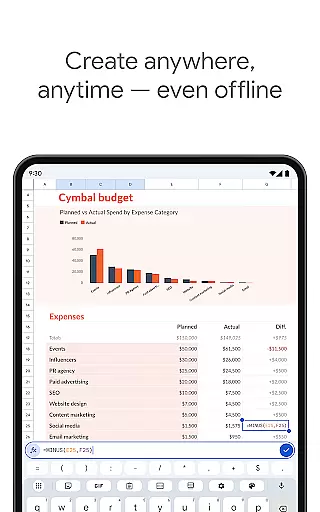
With features such as formatting cells, entering or sorting data, viewing charts, inserting formulas, and using find/replace functions, Google Sheets provides an all-encompassing platform for managing your data needs. These capabilities ensure that whether you are handling simple lists or complex datasets, the app can adapt to your requirements seamlessly.
Moreover, the ability to quickly get insights, insert charts, and apply formatting with smart suggestions enhances productivity. This means users can focus more on analyzing data rather than spending time on manual adjustments, thus streamlining their workflow significantly.
Cross-device synchronization is a standout feature of Google Sheets, allowing users to work anywhere, anytime u2013 even offline. This ensures that your spreadsheets are always up-to-date across all devices, providing unparalleled convenience and flexibility.
Sharing spreadsheets and collaborating in real-time within the same document further amplifies the reliability of cross-device operations. Team members can easily add collaborators to projects, see changes as they occur, and receive notifications for edits made while theyu2019re away, ensuring everyone stays on the same page.
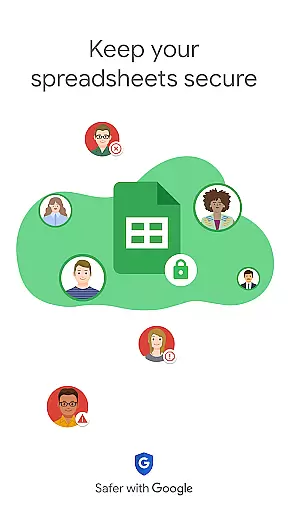
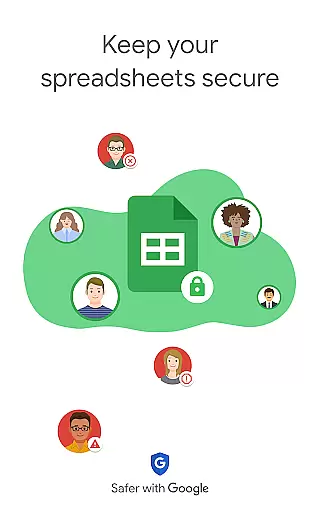
For Google Workspace subscribers, additional benefits include enterprise-grade security and seamless integration across Sheets and Excel. This robust synchronization capability not only maintains data integrity but also supports advanced functionalities like analyzing data from other business-critical tools, making it indispensable for both individual and team productivity.
User-friendly interface
Real-time collaboration
Automatic saving
Offline access
Excel compatibility
Limited advanced features
Requires internet
Ads in free version
Complex formulas
Learning curve

Android Wallet Password Manager
 4.80
4.80
Protect and view your important info on your phone and tablet with eWallet®
4.80
Device's storage information in a simple and clear graphical form (infographics)
4.10
Secure, fast, open-source, Remote Desktop Client for Windows and Linux with SSH
4.60
Stay on top of your to-dos with Google Tasks, part of Google Workspace.
4.60
Font maker keyboard with your own handwriting
4.10
Code on-the-go with VScode for Android. Edit,debug and collaborate from mobile!!
3.10
Tally and goal counter for Wear OS & mobile
4.50
Scientific calculator for Android - looks and operates like the real thing!
4.90
The AI assistant that thinks with you - write, code, and solve complex tasks
4.60
Fill, sign & send docs, forms, agreements & contracts via electronic signature.
4.50
Translate text/voice/photos in 150+ languages. Offline & fast translator app.
4.50
Docker, Kubernetes management over Portainer Mobile
4.40
Secure, open-source, SPICE and SSH Remote Desktop for QEMU KVM virtual machines
4.00
Remotely view listen control and record cameras.
3.70
Auto-shutoff Alarm with Sunrise, Sunset & Fixed Options.
3.50
Simple and reliable communication between inmates, friends and family
3.20
AI Video AI Image Private LLM AI Browser Llama Gemma Ollama Connect LLM Studio
4.1
A simple, portable logger for POTA, SOTA, Field Day, and more
4.5


User Reviews