

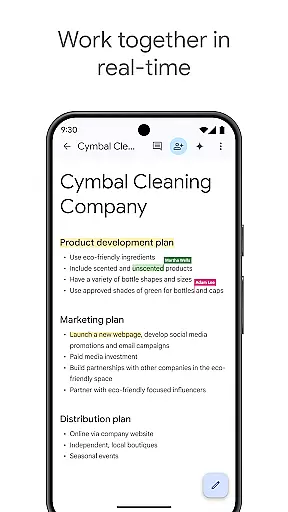
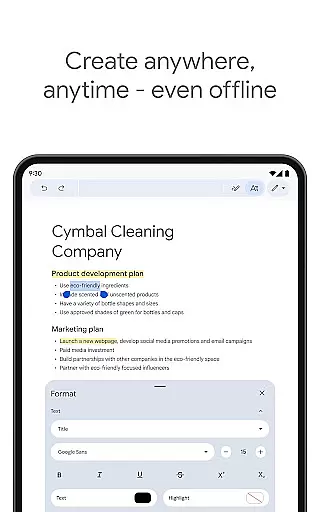
Google Docs is a powerful productivity app that allows users to create, edit, and collaborate on documents directly from their Android devices. The app supports real-time collaboration, enabling teams to work together seamlessly by sharing documents, editing content, leaving comments, and assigning action items without missing a beat. With offline mode functionality, users can capture ideas and continue working even without an internet connection.
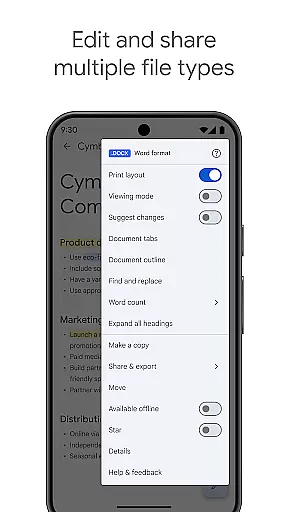
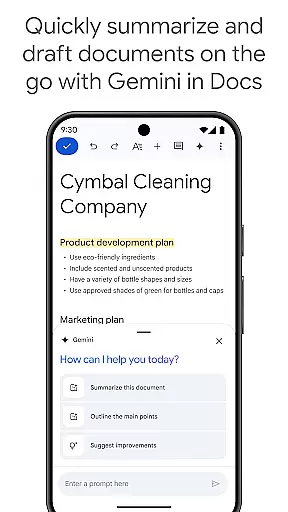
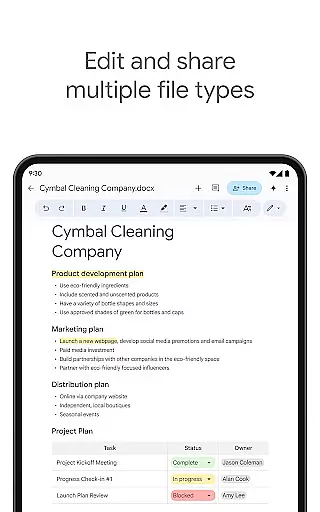
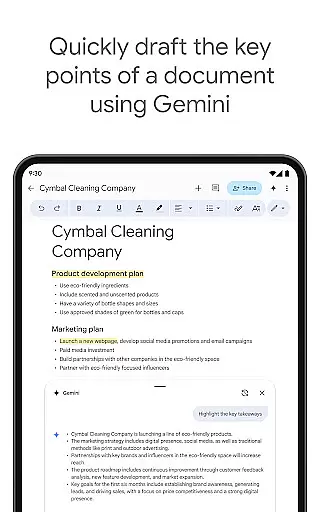
In addition to supporting multiple file types including Microsoft Word files, Google Docs offers easy-to-use templates to save time and enhance document quality. As part of Google Workspace, the app provides advanced features for paid subscribers, such as AI-powered writing suggestions through Gemini in Docs, unique image creation tools, and more. Whether you're drafting outlines or collaborating with teammates across different platforms, Google Docs ensures frictionless productivity anytime, anywhere.
One of the standout features of Google Docs is its robust real-time collaboration capabilities. Users can share documents with team members and simultaneously edit content, leave comments, and assign tasks, ensuring everyone stays aligned. This feature is particularly valuable for remote teams or projects requiring frequent updates and feedback.
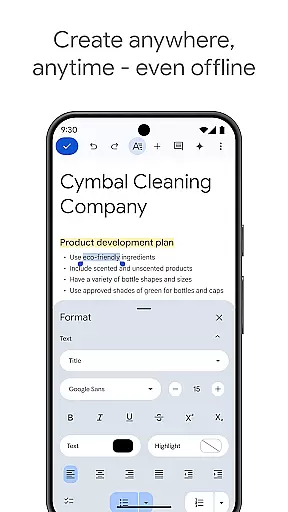
The app also supports offline mode, allowing users to create and edit documents on the go, regardless of internet connectivity. Once back online, changes automatically sync. Additionally, Google Docs handles multiple file formats effortlessly, including Microsoft Word files, making it versatile for various professional environments. Paid subscribers enjoy premium features like AI-driven writing assistance via Gemini in Docs, which helps improve writing quality and speeds up content creation with automated suggestions and creative tools.
Task management is a critical component of productivity applications, and Google Docs excels in this area by providing users with the ability to create, edit, and collaborate on documents seamlessly. This functionality ensures that teams can work together efficiently, no matter where they are located.
The app allows real-time collaboration, enabling multiple users to edit a document simultaneously. This feature is particularly beneficial for teams spread across different locations, as it eliminates the need for back-and-forth emails and ensures everyone is working on the most current version of a document.
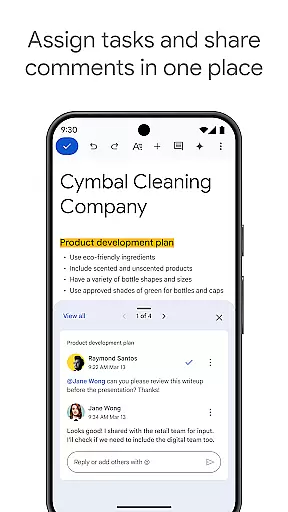
Google Docs also supports commenting and action items, allowing users to provide feedback and assign tasks directly within the document. This streamlines communication and helps keep projects organized and on track. The ability to share documents instantly with team members further enhances productivity and ensures smooth workflow management.
Cross-device synchronization is essential for ensuring that users can access their documents from any device at any time. Google Docs offers reliable synchronization across devices, making it easy for users to pick up where they left off, whether they're using a phone, tablet, or computer.
This reliability is supported by Google's robust cloud infrastructure, which ensures that documents are saved automatically and updated in real time. Users can be confident that their work is always up-to-date and accessible, even if they switch devices mid-task.
In addition to automatic saving, Google Docs provides an offline mode, allowing users to continue working without an internet connection. Once reconnected, changes are synced automatically, ensuring that no work is lost. This combination of real-time updates and offline access makes Google Docs a dependable tool for managing tasks across multiple devices.
User-friendly interface
Real-time collaboration
Offline access
Seamless integration
Versatile file support
Limited free features
Requires internet
Basic formatting
Ads in free version
Storage limitations

Client for Nextcloud Deck
 4.60
4.60
Take control of your clipboard with Clipper!
3.90
Android Wallet Password Manager
4.80
Simple and reliable communication between inmates, friends and family
3.20
Tally and goal counter for Wear OS & mobile
4.50
The ultimate file manager for rooted devices. The original and still the best.
4.00
Experience and share your SolidWorks designs on your Android® phone and tablet.
2.50
Simple notepad & memo. Take notes, to-do list, shopping list with reminders.
4.80
Seamlessly read, manage, and organize all your PDF files solution in one place
4.40
8 custom complications. Custom Time Fonts. Beautiful color schemes. A++ Design.
5.00
App Lock with fingerprint, password: Lock apps & hide photos with lock screens
4.60
Functional QR scanner and barcode reader that requires little storage space.
4.60
The AI assistant that thinks with you - write, code, and solve complex tasks
4.60
All document reader, all in one file viewer read PDF, DOCX, XLS, PPT, TXT files.
4.60
Send files, sync SMS, notifications & clipboard across devices via local network
4.40
A lightweight JSON & XML files creator, editor and viewer (Premium Version)
4.40
A Pixel Art watchface inspired by other iconic 90s designs for Wear OS devices!
4.40
Ultimate Virtual AI Character for immersive Roleplay Chat. Perfect Companion
3.90
All in one sketching tool. Technical and General drawing. Online Maps support.
3.70


User Reviews