

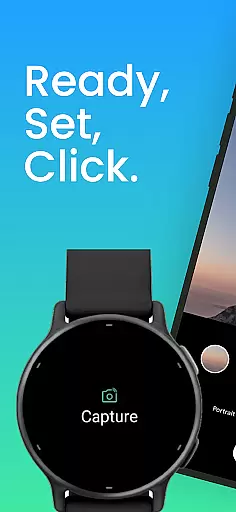
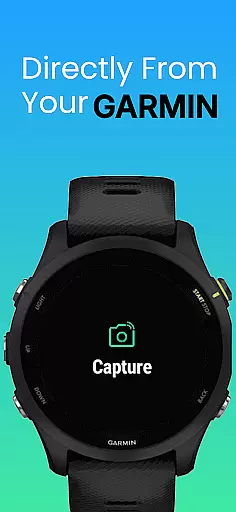
CameraClick is a powerful photography app that connects Garmin smartwatches with Android phones, enabling wireless remote control of your phone's native camera. This seamless integration allows users to capture photos and videos directly from their wrist, making it ideal for group shots, solo adventures, or distance recordings.
The app works with your existing camera settings, preserving quality preferences and storage paths while using Android’s AccessibilityService to interact with the camera shutter button. Compatible with a wide range of devices, CameraClick is perfect for creators, athletes, and everyday users who want reliable and easy-to-use remote shooting capabilities.
CameraClick offers several standout features that enhance its functionality as a remote camera controller. First, it integrates directly with your phone’s native camera app, ensuring no loss in quality or custom settings. This eliminates the need for third-party viewers and maintains your preferred lens choices and storage paths.
Second, the app leverages Android’s AccessibilityService to trigger the camera shutter button wirelessly. This compatibility extends across various devices and camera apps, giving users flexibility regardless of their device brand. Additionally, CameraClick has been tested on popular Android devices like Google, Samsung, Xiaomi, and OnePlus, ensuring consistent performance.
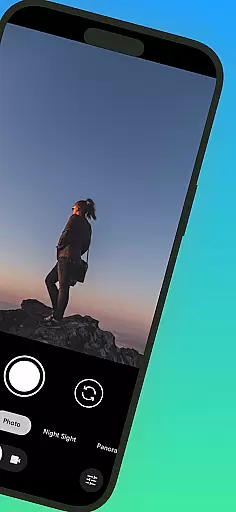
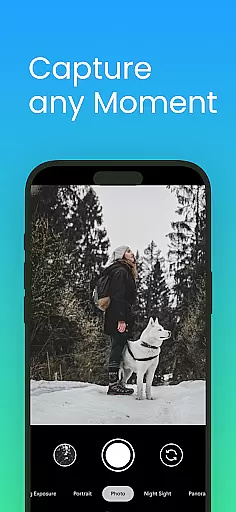
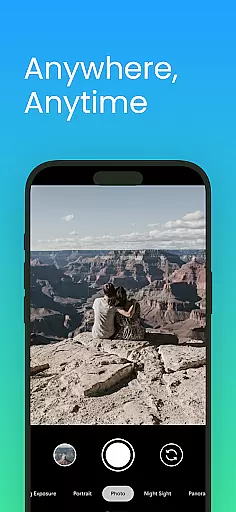
Real-time capture and preview functionality is essential for ensuring that users can take photos or record videos with precision and confidence. CameraClick excels in this area by providing seamless integration between your Garmin smartwatch and Android phone.
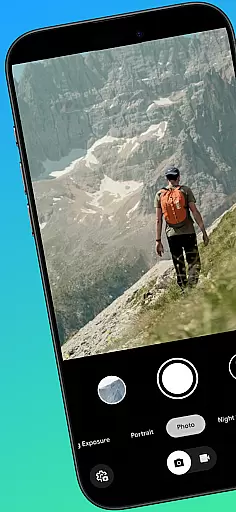
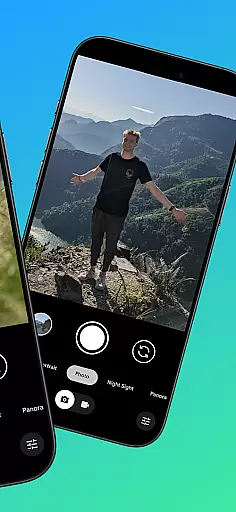
The app leverages the native camera app on your phone, meaning you get to use the camera interface and settings you're already familiar with. This ensures that the quality of your shots remains consistent with your preferences, whether it's choosing a specific lens or setting the desired resolution.
With CameraClick, you can trigger the camera shutter directly from your smartwatch. This wireless control allows you to capture moments without needing to physically interact with your phone, making group photos or action shots easier than ever.
By using Androidu2019s AccessibilityService, CameraClick interacts directly with the camera's shutter button, offering compatibility across a wide range of devices and camera apps. This means you retain full control over how your media is captured while enjoying the convenience of remote shooting.
AI beauty and enhancement features are increasingly popular in photography apps, allowing users to refine their images with natural-looking results. While CameraClick focuses primarily on remote shooting, its seamless integration with your phone's native camera app indirectly supports these enhancements.
Since CameraClick works with your existing camera app, any AI beauty or enhancement features available in that app remain accessible. This means you can still apply filters, adjust lighting, or enhance skin tones as you normally would, all while controlling the camera remotely from your smartwatch.
The app has been tested on a variety of popular Android devices, including those from Google, Samsung, and Xiaomi, ensuring broad compatibility. This extensive testing helps guarantee that any AI-driven enhancements perform reliably across different hardware and software configurations.
Ultimately, CameraClick provides a stable platform for leveraging your phoneu2019s built-in AI capabilities, ensuring that beauty enhancements and other edits appear natural and true to life, even when capturing photos from a distance.
Wireless convenience
Native camera support
Wide device compatibility
Easy setup process
Reliable performance
Requires Accessibility permissions
Limited to Android devices
Dependent on Garmin smartwatch
No iOS version available
Basic feature set

Safe & smart flight with Go Fly drone controller for 40+ drone camera, zone map
 4.50
4.50
Turn your phone into a professional camera - full DSLR manual photography
4.30
HD Camera Pro with HD Video shooting, Panorama, Photo editor , Beauty Camera.
4.50
A reflected light meter with spot metering and incident light metering.
4.40
Luminar: Photo Editor - easy picture editing with AI
4.20
Easily create custom gifts, cards, photo books & more on the Shutterfly app!
4.60
live datamoshing
4.00
Professional camera app that brings DSLR manual photography controls to Android.
4.20
Edit photos with the picture generator: PS2 & AI Clay filters, cartoon effects.
4.50
Automatically backup your photos and videos to computer, NAS and Cloud services
4.60
Use AI Video Generator to turn your words to ai generated videos.
4.50
Effortlessly organize, view and share your photos & videos with Gallery app!
4.40
Search, tag and rate your way to an organized image gallery
4.40
Professional photography on your mobile phone
4.20
Professional quality photo edits with the new Snapseed.
4.00
Be your best in every shot! Fix, edit and retouch your face in selfies & photos.
3.70
Application for remote controlling DSLR
3.00
Long exposure camera with computational photography
2.60
Raw Image Viewer. Gallery with support of raw images (.cr3, .cr2, .nef, .raf).
2.00

User Reviews