

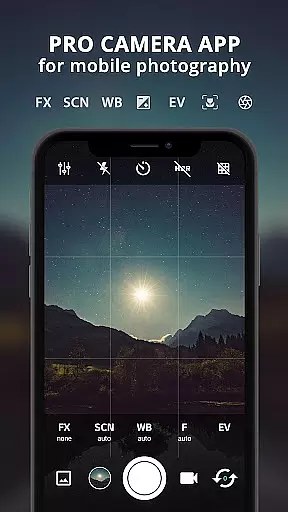
ProCam X transforms your smartphone into a professional-grade camera, offering full manual control over essential photography parameters. With precise adjustments for exposure, focus, white balance, ISO, and shutter speed, this app is designed to elevate mobile photography to new heights. Capture stunning photos and record high-resolution videos with advanced features typically found in DSLR cameras.
The app includes creative tools like burst mode, real-time filters, geotagging, and anti-shake functionality, ensuring every shot is sharp and vibrant. Whether you're shooting in low light or capturing fast-moving subjects, ProCam X provides the flexibility and performance needed for professional results. Its intuitive interface and customizable settings make it suitable for both amateur photographers and seasoned professionals.
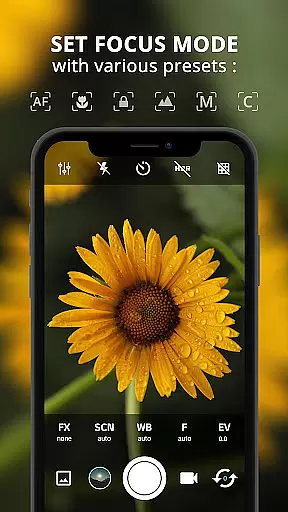
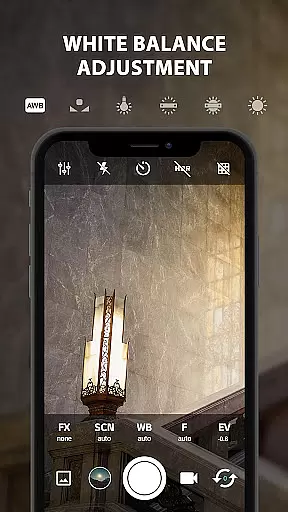
ProCam X stands out with its extensive range of professional camera features. The app supports manual controls such as ISO, shutter speed, focus, and white balance, allowing users to fine-tune their shots with precision. These features are particularly beneficial for creating artistic effects or shooting in challenging lighting conditions.
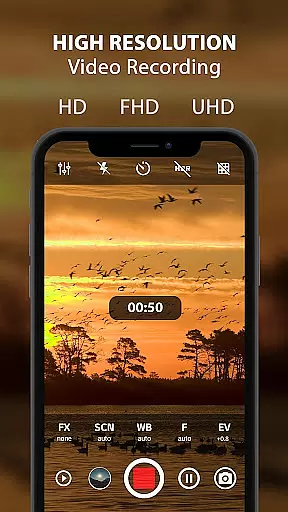
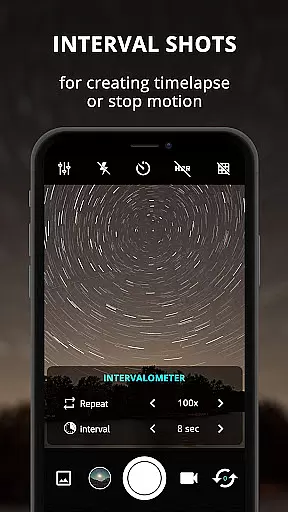
In addition to manual controls, the app offers specialized modes like intervalometer, burst shooting, and 4K video recording. Users can experiment with time-lapse photography, capture rapid sequences in burst mode, or record ultra-high-definition videos. Real-time filters and grid overlays further enhance creativity, while geotagging and date stamping provide practical organizational benefits for photographers who manage large volumes of content.
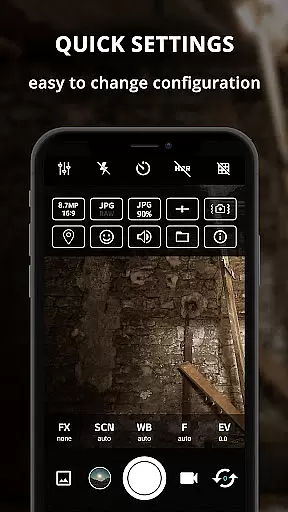
ProCam X also ensures seamless usability with its responsive interface. The app supports external microphones, volume key customization, and silent camera functionality, making it versatile for various shooting scenarios. These capabilities, combined with support for RAW (DNG) file formats, ensure that users can achieve exceptional image quality and post-processing flexibility.
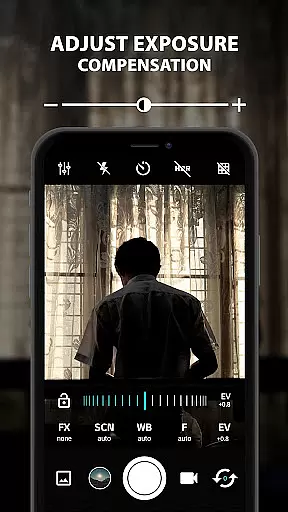
Real-time capture and preview functionality is essential for any photography app aiming to provide a professional experience. ProCam X excels in this area by offering users the ability to control exposure, focus, and white balance in real time. This ensures that photographers can make precise adjustments before capturing their shots, resulting in higher quality images.
The app supports manual ISO settings, shutter speed adjustments, and anti-shake features, which are crucial for achieving optimal image clarity and stability. These capabilities allow users to adapt quickly to different lighting conditions and shooting environments, ensuring consistent performance whether shooting indoors or outdoors.
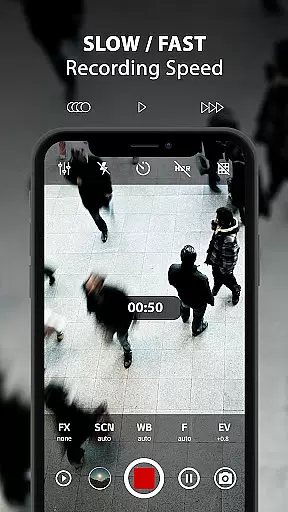
For videography enthusiasts, ProCam X offers 4K video recording with customizable video bit rates and optional audio recording. The real-time filter and color effect options further enhance the creative possibilities, enabling users to apply unique looks to their videos instantly. This level of control and flexibility significantly enhances the overall user experience.
Ultimately, the real-time capture and preview features in ProCam X empower users to take full control of their mobile photography. By providing DSLR-like functionalities, the app bridges the gap between smartphone cameras and professional-grade equipment, making it an invaluable tool for both amateur and experienced photographers.
AI beauty and enhancement features have become increasingly popular in photography apps, and ProCam X stands out by focusing on naturalness and authenticity. The app's AI-driven enhancements ensure that edits and touch-ups maintain the original character and essence of the subject, avoiding the over-processed look that plagues many other applications.
ProCam X includes advanced facial recognition technology that accurately identifies facial features and applies subtle enhancements where needed. This ensures that skin tones remain true to life, while blemishes and imperfections are minimized without losing the natural texture of the skin. Users can achieve polished yet realistic results that enhance their photos without appearing artificial.
In addition to facial enhancements, the app provides a range of real-time photo filters that can be applied during capture. These filters are designed to enhance the scene naturally, preserving the integrity of colors and contrasts. Whether shooting portraits or landscapes, users can rely on ProCam X to deliver consistently high-quality images that reflect the true beauty of the moment.
By prioritizing natural enhancement over exaggerated effects, ProCam X caters to photographers who value authenticity. The app's sophisticated AI algorithms ensure that every edit enhances the photo's inherent qualities, empowering users to create stunning images that remain true to their vision and style.
Full manual controls
4K video recording
Real-time filters
Burst shooting mode
Geotagging feature
Complex for beginners
Requires Camera2 API
High battery usage
Premium pricing
Device compatibility issues

Application for remote controlling DSLR
 3.00
3.00
All-in-One Editor & AI Photo Enhancer, Collage, Cartoonify, Funny Stickers & BGS
4.10
Android Native system HD camera app. Never been so simple and faster.
4.70
Photo editor: AI filters, photo enhancer, pic collage maker, AI art generator.
4.80
Movie camera, supports pro recording settings for filming. Try it and be amazed!
4.50
Luminar: Photo Editor - easy picture editing with AI
4.20
Fit multiple photos on one post. Create carousels & scroll layouts for Instagram
4.50
Transform Photos: Edit, Beautify and Craft Memories & Make Collages!
4.10
Remote control the phone camera shutter from your smartwatch and take a picture
1.60
AI Photo Editor with 100+ Filters, Effects! Remove BG, Retouch & Photo Enhancer.
4.80
Photo prints, cards, & gifts at Walgreens. Easy ordering & fast local pickup !
4.80
Unblur, enhance & restore photos with powerful AI photo enhancer tools.
4.60
Cut and paste photo editor & eraser to customize photos easy and swap faces fun
4.50
Photo editor & gallery. Crop pictures & edit photos offline, no wifi!
4.50
Effortlessly organize, view and share your photos & videos with Gallery app!
4.40
AI portrait generator and polaroid AI selfie, fun AI generated AI photo creator!
4.30
Catch sunlight, sunrise sunset times and sun phases with the AR sun tracker.
4.10
Gallery Slideshow is slideshow maker app for slideshow from your gallery photos.
3.90
Astrophotography with your smartphone, photo live stacking and much more!
3.90

User Reviews