

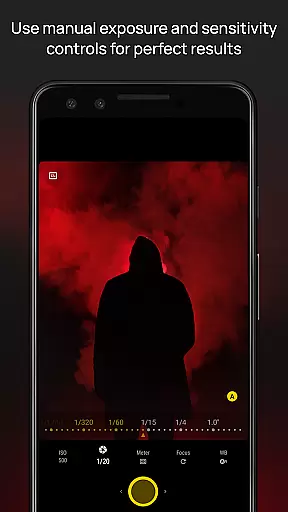
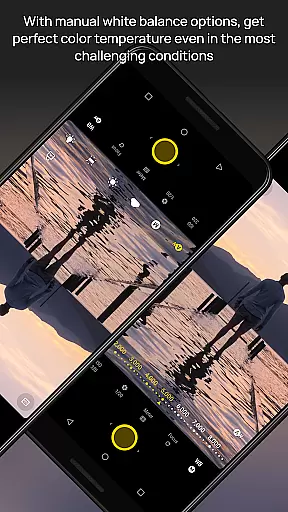
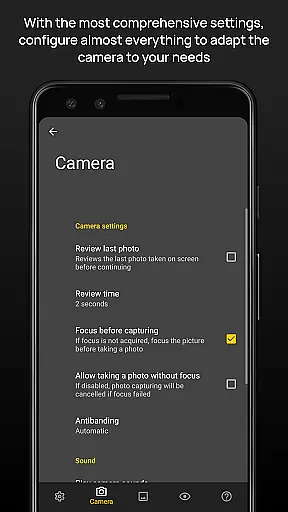
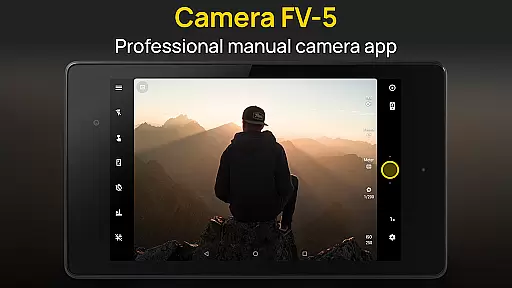
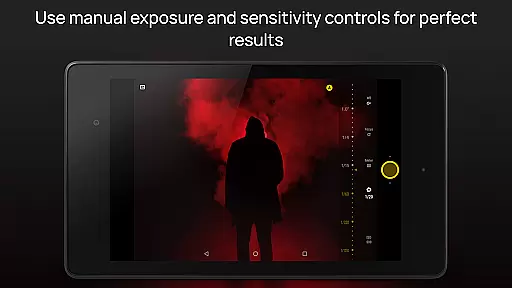
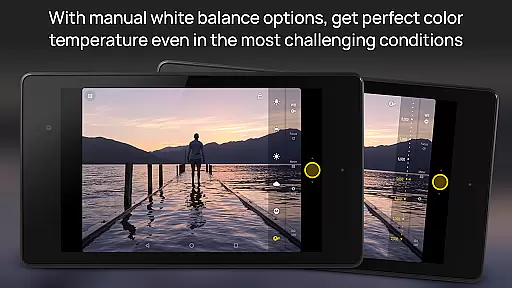
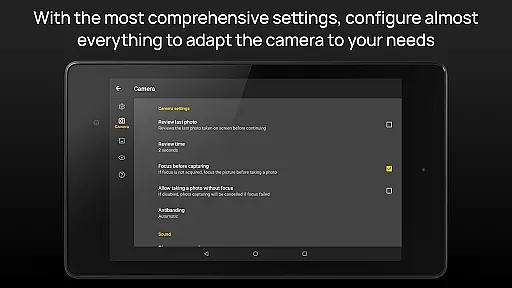
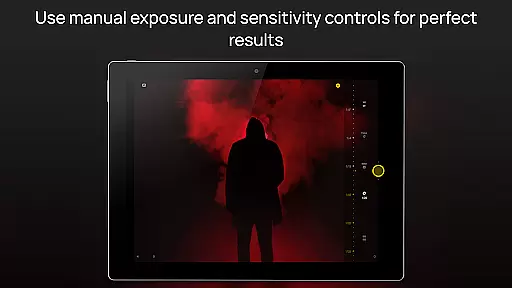
Camera FV-5 is a professional-grade camera application designed for mobile devices, offering DSLR-like manual controls. It caters to enthusiast and professional photographers by providing the capability to capture high-quality raw photographs in DNG format, which can be post-processed to achieve stunning results. The app supports full manual control over all photographic parameters, including exposure compensation, ISO, light metering mode, focus mode, white balance, and more.
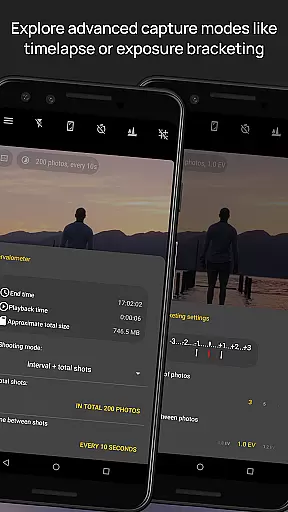
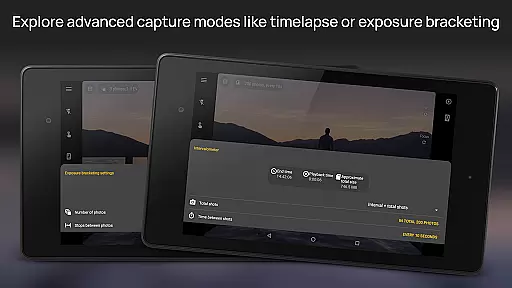
This application stands out with its advanced features such as exposure bracketing, built-in intervalometer for timelapses, program and speed-priority modes, long exposure support, and an electronic viewfinder with live RGB histogram. With compatibility across various Android devices, Camera FV-5 ensures that users can capture photos with precision and creativity, making it an ideal tool for those who demand more from their smartphone camera.
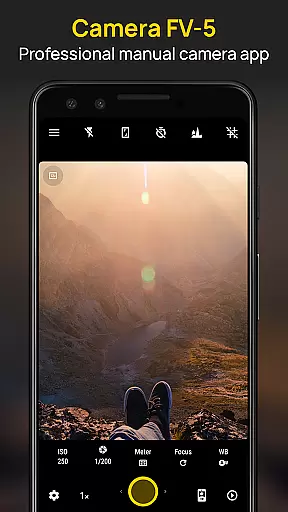
Camera FV-5 boasts a comprehensive set of features tailored for photography enthusiasts. The app provides DSLR-like manual controls, allowing users to adjust exposure compensation, ISO, light metering, focus modes, and white balance. Its viewfinder displays critical information such as exposure time, aperture, and stops with EV and bracketing settings in real-time, enhancing the user's control over their shots.
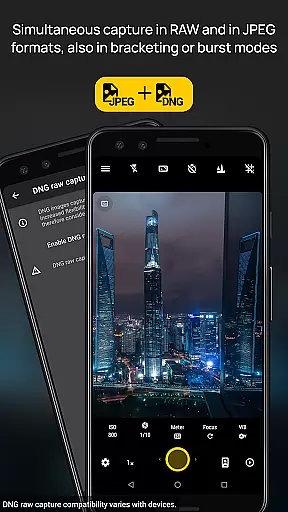
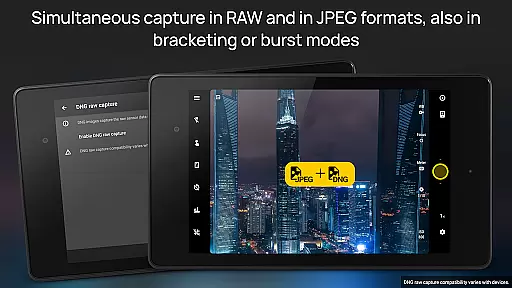
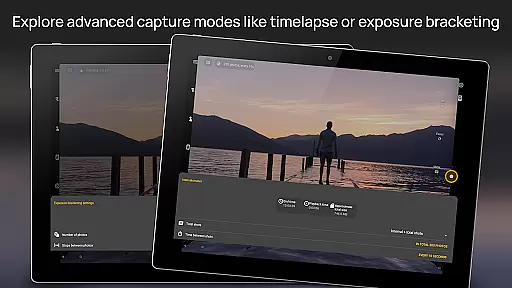
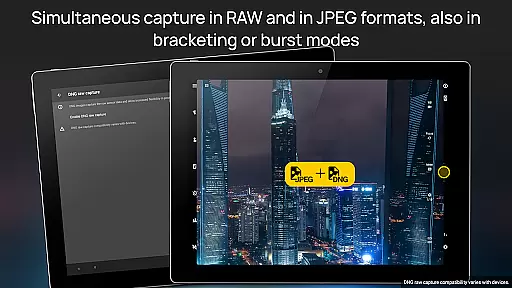
One of the standout features is the full-fledged exposure bracketing, supporting 3 to 7 frames with unlimited stop spacing and custom EV shifting. Additionally, the built-in intervalometer facilitates the creation of stunning timelapses, even HDR timelapses. Long exposure support enables beautiful night photos and light trails with exposure times up to 30 seconds. The app also offers JPEG, true 16-bit RAW in DNG format, and lossless PNG capturing formats, catering to different post-processing needs.
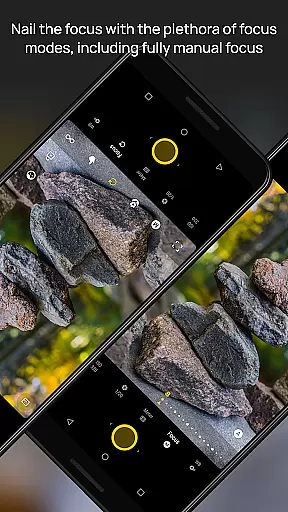
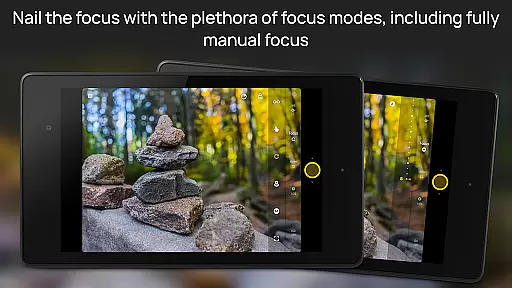
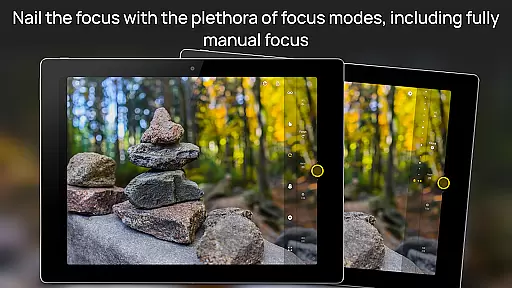
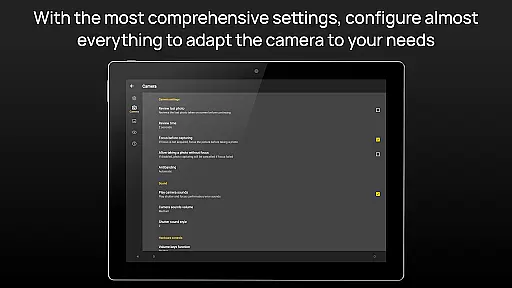
Other notable features include manual shutter speed adjustments, assignable camera functions to volume keys, EXIF and XMP sidecar metadata support, multiple focus modes, autoexposure and auto white balance locks, background photo processing, digital zoom with multitouch pinch gesture, and an advanced electronic viewfinder with live RGB histogram and composition aids. These features collectively ensure that photographers have extensive control over their mobile photography experience.
Real-time capture and preview functionality is essential for photographers who need precise control over their shots. Camera FV-5 excels in this area by providing a DSLR-like viewfinder display that shows critical information such as exposure time, aperture, and stops with EV and bracketing settings in real-time.
The application offers an advanced electronic viewfinder featuring live RGB histograms, 10 composition grid overlays, and 9 crop guides. These tools allow photographers to frame and adjust their shots accurately before capturing the final image, ensuring optimal exposure and composition.
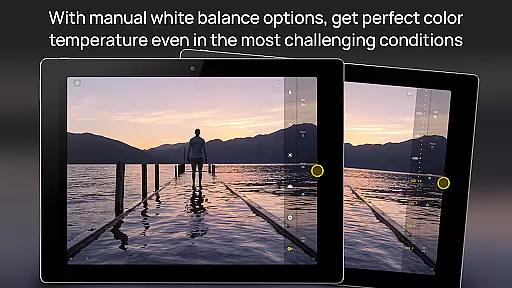
With full manual control over photographic parameters like ISO, white balance, and focus modes, users can fine-tune settings on the fly. This level of control ensures that each photograph meets professional standards, making it easier to achieve stunning results even in challenging lighting conditions.
Ultimately, the real-time capture and preview capabilities of Camera FV-5 empower photographers to make informed decisions quickly, enhancing both efficiency and creativity during photo sessions.
While Camera FV-5 does not focus heavily on AI beauty enhancements, it provides powerful manual controls that allow for natural-looking enhancements through precise adjustments. The ability to manually adjust exposure compensation, ISO, light metering mode, and white balance ensures that skin tones and textures remain authentic without artificial alterations.
For those seeking more creative freedom, the app supports true 16-bit RAW in DNG format and lossless PNG photo capturing formats. These formats preserve the highest quality details, enabling photographers to perform post-processing tasks that enhance natural beauty while maintaining realism.
Additionally, features like autofocus lock (AF-L), autoexposure lock (AE-L), and auto white balance lock (AWB-L) help maintain consistent settings across multiple shots. This consistency is crucial when capturing portraits or scenes where natural enhancement is desired without compromising authenticity.
By prioritizing manual control and high-quality image formats, Camera FV-5 ensures that any enhancements made are subtle and true to life, offering a refreshing alternative to heavy-handed AI-based beautification tools.
DSLR-like controls
RAW photo capture
Advanced bracketing
Intervalometer feature
Manual focus options
Complex for beginners
Limited device support
No automatic modes
High battery usage
Large file sizes

Long exposure camera with computational photography
 2.60
2.60
Shooting photos and records video easily and efficient with professional Camera
4.30
Professional video recording application with manual controls for filmmakers!
2.80
Automatically backup your photos and videos to computer, NAS and Cloud services
4.60
Amazing Photo Effects - The most fun you can have with your photos!
4.70
GCamera allows all GCam features on all phone models! Better photos with GCamera
3.30
Luminar: Photo Editor - easy picture editing with AI
4.20
Collage your moments in one tap: 1000+ layouts, filters, stickers, and texts.
4.90
Turn photos into cartoons & avatars! - Photo Editor, Cartoon Face!
3.90
The original Rarevision VHS look seen everywhere!
4.70
Safe & smart flight with Go Fly drone controller for 40+ drone camera, zone map
4.50
Trendy TikTok time warp scan funny filter app brings you unique photos & videos.
4.40
Edit like a pro with Hypic. Apply filters, AI effects, & magic touch.
4.40
AI-powered video creator by MiniMax - Where ideas meet cinema
4.20
USB Storage Access for Photos, Videos, Music and Documents
3.80
Perfect photos with body shaping, BG changer and object remover.
3.70
Create amazing frames with up to five photos. Rounded corners, effects and more!
3.60
Application for remote controlling DSLR
3.00
Add a dreamy vibe to your selfies and videos with soft style filters
4.5

User Reviews