

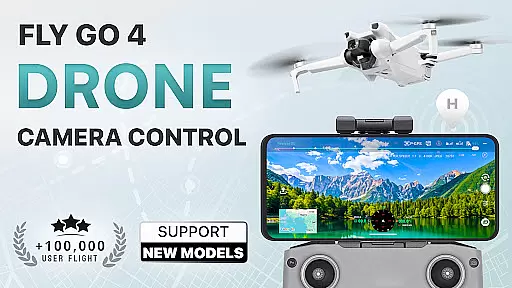
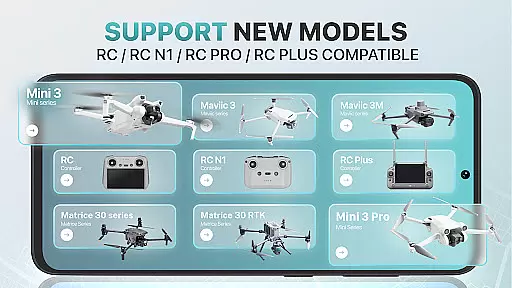
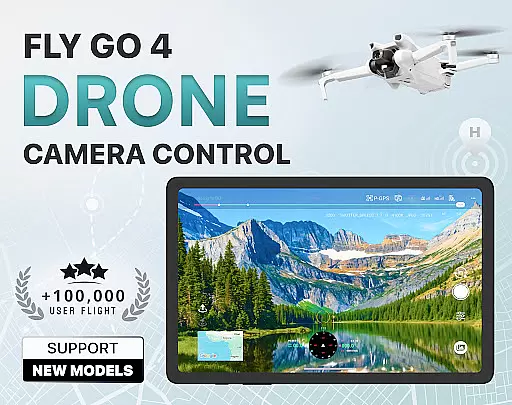
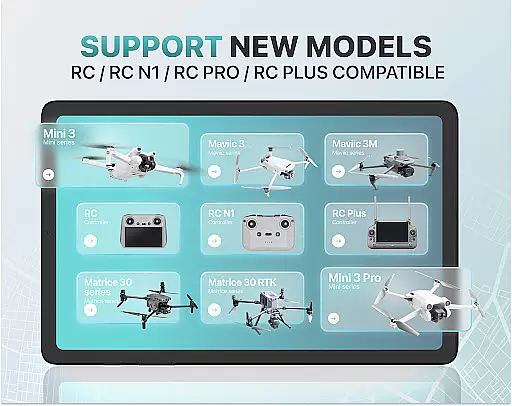
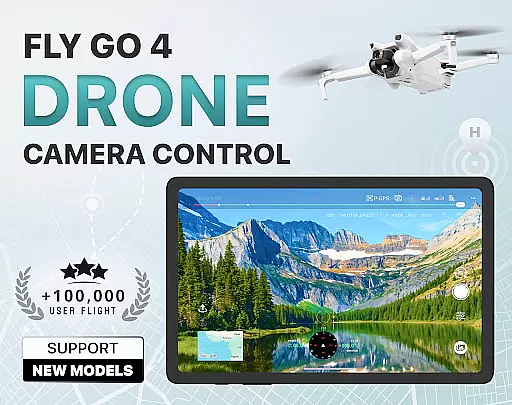
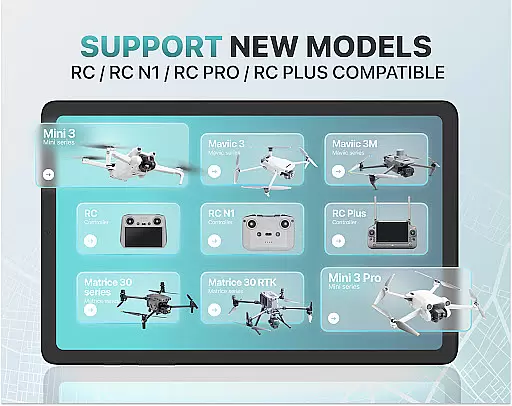
Fly Go 4 Drone Camera Control is a comprehensive drone management app designed for both amateur and professional drone pilots. The application offers seamless compatibility with a wide range of drones, UAVs, and flycams, including popular models like DJI Mini 3, Matrice 350 RTK, and more. With its intuitive interface, users can effortlessly control their drones directly from their mobile devices.
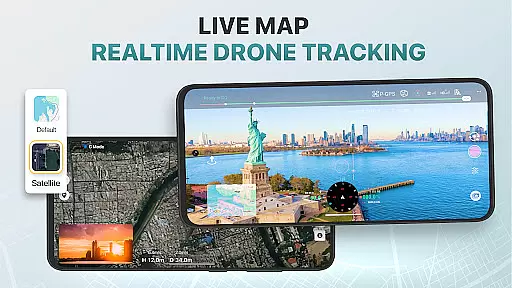
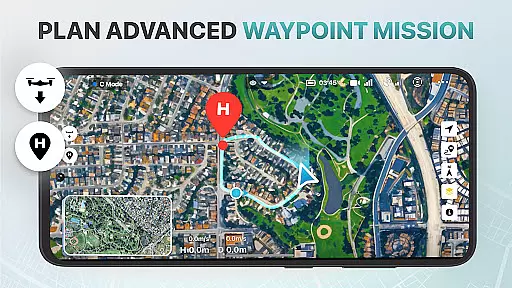
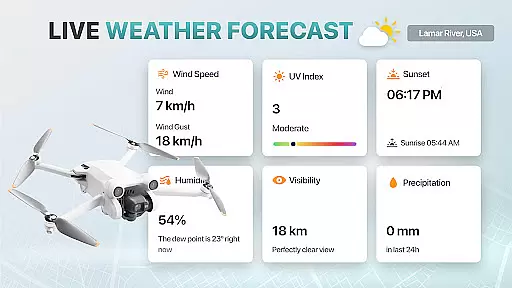
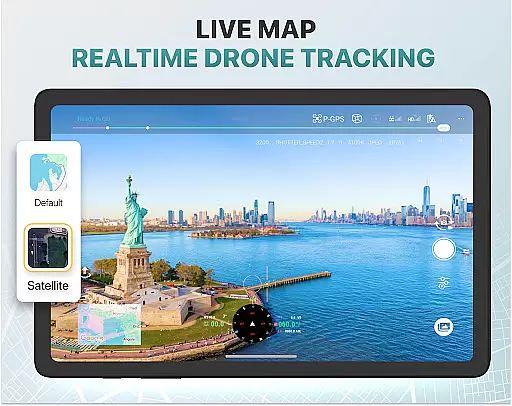
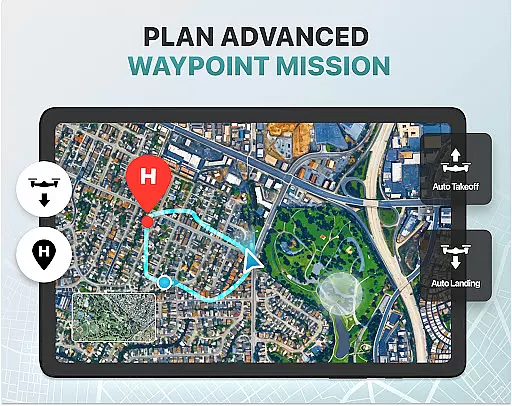
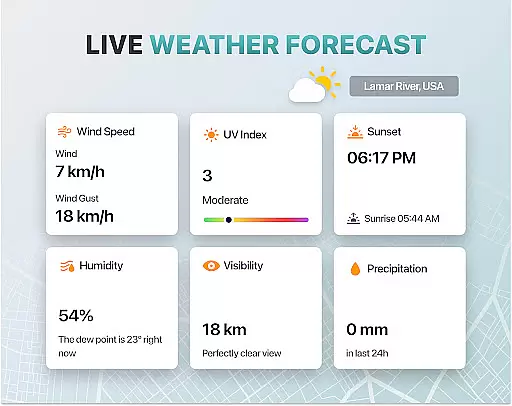
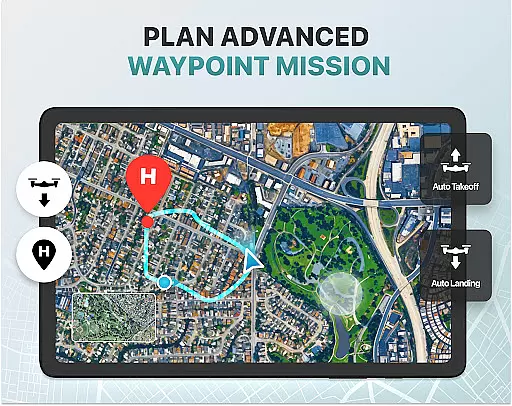
Key features include real-time camera feed, advanced panorama photography, and smart media export options. The app also provides essential tools such as weather forecasts, no-fly zone alerts, and GPS tracking to ensure safe and efficient drone operations. Whether you're capturing stunning aerial footage or managing complex flight maneuvers, Fly Go 4 delivers precision and reliability.
This app is particularly beneficial for content creators, surveyors, and hobbyists who require detailed control over their drone's camera settings and flight paths. By offering extensive tutorials and intelligent flight modes, it ensures that even beginners can operate drones with confidence while providing advanced features for experienced pilots.
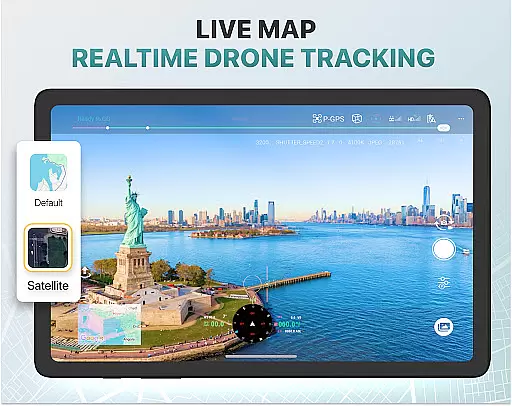
The Fly Go 4 Drone Camera Control app stands out with its rich feature set tailored for modern drone enthusiasts. One of the standout capabilities is the real-time camera feed, which allows users to view lag-free video streams directly on their phone screens. This feature enables precise control over aerial shots, making it ideal for capturing high-quality images and videos.
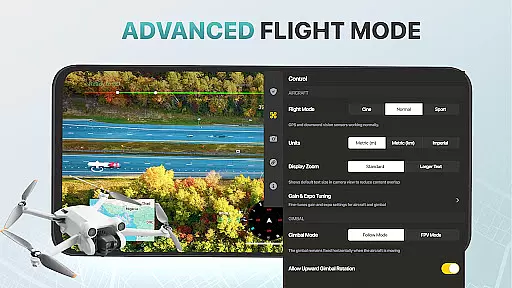
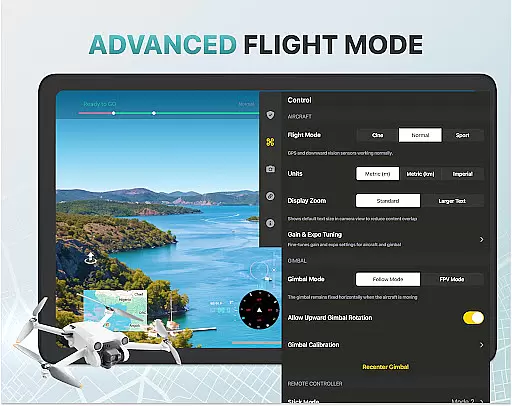
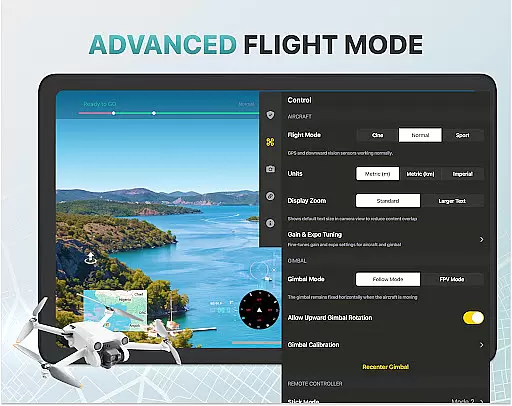
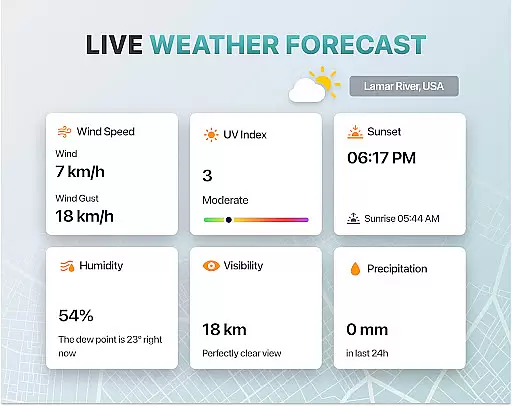
Another key aspect is the app's support for advanced drone functionalities. Users can adjust gimbal directions, utilize exposure graphs for detailed camera settings, and access various intelligent flight modes. These features simplify complex maneuvers and enhance the overall flying experience. Additionally, the app includes practical tools like weather forecasts and no-fly zone alerts, ensuring optimal and safe flying conditions.
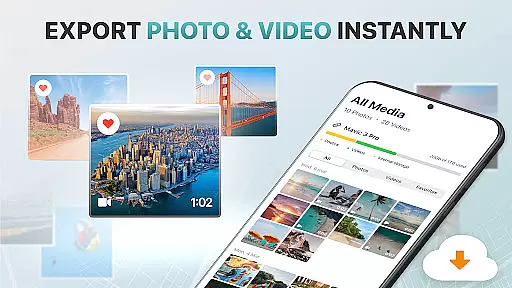
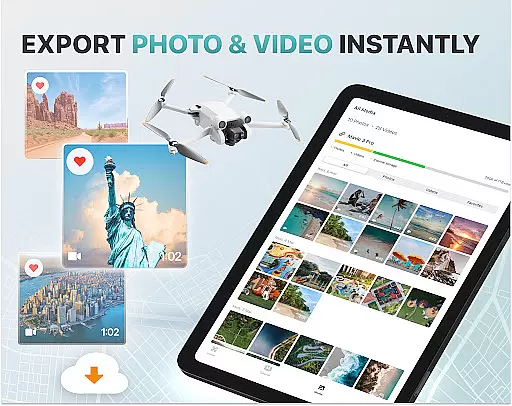
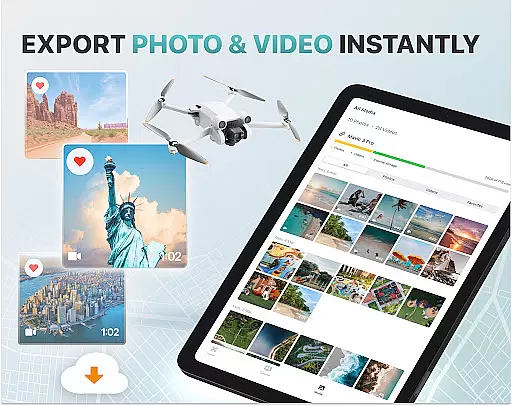
The app also excels in media management. With smart media export options, users can easily transfer captured footage to their devices in multiple high-quality formats. Furthermore, features like Find My Drone and Home Point Functionality provide peace of mind by helping users locate their drones and ensuring safe returns in case of emergencies. These comprehensive features make Fly Go 4 an indispensable tool for drone pilots.
Real-time capture and preview functionality is essential for drone photography, allowing users to see exactly what their drone's camera is capturing as it happens. The Fly Go 4 Drone Camera Control app excels in this area by providing a seamless live video feed directly to your phone screen.
This feature ensures that every shot can be perfectly framed and timed, offering precision control over the final output. With lag-free transmission, pilots can make real-time adjustments to the camera angle and settings, ensuring optimal footage quality.
Users benefit from the ability to monitor their drone's surroundings continuously, enhancing both safety and creative possibilities. Whether you're capturing panoramic landscapes or detailed close-ups, the real-time preview ensures you never miss a moment.
The app supports various high-quality file formats, making it easy to export and share your captured media without compromising on resolution or detail. This functionality transforms the way users interact with their drones, offering professional-grade control at their fingertips.
AI beauty and enhancement features are increasingly important in photography apps, and the Fly Go 4 Drone Camera Control incorporates advanced algorithms to ensure natural-looking enhancements. These tools help optimize image quality while maintaining authenticity, avoiding the over-processed look common in lesser applications.
The AI-driven enhancements automatically adjust exposure, contrast, and color balance, creating visually appealing images without manual intervention. This makes capturing professional-quality photos accessible even to beginners who may not have extensive photography knowledge.
For more experienced users, the app offers detailed control over camera settings through an on-screen exposure graph and gimbal direction adjustments. These features allow for precise customization of each shot, catering to individual preferences and artistic visions.
By combining automated AI enhancements with manual controls, the app strikes a perfect balance between ease of use and creative freedom. Users can trust that their aerial footage will look stunning yet natural, preserving the integrity of the original scene while elevating its visual impact.
Wide drone compatibility
Real-time camera control
Advanced flight modes
Comprehensive tutorials
Smart media export
Premium subscription required
No iOS support
Complex for beginners
Limited free trial
Third-party app risks

Effortlessly organize, view and share your photos & videos with Gallery app!
 4.40
4.40
AI portrait generator and polaroid AI selfie, fun AI generated AI photo creator!
4.30
Photobooth mini FULL app will allow you to add more fun to your parties
4.00
Natural Beauty, Selfie Retouch
4.30
Create collages easily! Nice pic collage maker & background eraser for Instagram
4.50
Be your best in every shot! Fix, edit and retouch your face in selfies & photos.
3.70
See your baby AI baby face generator AI baby maker Face generator babymaker fun!
4.70
AI-powered video creator by MiniMax - Where ideas meet cinema
4.20
Hair color changer, AI haircut app, fun hair editor and buzz cut filter for all!
3.80
Amazing Photo Effects - The most fun you can have with your photos!
4.70
Cartoon and artistic effects for your photos and videos
4.70
Light-weight Media Gallery app for Android made with Jetpack Compose
4.60
A must-have app for landscape photographers
4.60
Add Watermark - Sign your pictures with a text or logo. Effective, quick, easy!
4.50
Create AI photos & videos with Enhancer; restore, fix, beautify, enhance photos
4.50
AI photo enhancer with Sora 2! Enhance, descratch, and colorize your old photos.
4.50
Search, tag and rate your way to an organized image gallery
4.40
Edit like a pro with Hypic. Apply filters, AI effects, & magic touch.
4.40
Turn photos into cartoons & avatars! - Photo Editor, Cartoon Face!
3.90

User Reviews