

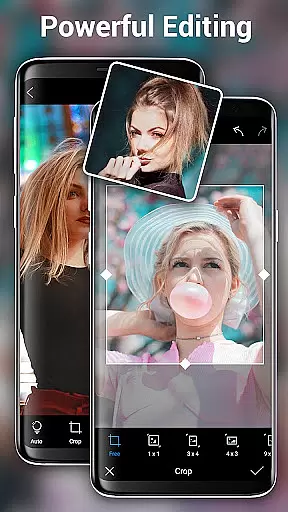
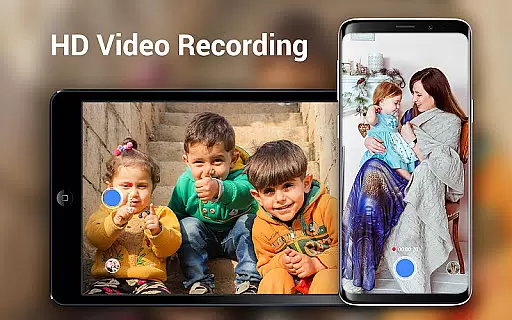
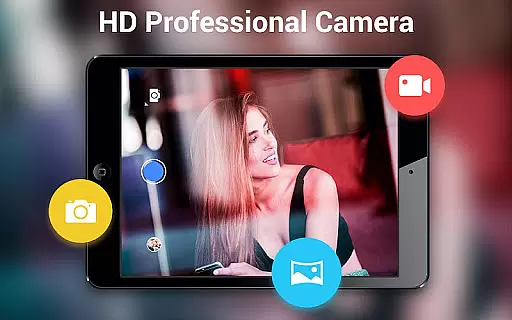
HD Camera Pro Edition is a premium photography app designed for Android users who demand professional-grade features without interruptions from advertisements. This app offers a comprehensive suite of tools including Quick Snap, HD video recording, and creative panorama modes such as Photo Sphere. It stands out with its high-resolution capabilities, making it ideal for capturing detailed selfies and editing photos with ease.
The application transforms your device into a powerful camera that rivals professional equipment. With functionalities like DSLR zoom, white balance settings, and time-lapse photography, it caters to both amateur photographers looking to enhance their mobile photography skills and professionals needing a reliable backup camera. Its intuitive interface ensures that users can quickly adapt and utilize its full potential.
Whether you're documenting personal moments or working on professional projects, HD Camera Pro Edition provides the tools necessary to produce stunning visuals. The app's ability to shoot in various lighting conditions and environments, coupled with editing features, makes it an indispensable tool for anyone serious about photography.
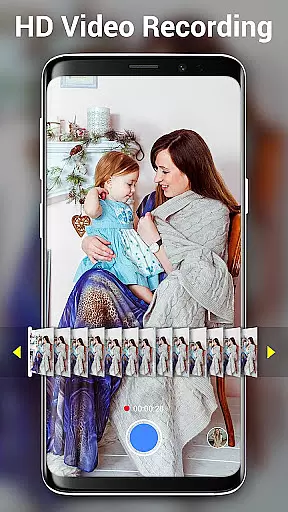
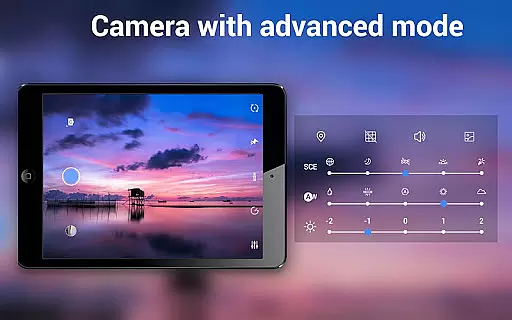
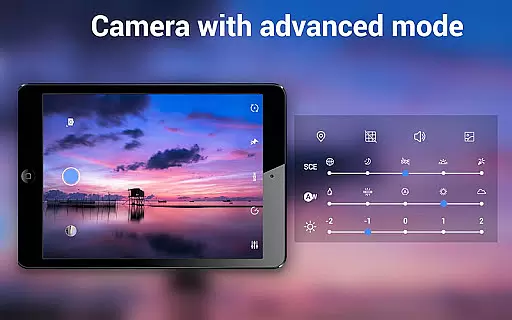
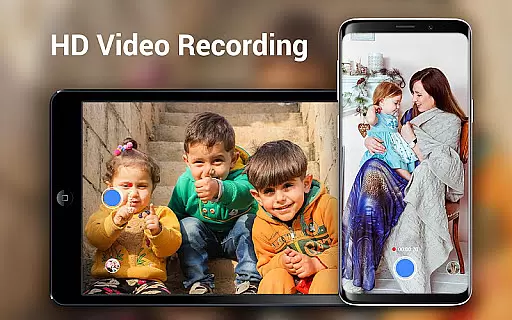
HD Camera Pro Edition boasts an impressive array of features tailored for photography enthusiasts. One of its standout capabilities is the support for high-definition video recording, allowing users to capture crisp and clear footage. The app also includes advanced settings such as white balance adjustments (Auto, Incandescent, Fluorescent, Daylight, Cloudy), ensuring accurate color representation in any environment.
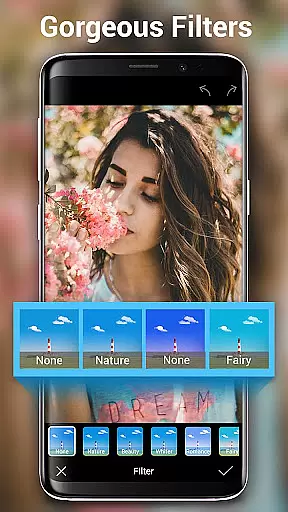
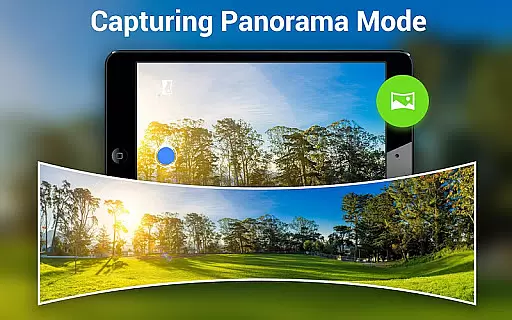
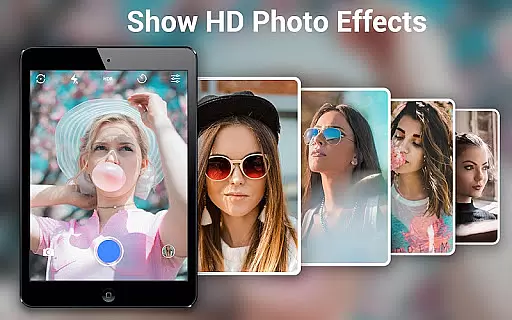
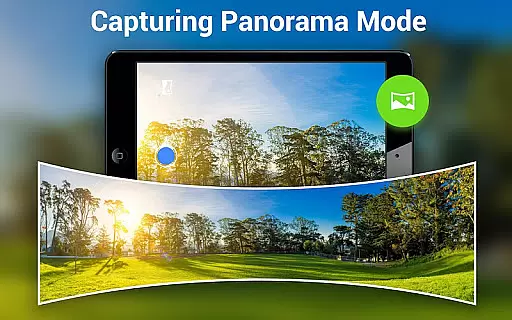
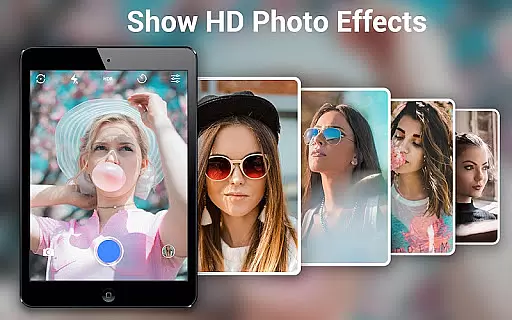
In addition to video, the app excels in panoramic photography. Users can create breathtaking panoramas with ease, thanks to the intuitive Panorama mode. The inclusion of filters adds a creative touch to photos, enabling users to experiment with different styles and effects. Moreover, the Beauty Camera feature enhances portraits by optimizing skin tones and smoothing imperfections, making it perfect for selfie enthusiasts.
Practical functionalities like Timer & Time-lapse and Optical/Digital Zoom further enhance the user experience. These features allow for hands-free shooting and precise focusing, respectively. With its robust set of tools, HD Camera Pro Edition empowers users to explore their creativity and capture professional-quality images directly from their mobile devices.
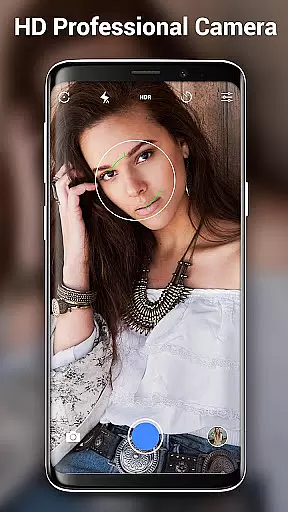
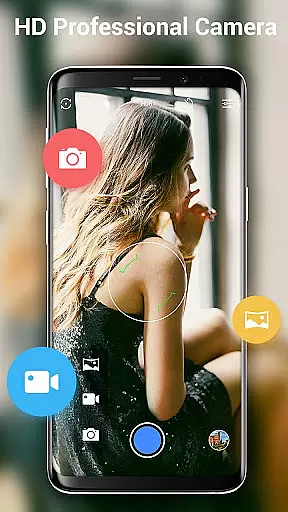
Real-time capture and preview functionality is essential for ensuring that every photo or video taken with HD Camera Pro Edition meets the user's expectations. This feature allows users to see exactly what the camera sees, in high definition, before they take a shot. The app leverages advanced processing capabilities to minimize lag between the action and what you see on your screen.
HD Camera Pro provides an intuitive interface where users can adjust settings such as white balance, focus, and exposure in real time. As these adjustments are made, the changes are instantly reflected in the preview window, giving photographers immediate feedback on their creative choices. This level of control ensures that whether capturing a sunset or shooting a night scene, users can fine-tune their images for optimal results.
The value of real-time capture extends beyond just taking pictures; it also enhances video recording. With features like pause/resume during video capture and various filters available at your fingertips, creators have all they need to produce professional-quality content directly from their mobile devices. By delivering crisp visuals with minimal delay, HD Camera Pro makes certain that videographers won't miss out on fleeting moments while fiddling with settings.
Ultimately, this powerful combination of instant visualization paired with customizable options empowers both amateur and seasoned photographers alike to unleash their creativity without compromise. Whether snapping quick selfies or crafting detailed panoramas, the ability to visualize outcomes beforehand significantly elevates the photography experience offered by HD Camera Pro Edition.
AI Beauty & Enhancement Naturalness is a standout feature within HD Camera Pro Edition, designed to elevate selfies and portraits through intelligent enhancements that maintain authenticity. Utilizing sophisticated algorithms, this tool automatically detects facial features and applies subtle adjustments that enhance natural beauty without appearing artificial or over-processed.
Users will find an array of customization options tailored specifically towards perfecting skin tone, smoothing imperfections, and accentuating eyesu2014all while preserving each individualu2019s unique characteristics. Unlike traditional filters which may distort reality, AI-driven enhancements adapt dynamically based on lighting conditions and subject positioning, ensuring consistent quality across different environments.
This technology not only focuses on aesthetic improvements but also considers factors like age, gender, and ethnicity when applying its magic touch. Such inclusivity guarantees that everyone receives personalized attention suited to their distinct appearance. Moreover, users retain full control over intensity levels, allowing them to dial back effects if desired for even more genuine-looking results.
By integrating seamlessly into the overall workflow of HD Camera Pro, AI Beauty & Enhancement Naturalness transforms ordinary snapshots into stunning works of art effortlessly. It caters especially well to those who seek polished yet believable imagery straight from their deviceu2014making it ideal for social media enthusiasts looking to impress followers with flawless yet relatable photos.
User-friendly interface
High-definition video
Advanced photo editing
Wide range of filters
Excellent low-light performance
Premium price point
Occasional stability issues
Limited free features
Heavy on system resources
Steep learning curve


How old age camera Gender Swap App Face Shape Hairstyle App Hair Styler App fun!
 4.00
4.00
Pet Camera
3.70
Light-weight Media Gallery app for Android made with Jetpack Compose
4.60
The #1 app for B&W film developing featuring an advanced darkroom timer.
4.10
Collage your moments in one tap: 1000+ layouts, filters, stickers, and texts.
4.90
Snap photos remotely using your Garmin watch as the camera trigger
4.2
Enhance, upscale, and transform your images — on your device, without limits
4.70
A unique animation app. Powerful, easy to use, and lots of fun.
4.30
Photo & Video Gallery app to manage albums and save WA Status easily.
4.70
Create funny photos and videos with the popular Time Warp Scan filter.
4.90
Android Native system HD camera app. Never been so simple and faster.
4.70
Cartoon and artistic effects for your photos and videos
4.70
Create Business Headshots, Polaroid Filter, Retake Photos,Profile Pics,AI Photos
4.50
Movie camera, supports pro recording settings for filming. Try it and be amazed!
4.50
Shooting photos and records video easily and efficient with professional Camera
4.30
Luminar: Photo Editor - easy picture editing with AI
4.20
Create amazing frames with up to five photos. Rounded corners, effects and more!
3.60
Long exposure camera with computational photography
2.60
HD Photo gallery and photo manager to edit, hide private photos, videos & albums
4.2

User Reviews