

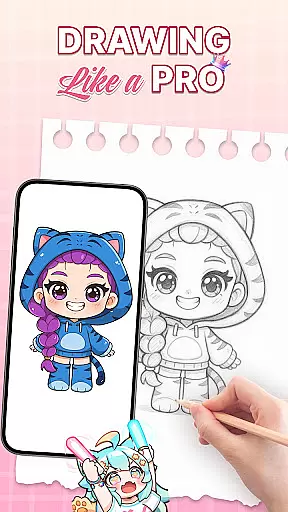
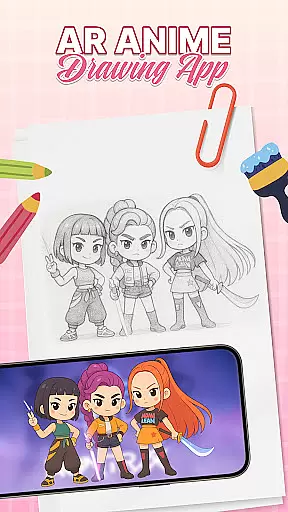
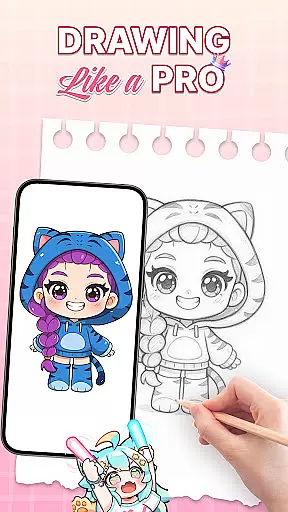
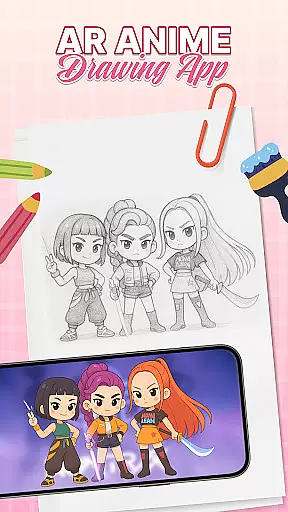
AR Drawing: Sketch & Trace is an innovative mobile application that merges augmented reality with artistic expression, allowing users to project any image onto paper for effortless tracing. This app serves as a comprehensive drawing guide, particularly beneficial for those interested in anime and cartoon art styles.
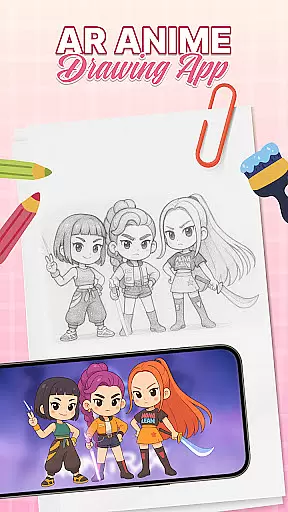
The app's core functionality lies in its ability to transform images into traceable templates through AR technology. By placing their device on a stable surface, users can trace inverted projections of selected images, refining their sketching skills while enjoying a user-friendly interface suitable for all ages.
Whether you're a beginner looking to learn basic drawing techniques or a professional artist seeking new creative avenues, AR Drawing offers diverse templates and artistic tools that cater to various skill levels. Its family-friendly features also make it an excellent educational tool for children, promoting creativity through interactive learning.
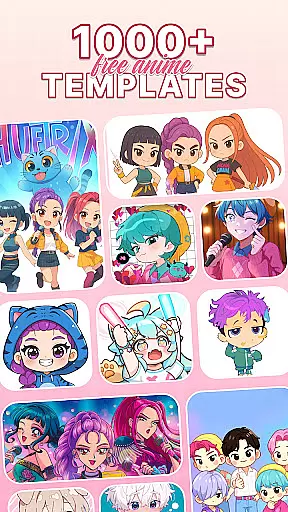
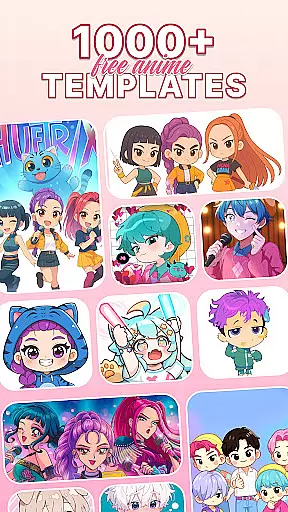
One of the standout features of AR Drawing is its robust AR tracing capability, which allows users to overlay digital images onto physical surfaces with precision. The app includes a vast library of drawing templates covering popular themes like anime, animals, and nature, providing endless inspiration for artistic projects.
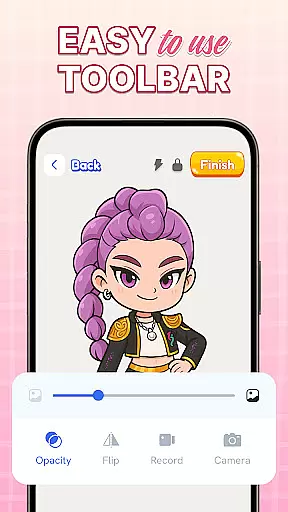
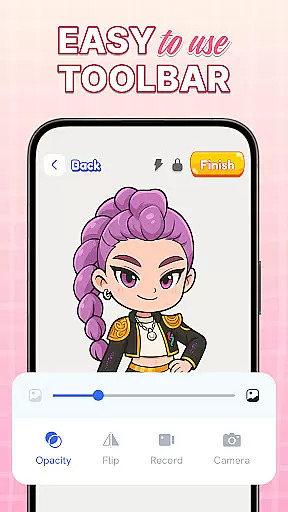
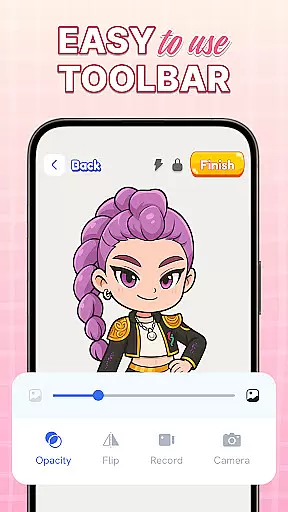
In addition to its tracing functionalities, the app offers comprehensive sketch and paint tools. Users can experiment with vibrant colors and intricate details, bringing their sketches to life digitally. The integrated camera and flashlight features further enhance the drawing experience, especially in low-light environments.
What sets AR Drawing apart is its commitment to user engagement through regular updates and educational resources. The app provides structured guidance for skill development while maintaining an intuitive interface that both casual hobbyists and serious artists can appreciate.
In the realm of digital art, having access to comprehensive creative tools is essential for unleashing one's artistic potential. AR Drawing: Sketch & Trace offers an extensive suite of features that cater to both budding artists and seasoned professionals. The app provides a diverse array of drawing templates including anime, animals, food, nature, and more, ensuring that users will never run out of inspiration.
Moreover, the Sketch & Paint functionalities allow users to add vibrant colors and intricate details to their work, transforming simple sketches into vivid pieces of art. With integrated camera use and flashlight options, artists can project images onto any surface and trace them with precision even in low-light conditions. This feature not only simplifies the process of replicating complex designs but also enhances accuracy when creating artwork from scratch.
The application further enriches the creative process by offering a wide range of artistic tools designed to refine drawing techniques. Whether itu2019s through exploring different brush strokes or experimenting with various textures, users have everything they need at their fingertips to express themselves fully within this virtual studio environment.
Flexibility in canvas size and format is crucial for artists who wish to explore different mediums without being constrained by physical limitations. AR Drawing: Sketch & Trace addresses this need by providing unparalleled adaptability when it comes to working on projects. Users can easily adjust their workspace settings according to personal preference or project requirements, allowing them to seamlessly transition between small-scale sketches and large-format illustrations.
This adaptability extends beyond mere dimensions; the app supports multiple file formats which means that whether you're looking to export your masterpiece as a high-resolution image or shareable social media graphic, you'll find all necessary options readily available. Such versatility ensures compatibility across various platforms while maintaining top-notch quality throughout every step of your creative journey.
Furthermore, parents seeking educational activities for children will appreciate how straightforward it is to set up drawings tailored specifically towards younger audiences using simplified controls yet still packed with enough depth for older kids too. By combining user-friendly interface elements alongside robust customization capabilities, AR Drawing empowers everyoneu2014from novices learning basic strokes to experts refining advanced skillsu2014to pursue their passion unhindered by technical constraints.
User-friendly interface
Vast template library
Family-friendly design
Regular feature updates
Augmented reality integration
Limited free content
Device compatibility issues
Occasional AR glitches
Premium subscription required
Steep learning curve
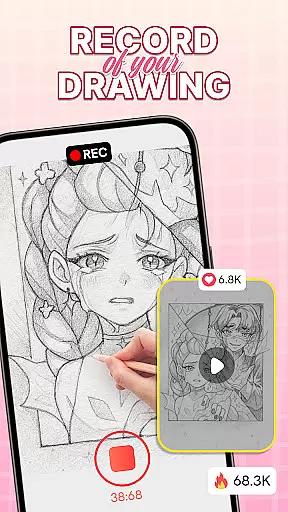
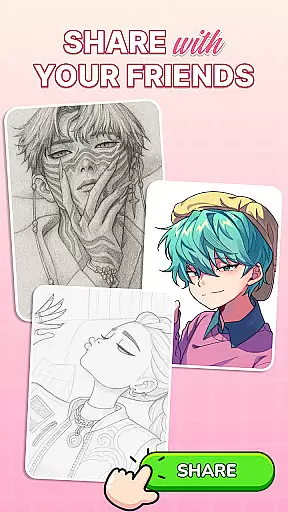
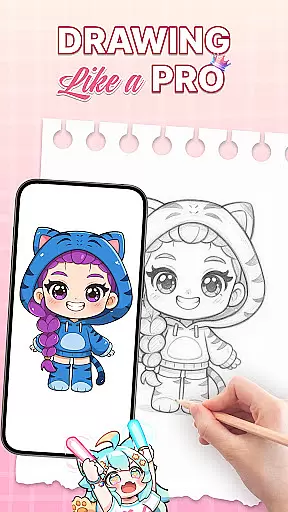
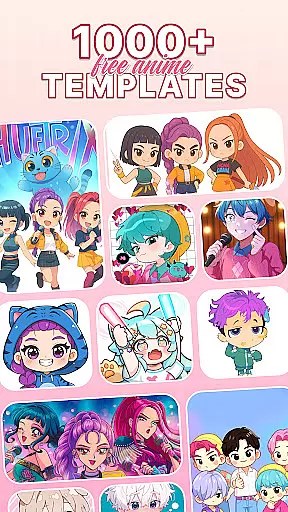

Image/ Text to Video Generator
 4.40
4.40
Custom Character Creator & PFP Maker!
4.20
Trace, draw, and create art with AR - from memes to masterpieces!
4.30
Make your phone cooler and have a fantastic experience
4.80
Draw beautiful mandala's very easily
4.60
Photo editor for art, avatars, filters & fun transformations.
4.60
2D animation studio for Android tablets - unlimited layers, infinite timeline
4.70
Retouch photos. Create or edit images. Endless capabilities.
2.70
All-in-One art, logo & collage maker. Design photos and edit video backgrounds
4.80
Mobile pixel art editor. Simple. Fast. Portable.
4.80
Minecraft & Roblox Clothes
4.70
Image resizer to resize, crop, rotate, flip, change dpi photo or picture in bulk
4.60
Create color palette from Image, RGB & RYB Color wheel harmonies, Color Scheme
4.50
Draw Trace image sketch by, AR art projector app, Easy to trace any image.
4.50
Just trace a projected picture on paper and color! Draw & Paint with AR drawing
4.40
Customizable Outlined Fonts. Watch Face Format. Battery friendly Digital Clock.
4.20
AR Anime Drawing: How to draw anime with AR drawing & sketching apps!
4.00
Resize photos and print photos in exact size with our powerful photo printer!
3.80
Create stunning video, photo & magic from text with FlixAI GPT video generator.
3.10
User Reviews