

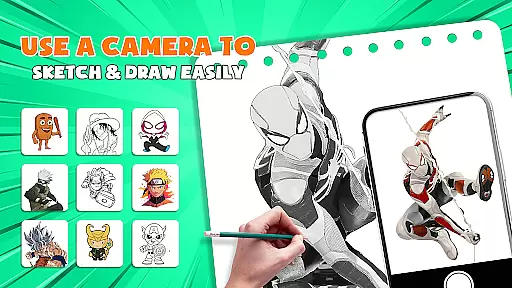
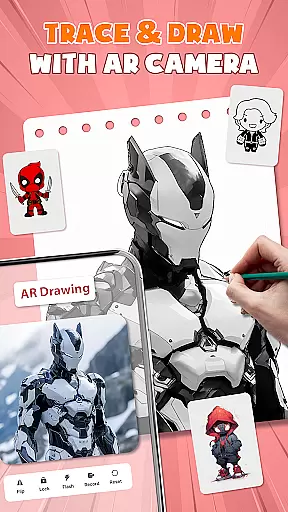
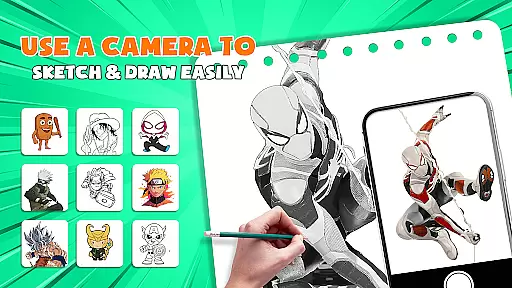
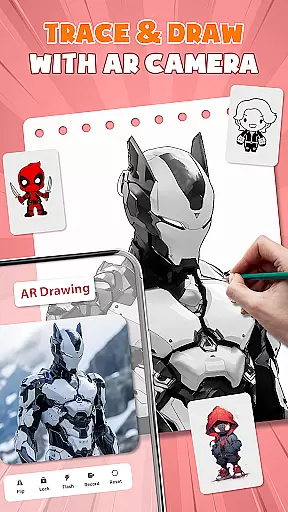
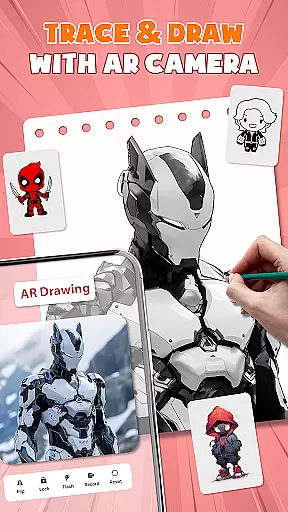
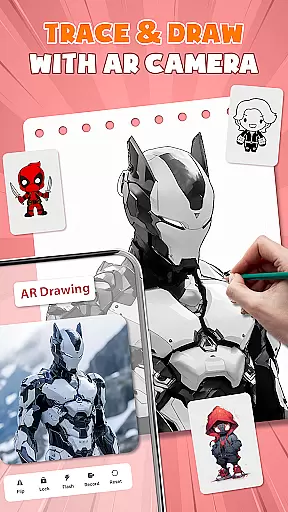
AR Drawing - Paint & Sketch is an innovative art application that combines augmented reality with traditional drawing techniques. This app allows users to create anime-style artwork using advanced AR tracing and sketching tools. With features like AR projection, precise tracing overlays, and a vast library of free templates, it caters to both beginners and professional artists.
The application's standout feature is its ability to transform your device into a mobile projector for accurate tracing. It also offers specialized modes for anime creation, pencil sketching, and even tattoo design. The intuitive interface and comprehensive tutorial system make it easy to learn while maintaining depth for experienced users. Whether you're looking to improve your drawing skills or create professional-quality artwork, AR Drawing provides all the necessary tools in one package.
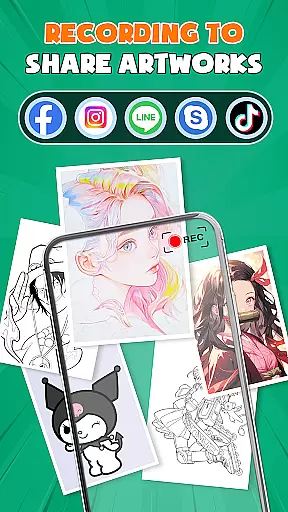
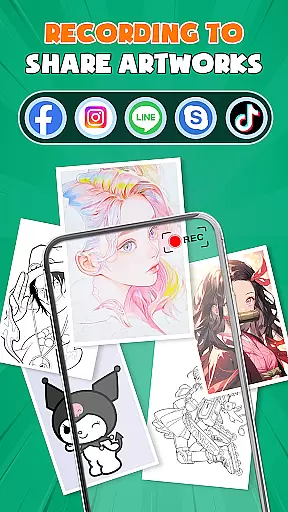
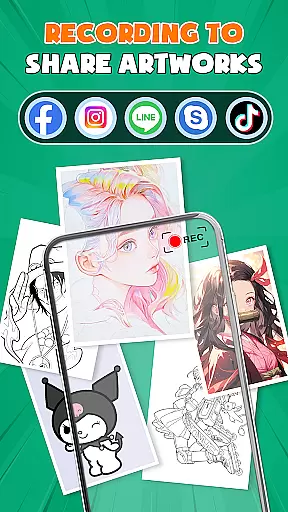
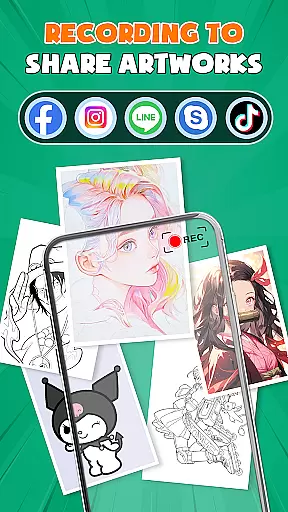
Perfect for modern artists who want to blend traditional techniques with cutting-edge technology, this app creates an immersive drawing experience that can be used anywhere, anytime. The built-in community features also allow artists to connect, share their work, and receive feedback from fellow creators.
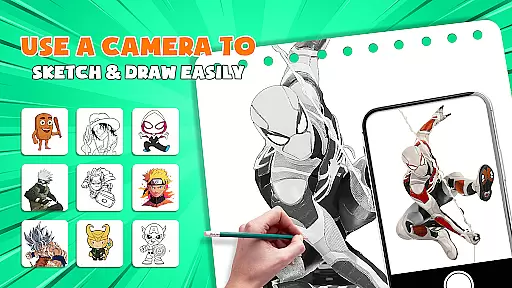
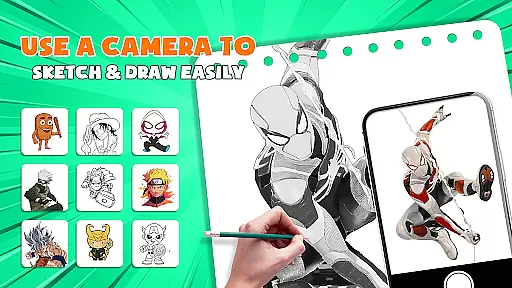
AR Drawing - Paint & Sketch distinguishes itself through its comprehensive set of artistic features. The app's AR projection capability allows users to trace real-world objects with precision, effectively turning their devices into portable light boxes. This feature is particularly useful for artists who want to digitize hand-drawn sketches or practice traditional drawing techniques.
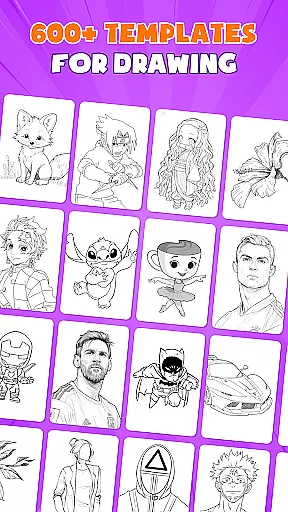
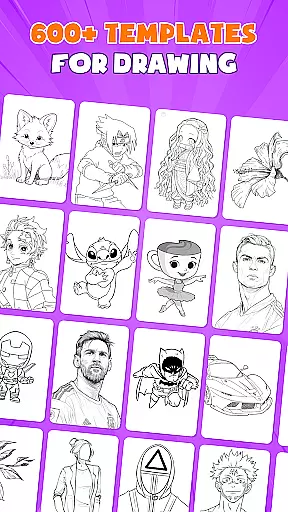
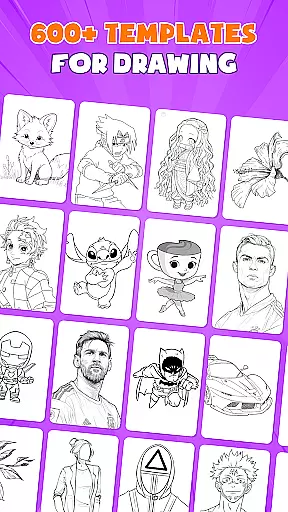
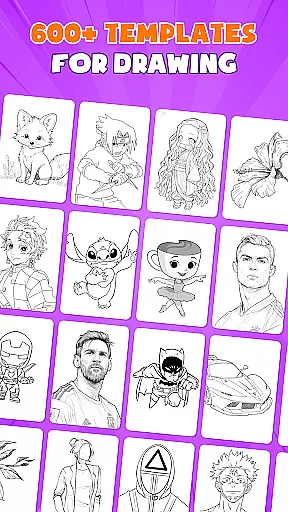
The application offers an extensive collection of over 1000 free drawing templates, catering to various skill levels and artistic styles. These templates cover multiple categories including anime characters, realistic portraits, and abstract designs. The app's Anime Studio mode provides specialized tools for creating Japanese-style artwork, complete with preset effects and sketch overlays that help users achieve authentic results.
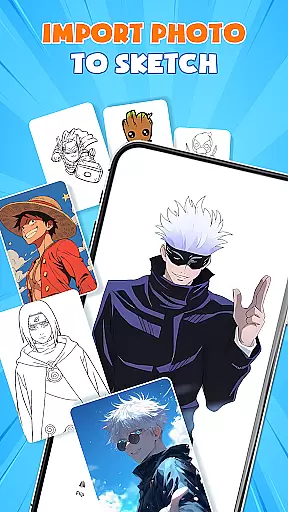
What sets this app apart is its integration of game-like elements with professional drawing tools. Users can participate in drawing competitions, complete artistic challenges, and earn rewards while improving their skills. The app also supports importing images from galleries, adjusting opacity for tracing, and working with multiple layers - features typically found in desktop-grade software but optimized for mobile use.
AR Drawing - Paint & Sketch offers an extensive suite of creative tools that cater to both beginners and professional artists. The app includes AR projection and tracing features, allowing users to turn their devices into mobile projectors for precise tracing. This functionality is complemented by a full suite of painting tools, including vibrant brushes and shading options using the AR pencil drawing feature.
In addition to traditional sketching and coloring, the app provides specialized modes such as Anime Studio and Tattoo Art. These modes offer tailored presets, effects, and overlays, enabling users to explore various artistic styles. With over 1000+ free templates available in the app's library, artists can easily find inspiration or trace outlines to kickstart their projects.
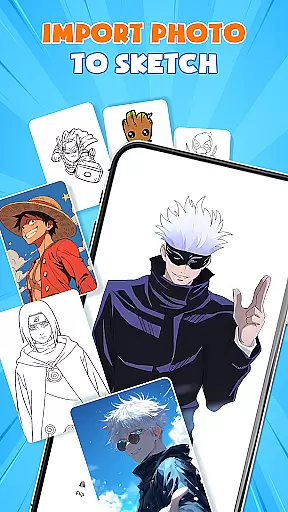
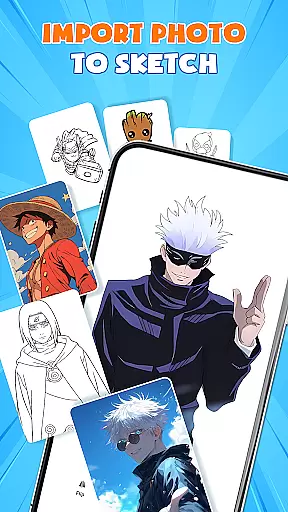
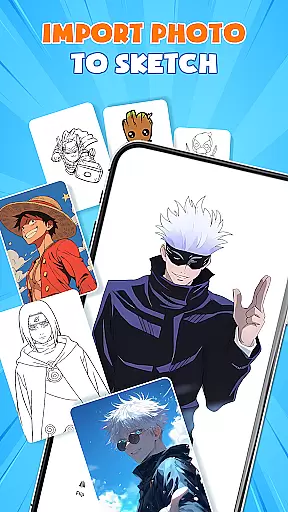
The inclusion of picture importing and opacity adjustment features ensures that users can transform any photo into instant artwork. This versatility allows creators to import images directly from their gallery and adjust them to suit their artistic needs. By offering these comprehensive tools, AR Drawing - Paint & Sketch empowers users to craft detailed and vibrant art pieces with ease.
Ultimately, the app's robust feature set enhances the creative process by providing all the necessary tools in one place. Artists can seamlessly switch between different modes and access a variety of functions without needing additional equipment. This all-in-one approach not only simplifies the artistic workflow but also expands the possibilities for creative expression.
One of the standout features of AR Drawing - Paint & Sketch is its remarkable canvas and format flexibility, which accommodates a wide range of artistic preferences and project requirements. Users can select or import images from their gallery or choose from a vast library of templates, adjusting size, position, and transparency within the AR view to fit their specific needs.
The app supports various drawing and painting formats, ensuring that artists can work on different types of projects without limitations. Whether it's creating anime pictures, realistic tattoos, or detailed pencil sketches, the app provides the necessary flexibility to handle diverse artistic styles. This adaptability is further enhanced by the ability to trace any photo, ensuring clean lines and precise outlines every time.
Moreover, AR Drawing - Paint & Sketch facilitates a seamless transition from sketching to painting. Artists can start by tracing an image and then switch to paint mode to add color and finalize their masterpiece. This fluidity between different artistic processes allows for a more intuitive and uninterrupted workflow, empowering users to bring their visions to life without constraints.
By offering such versatile canvas and format options, AR Drawing - Paint & Sketch ensures that artists have the freedom to explore their creativity fully. This flexibility not only enhances user experience but also encourages experimentation and innovation, making the app a valuable tool for modern artists.
User-friendly interface
Extensive template library
Advanced AR tracing
Professional drawing tools
Active artist community
Requires stable internet
Premium features locked
Steep learning curve
Device compatibility issues
Limited offline functionality

Create sweet, cool and unique couple avatars easily, in just a few steps!
 3.40
3.40
Art of Combination Wear OS Watch faces (for Wear OS 5+ devices)
3.00
Logo Generator powered by AI: Create stunning logos effortlessly!
4.70
Powerful home decoration & house design that allows you to design dream home.
3.80
Image resizer to resize, crop, rotate, flip, change dpi photo or picture in bulk
4.60
Video AI: Revolutionize Your Content Creation with Advanced Video Generation
4.50
Create Logos, Tattoos, AI Art & more with our AI Photo Generator & Design Editor
4.20
Draw, make movies & animate cartoons easily with our 2D animation maker app
4.40
Explore future self face age filter & remove background image for a unique look.
3.50
Learn how to draw with step-by-step tutorials, fun lessons & multiplayer drawing
4.70
2D animation studio for Android tablets - unlimited layers, infinite timeline
4.70
Draw anime & manga drawing, art with templates to create stunning picture!
4.50
Trace, draw, and create art with AR - from memes to masterpieces!
4.30
Art of Combination Wear OS Watch faces (for Wear OS 5+ devices)
3.90
Paint with oils and sketch with natural tools on a realistic virtual canvas.
3.80
Experience next-gen icons with a modern liquid glass look.
3.60
AI Assistant, powered by ChatGPT GPT-4 & GPT-4o. Your intelligent companion.
3.50
Art of Combination Wear OS Watch faces
4.0
Art of Combination Wear OS Watch Faces
4.1

User Reviews