

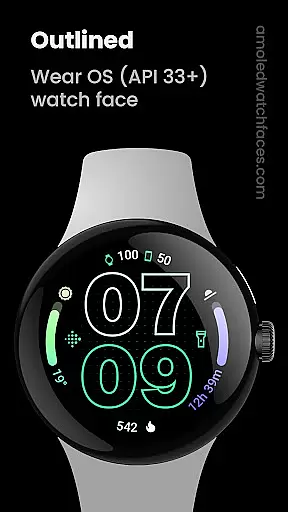
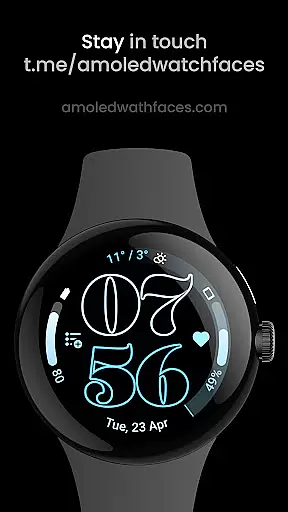
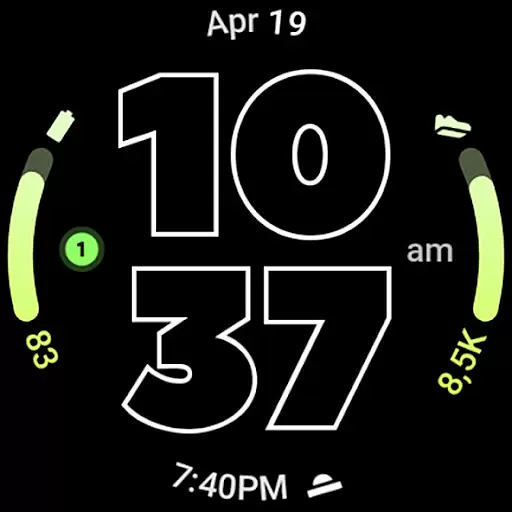
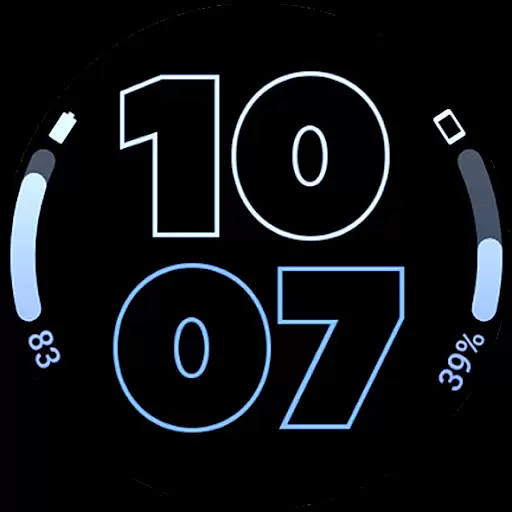
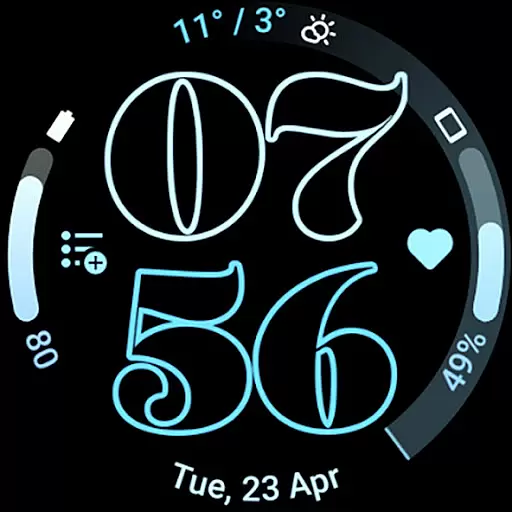
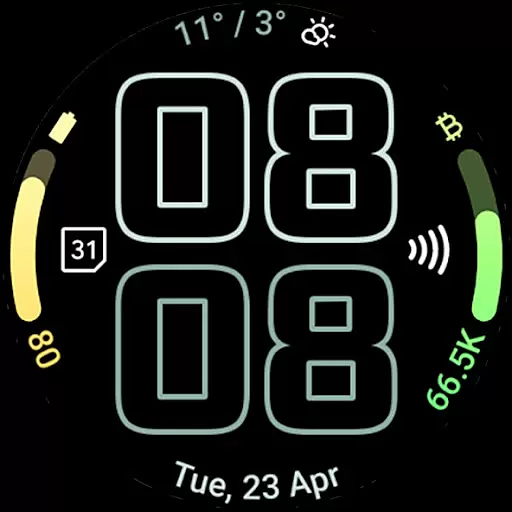
Outlined Watch Face is a premium wearable app designed exclusively for Wear OS 4+ devices. This application offers a sophisticated watch face format with unique features such as two gradient arc complication slots and combined watch/phone battery complications support. Users can enjoy high-res design, true black backgrounds, and battery-friendly operations.
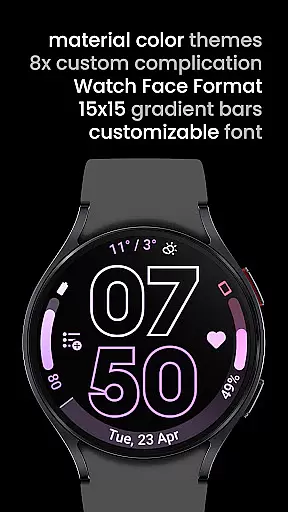
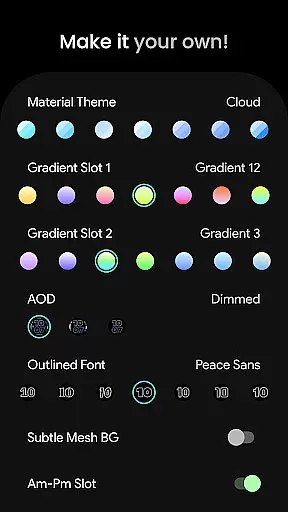
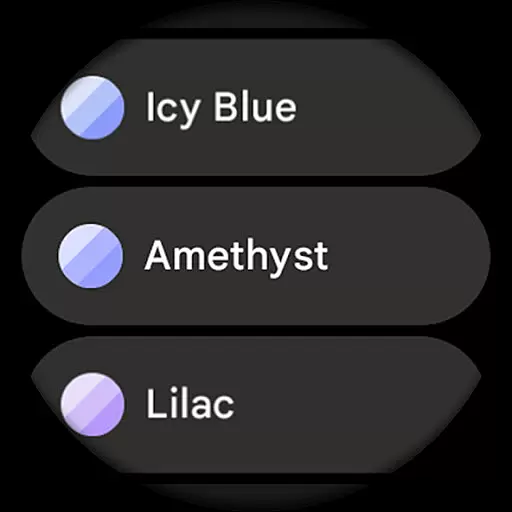
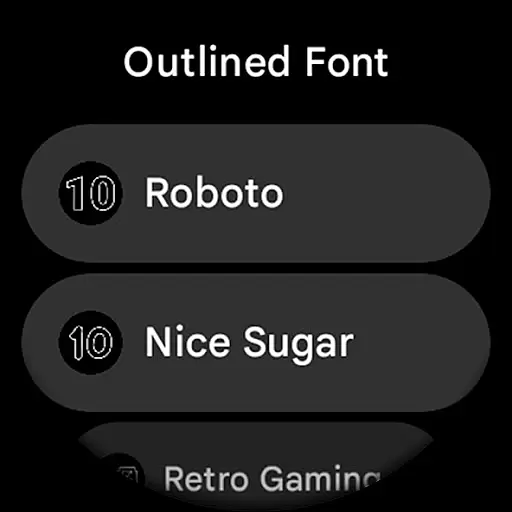
The app stands out with its customizable options including selectable outlined Digital Clock fonts, material color themes, and three Always-On-Display (AOD) styles. It's fully compatible with models like Pixel Watch 2 & Galaxy Watch6, providing users the ability to personalize their experience through various settings and create a unique daily companion tailored to their preferences.
Ideal for those who seek both aesthetics and functionality in a smartwatch face, Outlined Watch Face enhances user interaction by offering burn-in protection, optional wave-styled seconds indicators, and multiple configuration options that allow full personalization of each progress bar gradient when ranged value complications are used.
Outlined Watch Face boasts an array of distinctive features that cater to tech-savvy users looking for customization on their wearables. The app supports two gradient arc complication slots and combined watch/phone batteries complication support, ensuring all essential information is accessible at a glance.
One of the standout characteristics is its compatibility with high-end models like Pixel Watch 2 & Galaxy Watch6, alongside unique outlined Digital Clock fonts and material color themes which contribute to a personalized user interface. With true black backgrounds and battery-friendly design, it ensures optimal performance without compromising on style.
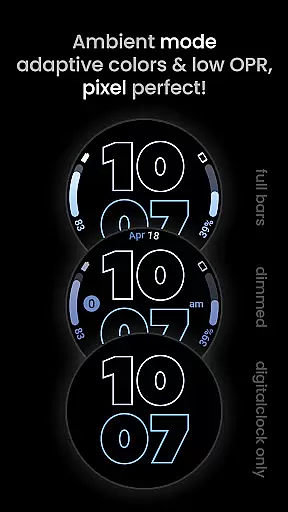
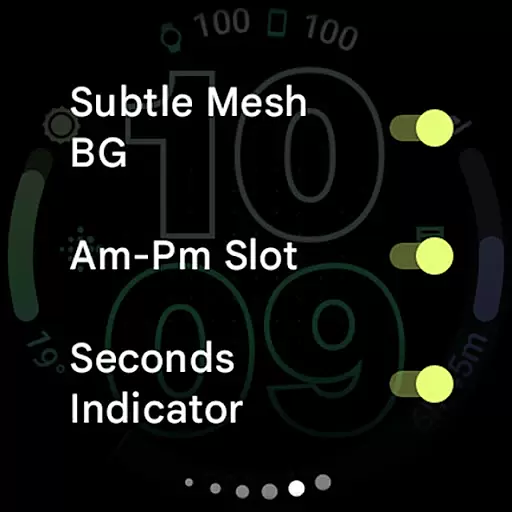
Additional functionalities include burn-in protection, optional wave-styled seconds indicators, and three AOD styles where users can choose to use only the Digital Clock feature for additional power savings. These aspects make this app not just visually appealing but also practical for everyday use.
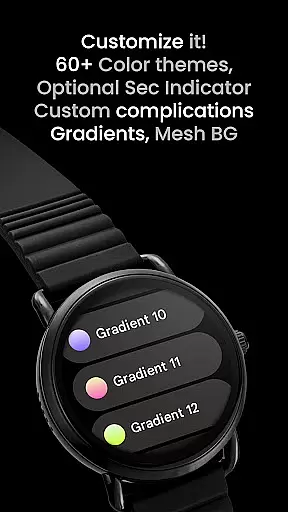
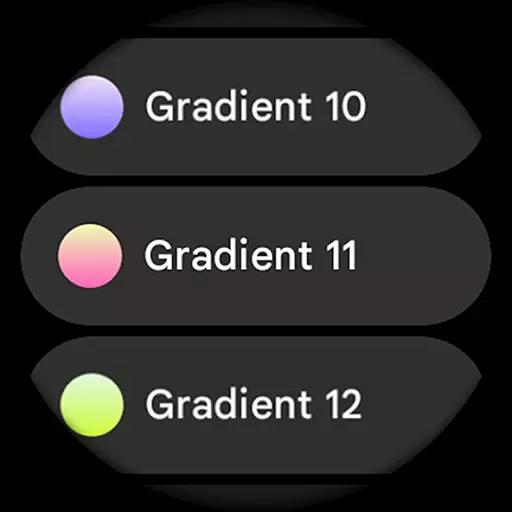
Outlined Watch Face offers a comprehensive suite of creative tools that cater to users who want to customize their Wear OS 4+ devices. With over 60 Material Themes and 19 Gradient Slot options, the app provides extensive choices for personalization.
The inclusion of unique outlined Digital Clock fonts and fully customizable progress bar gradients ensures that each user can create a design that is uniquely theirs. These features allow for detailed adjustments, making it possible to tailor every aspect of the watch face.
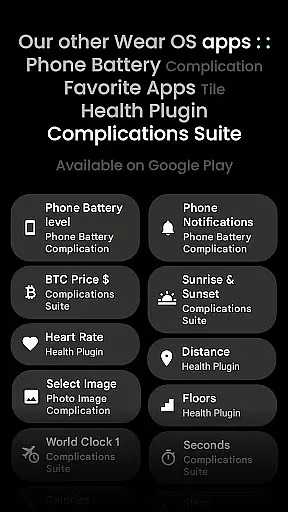
Additionally, the app supports combined watch and phone battery complications, adding practical utility to its aesthetic appeal. This combination of artistic freedom and functional integration enhances the overall user experience.
By offering three Always-On Display (AOD) styles and optional wave-styled seconds indicators, Outlined Watch Face ensures that users have all the necessary tools to craft a personalized and battery-efficient timepiece.
Flexibility in canvas and format options is a standout feature of Outlined Watch Face. Designed specifically for Wear OS 4+ devices, it supports high-resolution designs that look stunning on compatible smartwatches like the Pixel Watch 2 and Galaxy Watch6.
The app allows users to choose from different settings to create their unique daily companion. Options such as true black backgrounds and burn-in protection ensure that the display remains vibrant and long-lasting, addressing common concerns with AMOLED screens.
Moreover, the ability to individually customize each progress bar gradient when using ranged value complications showcases the app's attention to detail. Users can fine-tune these elements to match their preferences, providing unparalleled control over visual presentation.
With features like optional wave-styled seconds indicators and multiple AOD styles, including an option to use only Digital Clock, Outlined Watch Face maximizes both form and function, ensuring a flexible and personalized user experience.
User-friendly interface
Highly customizable
Battery efficient
Unique design options
Compatible with latest models
Not suitable for rectangular watches
Premium cost involved
Limited to Wear OS 4+
Complex setup process
Requires additional apps for full functionality

Sketch, plan, take notes and illustrate on an infinite canvas.
 4.20
4.20
Meet the magic aı 3d photo generator and smart AI video generator app.
3.20
AI Assistant, powered by ChatGPT GPT-4 & GPT-4o. Your intelligent companion.
3.50
Your Essential Color Theory Guide: Red, Yellow, Blue (RYB)
4.2
Photo blender app to create overlay photos & double exposure.
4.40
AI Art Generator transforms your words into AI generated art & paintings.
3.70
Photo editor for art, avatars, filters & fun transformations.
4.60
Art of Combination Wear OS Watch faces (for Wear OS 5+ devices)
3.90
Multiplayer Drawing game, Coloring, Painting・Sketch, Handwriting・Paint, draw
4.30
Make your phone cooler and have a fantastic experience
4.80
Logo Generator powered by AI: Create stunning logos effortlessly!
4.70
Discover Cartoon Dream : Unleash Your Creativity with CuttingEdge AI
4.50
Unleash your drawing and painting potential
4.50
Create color palette from Image, RGB & RYB Color wheel harmonies, Color Scheme
4.50
Stylish letters, Stylish Keyboard, Symbols, Emojis, Cool nickname
4.40
Turning simple sketches into captivating tales filled with life and motion
3.90
Sketch, trace and master AR drawing with awesome anime art!
3.30
Art of Combination Wear OS Watch faces
4.1
Art of Combination Wear OS Watch faces
4.3

User Reviews