

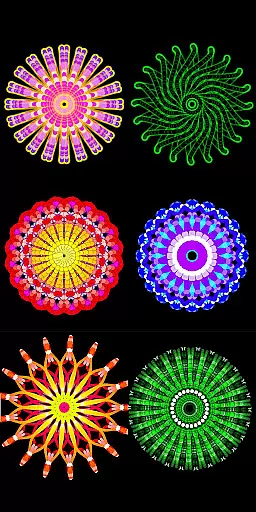
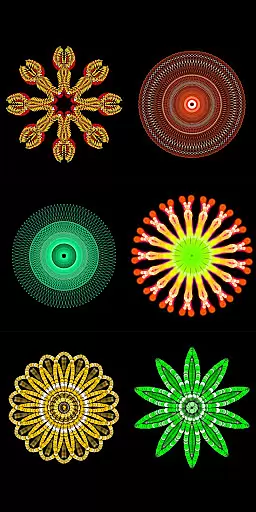
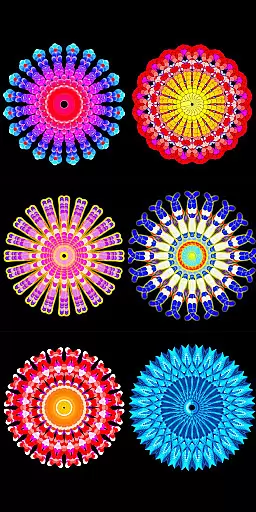
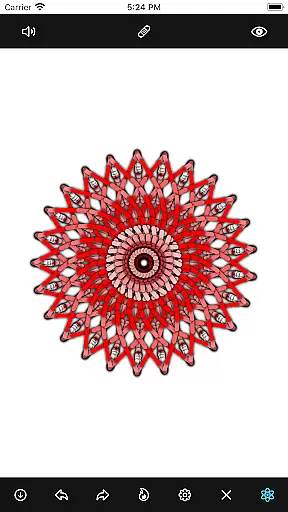
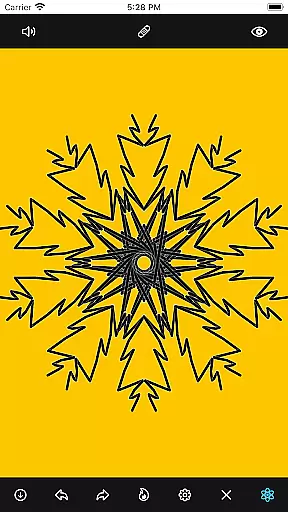
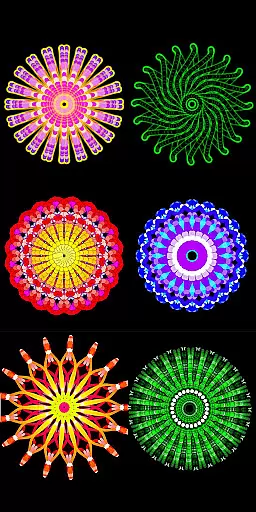
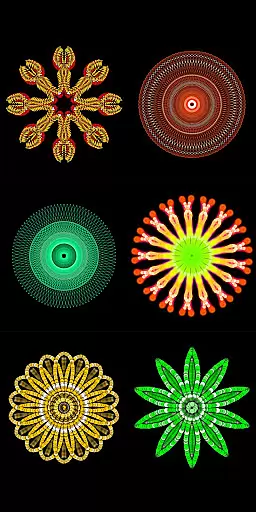
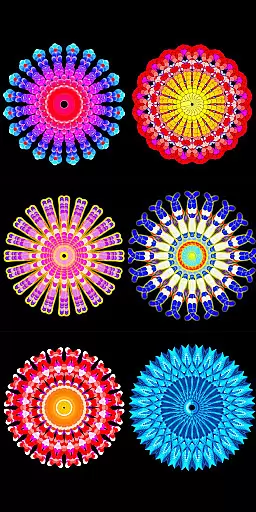
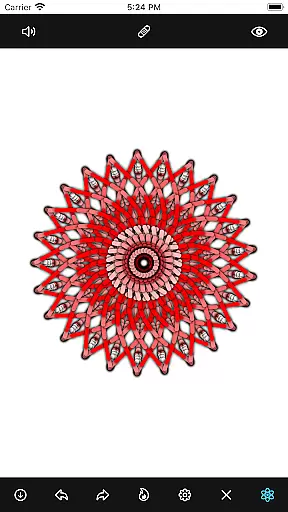
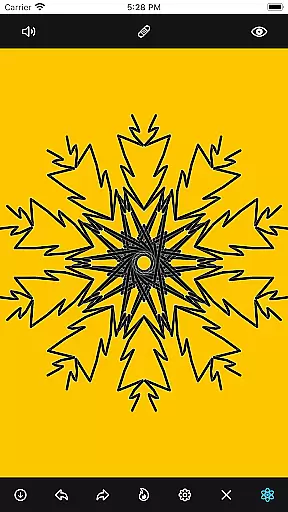
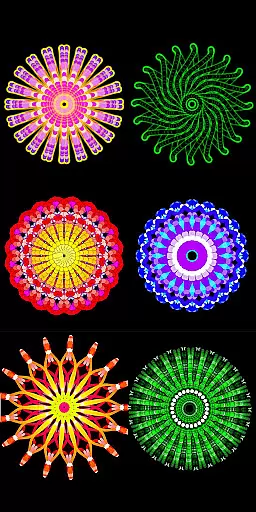
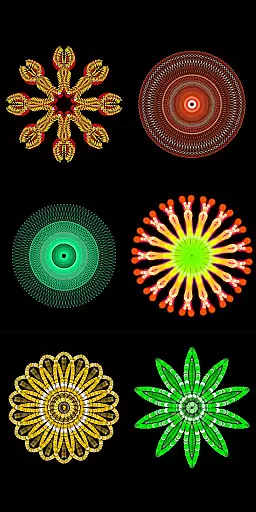
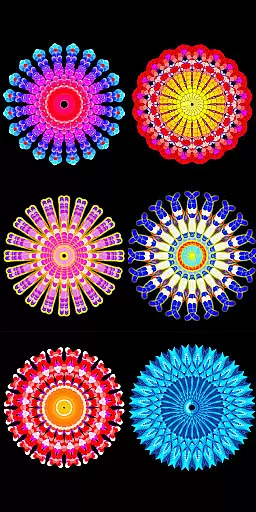
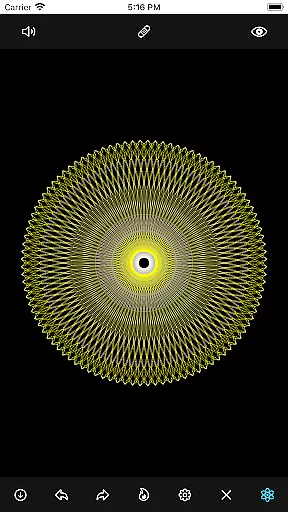
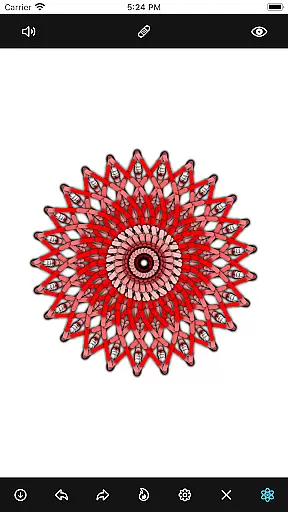
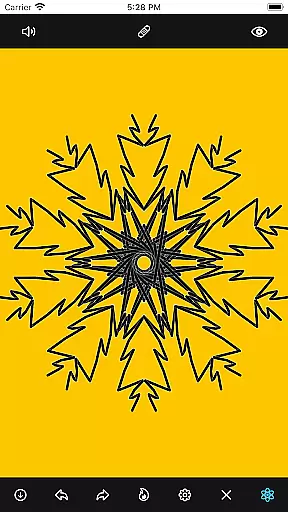
Mandala Maker 360 is a creative tool designed for both beginners and experienced artists to create intricate mandala drawings with ease. The app offers an intuitive interface that allows users to generate beautiful mandalas in just a few steps, making it perfect for artistic exploration.
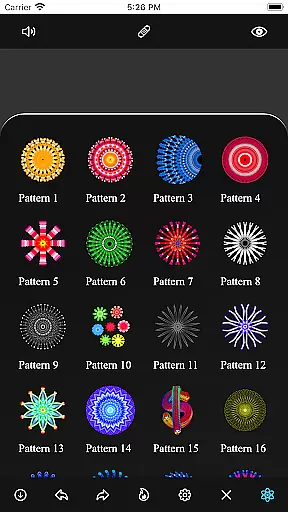
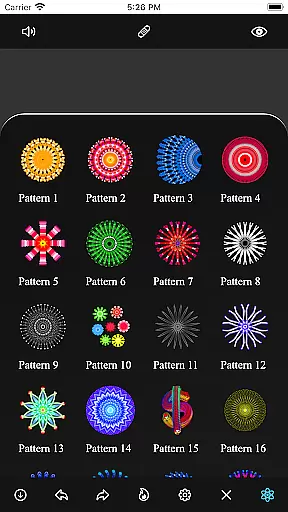
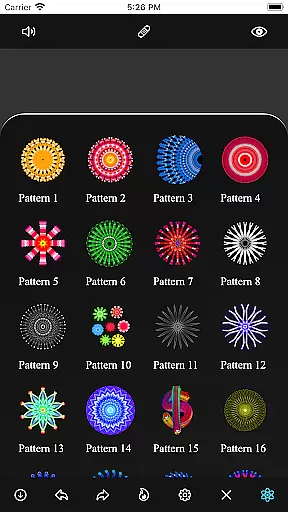
With extensive customization options, users can modify canvas symmetry, background color, brush settings, and even apply shadows. The app also includes over 50 predefined patterns and images, providing a rich library of resources to enhance your creations. Whether you're looking to relax through art or develop professional designs, Mandala Maker 360 delivers the tools you need.
This app is particularly useful for those interested in meditation and mindfulness, as creating mandalas can be a calming and centering practice. Its versatility makes it suitable for various age groups and skill levels, offering a valuable resource for anyone passionate about art and design.
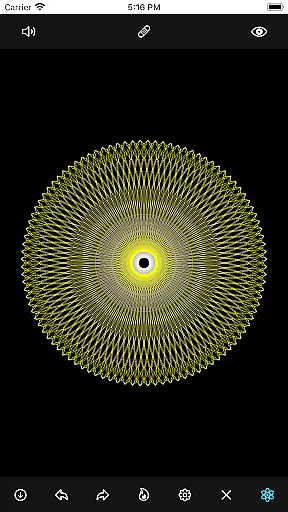
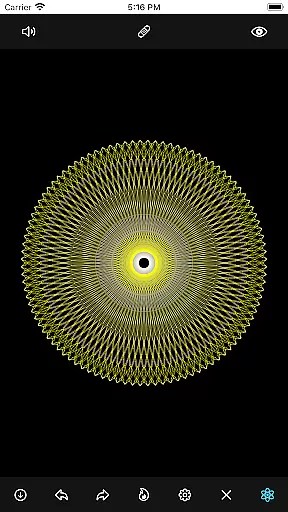
Mandala Maker 360 stands out with its comprehensive set of features tailored to enhance creativity. Users can customize their canvas by adjusting symmetry, changing background colors, and modifying the canvas center. The app's mirroring feature ensures balanced and harmonious designs, while the touch-based center alignment simplifies precision work.
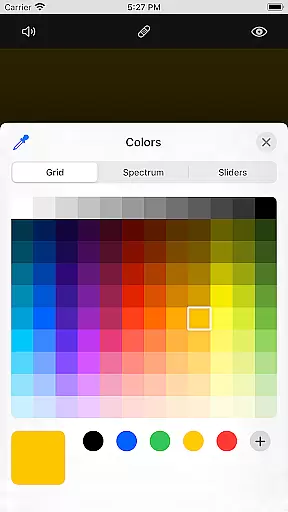
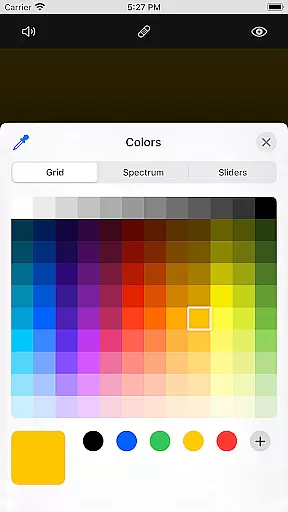
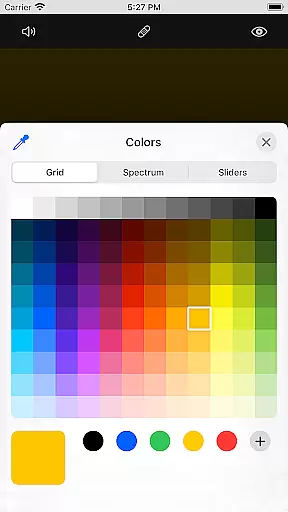
The app provides robust brush customization options, including multiple brush styles, color types, and sizes. Artists can experiment with random color selections and dynamic brush settings to achieve unique effects. Additionally, the shadow properties feature allows users to add depth and dimension to their artwork by selecting from various shadow sizes and colors.
For those who prefer guided creation, Mandala Maker 360 offers over 50 images and predefined patterns. These resources enable users to draw inspiration from existing designs while still allowing room for personal expression. With image resizing capabilities and pattern variety, the app empowers users to craft personalized mandalas that reflect their artistic vision.
Mandala Maker 360 offers an extensive suite of creative tools that cater to both beginners and advanced users in the art and design space. The application provides a rich set of features for canvas customization, including options to change the background color, adjust the canvas center, and apply mirroring effects.
Brush customization is another highlight, allowing users to choose from multiple brush styles, select different color types, and even enable random color selection. This flexibility ensures that each mandala drawing can be as unique and intricate as the user desires.
In addition to brush and canvas settings, the app includes image customization capabilities. With over 50 images available to incorporate into your mandalas, users can further personalize their creations by adjusting image sizes and dimensions.
The inclusion of shadow properties adds another layer of depth to the designs, with options for random shadows and various shadow sizes and colors. These comprehensive creative tools make Mandala Maker 360 a versatile choice for anyone interested in digital mandala creation.
One of the standout features of Mandala Maker 360 is its impressive canvas and format flexibility, which allows artists to bring their visions to life without constraints. Users have the freedom to modify the symmetry of the canvas, providing a foundation for creating balanced and harmonious mandala drawings.
The ability to change the canvas center and apply it at a touch gives users precise control over their work's focal point. This feature is particularly useful when designing complex patterns that require exact symmetry and alignment.
Furthermore, the app supports canvas mirroring, a crucial function for mandala art that often relies on symmetrical patterns. This ensures that any design element applied to one part of the canvas is accurately reflected across all axes of symmetry.
With these flexible canvas options, Mandala Maker 360 empowers users to experiment with different formats and styles, making it an ideal tool for exploring the boundless possibilities of mandala art while maintaining professional-grade precision and control.
User-friendly interface
Extensive customization options
Over 50 predefined patterns
Robust brush settings
Perfect for mindfulness practice
Limited advanced tools
No cloud saving option
Occasional performance lags
Ads may disrupt workflow
Learning curve for beginners

Customizable Outlined Fonts. Watch Face Format. Battery friendly Digital Clock.
 4.20
4.20
Create trending AI photos & videos with powerful effects and 3D styles.
3.20
Image/ Text to Video Generator
4.40
AR Anime Drawing: How to draw anime with AR drawing & sketching apps!
4.00
Get an overview over all your embroidery threads, projects and more.
4.60
Art of Combination Wear OS Watch faces (for Wear OS 5+ devices)
3.90
Unleash the artist in you with our AR drawing and tracing tool for photo drawing
4.10
Just trace a projected picture on paper and color! Draw & Paint with AR drawing
4.40
All-in-One art, logo & collage maker. Design photos and edit video backgrounds
4.80
Learn how to draw with step-by-step tutorials, fun lessons & multiplayer drawing
4.70
2D animation studio for Android tablets - unlimited layers, infinite timeline
4.70
Video AI: Revolutionize Your Content Creation with Advanced Video Generation
4.50
Easy 3D drawing design maker & creator. Model designing, Sculpting. Create&paint
4.00
Design your dream room with AI. Get decor ideas & plan home interiors
3.90
Turning simple sketches into captivating tales filled with life and motion
3.90
Meet the magic aı 3d photo generator and smart AI video generator app.
3.20
Create stunning video, photo & magic from text with FlixAI GPT video generator.
3.10
Transform photos into amazing monochrome dither art with professional algorithms
4.4
Art of Combination Wear OS Watch faces
4.3

User Reviews