

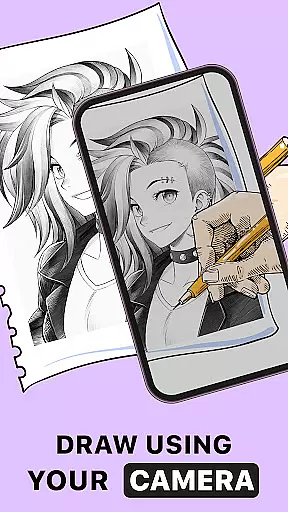
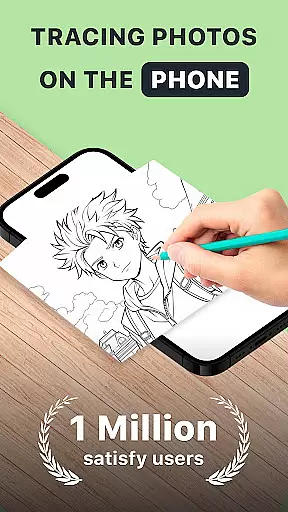
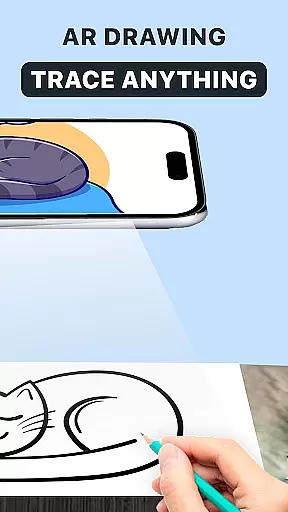
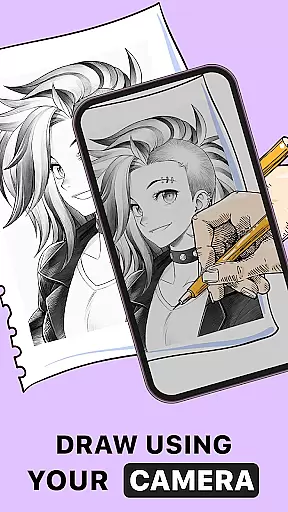
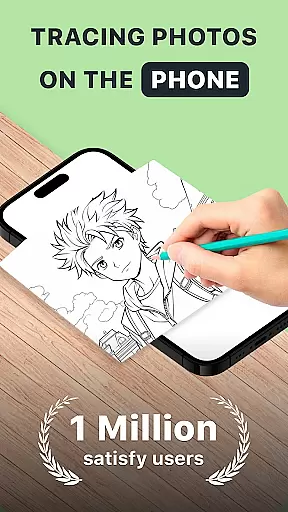
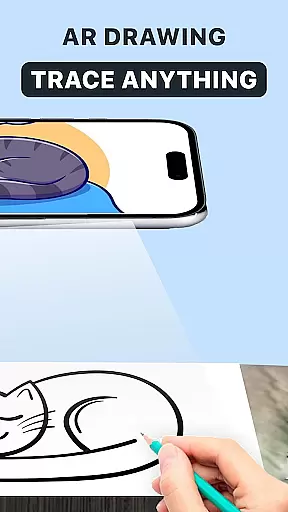
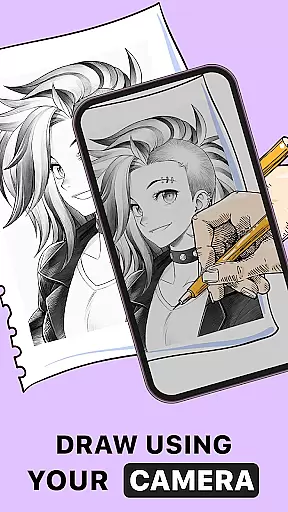
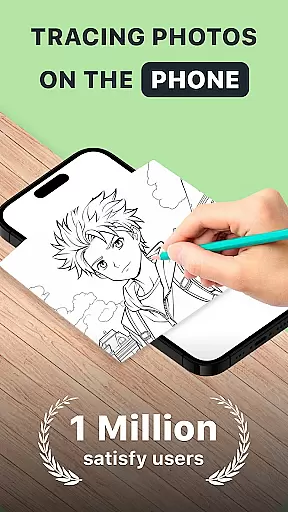
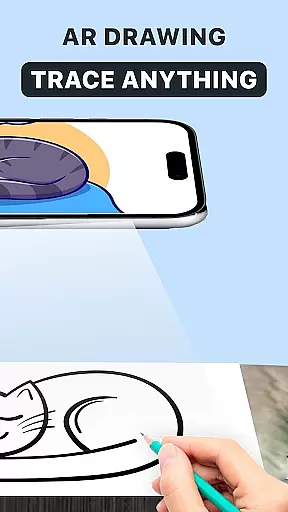
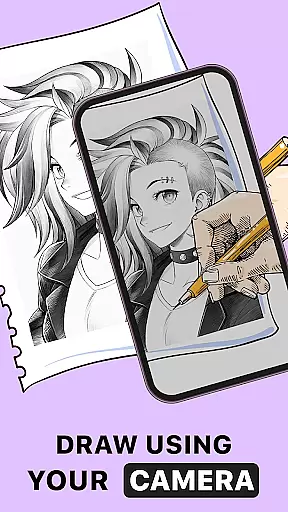
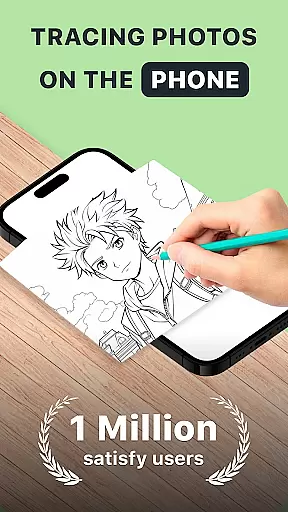
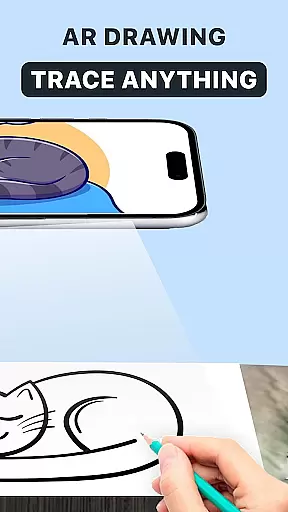
AR Drawing: Trace Anything is an innovative art application designed for both amateur and professional artists. This app allows users to transform any image into a traceable outline, enabling them to create impressive drawings with ease. With features like AR tracing, drawing anime, and sketching capabilities, it caters to various artistic needs.
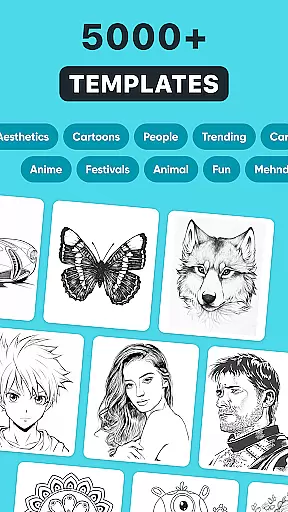
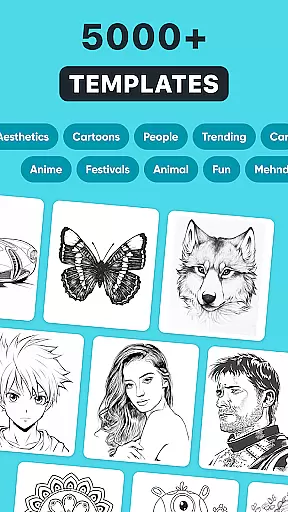
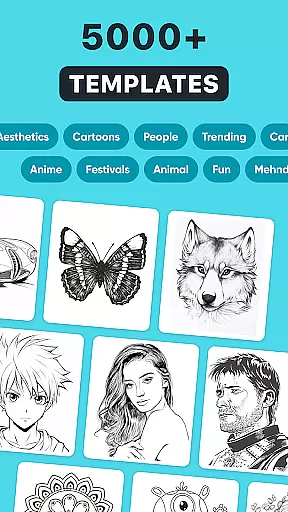
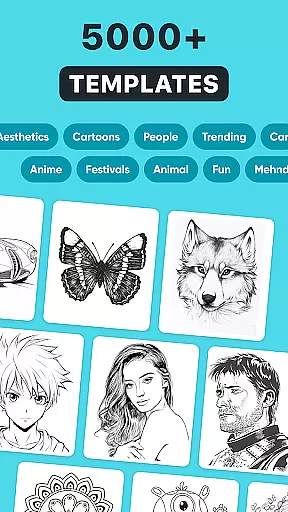
The application provides a rich library of images and supports importing from the user's gallery, making it versatile for different creative projects. Whether you're working on detailed designs or simple sketches, this app enhances your drawing skills while offering a fun and interactive experience. Its accessibility allows users to draw anywhere, anytime, using just their mobile device.
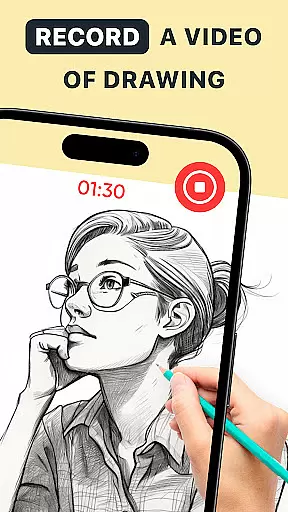
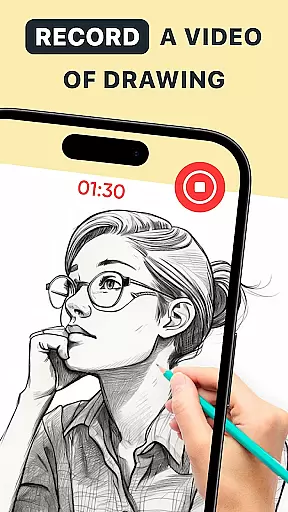
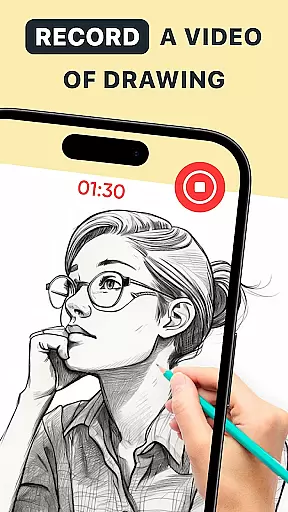
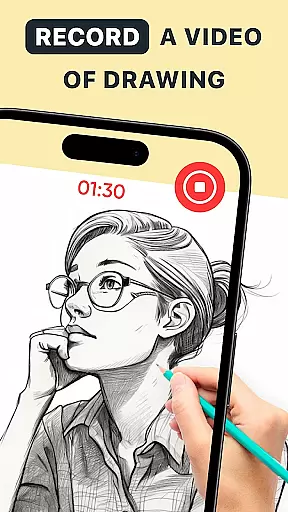
Perfect for family-oriented activities or personal artistic growth, AR Drawing makes art more approachable and enjoyable. The ability to record time-lapse videos of your creations adds an educational aspect, allowing users to share their techniques with others. This feature-rich app truly empowers artists to express themselves freely.
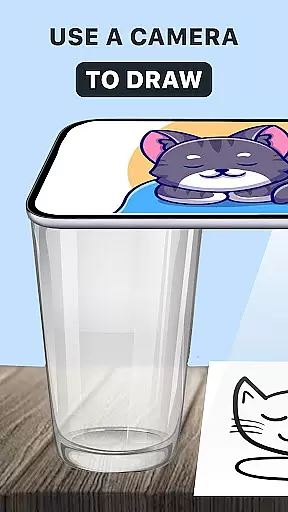
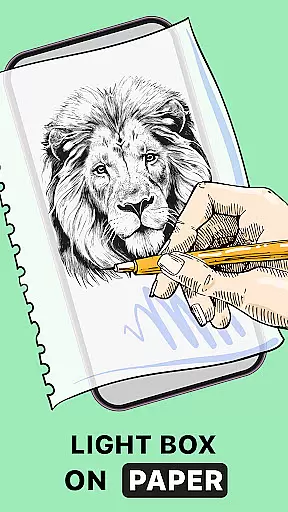
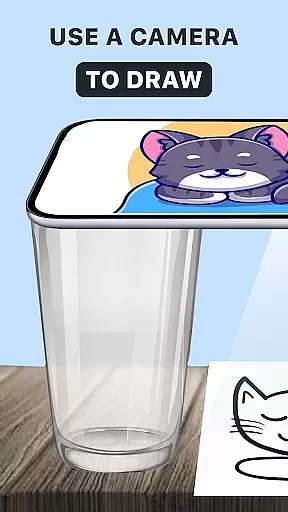
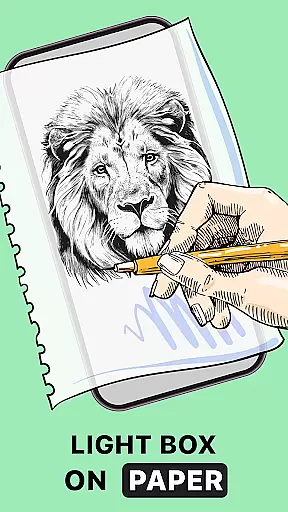
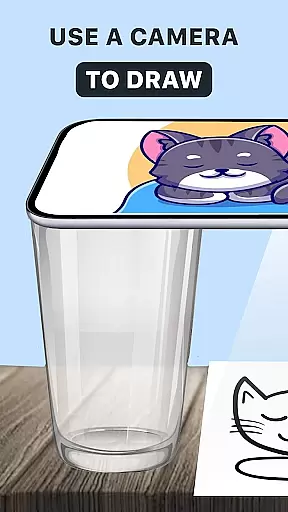
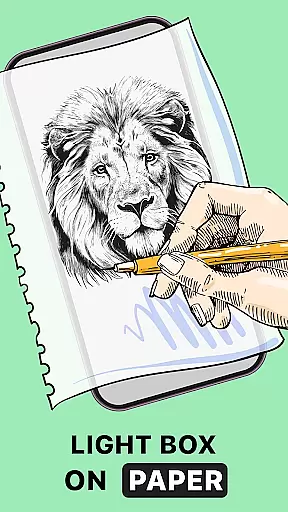
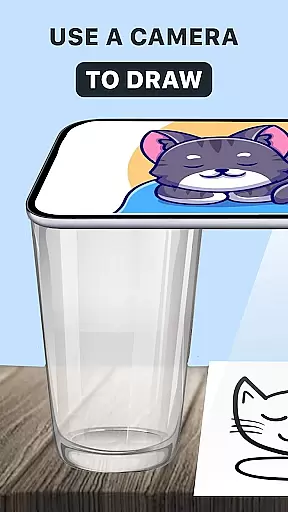
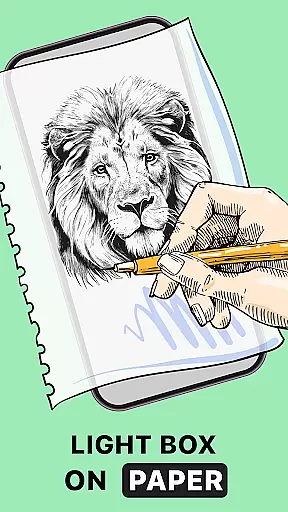
AR Drawing: Trace Anything offers a comprehensive set of features that revolutionize digital art creation. The core functionality includes AR tracing, which acts as virtual tracing paper, guiding users' hands to create perfect outlines from any image. This feature is particularly beneficial for beginners looking to improve their fundamental drawing skills.
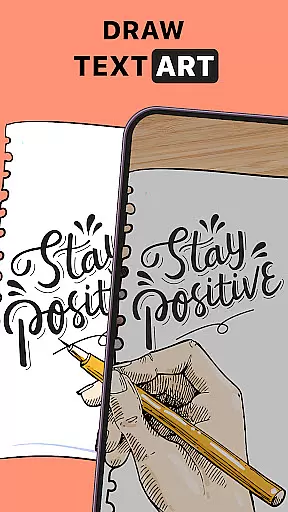
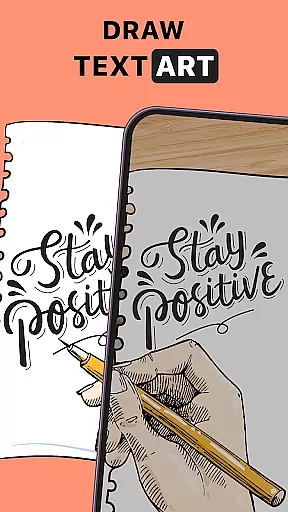
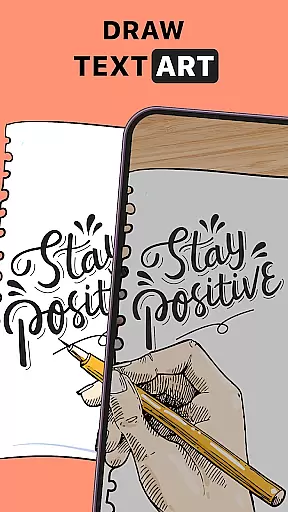
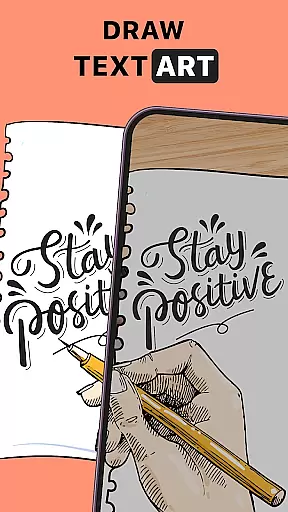
Beyond basic tracing, the app provides advanced tools such as AR drawing paint and sketch effects, enabling users to add depth and texture to their artwork. The application supports various artistic styles, from anime drawing to complex design work, making it suitable for diverse creative projects. Users can personalize their art with transparent layers and customizable line effects.
The app's versatility extends to its practical features, including time-lapse recording for creating tutorials or sharing artistic processes. With support for both casual and professional use cases, AR Drawing ensures a seamless experience across different devices. The intuitive interface and robust feature set make it an essential tool for modern digital artists seeking to enhance their creative workflow.
In the realm of digital art, having access to comprehensive creative tools is essential for artists looking to express their visions fully. AR Drawing: Trace Anything offers a robust suite of features that cater to both budding and experienced artists. The app includes functionalities such as AR drawing, trace drawing, and an extensive sketchbook, which collectively ensure that creators have everything they need at their fingertips.
One of the standout aspects of this application is its ability to transform any picture into a traceable outline, allowing users to create detailed artwork with ease. This feature not only simplifies the process of drawing but also enhances the quality of the output by providing precise outlines that can be filled in or embellished according to the artist's preference. Additionally, the inclusion of time-lapse recording enables users to capture their artistic journey, making it possible to share their creative process with others.
The versatility of AR Drawing: Trace Anything extends beyond just basic drawing tools. It incorporates specialized features like AR drawing anime, which opens up new avenues for creativity within the anime art style. Artists can experiment with different styles and techniques without the need for physical materials, thus reducing barriers to artistic expression. Whether you're sketching from scratch or refining existing images, this app provides the necessary tools to bring your ideas to life.
Flexibility in canvas and format options is crucial for artists who wish to explore various dimensions and presentations of their work. AR Drawing: Trace Anything excels in providing users with adaptable solutions that cater to diverse artistic needs. By supporting a wide range of formats and offering customizable canvas settings, the app ensures that every piece of art can be tailored to meet specific requirements.
Users of AR Drawing: Trace Anything can import images directly from their gallery or choose from the app's rich library, giving them the freedom to work with content that inspires them. Once an image is selected, the app allows for adjustments in size and orientation, accommodating different paper types and drawing surfaces. This adaptability makes it easy for artists to switch between projects without being constrained by predefined settings.
Moreover, the app's compatibility with augmented reality (AR) technology adds another layer of flexibility. Artists can visualize their creations in real-world environments, experimenting with scale and perspective before committing to a final piece. This interactive approach not only enhances the creative process but also encourages experimentation and innovation. With AR Drawing: Trace Anything, artists have the power to manipulate their canvas and formats freely, ensuring that their artistic vision is realized without compromise.
User-friendly interface
Extensive image library
Advanced AR tracing
Customizable drawing tools
Time-lapse recording feature
Limited free features
High system requirements
Occasional performance issues
Subscription fees apply
Learning curve for beginners

The ultimate tool for creating animations
 4.60
4.60
Floor Plan Creator lets you create, edit and share floor plans.
4.00
Stylish letters, Stylish Keyboard, Symbols, Emojis, Cool nickname
4.40
Draw on screen: FP sDraw is a simple and lightweight drawing app
4.70
Design unique, funny and adorable cat stickers that reflect your own style!
3.80
OneUI 8.5 icons ✨ Smooth, modern & based on the latest Play Store design ??
4.10
Just trace a projected picture on paper and color! Draw & Paint with AR drawing
4.40
Explore future self face age filter & remove background image for a unique look.
3.50
Unleash your inner artist! Sketchar: AR Drawing for Limitless Creativity
4.40
2D animation studio for Android tablets - unlimited layers, infinite timeline
4.70
Turn your drawings into flipbook-style animations with simple creative tools
4.60
Draw glowing spinners, relax, and spin your creative art
4.60
Digital illustration drawing & painting pad app to paint Anime and Manga art
4.50
Painting, drawing, & sketching
4.50
Customizable Outlined Fonts. Watch Face Format. Battery friendly Digital Clock.
4.20
Design your dream room with AI. Get decor ideas & plan home interiors
3.90
Resize photos and print photos in exact size with our powerful photo printer!
3.80
Your homescreen as an elegant glass with customized blur, lighting, and visuals.
3.70
Sketch, trace and master AR drawing with awesome anime art!
3.30

User Reviews