

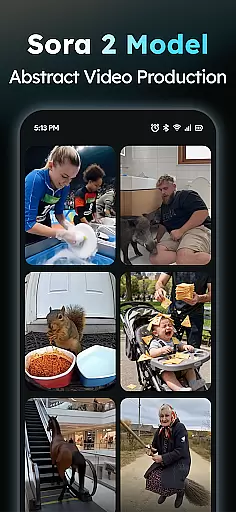
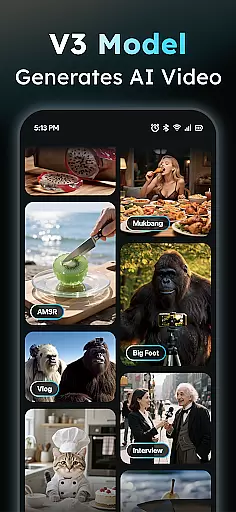
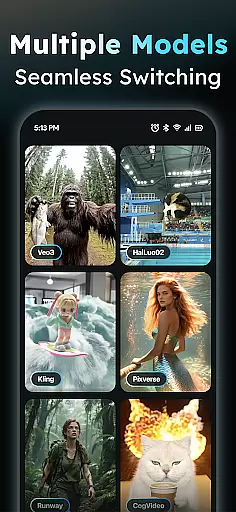
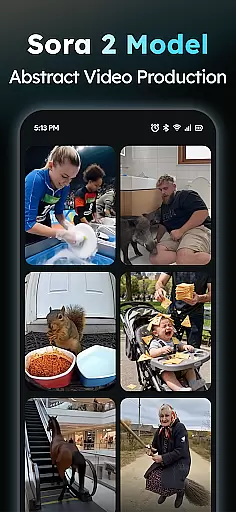
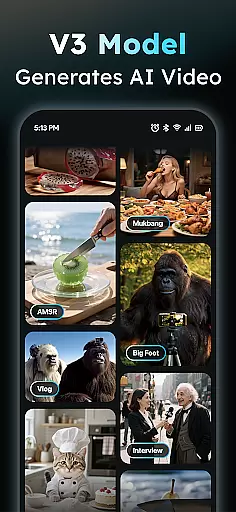
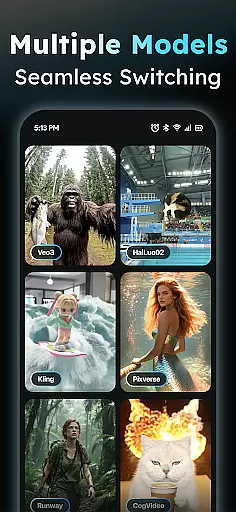
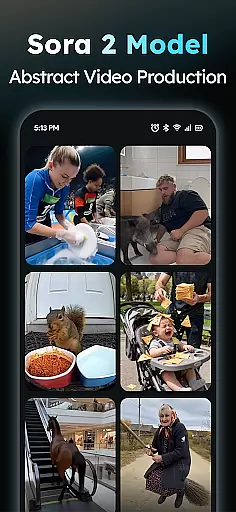
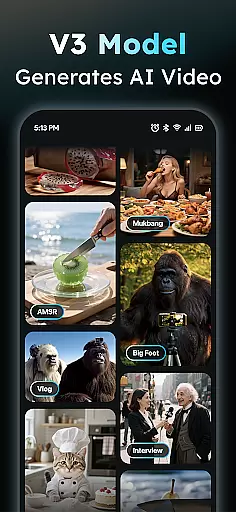
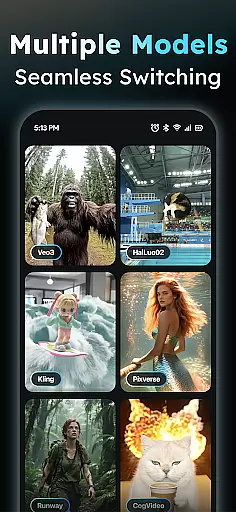
AIreel is an advanced AI-powered video creation tool designed for the Art & Design category, enabling users to produce professional-quality viral videos effortlessly. The app employs cutting-edge AI models such as veo3, hailluo, and runway to power its dual engines for both Text-to-Video and Image-to-Video generation. Whether you're a beginner or a seasoned creator, AIreel allows you to generate cinematic content with zero prior experience.
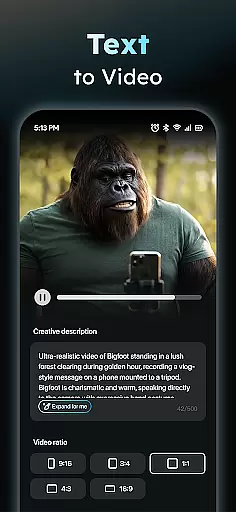
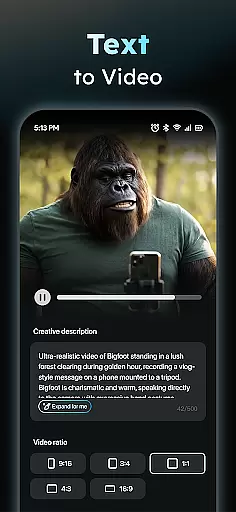
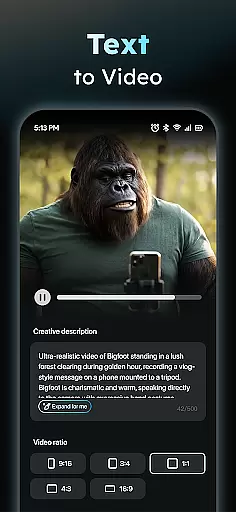
One of the standout features of AIreel is its ability to transform simple text inputs into fully-fledged short videos complete with auto-added scenes and music. Additionally, it supports converting static images into dynamic video masterpieces, accommodating various formats including real-person, anime, and pet subjects. With daily updates to its Social Template Hub, users can access trending TikTok, Reels, and Shorts templates, ensuring their content stays fresh and relevant.
The app's value lies in its versatility and speed, rendering videos 50% faster than mainstream tools while offering local processing on compatible devices for enhanced privacy. This makes AIreel particularly suitable for creators who prioritize efficiency and data security without compromising on quality.
AIreel boasts a comprehensive suite of features tailored to streamline video creation. At its core, the AI Video Generator allows users to input any text, automatically adding scenes and music to produce engaging short videos optimized for virality. This feature democratizes video production, making it accessible even to those with no prior experience in video editing.
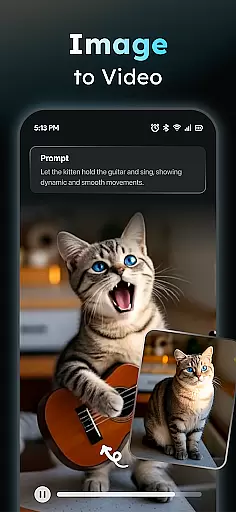
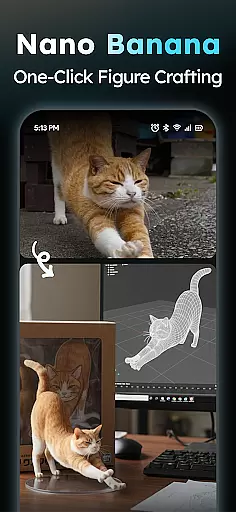
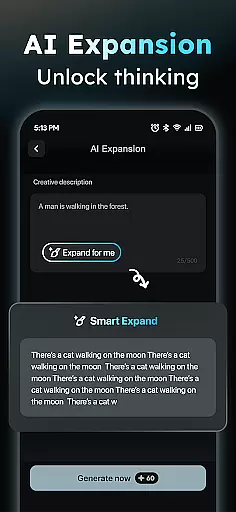
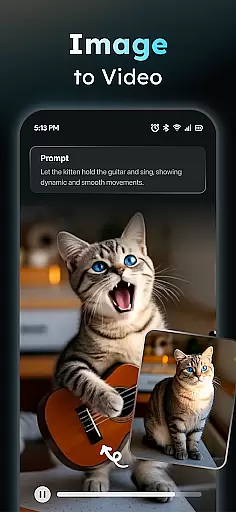
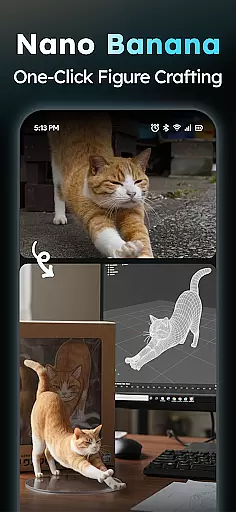
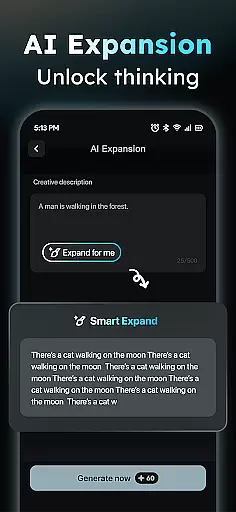
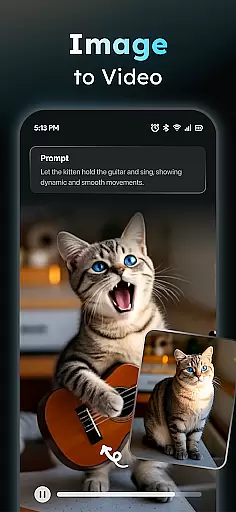
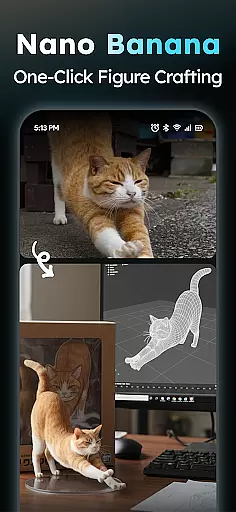
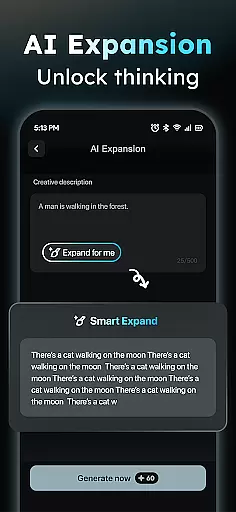
In addition to text-based video generation, AIreel offers a Photo to Video AI function that transforms uploaded JPG or PNG images into moving visual masterpieces. This feature supports various subject types, including real-person, anime, and pet images, providing flexibility for diverse creative projects. The Prompt Assistant further enhances usability by helping users turn their ideas into professional-grade prompts, effectively lowering the barrier to entry for AI-driven content creation.
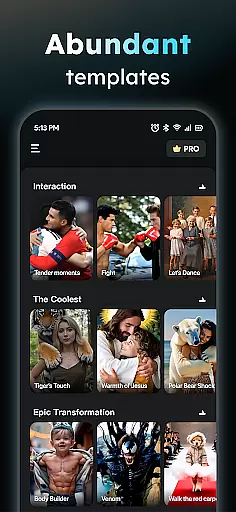
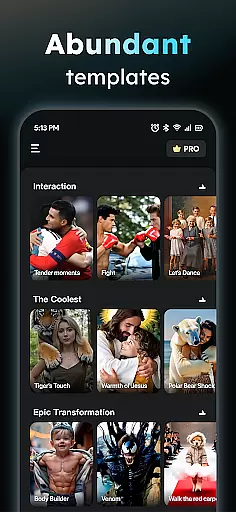
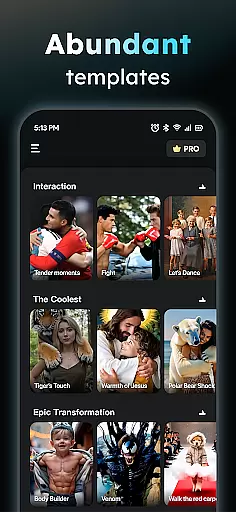
Another notable aspect is the Social Template Hub, which provides daily updates of trending templates from popular platforms like TikTok, Reels, and YouTube Shorts. Users can export their creations in multiple aspect ratios (9:16, 16:9, or 1:1), ensuring compatibility across all major social media platforms. These robust features collectively empower users to produce high-quality, platform-optimized content efficiently.
In the realm of digital content creation, having a comprehensive suite of creative tools is essential for unleashing one's imagination. AIReel stands out by integrating advanced AI models such as veo3, hailluo, and runway to power its dual engines for both Text-to-Video and Image-to-Video transformations.
This app provides users with an array of features including an AI Video Generator that turns text into cinematic scenes complete with auto-added music, and a Photo to Video AI that animates still imagesu2014be it real-person, anime, or pets. Additionally, the Prompt Assistant helps crystallize ideas into professional prompts, significantly lowering the barrier to creating high-quality AI-driven content.
With these capabilities, users can produce trending TikTok, Reels, or Shorts content effortlessly, regardless of their prior experience in video production. The inclusion of a Social Template Hub ensures access to daily updated templates that keep pace with current trends.
The ability to work with various canvas sizes and formats is crucial for creators who wish to distribute their content across multiple platforms. AIReel addresses this need by offering flexible export options that cater to different aspect ratios such as 9:16 for mobile screens, 16:9 for traditional video, and 1:1 for square formats.
This flexibility allows creators to tailor their videos specifically for platforms like Instagram, YouTube, or Facebook without being constrained by fixed dimensions. Whether you're aiming for full-screen viewing on smartphones or optimizing for desktop viewers, AIReel ensures your content looks its best.
Moreover, the local processing feature on compatible devices not only enhances privacy but also contributes to a faster rendering timeu2014up to 50% quicker than other popular tools. This means less waiting and more creating, giving users the freedom to experiment with different formats until they achieve their desired outcome.
User-friendly interface
Advanced AI models
Fast rendering speeds
Privacy-focused design
Daily template updates
Limited free features
Device compatibility issues
Occasional bugs
Premium subscription cost
Learning curve for new users

Art of Combination Wear OS Watch faces (for Wear OS 5+ devices)
 3.00
3.00
AI Face Swap, Video Effects Editor, Realtime Morph, Funny Video FX,AI Filters
3.70
Text to Image, Image to Video & AI Chat
4.20
Convert image to JPG PNG HEIC PDF, support almost all kinds of image formats
4.70
Novices can also easily complete diamond painting masters
4.70
Powerful home decoration & house design that allows you to design dream home.
3.80
Retouch photos. Create or edit images. Endless capabilities.
2.70
Unleash your inner artist! Sketchar: AR Drawing for Limitless Creativity
4.40
AI-powered photo & video creation—fast, fun, and effortless with Quick Actions
4.60
See Color, Paint Color
4.90
Turn your drawings into flipbook-style animations with simple creative tools
4.60
Discover Cartoon Dream : Unleash Your Creativity with CuttingEdge AI
4.50
Video AI: Revolutionize Your Content Creation with Advanced Video Generation
4.50
Photo blender app to create overlay photos & double exposure.
4.40
Bring One UI 8.5 Icons to life -elegant dark icons with a modern, premium touch.
4.30
Art of Combination Wear OS Watch faces (for Wear OS 5+ devices)
3.90
Sketch, trace and master AR drawing with awesome anime art!
3.30
Art of Combination Wear OS Watch Faces
3.30
Premium version of Shimeji-ee app with no ads & no limit active shimeji
4.3


User Reviews