

MePic is an advanced AI-powered photo editor designed for creative professionals and casual users alike. This all-in-one solution allows you to transform ordinary photos into stunning digital artworks with minimal effort. The app's core features include AI-driven image generation, professional-grade editing tools, and innovative visual effects that cater to various artistic needs.
One of MePic's standout capabilities is its Text to Image feature, which converts descriptive text into unique visuals. Combined with powerful editing functions like background removal, object manipulation, and facial enhancement, the app provides comprehensive creative control. Whether you're designing avatars, experimenting with new looks, or enhancing portrait quality, MePic delivers professional results across Android devices.
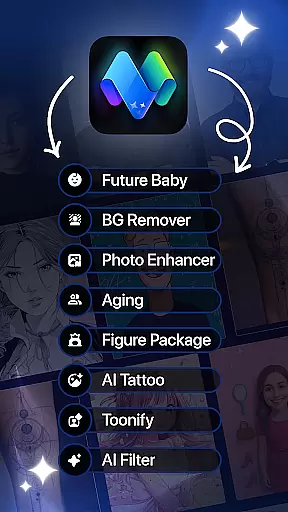
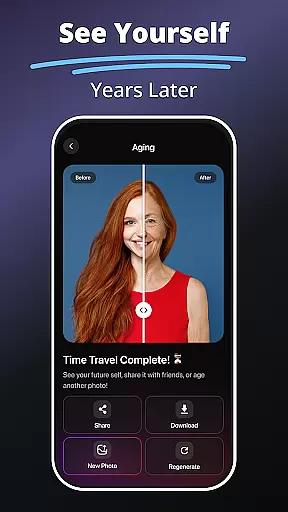
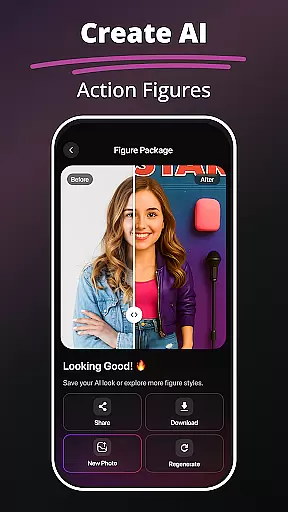
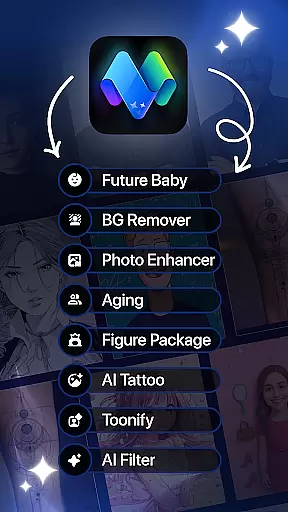
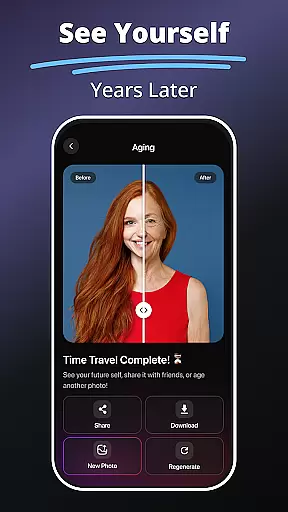
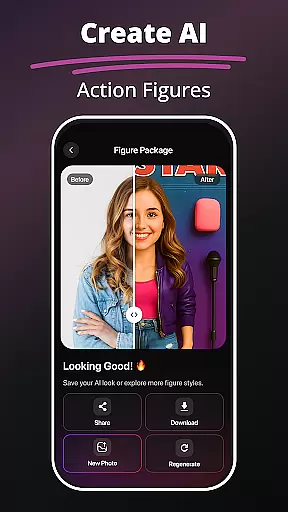
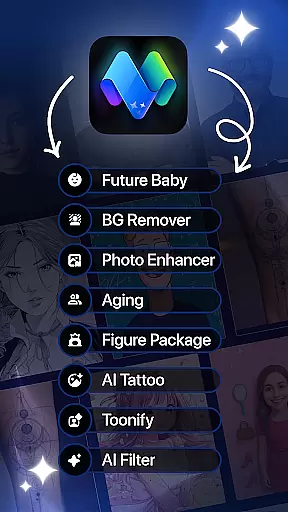
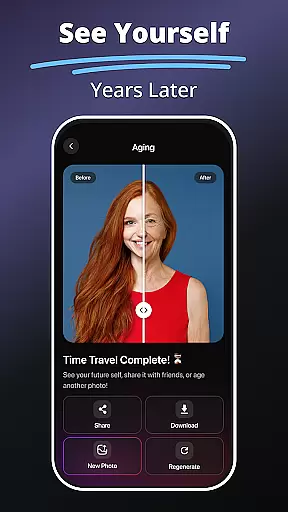
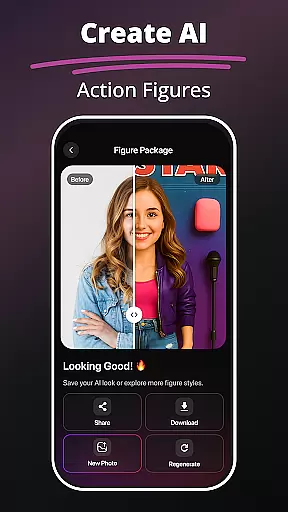
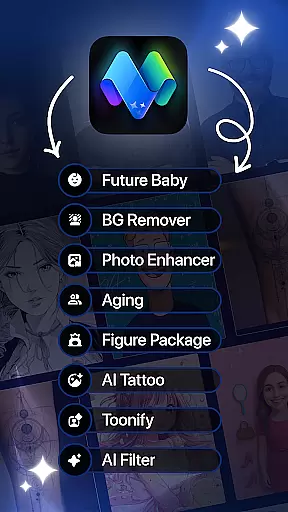
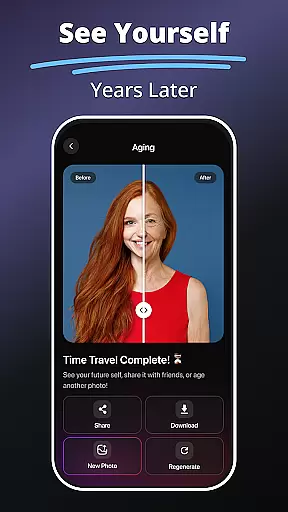
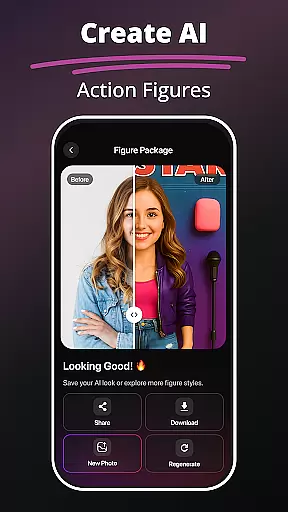
The application's value extends beyond basic editing. With specialized tools such as Future Baby Generator, Hair & Beard Changer, and Photo Animation, users can explore creative possibilities while maintaining precise control over their projects. These features make MePic particularly valuable for social media content creation and personal artistic expression.
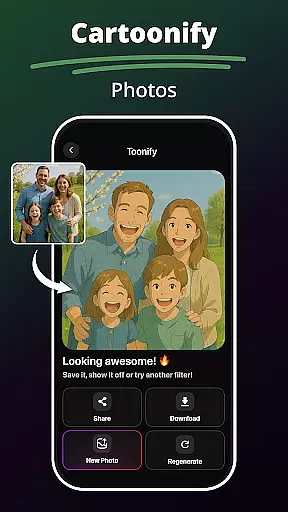
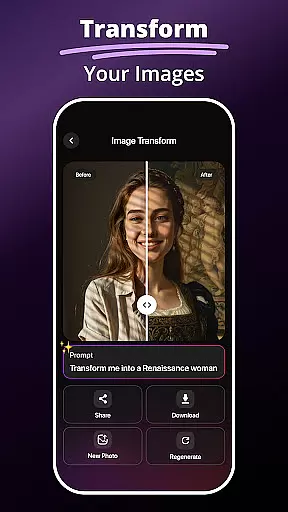
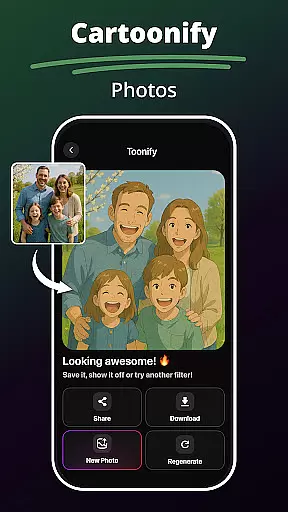
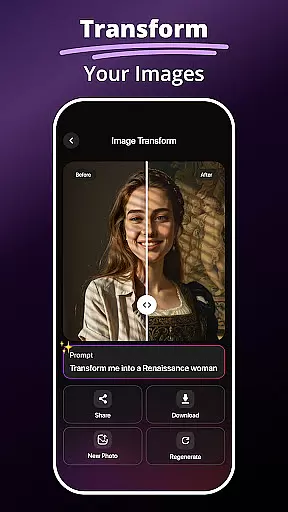
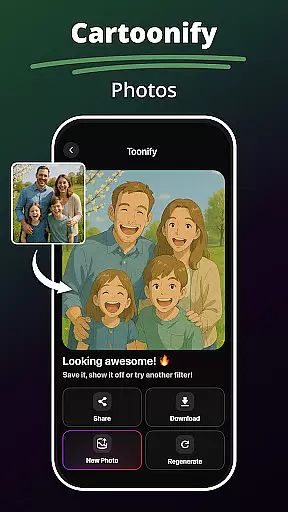
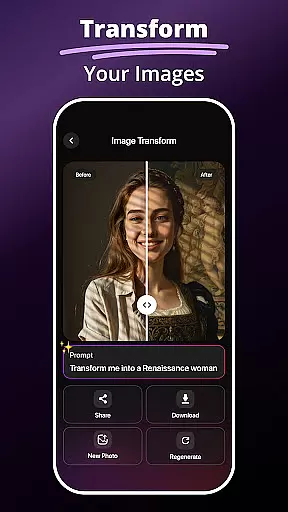
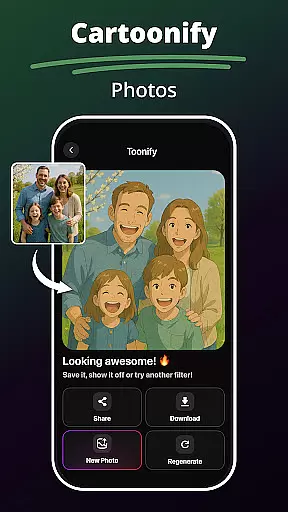
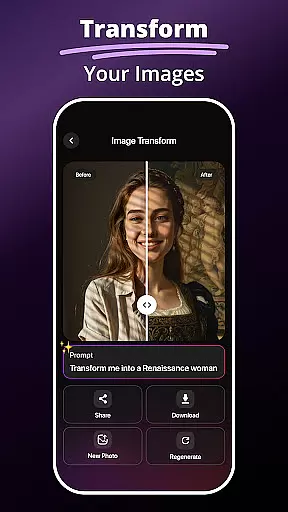
MePic distinguishes itself through a rich set of innovative features. The AI Photo Editor provides sophisticated tools for skin smoothing, color adjustment, and object removal, while offering a vast library of filters ranging from cartoon effects to digital painting styles. These capabilities ensure users can achieve their desired aesthetic with professional precision.
A key differentiator is the Avatar Creator, which enables users to design personalized avatars in multiple styles including cartoon, professional, and fantasy formats. The app's implementation of AI technology extends to its Future Baby Generator and Hair & Beard Changer, allowing users to visualize potential future scenarios and experiment with different appearances through realistic simulations.
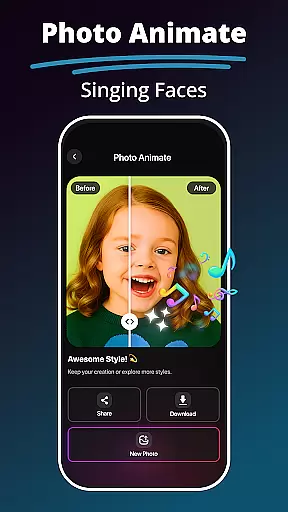
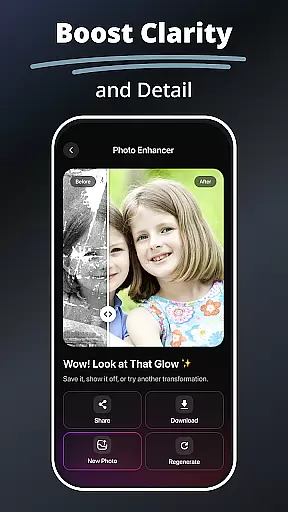
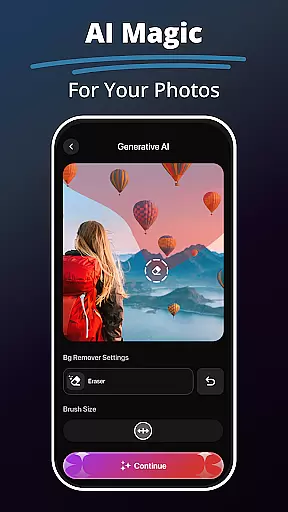
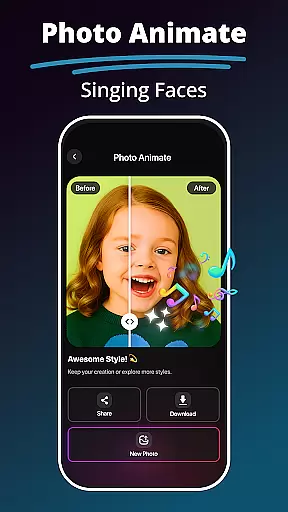
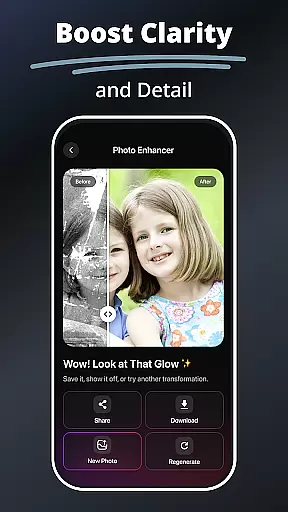
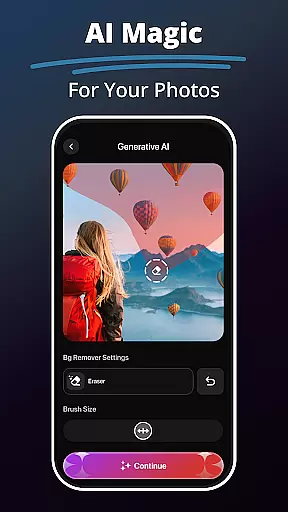
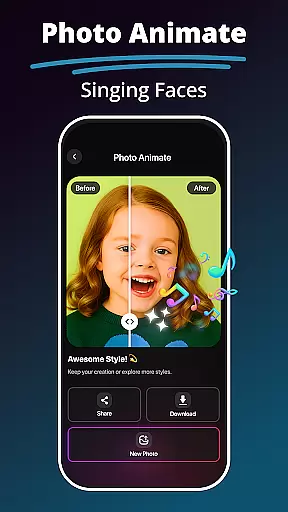
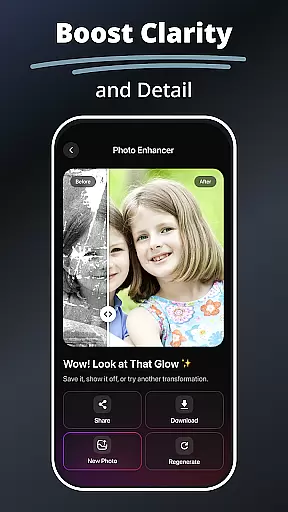
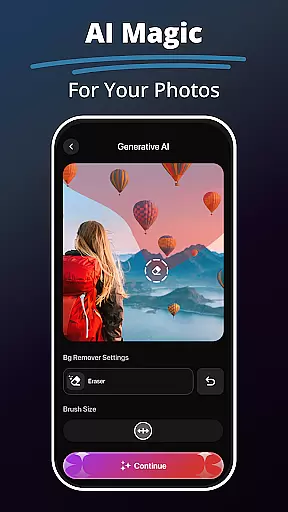
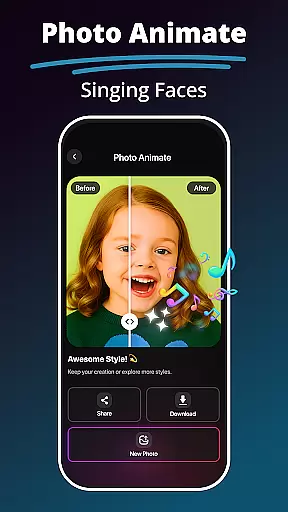
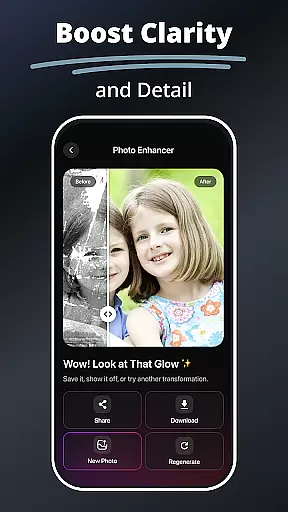
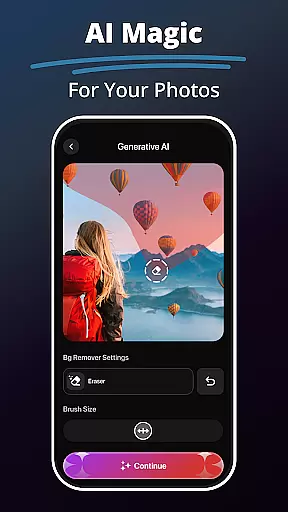
Additional notable features include the Background Remover for clean image composition, Photo Enhancer Tools for automatic quality improvement, and Photo Animate functionality for creating dynamic motion effects. Each feature is optimized for ease of use while maintaining high-quality output, making complex editing tasks accessible to users of all skill levels.
In the realm of digital art and photo editing, having a comprehensive set of creative tools is essential. MePic stands out by offering an extensive suite of features that cater to various artistic needs. From AI-powered filters that transform photos into different art styles to advanced editing options like background removal and object manipulation, this app ensures that users have everything they need at their fingertips.
One of the key highlights of MePic is its 'Text to Image' feature, which allows users to generate unique visuals simply by describing their ideas. This functionality opens up new avenues for creativity, making it possible to bring imaginative concepts to life with ease. Additionally, the Avatar Creator lets users design personalized avatars in multiple styles, further expanding the creative possibilities.
The app also includes practical tools such as the Hair & Beard Changer, enabling users to experiment with different looks without any commitment. With these robust features, MePic empowers users to push the boundaries of their creativity while providing professional-grade results. Whether you're enhancing portraits or crafting entirely new images, MePic's complete toolkit has you covered.
Flexibility in canvas and format options is crucial for artists and designers who want to work without constraints. MePic addresses this need by providing versatile solutions that adapt to various project requirements. Users can modify image dimensions, switch between portrait and landscape orientations, and choose from a range of resolutions to suit their specific goals.
Beyond basic adjustments, MePic offers specialized features like the Photo Animate tool, which adds motion effects to static images. This capability transforms traditional photos into dynamic visual experiences, perfect for social media or presentations. The app also supports high-quality exports in multiple formats, ensuring compatibility across different platforms and devices.
Moreover, MePic's Future Baby Generator and Background Remover provide additional layers of creative freedom. These innovative tools allow users to explore unconventional ideas and produce unique content that stands out. By combining flexible canvas options with powerful editing features, MePic delivers a seamless experience that encourages experimentation and innovation in digital art.
User-friendly interface
Advanced AI capabilities
Versatile editing tools
Realistic avatar creation
Innovative visual effects
Premium features locked
High system requirements
Occasional processing delays
Limited free usage
Subscription costs

Customizable Outlined Fonts. Watch Face Format. Battery friendly Digital Clock.
 4.20
4.20
Create color palette from Image, RGB & RYB Color wheel harmonies, Color Scheme
4.50
Draw glowing spinners, relax, and spin your creative art
4.60
Mobile pixel art editor. Simple. Fast. Portable.
4.80
Get an overview over all your embroidery threads, projects and more.
4.60
Your homescreen as an elegant glass with customized blur, lighting, and visuals.
3.70
Art of Combination Wear OS Watch faces (for Wear OS 5+ devices)
3.90
OneUI 8.5 icons ✨ Smooth, modern & based on the latest Play Store design ??
4.10
Bring One UI 8.5 Icons to life -elegant dark icons with a modern, premium touch.
4.30
Novices can also easily complete diamond painting masters
4.70
Draw anime & manga drawing, art with templates to create stunning picture!
4.50
Draw Trace image sketch by, AR art projector app, Easy to trace any image.
4.50
Painting, drawing, & sketching
4.50
Just trace a projected picture on paper and color! Draw & Paint with AR drawing
4.40
Digital Drawing: Draw & Paint
4.10
Turning simple sketches into captivating tales filled with life and motion
3.90
Resize photos and print photos in exact size with our powerful photo printer!
3.80
Art of Combination Wear OS Watch Faces
3.30
Art of Combination Wear OS Watch faces (for Wear OS 5+ devices)
3.00

User Reviews