

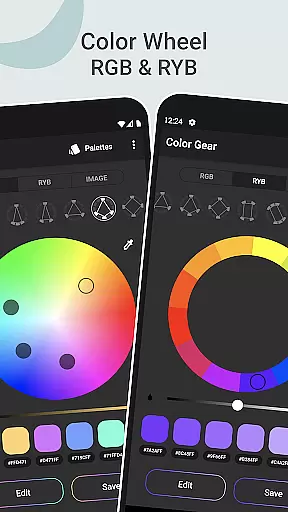
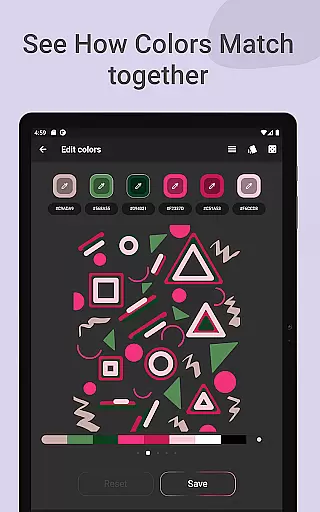
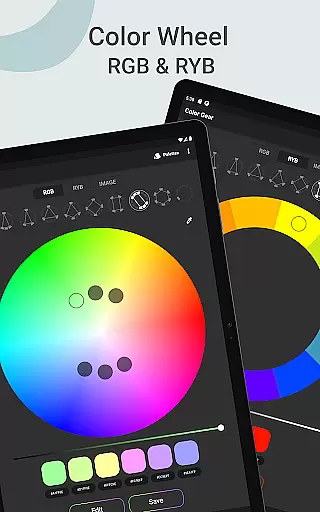
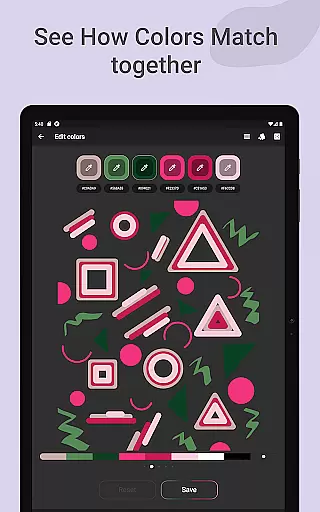
Color Gear is an essential tool for designers and artists, providing a comprehensive suite of features to create harmonious color palettes based on color theory. The app supports two color models - RGB and Itten Color Wheels, allowing users to apply over 10 color schemes. This makes it versatile for both digital media and traditional art forms.
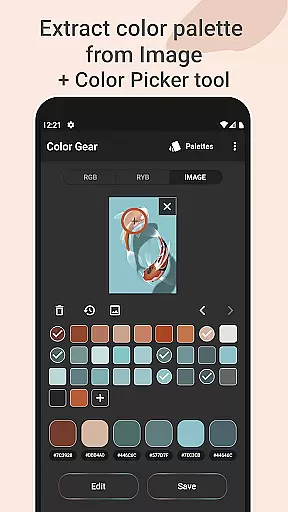
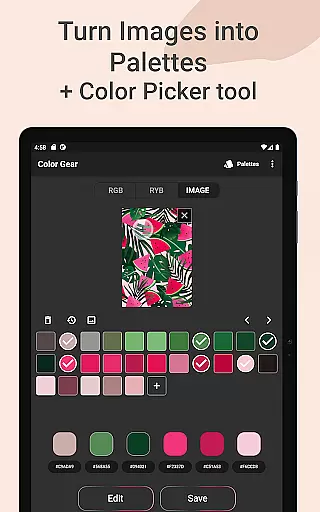
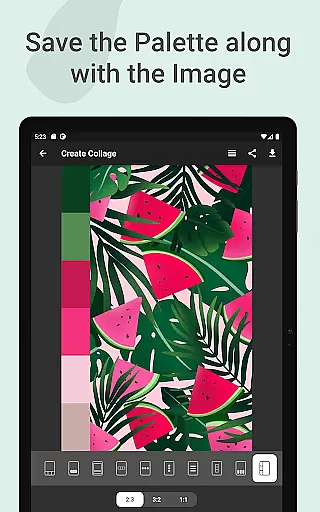
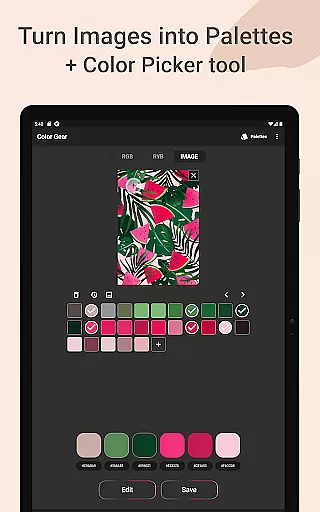
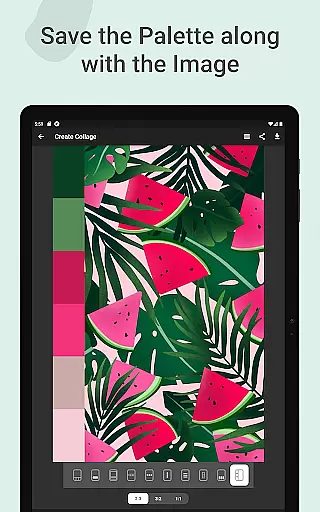
The application goes beyond basic color selection by enabling users to extract palettes from images, manually pick colors with the Hex Color Picker, and perform advanced color editing. Users can precisely adjust Hue, Saturation, and Lightness values while managing their palettes efficiently. The ability to save palettes along with images in collages adds another layer of creativity.
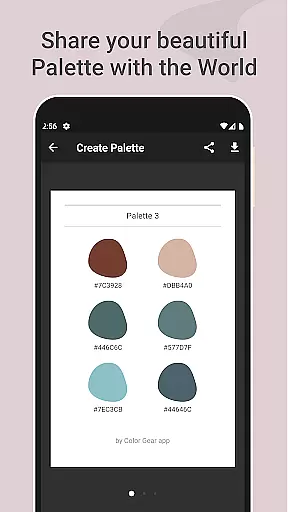
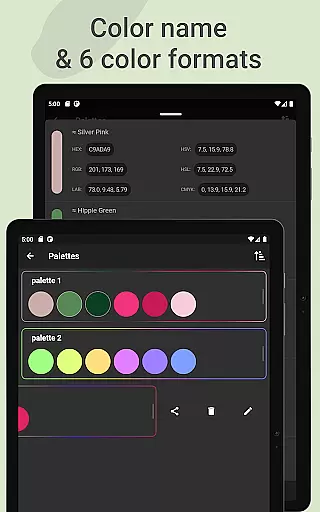
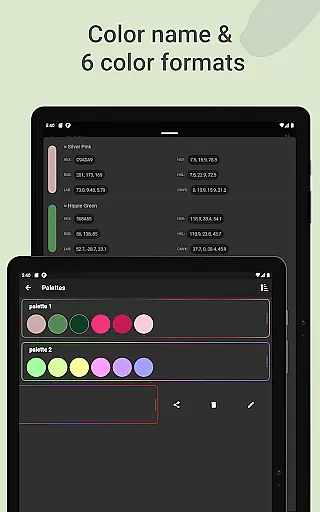
With its offline functionality and support for multiple color formats including HEX, RGB, LAB, HSV, HSL, and CMYK, Color Gear proves invaluable for professionals who need reliable access to sophisticated color tools without internet dependency. Whether you're designing digital content or working with physical paints, this app streamlines your workflow significantly.
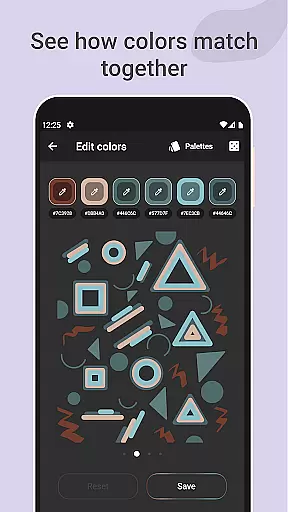
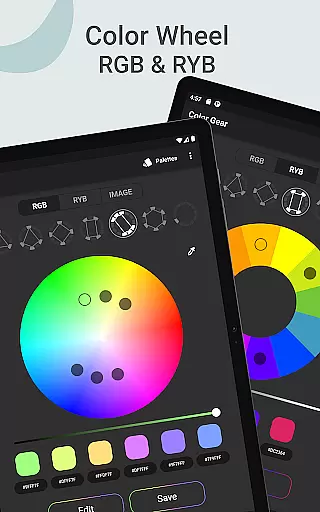
Color Gear stands out with its robust feature set tailored for color professionals. The dual support for RGB and Itten Color Wheels caters to different design needs, from digital graphics to traditional painting techniques. Each wheel offers more than ten color schemes, ensuring that users have extensive options for creating balanced palettes.
A unique aspect of Color Gear is its ability to build palettes from HEX color codes and images. By simply entering a HEX or RGB code, users can generate matching harmonies. The image extraction feature transforms photos into palettes using automated algorithms or manual selection via the Hex Color Picker. This flexibility empowers designers to capture inspiration from any visual source.
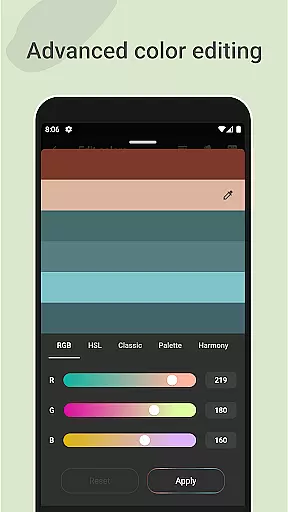
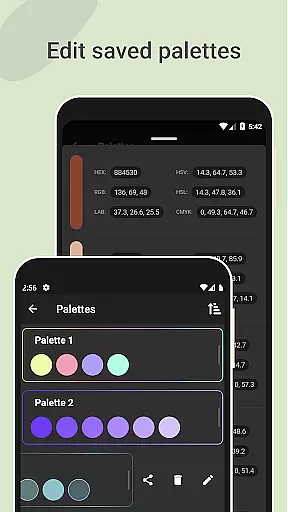
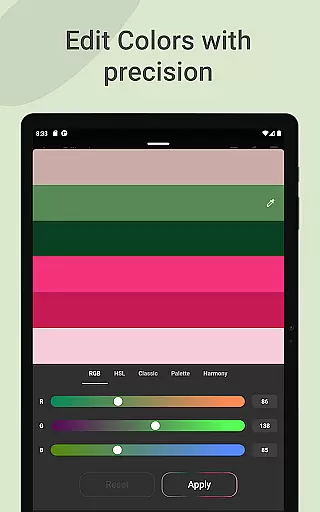
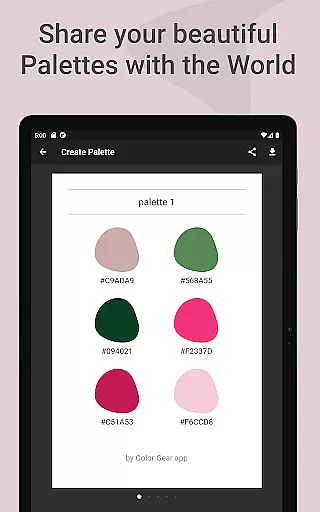
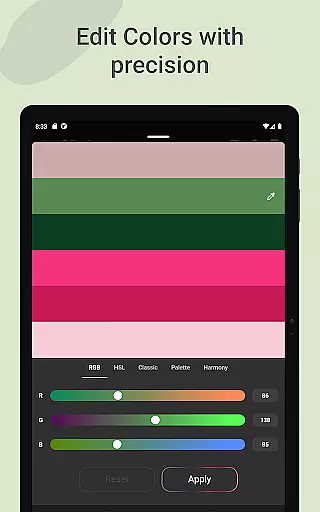
Advanced editing capabilities allow precise adjustments to individual color swatches within a palette. Users can tweak Hue, Saturation, and Lightness values with accuracy. Additionally, managing and sharing palettes is straightforward, thanks to the availability of six color formats (RGB, HEX, LAB, HSV, HSL, CMYK). These features collectively enhance productivity and creative possibilities.
Color Gear offers a comprehensive suite of creative tools that cater to both designers and artists. The app includes two color models, RGB and Itten Color Wheel, allowing users to work within digital media or traditional paint and pigment formats. With over 10 color schemes available for each model, the app provides extensive options for creating harmonious palettes.
The application goes beyond basic color selection by enabling users to extract palettes from images, thus offering an innovative way to discover colors. This feature is supported by an advanced Hex Color Picker, which allows for precise color extraction from any part of an image. Such tools ensure that users can replicate exact shades or explore new combinations based on existing visuals.
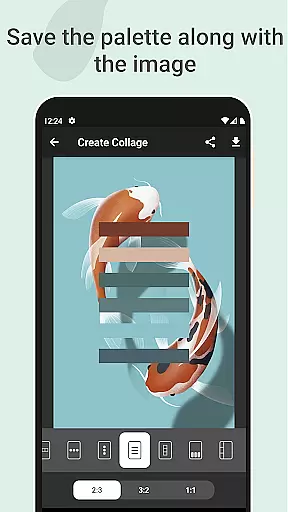
Advanced color editing is another highlight, empowering users to modify hue, saturation, and lightness with accuracy. This level of control ensures that each palette is fine-tuned to the user's specifications. Additionally, the ability to save palettes along with their corresponding images adds a practical dimension to the creative process.
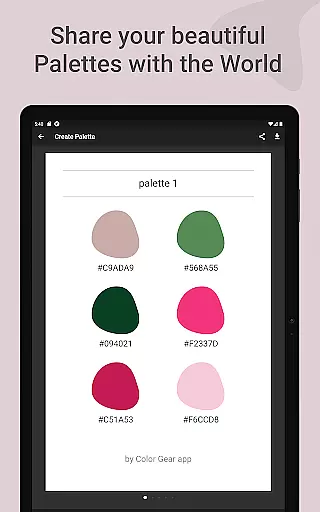
Sharing and managing color palettes is effortless with support for six color formats including RGB, HEX, LAB, HSV, HSL, and CMYK. Users can copy codes directly to the clipboard and share their creations easily. These complete and versatile features make Color Gear an indispensable tool for anyone involved in art and design.
Flexibility in canvas and format options is crucial for creative professionals, and Color Gear excels in this area. The app supports various color models such as RGB for digital projects and RYB for traditional art forms. This dual support ensures that whether you're designing for screen or preparing pigments for canvas, the app adapts to your needs seamlessly.
Users can input specific HEX or RGB color codes to generate matching harmonies, providing a tailored experience that fits project requirements. The option to manually pick colors using the Hex Color Picker further enhances this flexibility, allowing for pinpoint accuracy when selecting colors from images or other sources.
Moreover, the app facilitates advanced color editing where adjustments to hue, saturation, and lightness can be made with precision. This means that every color swatch can be customized to fit the exact specifications needed for diverse artistic endeavors. Such detailed control over color attributes empowers creators to achieve their envisioned results without compromise.
Saving palettes alongside images and choosing layouts for collages adds another layer of adaptability. Whether itu2019s for personal reference or client presentations, these features ensure that your work is presented professionally. Overall, Color Gear stands out by offering unparalleled flexibility in how users interact with and utilize color in their projects.
User-friendly interface
Comprehensive color models
Offline functionality
Advanced editing tools
Versatile sharing options
Limited free features
Occasional bugs
No cloud sync
Heavy on resources
Learning curve

Sketch, plan, take notes and illustrate on an infinite canvas.
 4.20
4.20
Meet the magic aı 3d photo generator and smart AI video generator app.
3.20
Logo Generator powered by AI: Create stunning logos effortlessly!
4.70
Paint with oils and sketch with natural tools on a realistic virtual canvas.
3.80
The perfect place to start sketching! Use Sketchbook to draw and paint sketches.
4.50
Design unique, funny and adorable cat stickers that reflect your own style!
3.80
Draw glowing spinners, relax, and spin your creative art
4.60
Photo stitcher for automatically screenshot stitching into a long screenshot
4.70
AI-powered photo & video creation—fast, fun, and effortless with Quick Actions
4.60
Minecraft & Roblox Clothes
4.70
Painting, drawing, & sketching
4.50
AI generated images & photos, turn your words into drawing, painting & pictures.
4.30
Remove Background, Magic Eraser, Photo Enhancer, Story Templates, Collage Maker
4.30
Digital Drawing: Draw & Paint
4.10
Experience next-gen icons with a modern liquid glass look.
3.60
Art of Combination Wear OS Watch Faces
3.30
Draw anime easily with AR guidance, sketch templates & trace tools!
3.10
Android 14 style widgets and wallpapers app.
4.3
A luxurious gold watch face for an elegant and refined look.
4.1

User Reviews