

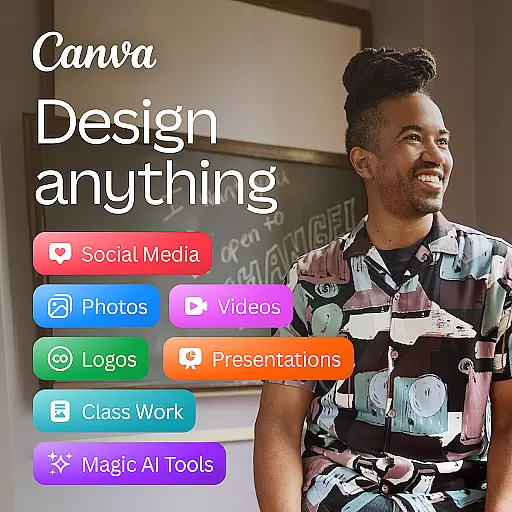
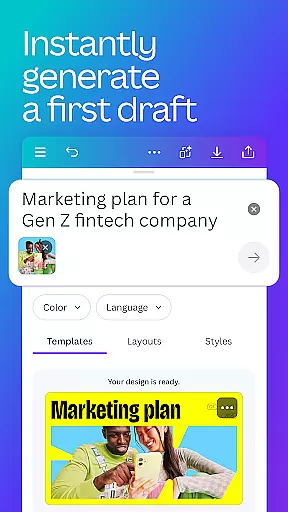
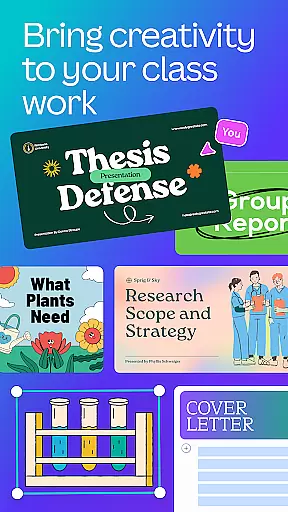
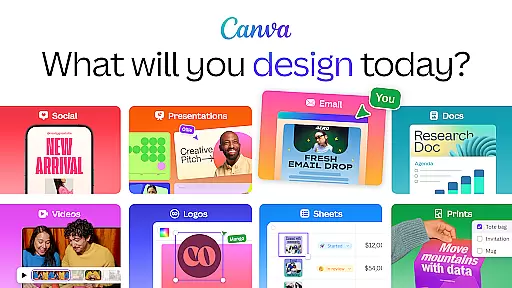
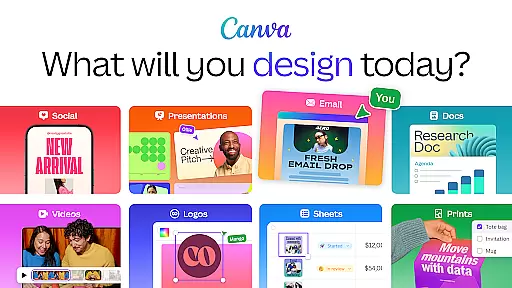
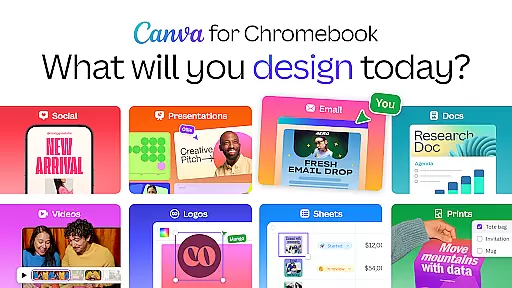
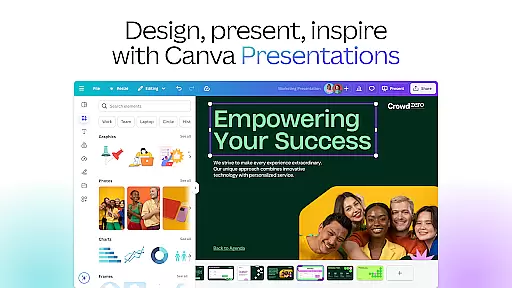
Canva is a comprehensive design application that serves as your all-in-one photo editor, logo maker, collage creator, and video editor. With powerful AI tools integrated, such as the AI image generator, users can quickly transform text into images. This app allows you to create stunning social media posts, presentations, flyers, logos, CVs, and videos from customizable templates.
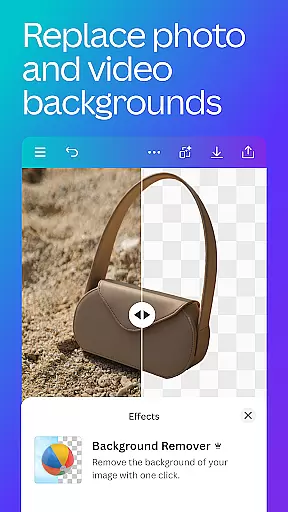
The app features an extensive range of functionalities including professional invitation maker, resume templates, and data display through presentations. It also offers a free, ad-free, and watermark-free experience with advanced editing capabilities like background eraser, picture adjustments, and text addition.
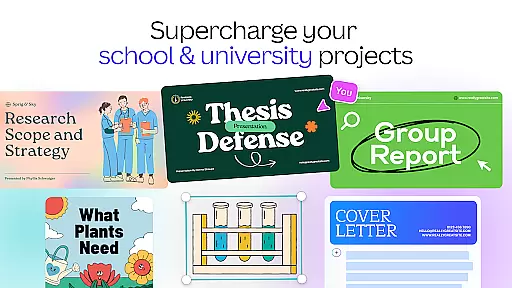
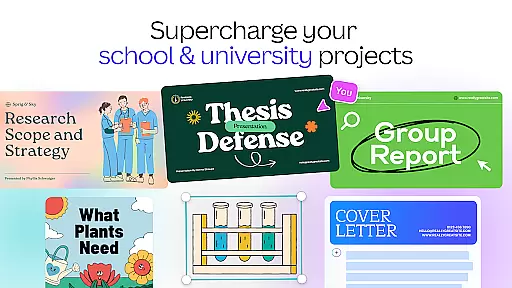
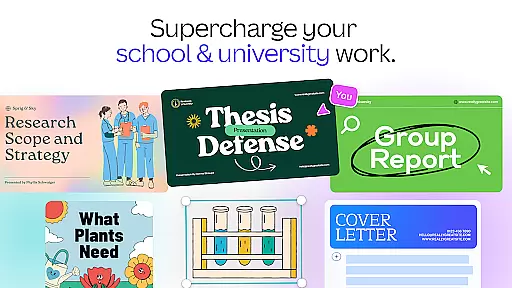
Canva is suitable for personal use, entrepreneurs, students, teachers, and professionals who manage social media and content creation. Its intuitive interface and versatile features make it an essential tool for creating engaging digital content efficiently.
Canva boasts a variety of features designed to enhance user experience and productivity. The AI art generator, photo editor, and video maker allow users to create visually appealing designs effortlessly. Users can produce professional-quality Facebook posts, Instagram layouts, banners, and reels using customizable templates.
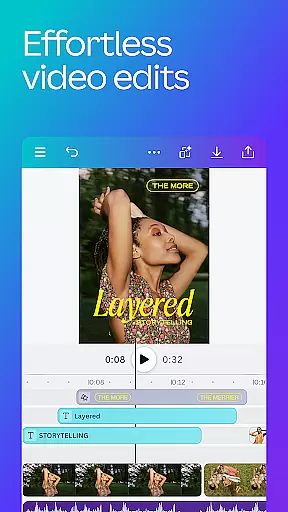
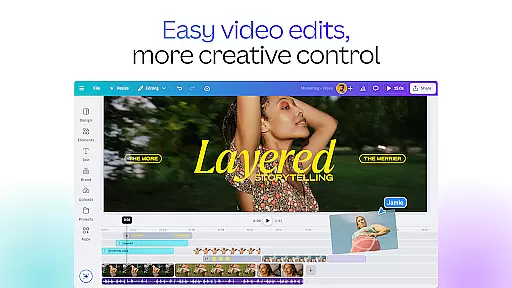
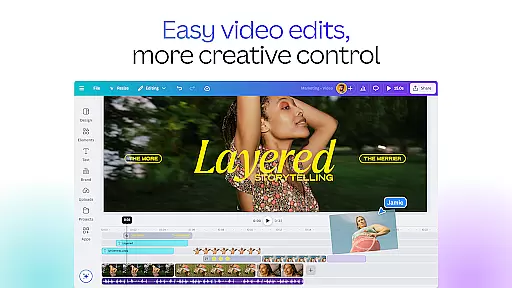
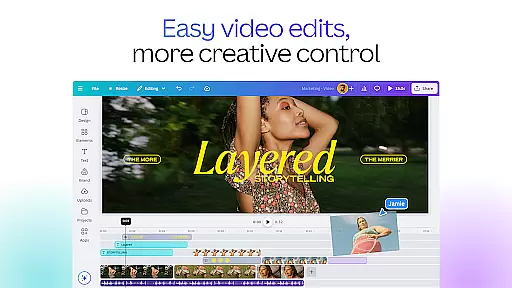
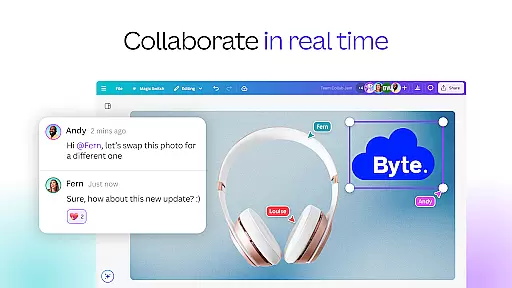
In the realm of photo editing, Canva provides tools to crop, flip, adjust brightness, contrast, saturation, and apply Auto Focus for sharper subjects. The video editing suite includes cloud storage, real-time collaboration, layout exploration, audio tracks, animations, effects, and automatic caption translations.
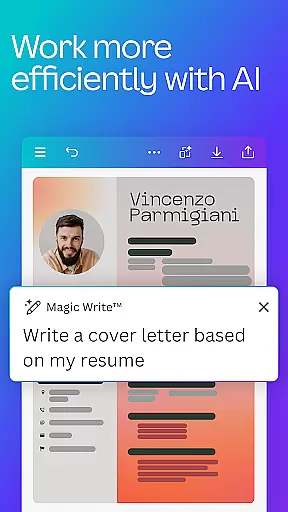
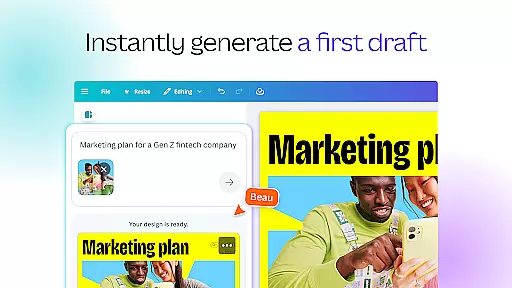
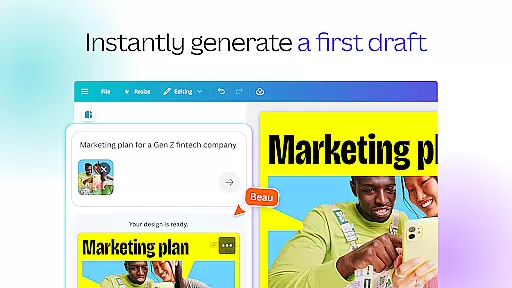
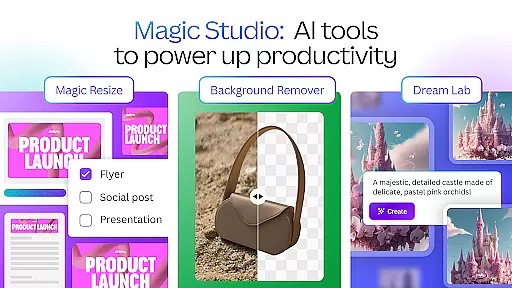
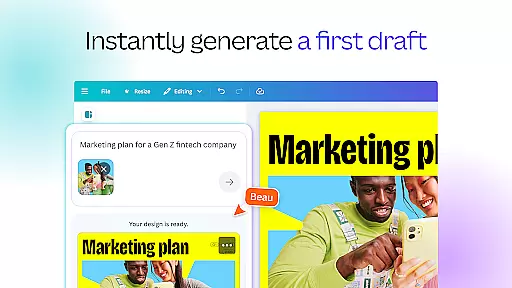
Additionally, Canva's AI-powered capabilities supercharge design processes with Magic Design, Magic Edit, automatic translations, and Magic Eraser. These innovative features ensure that users can create high-quality graphics and videos with ease, making it an indispensable tool for graphic designers and content creators alike.
In the realm of graphic design and content creation, having access to comprehensive tools is paramount. Canva addresses this need by offering an extensive suite of creative instruments that cater to a wide array of design requirements. From its AI art generator and photo editor to the video maker, users are equipped with everything necessary to craft compelling visuals.
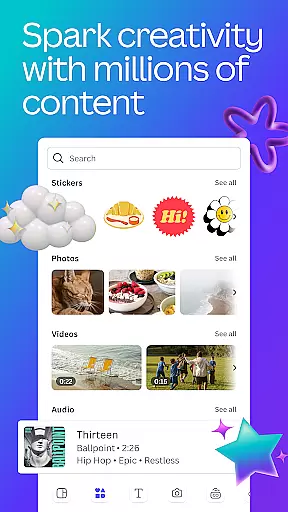
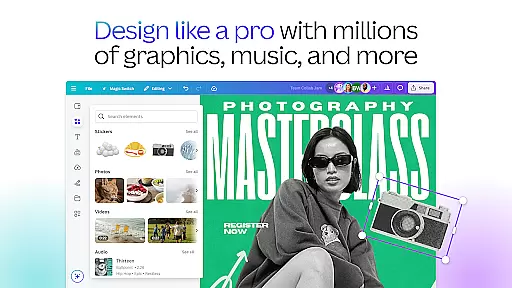
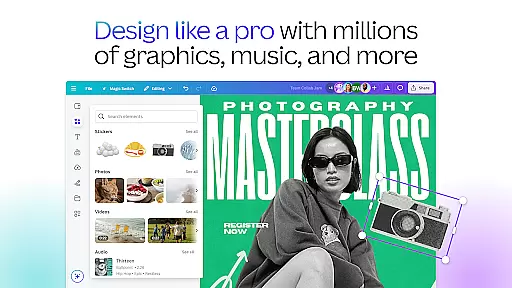
The application provides over 2 million royalty-free images, thousands of watermark-free videos, and 25,000+ pre-licensed audio tracks. This vast library ensures that creators have the resources to produce high-quality designs without worrying about copyright issues or the need for externalu7d20u6750.
Additionally, Canva's features such as Magic Design, Magic Edit, and the Translate function bring an unprecedented level of ease and innovation to the design process. These tools allow users to automatically generate designs, make alterations to existing images, and translate their creations into more than 100 languages, thus broadening the audience reach.
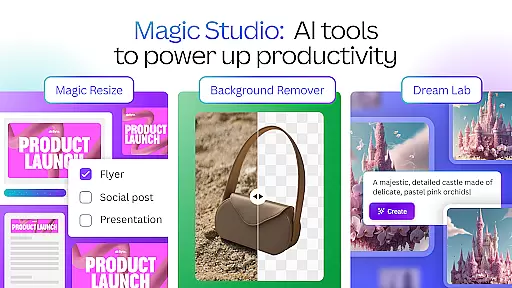
For those seeking advanced capabilities, Canva Pro offers premium templates, one-click Background Remover, Magic Resize for photos and videos, and exclusive access to branding elements like logos and fonts. With these robust offerings, Canva stands out as a complete package for anyone looking to enhance their graphic design projects.
Flexibility in canvas and format options is crucial for designers who need to adapt their work across different mediums and platforms. Canva excels in providing versatile canvas solutions that accommodate various project specifications. Whether you're designing for social media, creating presentations, or developing marketing materials, Canva's adaptable canvas sizes ensure your designs are optimized for any platform.
Canva supports a multitude of formats, enabling users to seamlessly switch between designing digital art, editing photos, and producing professional videos. The ability to adjust canvas dimensions and choose from predefined templates for specific usesu2014such as Instagram posts, YouTube banners, or LinkedIn articlesu2014empowers creators to focus on their content without being constrained byu683cu5f0f limitations.
Moreover, Canva's AI-driven functionalities, such as Auto Focus and Beat Sync, enhance the flexibility of the design process. Auto Focus sharpens the subject of a photo while blurring the background, and Beat Sync allows for music-driven video edits, making it easier to create dynamic visual stories that resonate with audiences.
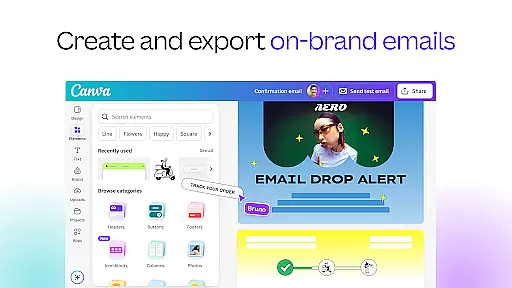
With additional features like the Scheduler for planning posts and Brand Hub for maintaining consistency across designs, Canva not only offers canvas and format adaptability but also integrates time-saving tools that streamline the entireu521bu4f5c workflow.
User-friendly interface
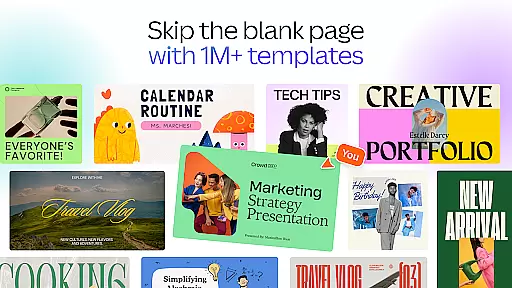
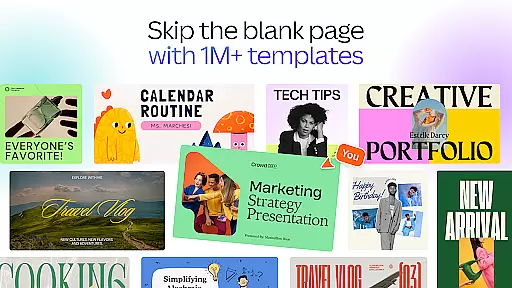
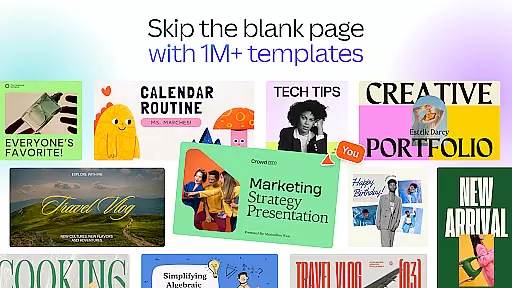
Extensive template library
Powerful AI tools
Versatile design options
Real-time collaboration
Limited free elements
Premium subscription cost
Advanced tools require learning
Occasional lag
Internet connection needed


Meet the magic aı 3d photo generator and smart AI video generator app.
 3.20
3.20
Create stylish invitation cards using templates for weddings, birthdays & RSVP.
4.20
Logo Generator powered by AI: Create stunning logos effortlessly!
4.70
Passport size photo maker, create ID photo and visa photo in seconds
4.80
Unleash Your Creativity with Draw Cartoon - AR Drawing App
4.10
Nano Banana AI Image Generator, Anime Filter, AI Portrait, AI Photo Generator
4.30
Create stunning art with AI.
4.80
Photo editor for art, avatars, filters & fun transformations.
4.60
Turning simple sketches into captivating tales filled with life and motion
3.90
Learn how to draw with step-by-step tutorials, fun lessons & multiplayer drawing
4.70
Draw on screen: FP sDraw is a simple and lightweight drawing app
4.70
Digital, Abstract, Classic - all types of color wheels in one app!
4.60
Castle is social media for creating and playing games!
4.60
Draw glowing spinners, relax, and spin your creative art
4.60
Draw, fidget, and spin glow art! Relax and express your creativity with a finger
4.60
Painting, drawing, & sketching
4.50
Beauty Camera - Selfie Camera is the ultimate beauty camera and selfie app
4.30
Design your dream room with AI. Get decor ideas & plan home interiors
3.90
Android 14 style widgets and wallpapers app.
4.4


User Reviews