
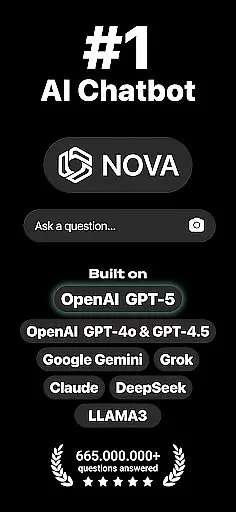
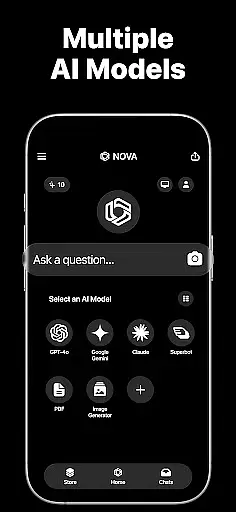
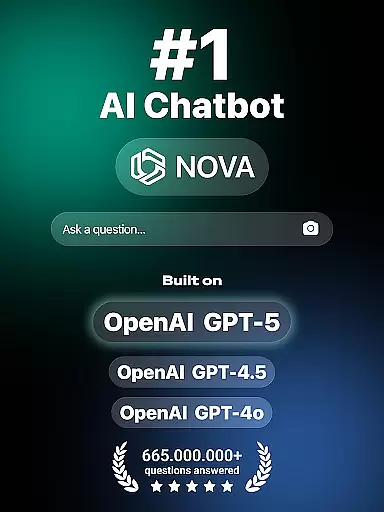
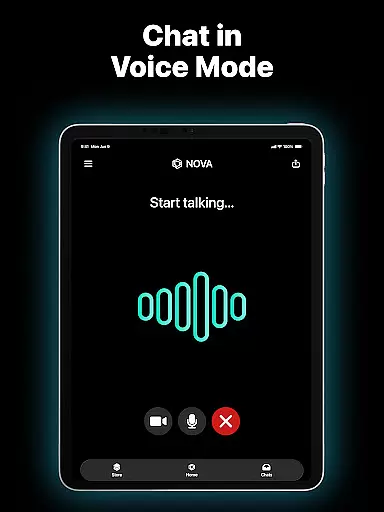
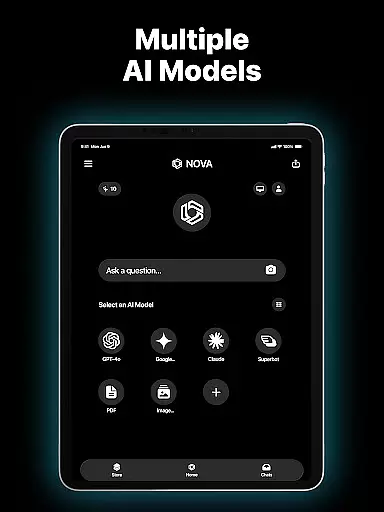
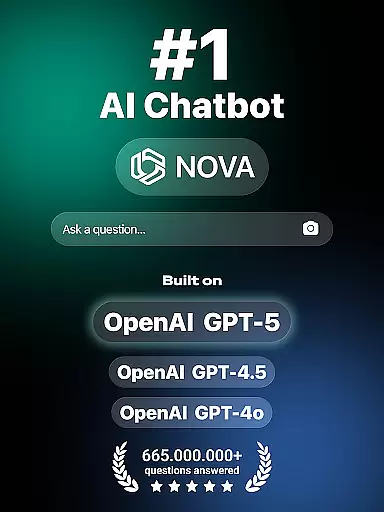
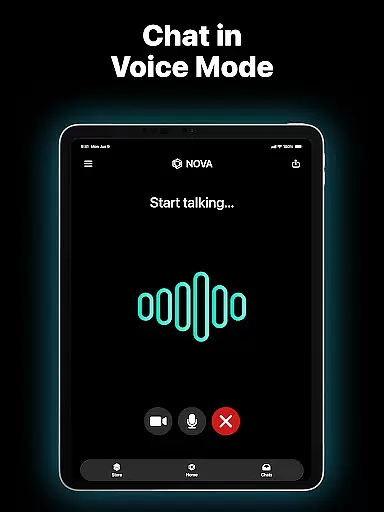
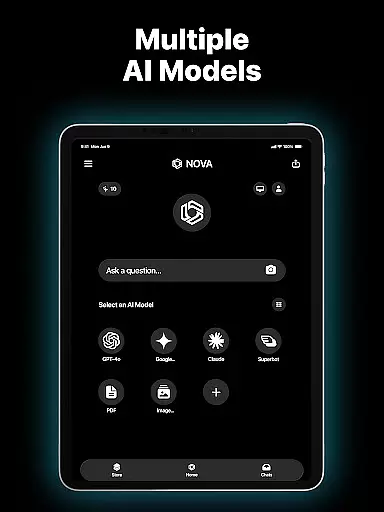
Nova AI Chatbot is a cutting-edge personal assistant designed to enhance productivity through advanced conversational AI. Built on technologies like GPT-5, GPT-4o, Google Gemini, and Claude, it delivers human-like interactions and supports over 140 languages.
Key features include unlimited questions and answers, multi-language support, and cross-platform compatibility with iOS devices and web browsers. Nova remembers chat history, ensuring seamless continuity in conversations.
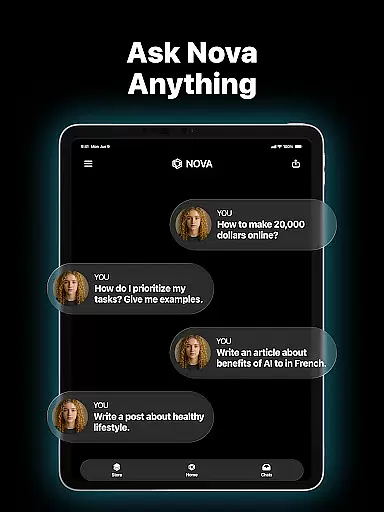
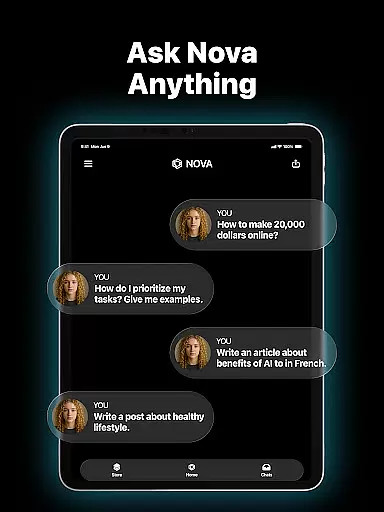
Whether you need help with writing projects, proofreading documents, or simply want a reliable chat partner, Nova AI provides versatile assistance tailored to various productivity needs.
Nova AI stands out with its foundation on multiple AI models including GPT-5, GPT-4o, and DeepSeek, enabling smarter and context-aware responses. The app serves as an AI writing assistant for social media posts, essays, ads, and more.
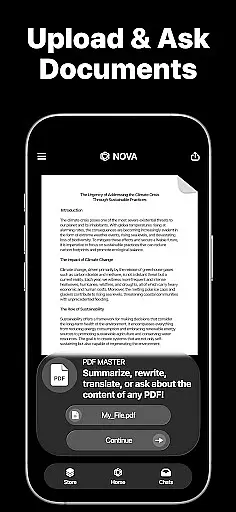
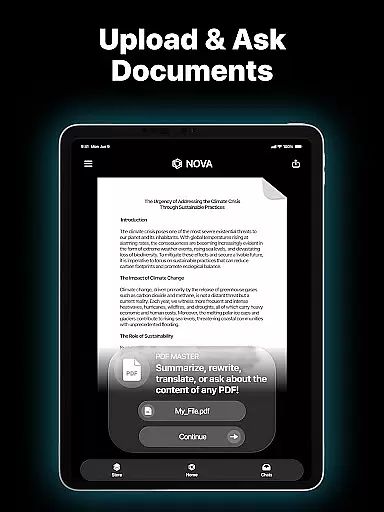
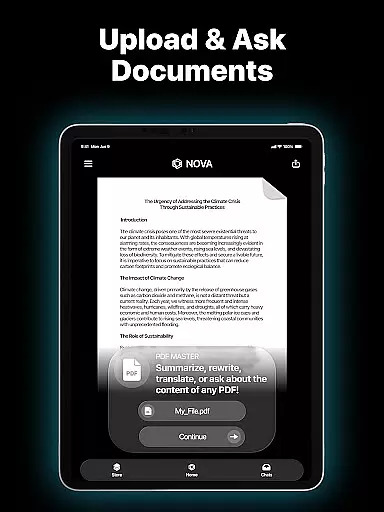
Its meticulous proofreading capabilities ensure professional-grade documents by analyzing grammar, punctuation, and spelling. Users can also leverage the AI copywriter feature to generate sales pitches, video scripts, and marketing content.
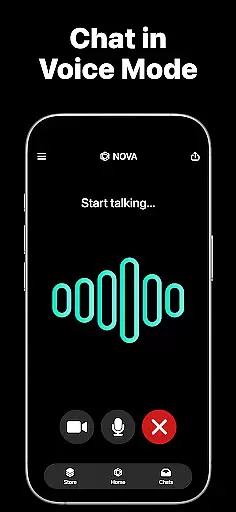
As a reliable chat partner, Nova offers human-like conversation, entertainment recommendations, and advice, making it both a creative and functional tool for productivity-focused users.
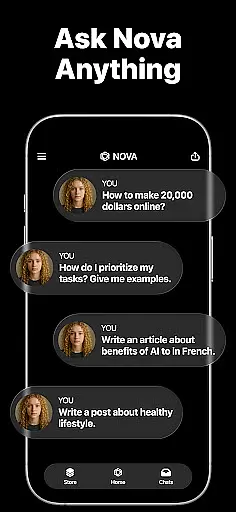
In the realm of productivity, core task management is pivotal for organizing and prioritizing tasks efficiently. Nova AI Chatbot excels in this area by offering users an advanced AI assistant that can handle unlimited questions and answers, making task delegation and management seamless.
The app's foundation on cutting-edge AI models like GPT-5, GPT-4o, Google Gemini, and Claude allows it to understand complex queries and provide human-like responses. This means you can rely on Nova to help draft emails, create to-do lists, set reminders, or even generate content for various projects, all while maintaining context from previous interactions.
Moreover, Nova supports multi-language capabilities across 140+ languages, ensuring that language barriers do not hinder your productivity. Whether you're working with international teams or managing personal tasks, Nova adapts to your linguistic needs, providing a versatile tool for effective task management.
Cross-device synchronization is essential for maintaining workflow continuity across different platforms. Nova AI Chatbot ensures reliable synchronization, allowing users to access their data and continue conversations seamlessly on iPhone, iPad, Apple Watch, and web interfaces.
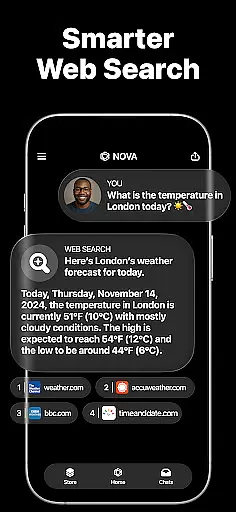
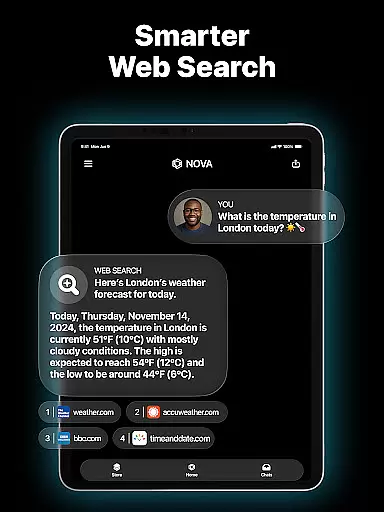
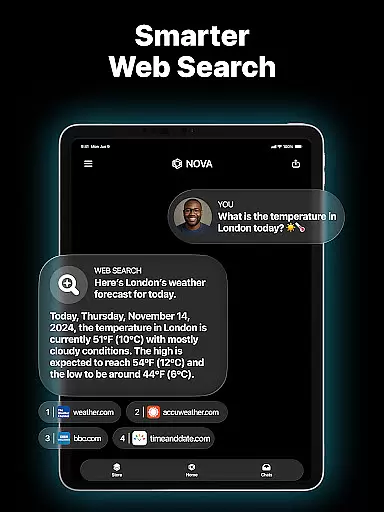
Built on robust AI technologies such as GPT-5 and DeepSeek, Nova remembers full chat histories and provides real-time information retrieval. This feature guarantees that no matter where you left off, you can pick up right where you stopped, without missing a beat. The synchronization process is smooth and instantaneous, ensuring that all devices reflect the latest updates.
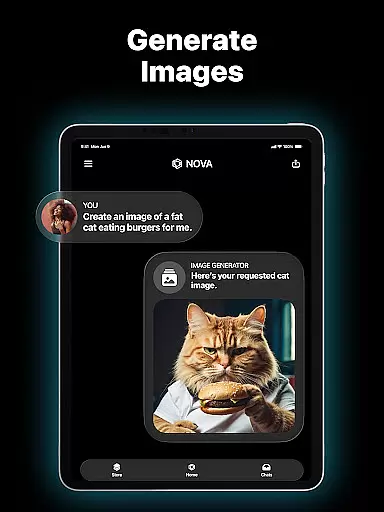
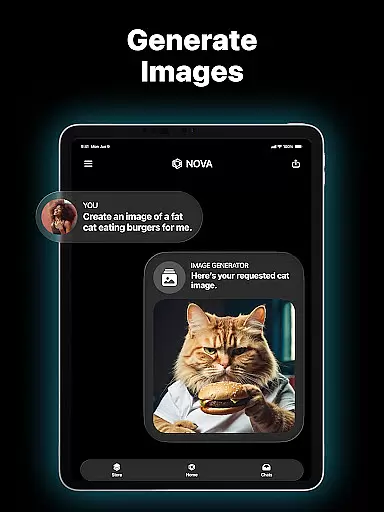
Furthermore, Novau2019s cross-compatibility extends beyond mere text-based interactions. It includes support for multimedia content and interactive elements, enhancing the user experience across devices. With Nova, you have a dependable companion that keeps your digital life synchronized and up-to-date, empowering you to stay productive regardless of the device you choose to use.
Advanced AI technology
Multi-language support
Cross-platform compatibility
Unlimited Q&A
Smart memory system
Premium subscription required
Limited free features
Occasional response delays
No offline mode
Privacy concerns

 4.20
4.20
QuickBooks Workforce lets teams view pay info and track time in one place.
4.70
All in one sketching tool. Technical and General drawing. Online Maps support.
3.70
8 custom complications. Custom Time Fonts. Beautiful color schemes. A++ Design.
5.00
Protect and view your important info on your phone and tablet with eWallet®
4.80
CalenGoo is a very flexible and feature-rich calendar app
4.40
Fill, sign & send docs, forms, agreements & contracts via electronic signature.
4.50
PDF scanner & converter for files, photos, lottery, QR codes. One swipe away!
4.50
Okta MFA
4.70
Seamlessly integrate data and reports to build your presentation to impress
4.80
aCalendar+ makes your day, week and month
4.70
App lock - lock apps with fingerprint, password, pin or pattern, protect privacy
4.70
Secure, fast, open-source, Remote Desktop Client for Windows and Linux with SSH
4.60
Secure your apps with lock screens, use custom themes and different features.
4.40
Easily read and manage all your PDF files
4.10
Activate Two Factor Authentication (2FA or Multi OTP), Password manager and more
4.10
Find and delete junk files & block unwanted notifications & manage files
3.70
Easiest event planning, volunteer signups & parent teacher conference scheduling
2.20
A comprehensive suite of tools designed specifically for Lactation Consultants
4.4


User Reviews