

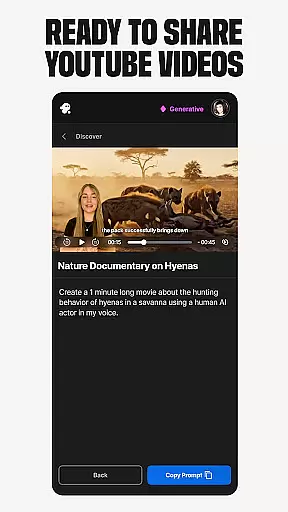
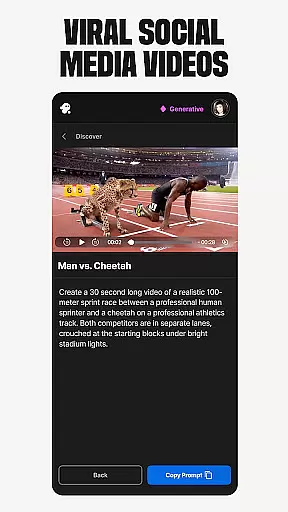
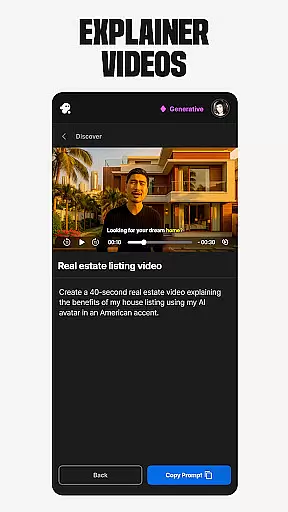
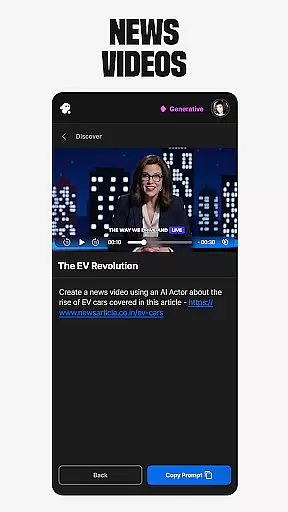
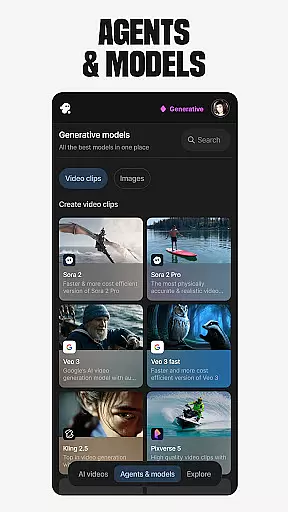
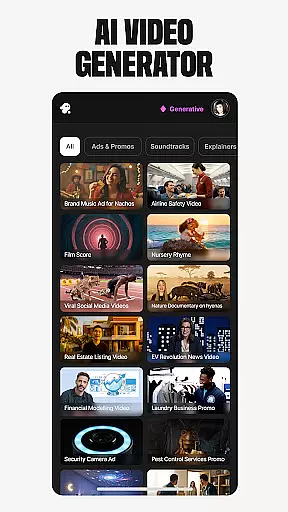
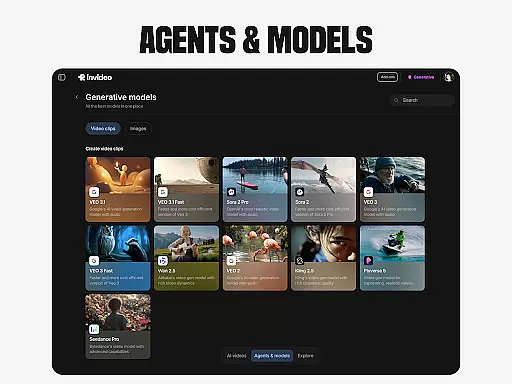
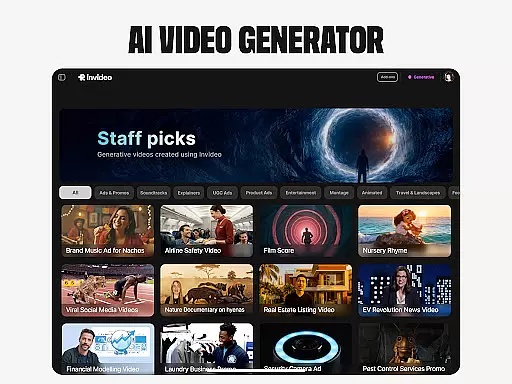
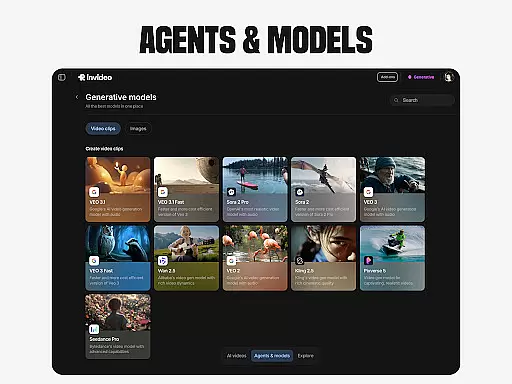
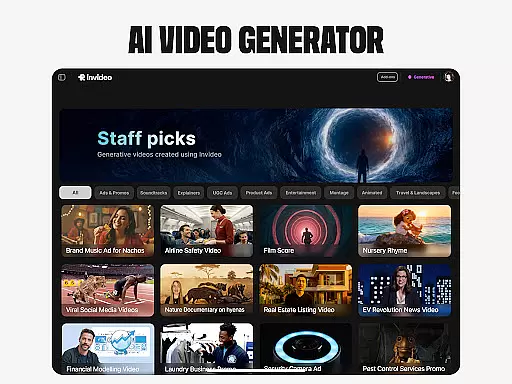
Invideo AI is a revolutionary video creation platform that empowers users to generate professional-quality videos using artificial intelligence. The app offers an extensive suite of tools for creating various types of video content, including explainers, promotional videos, advertisements, and even full-length films.
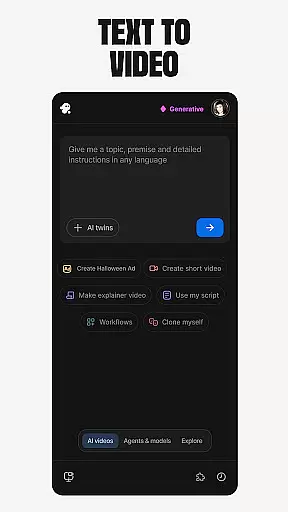
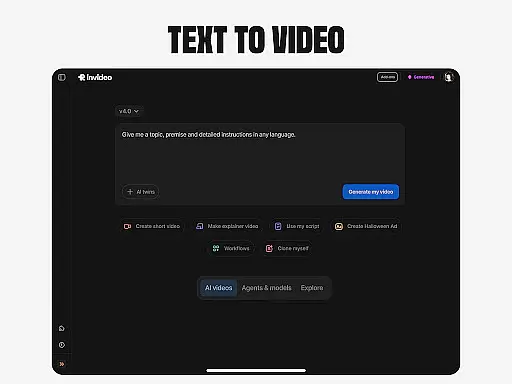
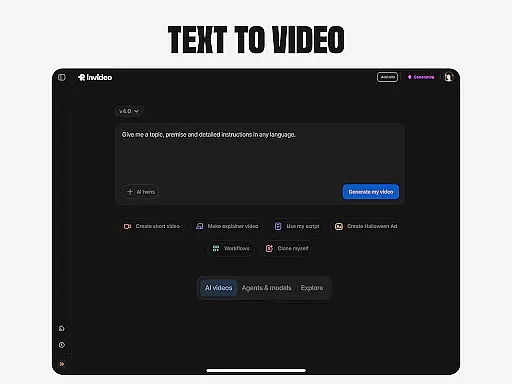
One of the standout features is its AI-powered text-to-video capability, allowing users to convert written scripts into engaging visual content. Additionally, the platform provides AI avatars, voice cloning, and image-to-video conversion, making it a versatile tool for content creators across different industries.
This application is particularly useful for marketing professionals, educators, and social media managers who need to produce high-quality video content quickly and efficiently without requiring advanced technical skills or expensive studio equipment.
Invideo AI distinguishes itself through its comprehensive feature set designed to streamline video production. The platform's AI video generator can create complete videos with scripts, generative media elements, captions, voiceovers, music, and sound effects in over 50 languages.
The AI avatar functionality enables users to create digital twins for producing training materials and product demonstrations. Its AI voice cloning technology allows for creating faceless videos while maintaining brand consistency across multiple languages.
Additional innovative features include virtual product try-ons for e-commerce businesses and AI-powered video editing capabilities that simplify post-production work. These features collectively provide users with a powerful toolkit for creating diverse video content while significantly reducing production time and costs.
Video format compatibility is a crucial feature for any video player and editor, including Invideo AI. This functionality ensures that users can work with a wide range of video formats without the need for prior conversion, thus saving time and maintaining the quality of the original files.
Invideo AI supports over 50 video formats, allowing creators to seamlessly import, edit, and export videos in their desired format. Whether you're dealing with MP4, AVI, MOV, or any other popular video file type, this app provides smooth handling and processing.
The benefit to users is immense; they can focus on the creative process without worrying about technical limitations. With Invideo AI's extensive format support, content creators can easily repurpose existing video content for different platforms and audiences, ensuring maximum reach and compatibility.
This flexibility not only enhances the user experience but also broadens the scope of projects that can be undertaken within the app, making it an indispensable tool for both amateur and professional video editors alike.
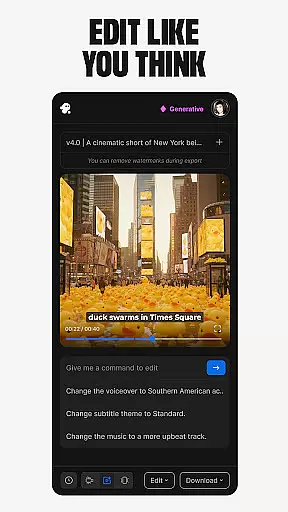
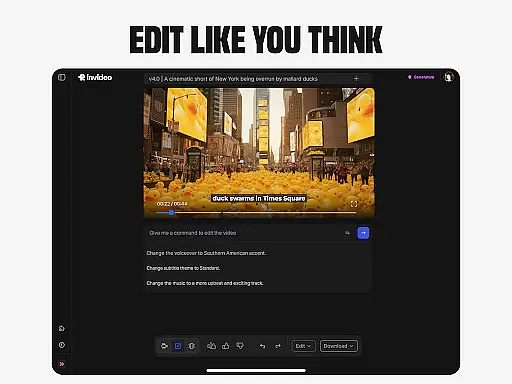
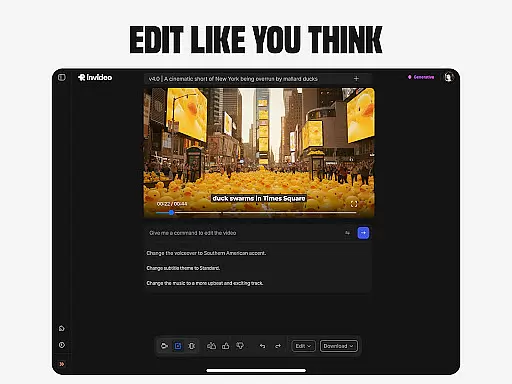
AI-powered editing features represent the cutting-edge advancement in video editing technology, enabling users to perform complex editing tasks with minimal effort. Invideo AI incorporates these intelligent tools to revolutionize how videos are edited, offering capabilities such as automatic scene detection, smart trimming, and dynamic audio adjustment.
With Invideo AI, users can leverage AI to make precise edits based on textual commands, significantly reducing the learning curve associated with traditional timeline-based editing software. The AI algorithms analyze video content to suggest optimal cuts, transitions, and effects, streamlining the editing process.
This empowers creators by allowing them to execute professional-grade edits quickly and efficiently, even without prior video editing experience. As a result, users can produce high-quality content that resonates with their audience while optimizing their workflow.
Ultimately, AI-powered editing features democratize video production, making sophisticated editing techniques accessible to everyone and setting a new standard for what's possible in digital content creation.
User-friendly interface
Multi-language support
AI-powered automation
Comprehensive feature set
Time-saving solution
Subscription-based pricing
Internet connection required
Learning curve for beginners
Limited free version
Occasional rendering delays
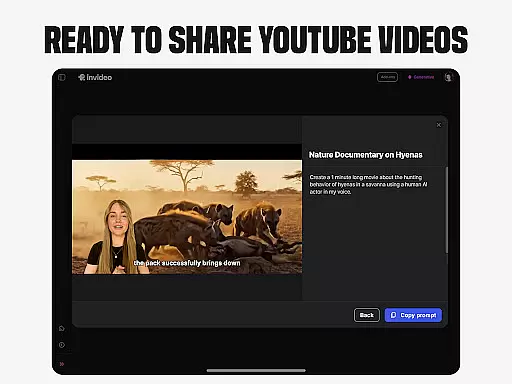
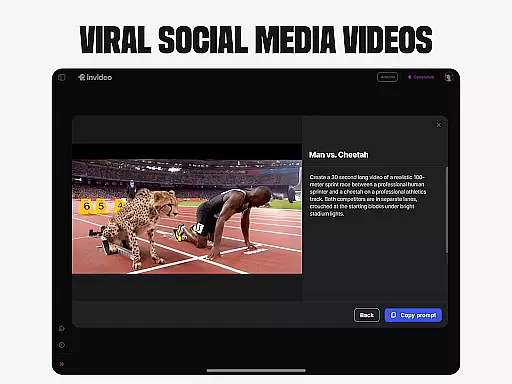
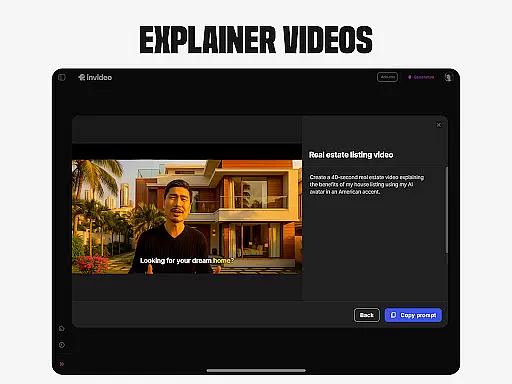
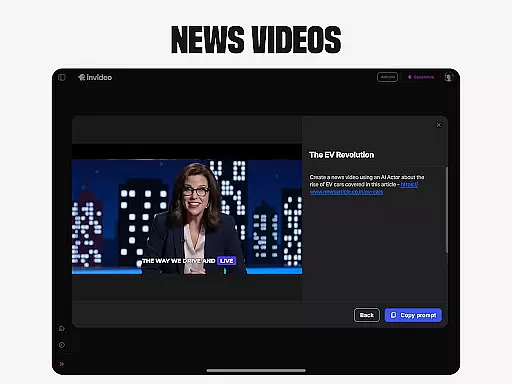
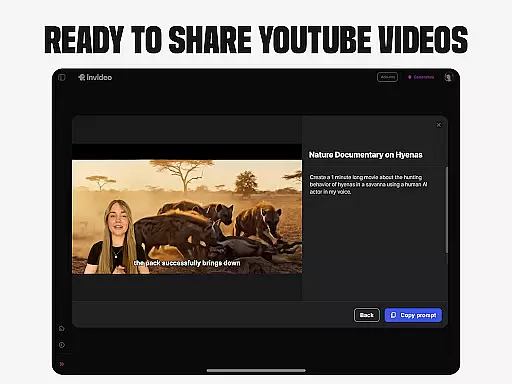
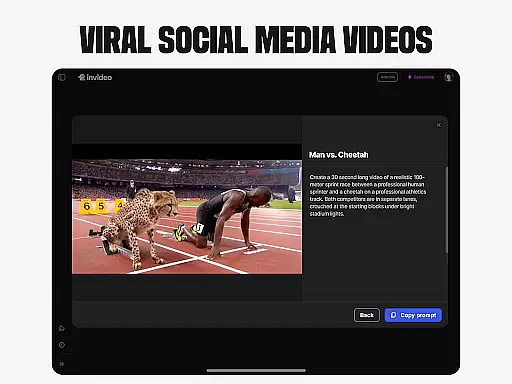
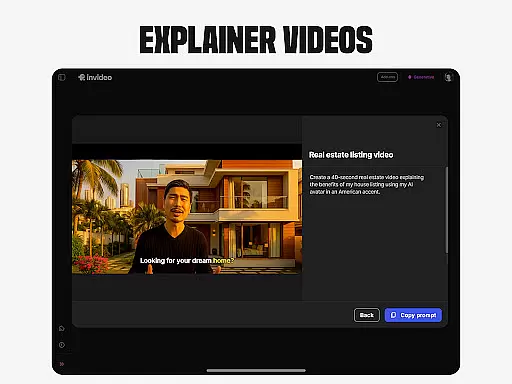
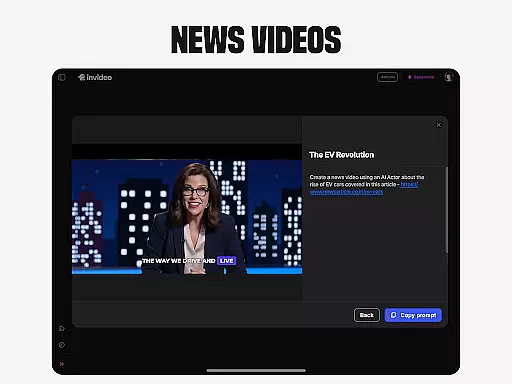

KineMaster, Your Ultimate Video Editor!
 4.40
4.40
Download videos and play them offline
4.70
Add date and time watermark to photos and videos
4.50
Manage your IPTV live channels and VOD playlists (no playlist included)
3.80
Watch IPTV on your Android device
4.60
Flud is a simple and beautiful BitTorrent client for Android.
4.80
Fast & Private HD Video Downloader with Built-in Proxy Browser and Video Player.
4.50
Video player with 4K & 1080P support, popup play, background play and subtitle.
4.20
Manage your YouTube channel on the go
4.40
Download Hub, easy and private way to download and enjoy your videos offline
4.80
Find, download, and play torrents with the official BitTorrent® Pro app
4.70
Support 1000+ Video Format, Subtitle Download, mp3 & Background Play, Cast On TV
4.60
HD Video player all format, HD Videos, Cast & Subtitle. No annoying ads.
4.60
Full HD Video mp3 Player, MP4 player play 1080p, File manager, Video Downloader
4.40
Video Downloader is an utility that can save videos and music from web sites
4.20
Kodi media center, a free and open source cross-platform entertainment hub
3.60
Mix with Virtual DJ directly from your phone or tablet !
3.10
Client application for NextPVR software
3.00
Stream high quality video from your camera over NDI protocol
4.5


User Reviews