

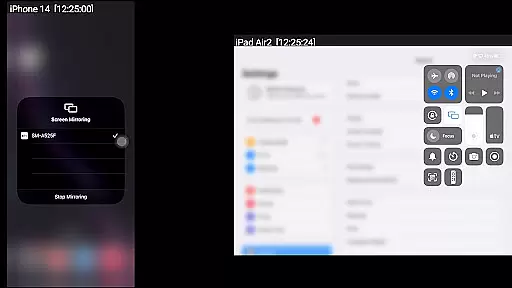
AirMirror is a versatile Android application designed for seamless screen mirroring and casting from Apple devices. It supports iPhones, iPads, MacBooks, and iMacs running iOS versions 9 to 15, allowing users to mirror screens, play media content, and share YouTube links over the local network. This app is particularly useful in professional and personal settings where sharing content with family, friends, or business partners is essential.
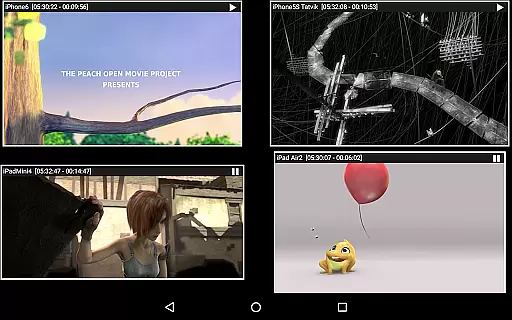
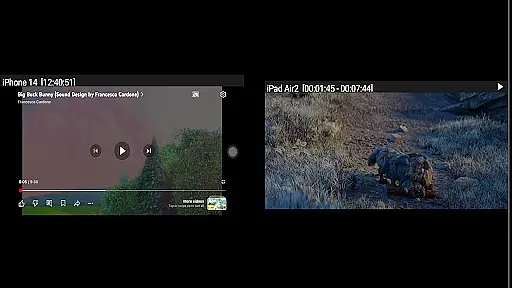
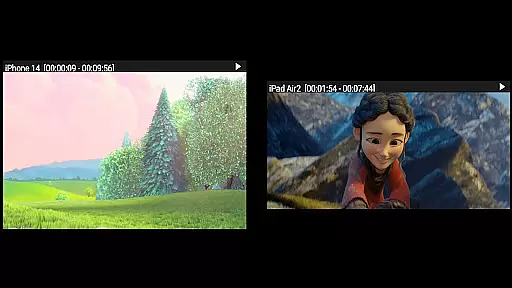
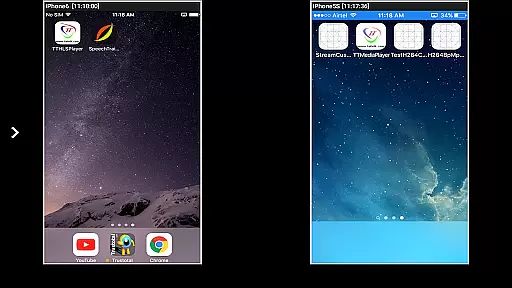
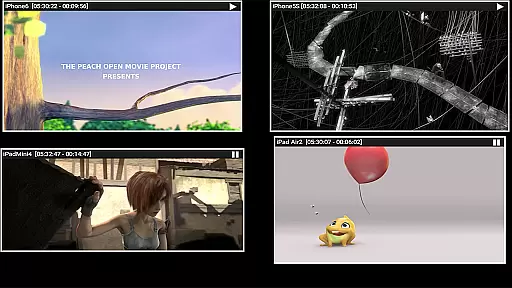
One of AirMirror's standout features is its ability to simultaneously mirror up to four Apple devices. Users can resize and move the mirroring window within the app view, making it highly flexible. Additionally, the app includes a passcode feature to restrict unauthorized access, ensuring privacy and security during screen sharing sessions.
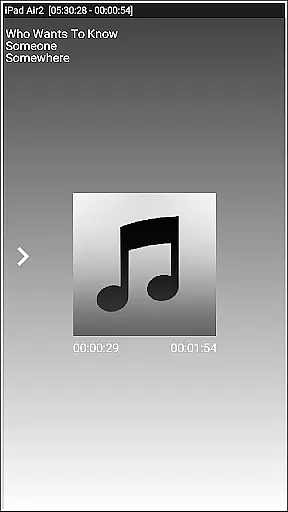
AirMirror offers an array of robust features tailored for efficient screen mirroring. The app allows simultaneous casting from multiple Apple devices, supporting both audio and video playback. Its slideshow functionality enables users to display photos, images, and videos stored on their Apple devices, enhancing presentations and media sharing experiences.
Another notable feature is the Bluetooth Low Energy based advertising, which facilitates mirroring across different subnets. Users can also share game screens directly from their Apple devices, providing an interactive experience. Furthermore, AirMirror provides comprehensive control options through its semi-transparent control-screen interface, allowing users to manage connected devices effortlessly.
Video format compatibility is a crucial aspect of any video player or editor application. AirMirror excels in this area by supporting screen mirroring and casting from Apple devices, including iPhones, iPads, MacBooks, and iMacs. This ensures that users can mirror their screens or play back media content stored on their Apple devices without worrying about format restrictions.
The app supports mirroring of screens from Apple devices running iOS versions 9 to 15. It also allows simultaneous mirroring from up to four Apple devices, making it highly versatile for sharing content with family, friends, or colleagues. Whether you want to showcase photos, videos, or even YouTube links, AirMirror provides a seamless experience across different devices.
One of the standout features of AirMirror is its ability to handle various types of media content. Users can enjoy slideshows of photos and videos stored on their Apple devices, as well as playback of free YouTube content. The app's flexibility extends to resizing and moving the mirroring window within the app view, allowing users to customize their viewing experience according to their preferences.
AI-powered editing features are becoming increasingly important in modern video players and editors. While AirMirror may not be a traditional video editor, it incorporates several intelligent functionalities that enhance the user experience. For instance, the app uses Bluetooth Low Energy based advertising to mirror devices across different subnets, ensuring a stable connection even in complex network environments.
AirMirror offers advanced control options through its semi-transparent control-screen. Users can manage connected Apple devices, disconnect sessions, and mute or unmute mirroring directly from the app interface. By touching the mirroring window for about two seconds, users can access these controls effortlessly, providing an intuitive and responsive user experience.
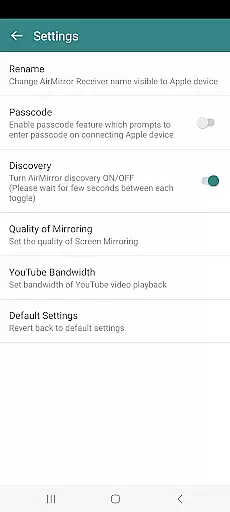
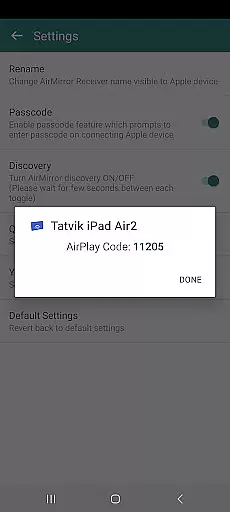
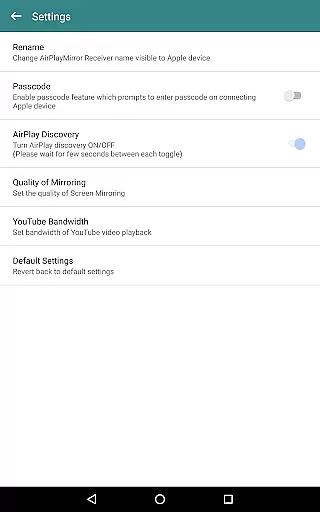
Additionally, AirMirror includes settings that allow users to rename the receiver, enable or disable password protection, toggle discovery on or off, and adjust the quality of mirroring. These features contribute to a more personalized and secure mirroring experience. Although the app has some limitations with DRM-protected content and live TV from certain apps or websites, its overall performance and versatility make it a valuable tool for sharing and enjoying multimedia content across devices.
User-friendly interface
Multi-device support
Secure passcode feature
Flexible window resizing
Comprehensive control options
No DRM content support
Limited live TV capability
Network dependency
Occasional connectivity issues
Device compatibility constraints







Connect 2 UVC devices for recording and broadcast video/audio stream
 3.90
3.90
You can play SWF format file!
2.50
Download website videos fast&privacy
4.40
Fast & Private Video Downloader App. Save all videos easily from the Internet.
4.40
AI Video Editor with Music, Filter, Slideshow, Effect, Merge & Trim Video.
4.80
Livestream, news, & gaming content. Watch, chat, and upload. Join Rumble today!
3.80
Fast & Private HD Video Downloader with Built-in Proxy Browser and Video Player.
4.50
Download Hub, easy and private way to download and enjoy your videos offline
4.80
Create, Publish & Maximize
4.70
Video Trimmer, Video to MP3 Converter. Extract music from video, Easy & Fast.
4.80
Find, download, and play torrents with the official BitTorrent® Pro app
4.70
Fast, private downloading, video saving, social media
4.50
Photo and Music Video Creator into Stunning Videos—Effortlessly
4.40
Full HD Video mp3 Player, MP4 player play 1080p, File manager, Video Downloader
4.40
Powerful Video Editor & Photo Editing App —— Quick Edits & Stunning Effects!
4.30
Video Downloader is an utility that can save videos and music from web sites
4.20
1)AirPlay/DLNA Mirroring/Streaming, up to 4 connections; 2)Samba/NAS/DMS Player.
4.00
A full editing room to accompany your Insta360 cameras and handheld gimbals.
3.30
Play and download HD videos from all sources — fast, simple, and all-in-one.
4.3

User Reviews