

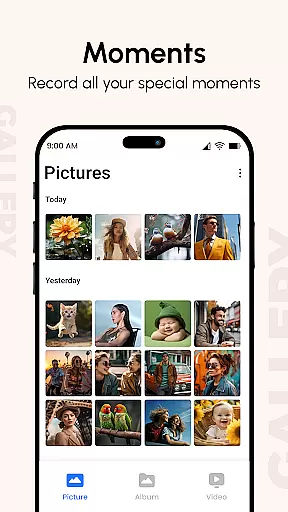
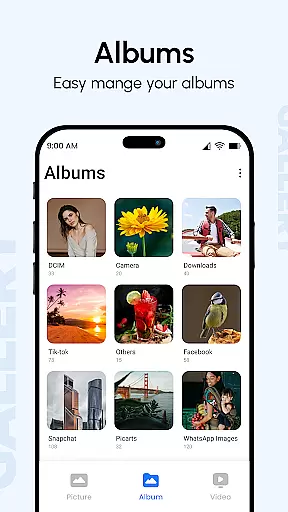
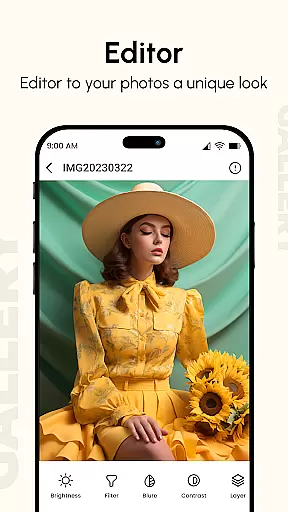
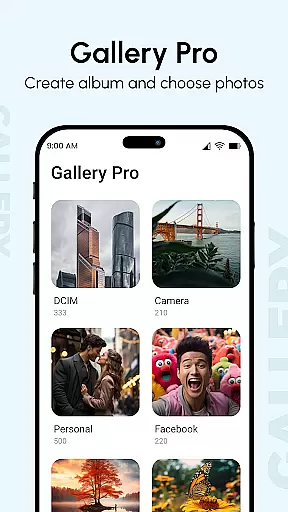
Gallery is a comprehensive productivity app designed to help users manage, enhance, and share their digital memories. This app consolidates photos and videos from all your devices, offering improved quality for better visual experiences and organizing them into elegant albums. It stands out with unique features like metadata viewing, GIF support, and password protection, making it an essential tool for anyone looking to maintain an organized and secure media library.
One of the key functionalities of Gallery is its ability to display additional information about your photos, such as location and camera details, enhancing the user's understanding and management of their media files. Furthermore, the app provides innovative features like instant photo access and quick replies post-call, alongside advanced privacy options to hide and protect sensitive content using PIN codes.
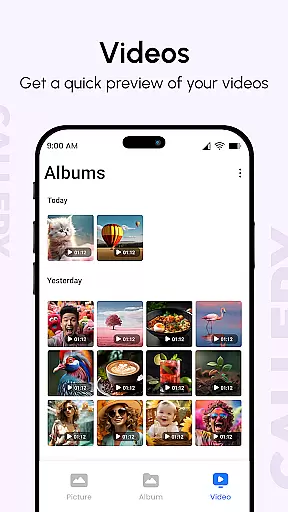
Gallery offers a rich set of features that cater to diverse user needs in managing digital content. The Photo Slideshow feature allows users to configure and customize presentations effortlessly, creating stunning visual displays from selected media files. With support for all image types, GIFs, and video files, the app ensures broad compatibility and flexibility in media handling.
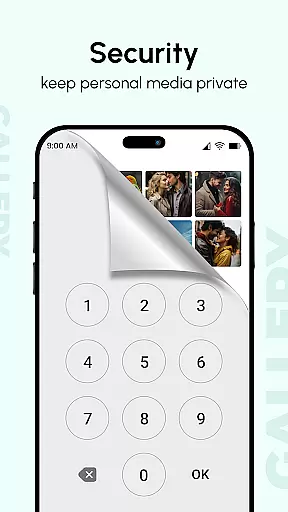
Another remarkable aspect is the Hide Photos & Videos feature, which lets users conceal private content and secure it with passwords. This functionality is complemented by smart organization tools that sort media based on folders, tags, and dates, presenting them beautifully on the homepage. Additionally, the app includes a metadata-based search, HD gallery views, and multiple transition effects in slideshow mode, providing a sophisticated and user-friendly experience.
At the heart of Gallery lies its robust core task management system, designed to streamline how users interact with their digital memories. This feature is not just about viewing photos and videos; it's an intelligent system that organizes media into meaningful categories.
The app employs advanced algorithms to automatically sort images and videos based on various parameters such as date, location, and tags. This ensures that every piece of media is easily accessible and neatly arranged in albums, enhancing user experience by saving time and effort.
Users benefit from this sophisticated organization by being able to quickly locate specific memories without sifting through cluttered folders. The intuitive interface further simplifies navigation, making it easy for anyone to manage their digital library efficiently.
This focus on effective task management extends to features like metadata-based search and smart modes, which together create a seamless environment for managing personal media collections.
Gallery excels in providing reliable cross-device synchronization, ensuring that users can access their cherished memories across all their devices without any hiccups. This functionality is pivotal for those who switch between smartphones, tablets, and computers frequently.
The synchronization process is engineered to maintain data integrity and consistency. By leveraging cloud technology, Gallery guarantees that every photo or video uploaded from one device will be instantly available on others, maintaining the same quality and detail.
For users, this means unparalleled convenience and peace of mind. Whether they are at home or on the go, their media library remains up-to-date and synchronized, allowing them to share moments with friends and family effortlessly.
Moreover, the appu2019s optimization for large screens and support for multiple finger gestures enhance the cross-device experience, ensuring smooth transitions and interactions regardless of the platform being used.
User-friendly interface
Advanced privacy controls
Comprehensive file support
Smart organization tools
Enhanced viewing experience
Occasional performance lags
Limited customer support
Complex settings for beginners
In-app purchases required
Privacy concerns over metadata

When you Focus, so will your Bean in this cozy focus timer
 4.30
4.30
Experience real multitasking on your Android!
4.00
Auto-shutoff Alarm with Sunrise, Sunset & Fixed Options.
3.50
Font maker keyboard with your own handwriting
4.10
PDF scanner & converter for files, photos, lottery, QR codes. One swipe away!
4.50
Activate Two Factor Authentication (2FA or Multi OTP), Password manager and more
4.10
Create and edit presentations with Google Slides, part of Google Workspace.
4.00
Secure, open-source, SPICE and SSH Remote Desktop for QEMU KVM virtual machines
4.00
Access your phone's notifications, calls, apps, photos & texts on your PC
3.90
Use powerful, industry-leading AI tools to generate visual charts from any data
4.80
Scan paperwork into PDF/JPG, generate your own e-signature and send fax or email
4.70
Functional QR scanner and barcode reader that requires little storage space.
4.60
Fill, sign & send docs, forms, agreements & contracts via electronic signature.
4.50
Tally and goal counter for Wear OS & mobile
4.50
Automates browsing any website and notifies you of important changes or events
4.30
All in One PDF Reader: Manage, Read and Edit your Documents
4.20
Customizable calendar widget for seamless event sync, planning & scheduling.
4.00
Mega cloud explorer plugin for Solid Explorer
3.80
Ads Free App! Editor, Hide File, Copy, Move, Delete and Rename.. all facility av
1.70

User Reviews