

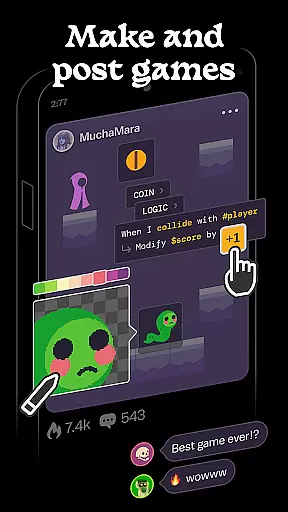
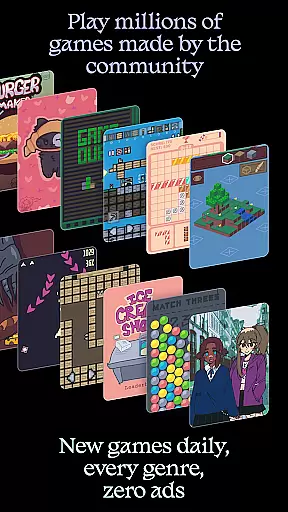
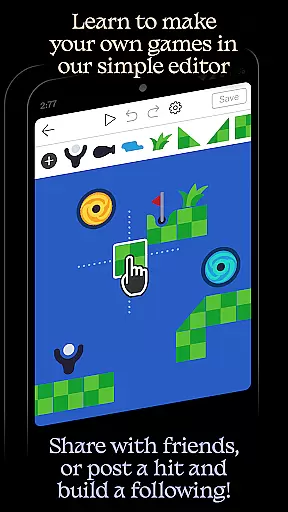
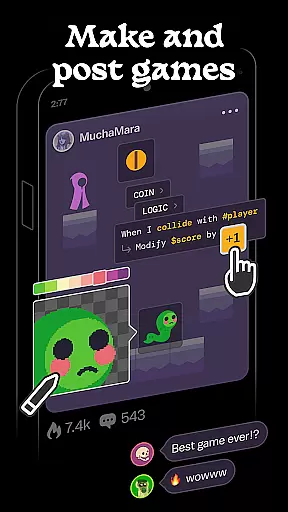
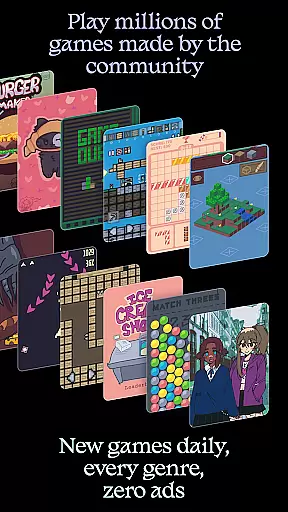
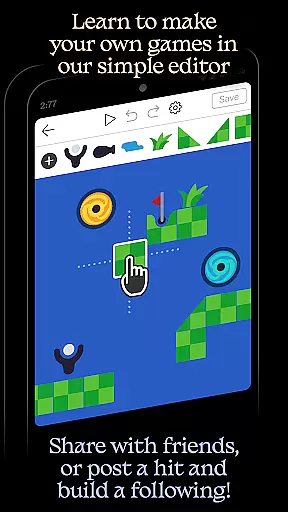
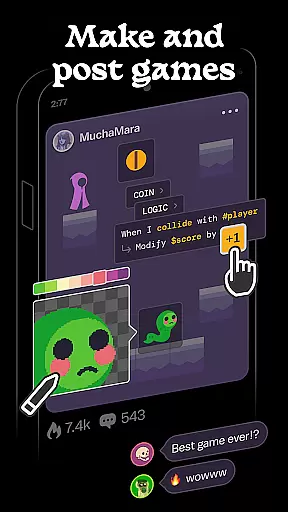
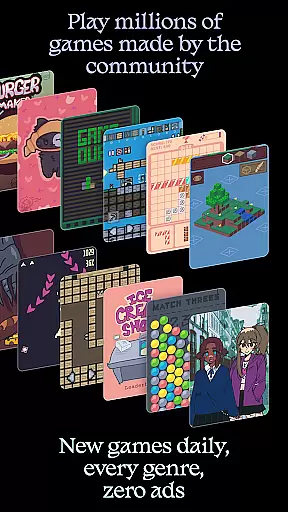
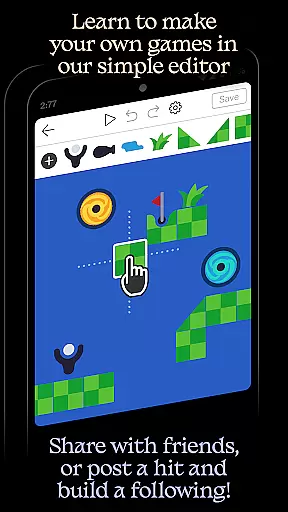
Castle is a dynamic social media platform designed specifically for game creation and interaction. This app empowers users to design their own games using an intuitive editor, share them with a vibrant community, and explore a vast library of user-generated content. With features supporting art, physics, logic, music, and sound design, Castle offers a comprehensive toolkit for creative expression.
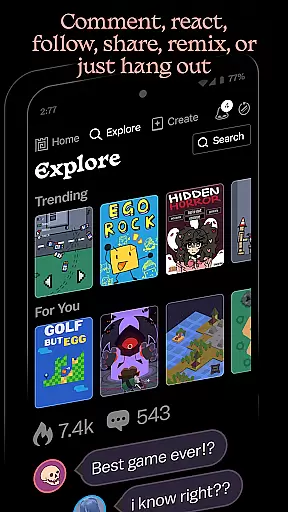
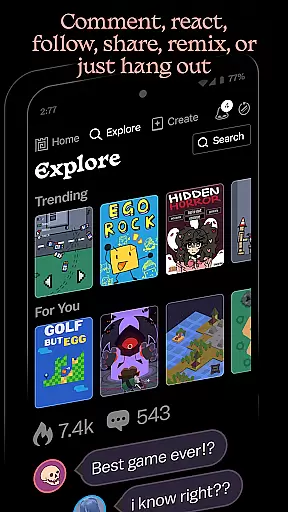
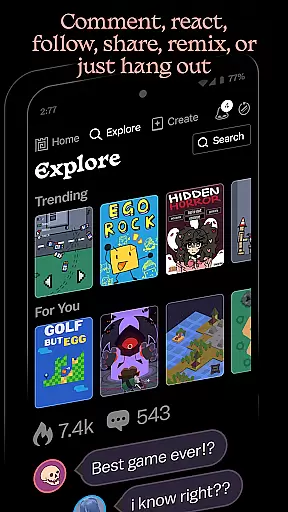
The platform encourages collaboration and learning through its remix functionality, allowing users to modify existing games and build upon others' creations. Suitable for both beginners and experienced creators, Castle provides simple templates to get started while offering advanced tools for more complex projects. The app's social elements enable users to follow favorite creators, compete for high scores, and engage in community discussions, all within an ad-free environment.
While some promotional features require in-app purchases, the core functionalities of game creation and sharing remain completely free, making it an accessible platform for unleashing creativity and building digital skills that have lasting value.
Castle distinguishes itself through its comprehensive suite of creative tools and social features. The app's game editor supports multiple aspects of development including visual art creation, physics simulation, logical programming, musical composition, and sound design. These integrated tools provide users with everything needed to bring their game ideas to life without requiring external software or resources.
A key innovation is the platform's remix functionality, which allows users to modify and improve upon existing games while crediting the original creators. This feature fosters a collaborative environment where knowledge and techniques can be shared and built upon. The app maintains an extensive library of millions of game objects and assets, enabling users to quickly prototype and develop complex games without starting from scratch.
Castle's social ecosystem includes traditional networking features like commenting, following, and achievement systems, while also incorporating game-specific elements such as score leaderboards and creator recognition programs. The platform's commitment to maintaining an ad-free experience ensures uninterrupted creative flow and genuine community interactions.
Castle offers a comprehensive suite of creative tools that cater to various aspects of game design and development. These include art creation tools, physics simulators, logic builders, and even music and sound editors.
The availability of these diverse tools ensures that users can bring their ideas to life with precision and creativity. Whether you are designing the visual aesthetics of your game or programming complex interactions, Castle's toolkit has got you covered.
Users benefit from an all-in-one platform where they can design, test, and refine their creations without needing to switch between multiple software environments. This streamlines the creative process and enhances productivity.
By providing such a complete set of creative instruments, Castle empowers creators to deepen their skills and develop games that are limited only by their imagination.
With Castle, users enjoy remarkable flexibility in terms of canvas and format options when creating their games. The platform supports a wide array of formats which allows for extensive customization possibilities.
This flexibility means creators can adjust their project settings to fit specific needs, whether it's changing dimensions, resolutions, or adapting to different device specifications. Such versatility is crucial for optimizing the gaming experience across various platforms.
Moreover, this adaptability not only enhances user convenience but also broadens the scope of projects that can be undertaken within the app. Creators have the freedom to experiment with different styles and formats without being constrained by technical limitations.
Ultimately, Castleu2019s flexible canvas and format options contribute significantly to its appeal as a versatile tool for both novice and experienced game developers looking to express their creativity fully.
User-friendly interface
Comprehensive toolset
Vibrant community
Free core features
Creative freedom
Premium features costly
Steep learning curve
Device compatibility
Limited tutorials
Occasional bugs

Pose and morph realistic male and female models! 3D poser app
 3.00
3.00
Customizable Outlined Fonts. Watch Face Format. Battery friendly Digital Clock.
4.20
Create sweet, cool and unique couple avatars easily, in just a few steps!
3.40
Image/ Text to Video Generator
4.40
Custom Character Creator & PFP Maker!
4.20
Digital Drawing: Draw & Paint
4.10
Text to Image, Image to Video & AI Chat
4.20
Novices can also easily complete diamond painting masters
4.70
Sketch and paint on your device with the feel and freedom of drawing on paper
4.00
Photo editor for art, avatars, filters & fun transformations.
4.60
Draw glowing spinners, relax, and spin your creative art
4.60
Draw Trace image sketch by, AR art projector app, Easy to trace any image.
4.50
Painting, drawing, & sketching
4.50
Just trace a projected picture on paper and color! Draw & Paint with AR drawing
4.40
Remove Background, Magic Eraser, Photo Enhancer, Story Templates, Collage Maker
4.30
800+ Drawing, Painting Lessons App to Practice, Sketch & Paint Art.
4.30
Turning simple sketches into captivating tales filled with life and motion
3.90
AI Face Swap, Video Effects Editor, Realtime Morph, Funny Video FX,AI Filters
3.70
Meet the magic aı 3d photo generator and smart AI video generator app.
3.20

User Reviews