

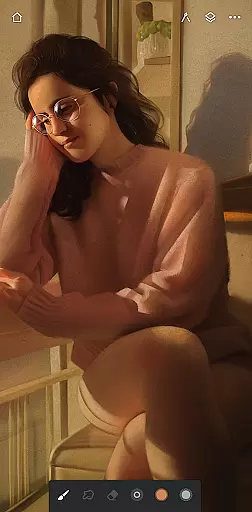
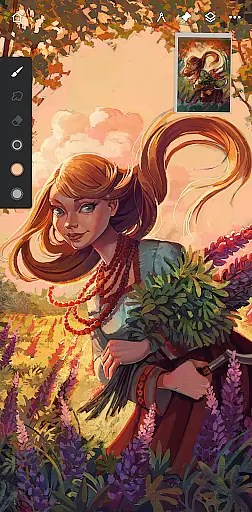
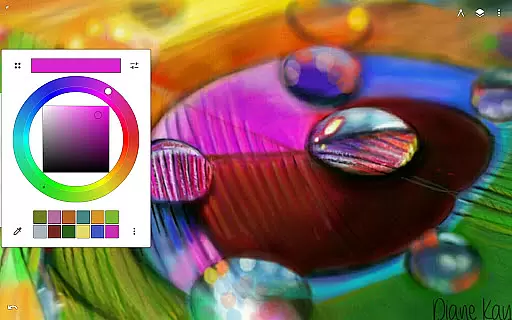
Infinite Painter is a premier digital art application designed for artists seeking professional-grade tools on their mobile devices. This award-winning app offers an extensive range of features including hundreds of customizable brushes, advanced layer support with 30 blend modes, and industry-leading color correction.
With its intuitive interface and robust toolset, Infinite Painter caters to both hobbyists and professionals. Users can create detailed artwork using perspective guides, symmetry tools, and smart shape detection. The app also supports high-definition canvas sizes and provides a seamless experience for stylus devices.
Whether you're sketching, painting, or designing, Infinite Painter enhances creativity by offering functionalities like timelapse recording sharing, editable brush strokes, and diverse filter effects. Its versatility makes it suitable for various artistic projects from simple drawings to complex game art designs.
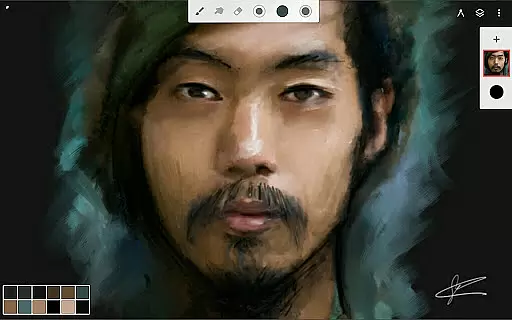
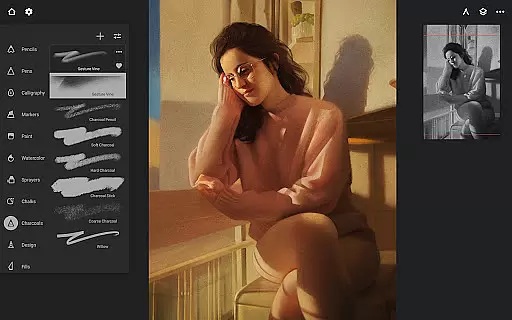
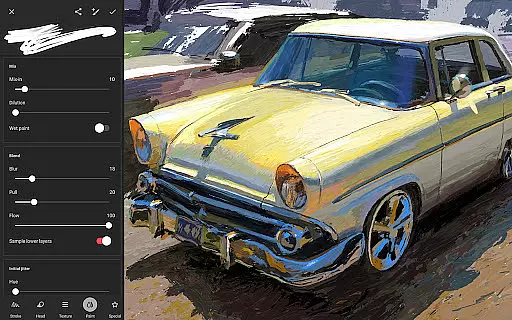
Infinite Painter stands out with its comprehensive brush engine that simulates realistic interactions between the brush and canvas. Artists have access to over 100 customizable settings per brush, allowing for unparalleled personalization. The app's innovative approach extends to transforming brush strokes into editable shapes and applying real-time color adjustments.
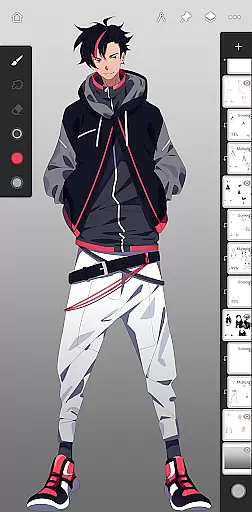
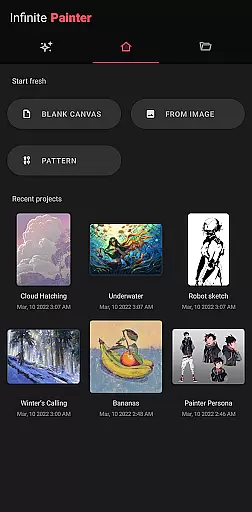
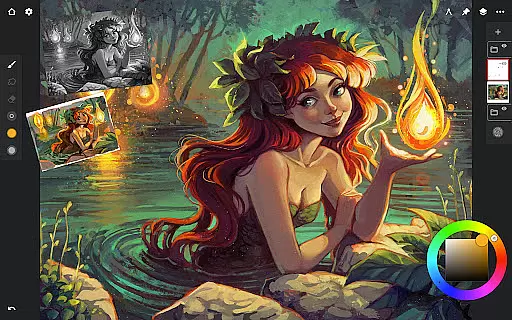
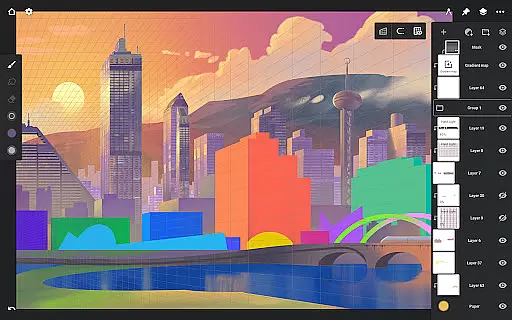
Beyond brushes, Infinite Painter excels in workspace optimization. It presents a clean interface where users can assign finger functions separately from their stylus, expand layers with a flick, and dock settings for quick edits. Tools such as the quick access eyedropper, gesture-based canvas rotation, and grouping layers with a pinch further streamline the creative process.
The app also accelerates workflows through importing images via multiple sources including Photos, Camera, or Image Search. Export options are versatile too, supporting formats like JPG, PNG, PSD files, or Painter projects. With community sharing capabilities and integration across devices, Infinite Painter ensures artists remain connected and productive wherever they go.
Infinite Painter offers an extensive suite of creative tools that cater to both amateur and professional artists. The app includes hundreds of built-in brushes with realistic brush-to-canvas interaction, offering over 100 customizable settings. This allows users to fine-tune their tools to match their artistic style perfectly.
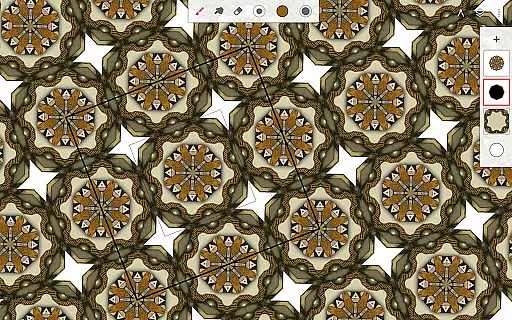
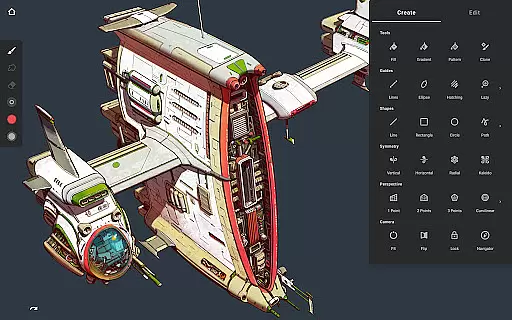
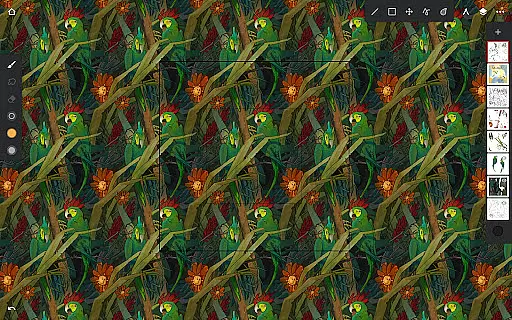
Beyond brushes, the app supports a variety of other artistic needs. It provides simple or complex symmetry tools, guides for precision drawing, and innovative hatching guides. Artists can also work with five different perspective guides, making it easier to design 3D cityscapes or create game art with isometric perspective.
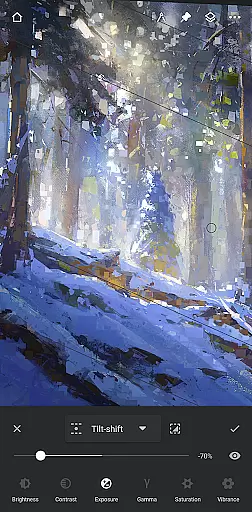
The inclusion of industry-leading transformation and masking tools ensures that users can perform pixel-perfect editing. With features like gradient and pattern fill tools, liquify, and focus and tilt-shift masking, Infinite Painter equips artists with everything needed to bring their visions to life.
Additionally, the app supports 64-bit deep color painting, layer support with 30 blend modes, and various adjustment layers. These robust features ensure that whether you're sketching, painting, or doing complex photo editing, Infinite Painter has the tools necessary to accelerate your workflow and enhance creativity.
One of Infinite Painter's standout features is its canvas and format flexibility, which empowers artists to customize their workspace according to their specific needs. Users can enjoy more canvas space and less clutter thanks to a clean, customizable interface that maximizes the visible working area.
The app allows artists to assign finger functions separately from their stylus, providing a seamless experience when switching between tools. Additionally, features like expanding and collapsing layers with a flick, docking brush settings for quick edits, and using gestures to rotate and flip the canvas make navigation and adjustments swift and intuitive.
Infinite Painter also supports high-definition canvas sizes and multiple layers, depending on the device's capabilities. This flexibility enables artists to work on detailed projects without being constrained by the software. Moreover, the ability to import from various sources and export in formats like JPG, PNG, WEBP, ZIP, layered PSD files, or Painter projects adds another layer of versatility.
With functionalities such as solo and trace modes, print presets, CMYK color modes, and Photoshop-like smart layers, Infinite Painter ensures that artists have unparalleled control over their creations. This adaptability makes it suitable for a wide range of artistic endeavors, from quick sketches to intricate digital paintings.
User-friendly interface
Extensive brush customization
Advanced layer support
Real-time collaboration
Versatile export options
Limited free features
Pro subscription required
Occasional bugs reported
High learning curve
Device compatibility issues

Customizable Outlined Fonts. Watch Face Format. Battery friendly Digital Clock.
 4.20
4.20
Sketch, plan, take notes and illustrate on an infinite canvas.
4.20
Digital illustration drawing & painting pad app to paint Anime and Manga art
4.50
See Color, Paint Color
4.90
Convert image to JPG PNG HEIC PDF, support almost all kinds of image formats
4.70
Make your phone cooler and have a fantastic experience
4.80
AR Anime Drawing: How to draw anime with AR drawing & sketching apps!
4.00
Art of Combination Wear OS Watch faces (for Wear OS 5+ devices)
3.90
Photo stitcher for automatically screenshot stitching into a long screenshot
4.70
Novices can also easily complete diamond painting masters
4.70
Draw glowing spinners, relax, and spin your creative art
4.60
The ultimate tool for creating animations
4.60
Discover Cartoon Dream : Unleash Your Creativity with CuttingEdge AI
4.50
Unleash your drawing and painting potential
4.50
Remove Background, Magic Eraser, Photo Enhancer, Story Templates, Collage Maker
4.30
Unleash Your Creativity with Draw Cartoon - AR Drawing App
4.10
AI Art Generator transforms your words into AI generated art & paintings.
3.70
Experience next-gen icons with a modern liquid glass look.
3.60
Art of Combination Wear OS Watch Faces
3.30


User Reviews