

Glow Spinner: Finger Draw Art is a unique digital art application that combines creativity with relaxation. This app allows users to draw glowing spinner art using their fingers and watch it come to life through smooth motion and vibrant light effects. Designed for both artistic expression and stress relief, the app offers an immersive experience where users can create luminous patterns, experiment with neon colors, and enjoy calming visual feedback.
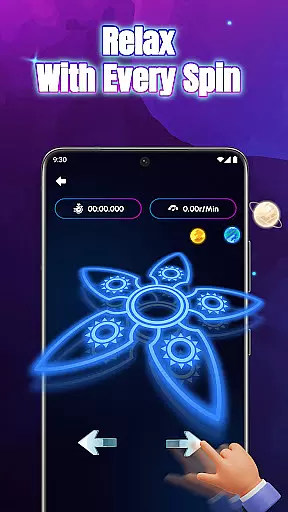
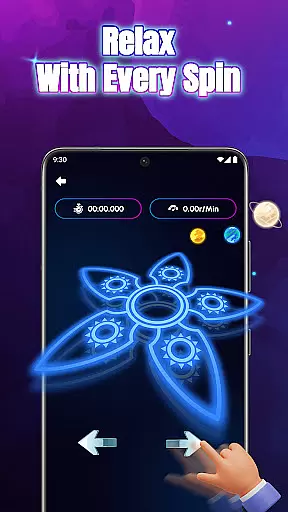
One of the standout features of Glow Spinner is its ability to blend art with motion. Users can design custom spinner shapes, apply glow effects, and spin their creations in realistic 3D motion. The app's responsive physics engine ensures natural spinning movements, while its soothing soundscapes and ambient visuals provide a serene environment for unwinding. Whether you're an artist looking to explore digital mediums or someone seeking a calming fidget experience, Glow Spinner delivers a versatile platform for creative exploration.
The app is particularly suited for individuals who enjoy blending technology with mindfulness. Its intuitive interface makes it accessible to all skill levels, offering endless possibilities for creating glowing art that inspires and relaxes. By combining vibrant aesthetics with interactive motion, Glow Spinner transforms simple drawings into dynamic works of art, making it a valuable tool for both entertainment and mental well-being.
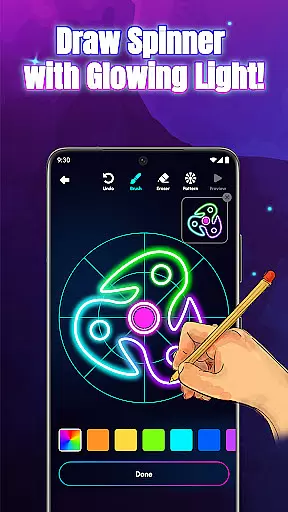
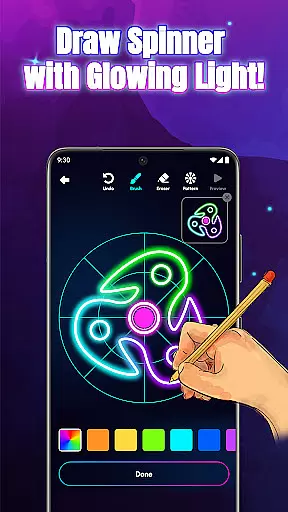
Glow Spinner stands out with its innovative combination of drawing tools, motion effects, and customizable features. At its core, the app provides an intuitive finger-drawing interface that lets users effortlessly create glowing lines and patterns. These designs are then animated with smooth, lifelike spinning motions powered by a sophisticated physics engine, ensuring every creation feels dynamic and engaging.
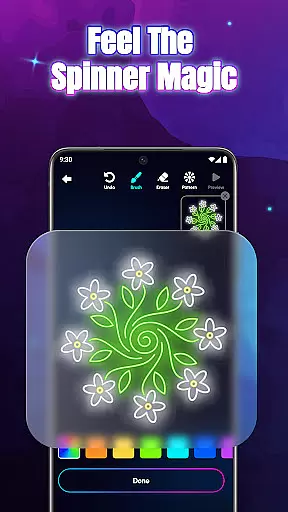
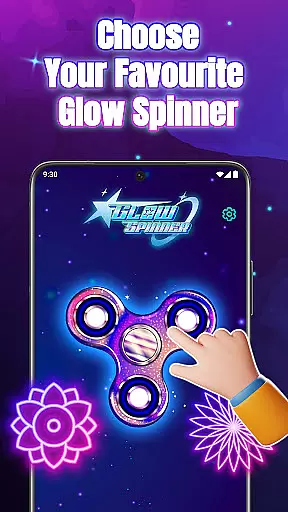
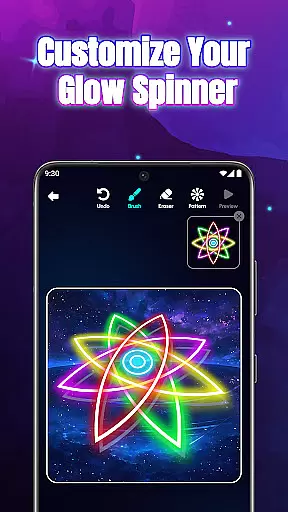
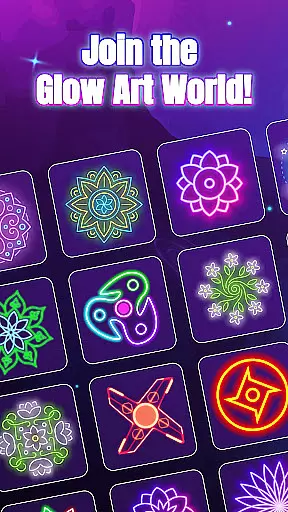
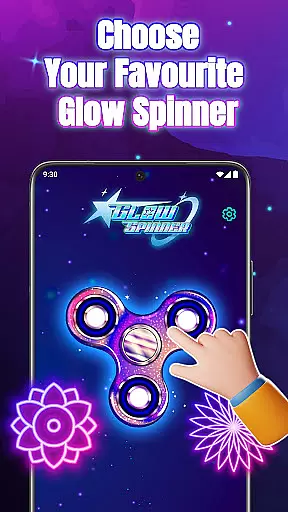
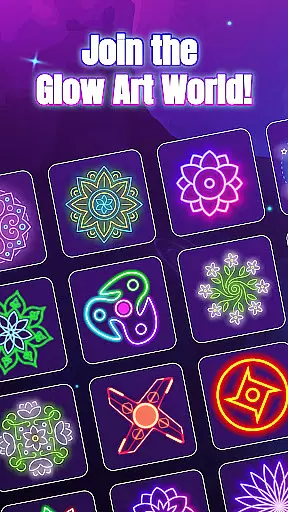
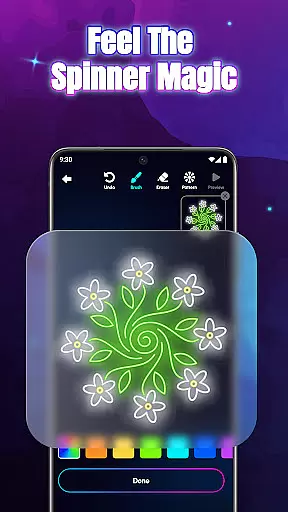
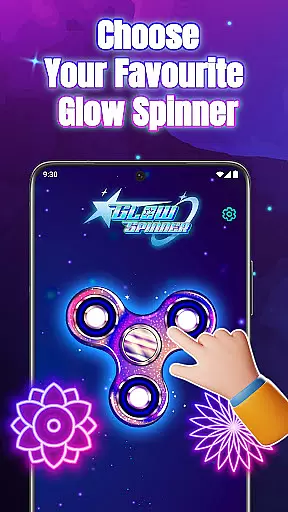
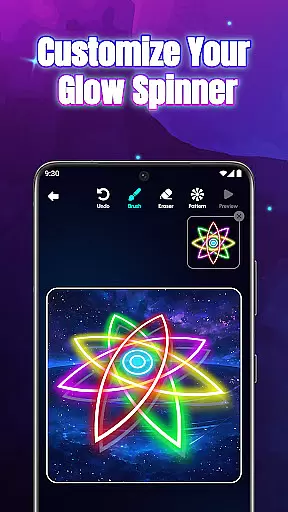
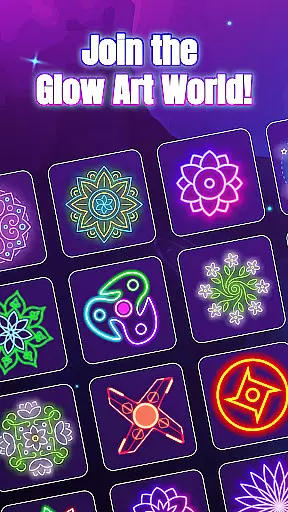
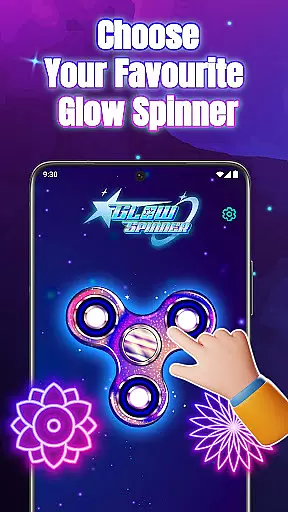
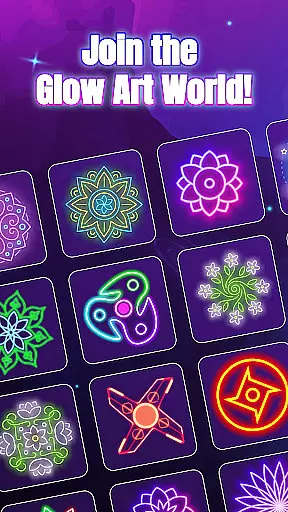
Customization is another key aspect of Glow Spinner. Users can choose from a variety of glow styles, patterns, and colors, ranging from soft ambient tones to bright neon bursts. The app also supports 3D spinner design, adding depth and realism to each piece of art. With options like realistic spin physics and adjustable lighting effects, creators have full control over how their spinners look and behave. Additionally, the built-in artwork gallery allows users to save, revisit, and re-spin their favorite designs anytime.
Beyond its technical capabilities, Glow Spinner excels in providing a relaxing atmosphere. Soft visuals paired with gentle soundscapes create an ideal environment for focusing on creativity or unwinding after a long day. By merging art, motion, and calm, this app not only enhances creative expression but also promotes mental clarity and stress relief, making it a standout choice in the Art & Design category.
Creative tools are essential for any art and design application, providing users with the necessary features to express their artistic vision. Glow Spinner offers a comprehensive suite of creative tools that cater to both casual doodlers and serious digital artists.
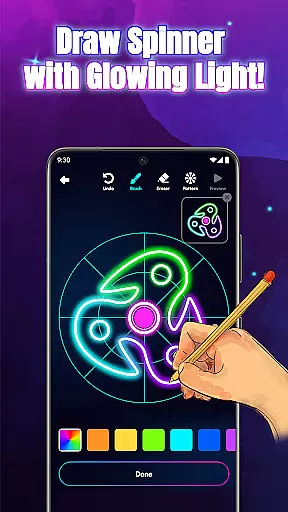
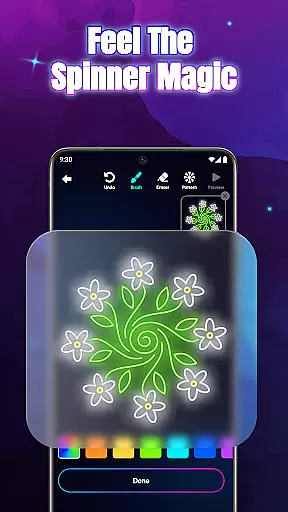
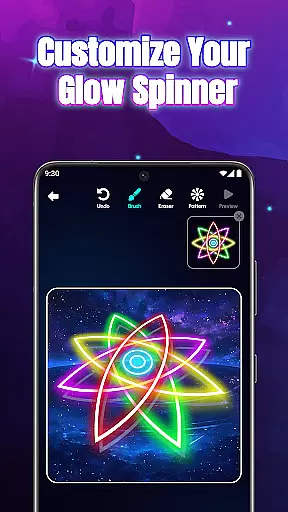
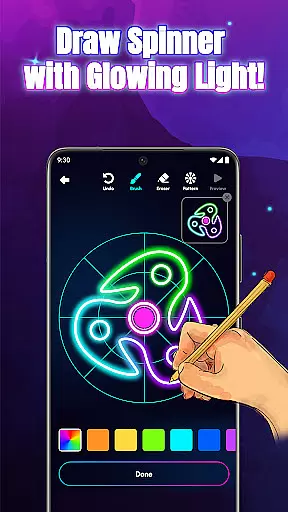
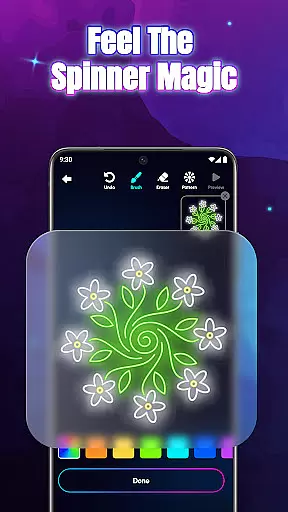
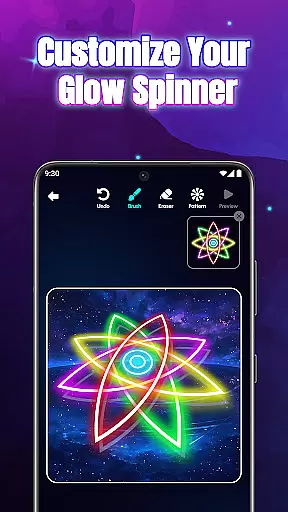
The app's intuitive finger drawing functionality allows users to effortlessly create glowing lines and patterns. With customizable glow effects, users can choose from various styles, colors, and intensities to make their artwork truly unique. The 3D spinner design adds depth and realism, enhancing the visual experience as creations come to life with vibrant light and motion.
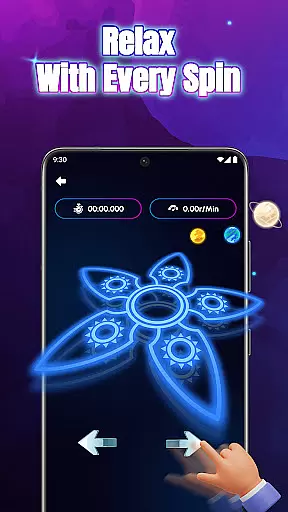
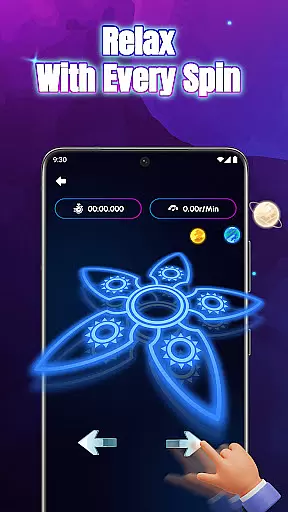
For those who appreciate attention to detail, Glow Spinner includes realistic spin physics powered by an advanced physics engine. This feature ensures that each flick and rotation behaves naturally, mimicking real-world movements. Artists can also save their masterpieces in a personal gallery, allowing them to revisit, replay, or refine their work at any time.
By combining these powerful creative tools, Glow Spinner empowers users to explore new dimensions of digital art, transforming simple drawings into dynamic, luminous displays that captivate and inspire.
Flexibility in canvas and format options is crucial for accommodating diverse artistic needs and ensuring that creators can fully realize their visions without constraints. Glow Spinner excels in this area by offering versatile settings that adapt to different styles and preferences.
Users have the freedom to experiment with various canvas sizes and orientations, enabling them to craft intricate designs or expansive artworks with equal ease. The app supports multiple glow effects and color combinations, which means artists are not limited to a single aesthetic but can instead explore a wide spectrum of visual expressions.
In addition to its adaptable canvas, Glow Spinner provides seamless integration between drawing and animation. Creators can draw their designs and immediately see how they will look when set into motion, thanks to the app's responsive 3D spinner design and realistic spin physics. This immediate feedback loop encourages experimentation and refinement.
Ultimately, Glow Spinner's flexible canvas and format options ensure that every user can find their perfect setup, whether they're looking to create quick, relaxing pieces or more complex, detailed works of art. This adaptability enhances the overall creative process, making it a joy to use for artists of all levels.
User-friendly interface
Vibrant glow effects
Realistic 3D motion
Relaxing soundscapes
Endless creative options
Limited advanced tools
No collaborative features
Premium feature costs
Occasional lag
Basic export options

Learn how to draw with step-by-step tutorials, fun lessons & multiplayer drawing
 4.70
4.70
Image/ Text to Video Generator
4.40
Digital Drawing: Draw & Paint
4.10
Convert image to JPG PNG HEIC PDF, support almost all kinds of image formats
4.70
Unleash Your Creativity with Draw Cartoon - AR Drawing App
4.10
Unleash the artist in you with our AR drawing and tracing tool for photo drawing
4.10
Create and Design Custom Logos in Seconds with AI-Powered Tools!
4.40
Draw, fidget, and spin glow art! Relax and express your creativity with a finger
4.60
Create amazing pictures and unleash your creative genius with AR Drawing Sketch
4.40
Novices can also easily complete diamond painting masters
4.70
Castle is social media for creating and playing games!
4.60
Discover Cartoon Dream : Unleash Your Creativity with CuttingEdge AI
4.50
Video AI: Revolutionize Your Content Creation with Advanced Video Generation
4.50
Kling AI is an image and video generation and editing studio powered by AI.
4.50
Text to Image, Image to Video & AI Chat
4.20
Easy 3D drawing design maker & creator. Model designing, Sculpting. Create&paint
4.00
Design unique, funny and adorable cat stickers that reflect your own style!
3.80
Retouch photos. Create or edit images. Endless capabilities.
2.70
A luxurious gold watch face for an elegant and refined look.
4.3

User Reviews