

Art Model is a feature-rich 3D posing app designed for artists and designers. This powerful tool allows users to pose and morph an unlimited number of human models simultaneously, making it ideal for character design, illustrations, and storyboarding. With realistic male and female models, as well as a wooden mannequin option, the app caters to both digital and traditional artists.
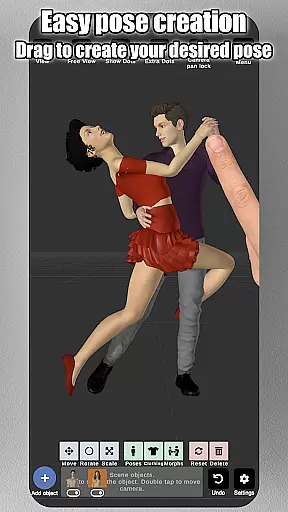
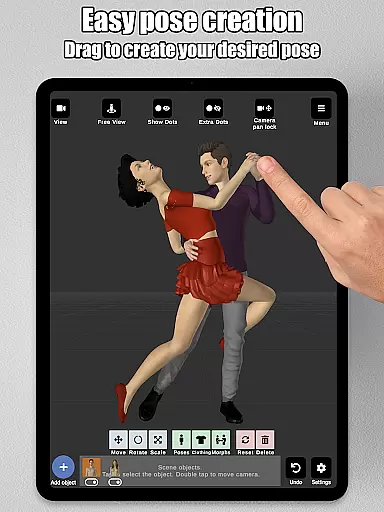
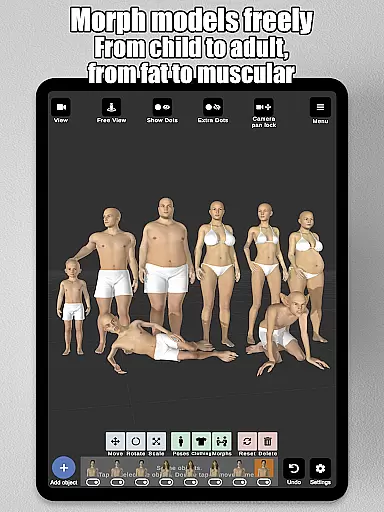
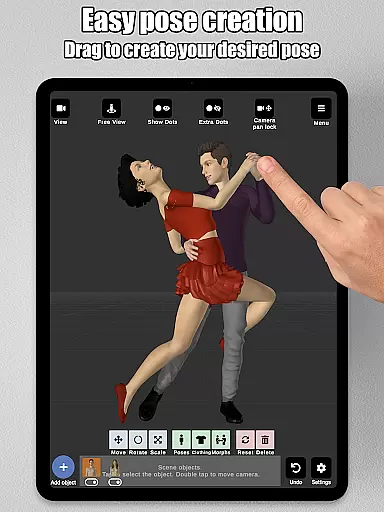
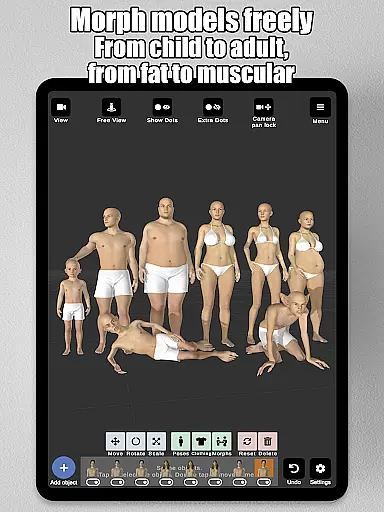
The app's intuitive control system lets users create poses by simply tapping and dragging limbs into position, eliminating the need for complex joint rotations. Its advanced morphing capabilities enable the creation of unique characters, ranging from children to adults, and from skinny to muscular physiques. The inclusion of props, background images, and split-view editing further enhances the creative process, allowing users to visualize their characters in real-world settings.
Whether you're a professional artist or an aspiring illustrator, Art Model provides all the tools necessary to bring your creative visions to life. From customizable body parts to advanced lighting options, this app offers unparalleled flexibility and precision, making it an essential tool for anyone looking to improve their drawing skills.
Art Model stands out with its comprehensive set of features tailored for artists. One of its key strengths is the ability to pose realistic male and female models effortlessly. Users can create poses quickly by dragging limbs to the desired position, which streamlines the workflow compared to traditional joint rotation methods. Additionally, the app includes a wooden mannequin model, catering to artists who prefer classic drawing references.
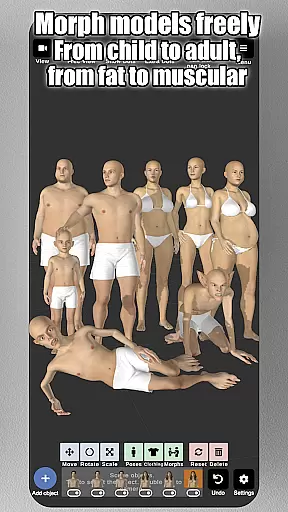
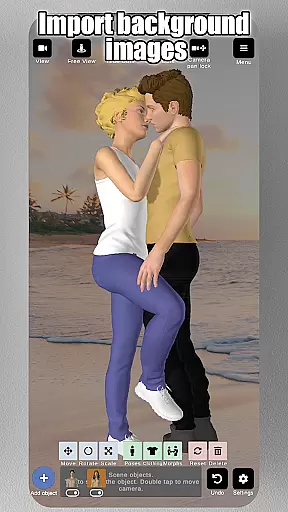
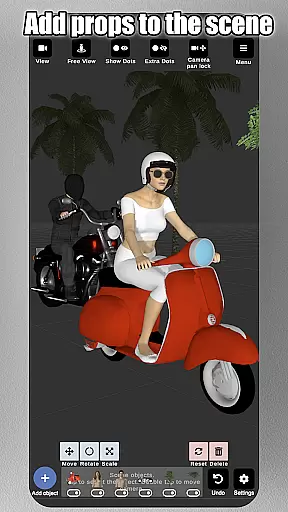
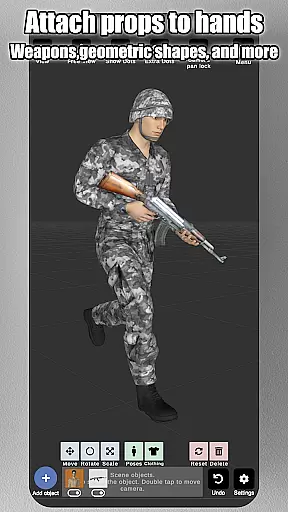
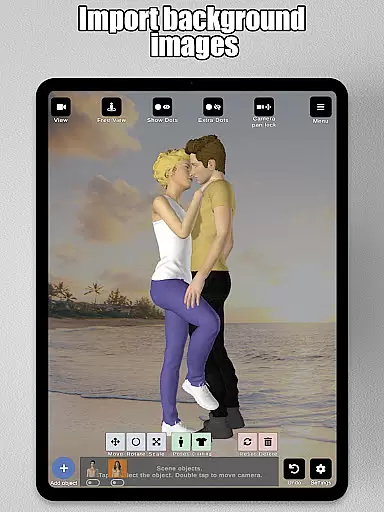
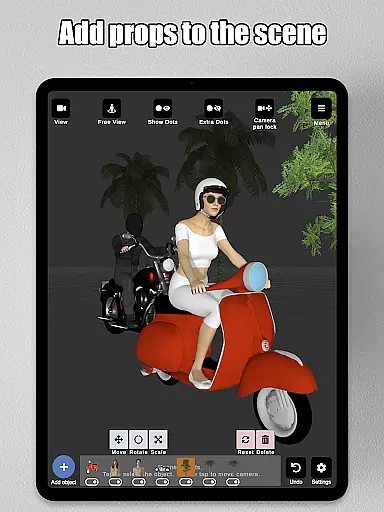
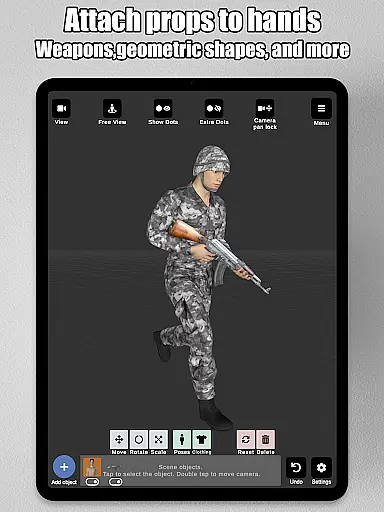
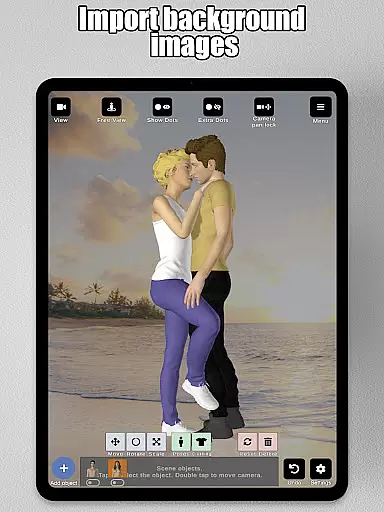
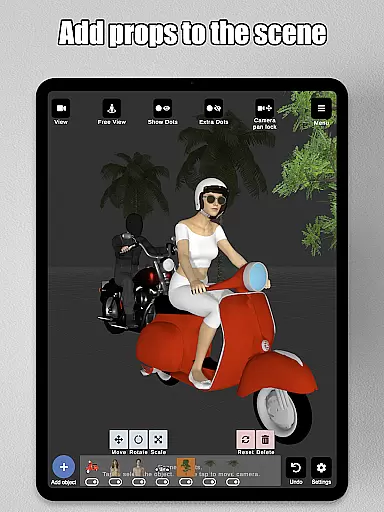
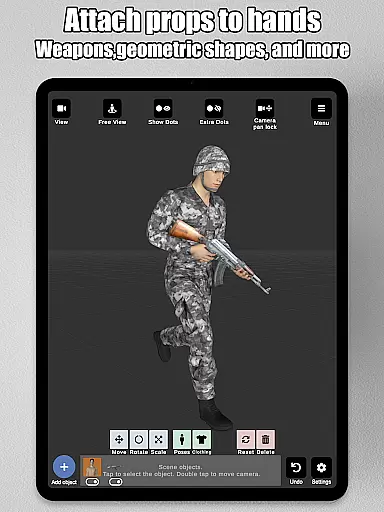
The morphing system is another highlight, allowing users to create an unlimited range of unique models. Whether transforming a model from a child to an adult, or adjusting specific body parts like the chest or arms, the possibilities are endless. The app also supports importing background images, adding props such as chairs and weapons, and attaching these props directly to the model’s hands, enhancing scene creation.
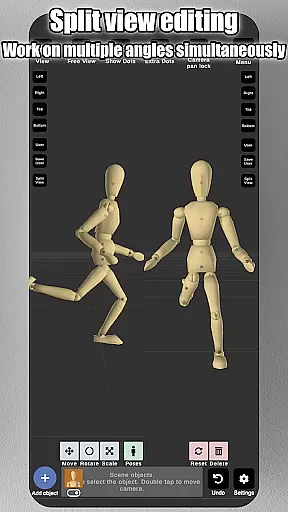
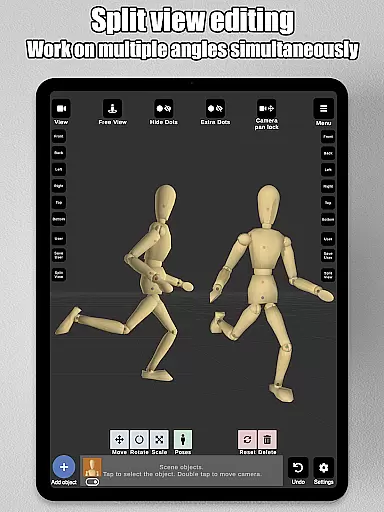
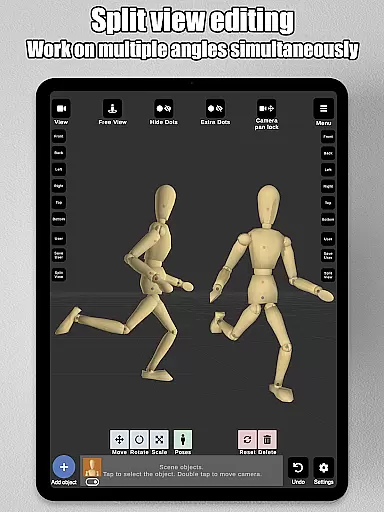
Other notable features include split-view editing, which enables simultaneous viewing from two different camera angles, preset poses, basic hair options, headgear choices, and advanced lighting settings. These features collectively provide artists with the tools needed to create detailed and realistic character designs, making Art Model an indispensable resource for illustrators and storyboard artists.
Art Model - 3D Art pose tool offers a comprehensive suite of creative tools that cater to both digital and traditional artists. The app includes realistic 3D male and female models, as well as a wooden mannequin option for those who prefer classic drawing references.
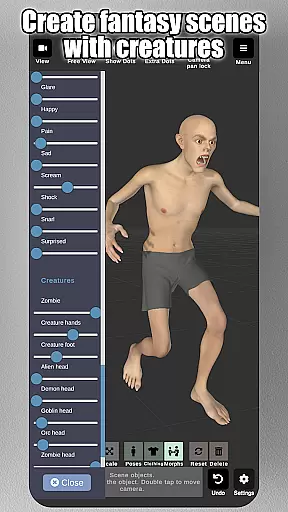
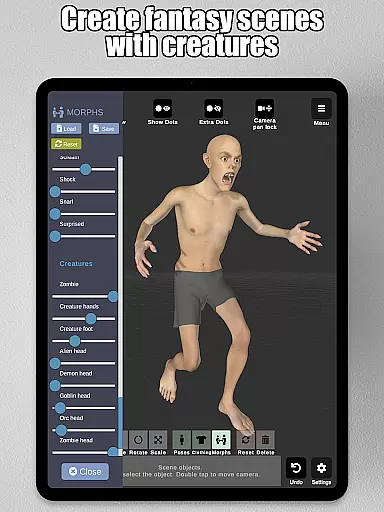
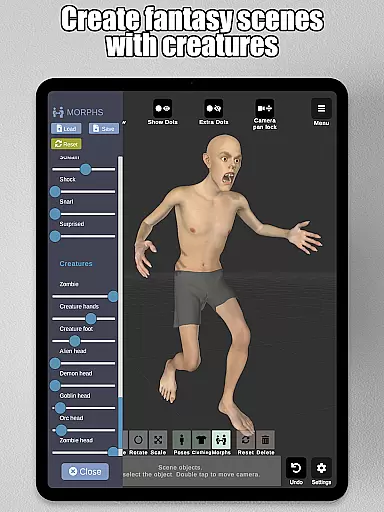
The morphing system is one of the standout features, allowing users to create an unlimited range of unique models. Whether you want to transform your model from a child to an adult, adjust body types from skinny to muscular, or experiment with fantastical creatures, this app provides the tools to do so.
In addition to full-body morphs, specific body parts such as the chest, arms, and legs can be individually adjusted, providing unparalleled customization options. This level of detail empowers artists to bring their creative visions to life with precision and ease.
Furthermore, the app supports importing background images, adding props like chairs and weapons, and even attaching props to the model's hands. These features enhance scene creation, making it an ideal tool for character design, illustrations, storyboarding, and improving drawing skills.
Art Model - 3D Art pose tool excels in providing canvas and format flexibility, ensuring that artists can work in the most comfortable and productive way possible. One of the key features is the split view editing, which allows users to view their models from two different camera angles simultaneously.
This dual-angle approach makes it easier to adjust poses and fine-tune details without constantly rotating the scene, thus streamlining the creative process. Artists can zoom in and out with a two-finger pinch, rotate the camera with a two-finger drag, and pan the camera with a one-finger drag, offering intuitive and responsive controls.
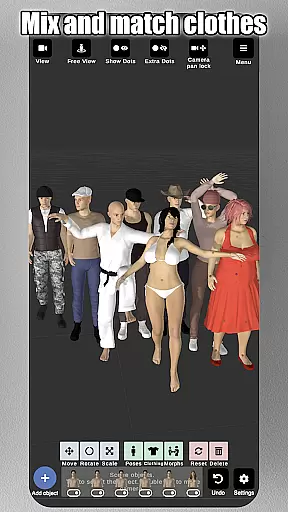
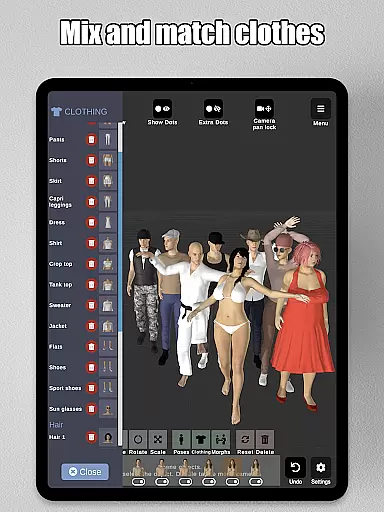
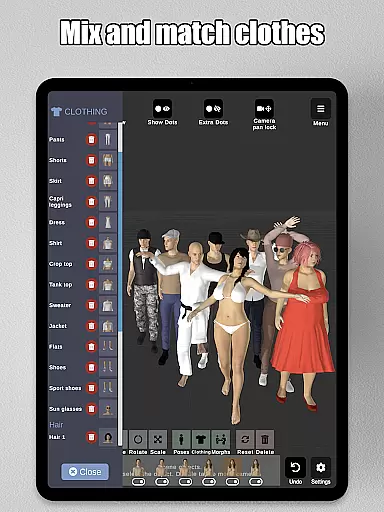
The app also supports various lighting options, giving artists the ability to experiment with different moods and settings. Preset poses and basic hair options further enhance the creative possibilities, while lots of headgear options like hats and helmets add additional layers of detail.
With the ability to save and load poses and morphs, artists can easily manage their work and return to previous projects with all settings intact. This flexibility ensures that whether you're working on quick sketches or detailed illustrations, Art Model adapts to your needs seamlessly.
User-friendly interface
Versatile morphing options
Realistic 3D models
Comprehensive prop library
Advanced lighting controls
Steep learning curve
Occasional performance lags
Limited free content
No multiplayer support
Subscription fees apply

Floor Plan Creator lets you create, edit and share floor plans.
 4.00
4.00
Art of Combination Wear OS Watch faces
4.2
Design your dream room with AI. Get decor ideas & plan home interiors
3.90
Create neon drawing with magic doodle and fun doodle art effects!
4.50
Draw on screen: FP sDraw is a simple and lightweight drawing app
4.70
Art of Combination Wear OS Watch faces (for Wear OS 5+ devices)
3.90
Unleash the artist in you with our AR drawing and tracing tool for photo drawing
4.10
Retouch photos. Create or edit images. Endless capabilities.
2.70
AI Tattoo Generator: Create Tattoo Designs & Get Ideas! Ink & Stencil Maker
4.50
Create stunning art with AI.
4.80
Discover Cartoon Dream : Unleash Your Creativity with CuttingEdge AI
4.50
Trace, draw, and create art with AR - from memes to masterpieces!
4.30
Text to Image, Image to Video & AI Chat
4.20
Digital Drawing: Draw & Paint
4.10
Get creative and make art with your Sesame Friends!
4.00
Powerful home decoration & house design that allows you to design dream home.
3.80
Apply cartoon, caricature, and portrait effects to make your photos stand out!
3.60
AI Assistant, powered by ChatGPT GPT-4 & GPT-4o. Your intelligent companion.
3.50
Vidu is an AI video generator made for creators and aspiring makers.
3.30


User Reviews